Not tested. This is a research score for the documented features, compatibility and ownership trade-offs discussed in this review, not a performance measurement.
Features & capability 30%8.0
Adjustable cancellation and an analogue fallback provide a flexible travel feature set.
Compatibility & connectivity 20%7.3
Two-device Bluetooth is useful, but codec choices are limited to SBC and AAC and charging uses Micro-USB.
Ownership & upkeep 20%6.7
Older battery health and cushions need checking; app availability remains a service dependency.
Setup & everyday use 15%8.2
Physical controls and inward folding suit frequent travel, with app setup for the Action button.
Documentation & support clarity 15%8.0
The matching guide clearly describes paired-device memory, cancellation modes and wired operation.
Compare scores within the same product category. Small decimal differences should not override your needs or the evidence limits.
How the Standpoint Score works
We score five aspects of the documented product on a 0–10 scale, then calculate a weighted total:
- Features & capability30% of the total
- Compatibility & connectivity20% of the total
- Ownership & upkeep20% of the total
- Setup & everyday use15% of the total
- Documentation & support clarity15% of the total
This product’s 7.6/10 is an editorial research assessment. It does not claim measured performance, tested reliability or a verified customer satisfaction rate. Compare it with products in the same category, and read each criterion’s reasoning above.
Read the full rubric and score bands ↗From a tech standpoint.
Buy a used QC35 II if comfort over long sessions is your top priority, you like physical buttons and two-device Bluetooth, and the specific pair has a healthy battery, intact cushions and its 2.5mm cable. It remains well-regarded by long-term owners for its core listening and cancellation experience. Skip it if you want USB-C, aptX or LDAC, an EQ, or strong call quality in noisy rooms, and don't pay close to the price of a newer model that solves those problems.
Reasons to consider it
- Three noise-cancellation levels, switchable from the Action button or the Bose Connect app
- A well-documented reputation for long-session comfort with low clamping force
- Connects to two devices at once and remembers up to eight
- A 2.5mm cable keeps it playing when the battery is flat
- Folds into a compact carrying case
Go in knowing
- Bluetooth 4.1 with SBC and AAC only; no aptX or LDAC
- Charges over micro-USB, not USB-C
- A listing photo can't tell you anything about battery health
- Bose Connect is needed to configure the Action button and update firmware, and its long-term availability is uncertain
Affiliate link. As an Amazon Associate, Tech Standpoint earns from qualifying purchases. It never changes our verdict or score. Disclosure
The specification sheet.
Published specifications from the linked sources. Configurations and availability can differ by country.
- Noise cancellation
- Three selectable levels (High, Low, Off) via Action button (when configured) or Bose Connect app; defaults to High without app
- Bluetooth
- 4.1 with NFC pairing; SBC and AAC codecs; simultaneous connection to two devices
- Battery claim
- Up to 20 hours wireless playback with noise cancellation enabled
- Charging
- Micro-USB; approximately 2.25 hours for a full charge; 15-minute quick charge for approximately 2.5 hours of playback
- Weight
- Approximately 234 g (8.3 oz)
- Wired connection
- 2.5 mm jack on left ear cup; included 2.5 mm to 3.5 mm cable (approx. 1.2 m)
- Microphones
- Dual-microphone noise-rejecting system for voice calls
- Voice assistant
- Dedicated Action button configurable for Google Assistant, Amazon Alexa (via firmware update) or noise-cancellation level control
- Controls
- Physical buttons: power/Bluetooth, volume up/down, multi-function (play/pause/skip/call), Action button
- Headband
- Alcantara cushioning on underside
- Construction
- Glass-filled nylon frame; synthetic protein-leather ear cushions
QC35 II, not QC45 or the 2023 QuietComfort
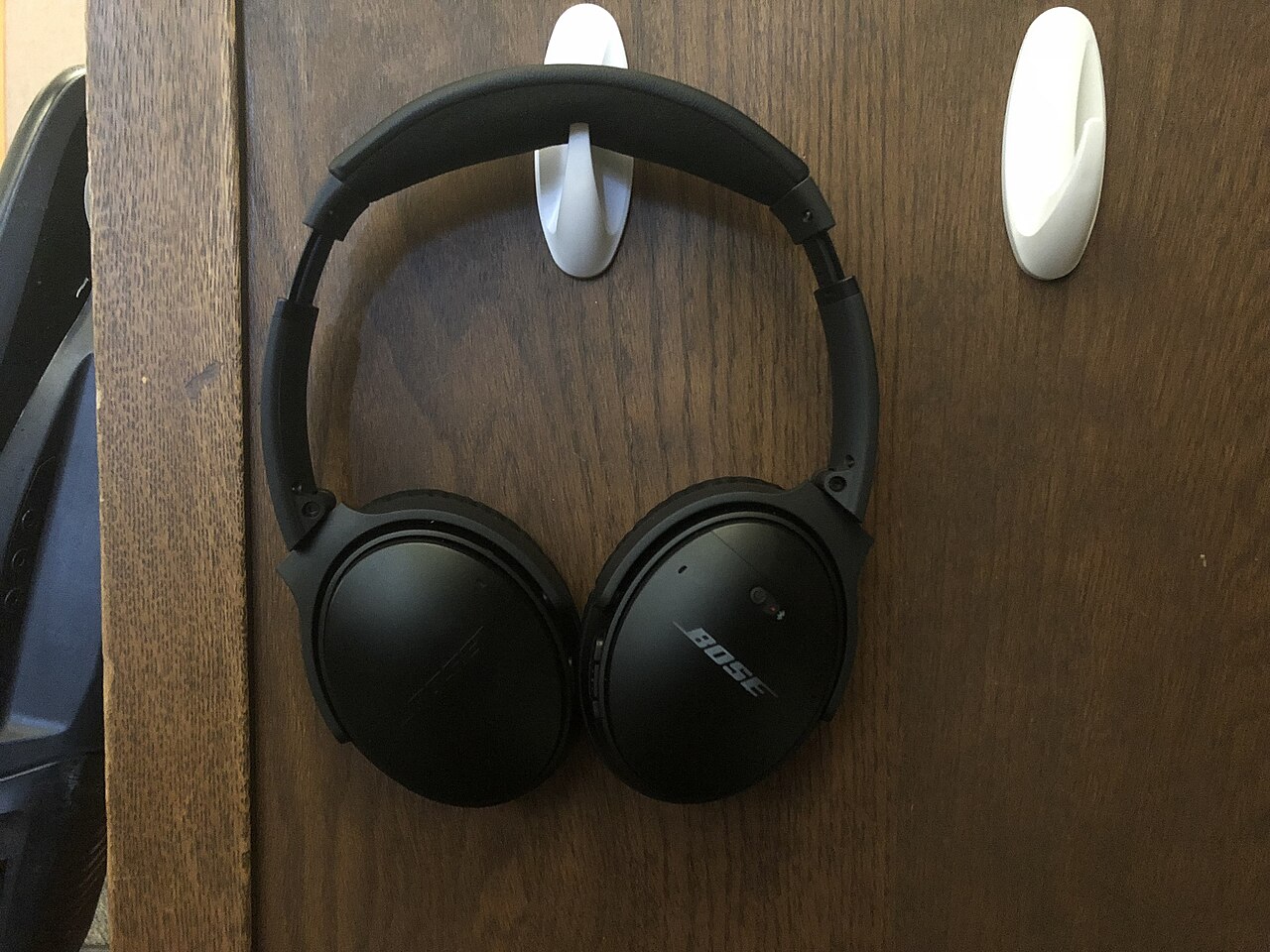
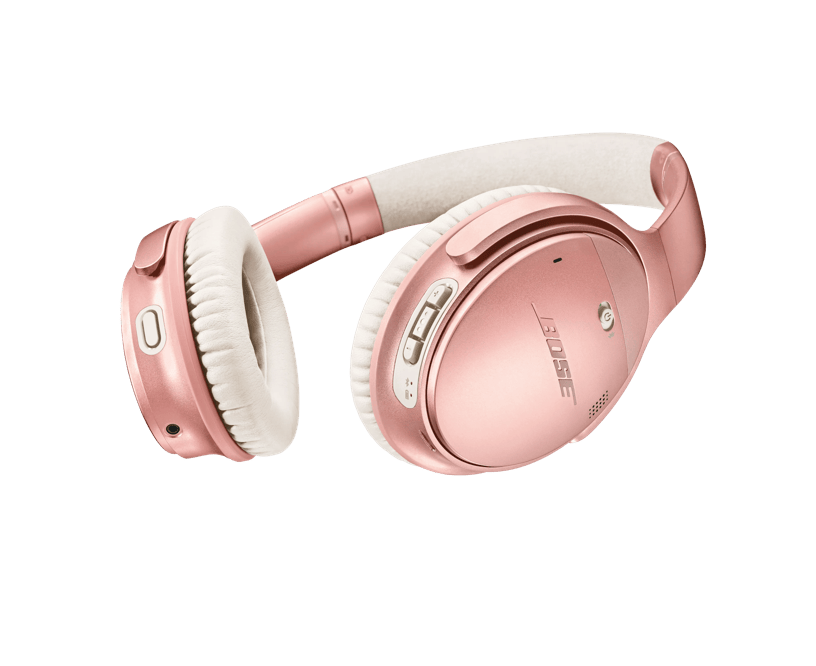
The QuietComfort 35 II is the second version of Bose's QC35 wireless noise-canceller, released in September 2017. Its main hardware addition over the original QC35 was a dedicated Action button on the left ear cup, first mapped to Google Assistant and later extended to Amazon Alexa through a firmware update. The cancellation hardware and drivers carried over from the first QC35. It is not the QuietComfort 45, the QuietComfort Headphones released in 2023, or the QuietComfort Ultra. Those are separate models, and their connections, charging and cancellation controls need checking on their own.
That matters because used listings routinely lump several QuietComfort generations under one search term. If you're expecting USB-C or higher-bandwidth codecs like aptX or LDAC, you won't find them on a QC35 II. Bose's product page for this model is still the most reliable place to confirm specs and firmware updates, and the owner's guide PDF documents the physical controls, indicator lights, charging and pairing for this exact model.
High, Low or Off
Bose gives the QC35 II three cancellation settings: High, Low and Off. High is the default when you power on without the app. Low eases the intensity, which some listeners prefer in quieter places or when they want more awareness of what's around them. Off disables active cancellation while keeping the headphones on for wireless playback. You can cycle the levels with the Action button once it's configured for that in Bose Connect, or change them directly in the app.
RTINGS' independent assessment found effective noise isolation. That's useful context, not a measurement by this publication. Glasses, hair or worn cushions can break the seal and change what you hear. Try High and Low where it matters to you and check that the cancellation sensation is comfortable. And remember that blocking room noise for you says nothing about how clearly a caller will hear your microphone.
About 234 grams and a gentle clamp
RTINGS describes the QC35 II as comfortable, and its roughly 234 g weight and padded headband make it a natural candidate for long sessions. Still, someone else's fit is no guarantee for your head. Put them on with your usual glasses and check whether the cups surround your ears or press on them. Keep them on long enough to notice pressure and heat, rather than deciding from a quick try.
On a used pair, inspect the cushions and headband closely. Look for flattened padding, splitting surfaces and debris around the hinges. Replacement cushions change fit and seal, so find out whether the pads are original before drawing conclusions about sound or cancellation. Check both hinges and the folding mechanism for play. The case keeps loose items off the headphones in a bag, but a photo of the case says nothing about the pair inside.
Balanced with a touch of bass, and no EQ to change it
RTINGS describes a broadly balanced sound with a modest bass lift; its measurements belong to its sample and test conditions. Bose Connect has no equaliser for the QC35 II, which matters if you like to adjust tuning rather than accept it as is. EQ in a music player or the operating system is a separate option and may not apply to every app or connected source.
Use familiar music with vocals, bass and quiet passages, and compare both cups at a moderate level. Listen for rattles, dropouts or a channel imbalance before judging the tuning. Try the cable with the power on and off as well, because passive playback is a different listening mode. A used pair with substitute cushions may not match the seal of a review sample. We have not listened to this model, so we offer no first-hand description of detail, soundstage or musical character.
Old codecs, but true two-device connection
The QC35 II runs Bluetooth 4.1 with SBC and AAC, and no aptX or LDAC. A codec label is only one part of a wireless link; the sending device, the app and the connection conditions matter too. Don't buy this expecting a newer high-bandwidth format to arrive in an update. For everyday listening, try music you know on the phone you'll actually use. The more urgent used-buying checks are stable playback, working controls and sound from both sides.
It does support simultaneous connection to two devices and remembers up to eight paired devices in total. So it can stay connected to, say, a phone and a laptop at once and take audio from either. It won't mix two streams: playback from one source has to pause or stop before the other comes through. NFC pairing is supported too, which speeds up the first connection with compatible Android devices. For anyone hopping between a phone and a computer during a workday, it's a genuinely handy convenience, though it stops at two concurrent connections.
Buttons on both cups, and an Action button you can repurpose
The QC35 II uses physical buttons, not touch controls. The right cup has power/Bluetooth, volume up, volume down and a multi-function button for play, pause, skip and calls. The left cup has the Action button that defined the QC35 II. At launch it triggered Google Assistant through a compatible phone; Bose later added Amazon Alexa support via firmware, and you can remap it to switch cancellation levels instead of calling up an assistant.
Bose Connect is what configures the Action button. Set it to cancellation control if that's more useful than an assistant, then check it cycles the settings without you reaching for the phone. Assistant services and phone compatibility change over time, so a launch-era demo proves nothing about whether every integration works on your current device. Make sure the app installs and recognises the exact headphones before you pay. We make no promise about the future availability of any mobile service.
The 2.5mm cable is the safety net
Bose includes a 2.5 mm to 3.5 mm audio cable that plugs into a recessed jack on the left ear cup. With the cable connected and the headphones powered on, cancellation stays active and audio runs through the internal electronics. With a completely flat battery, you can still listen passively through the cable, but cancellation is gone and the sound character changes noticeably. Bose's owner's guide confirms this passive capability.
That gives the QC35 II a role not every wireless headphone can fill: it keeps working as a basic headphone when the battery dies, on in-flight systems with a 3.5 mm output, or with gear that has no Bluetooth. The 2.5 mm plug at the headphone end is less common than 3.5 mm, so if the original cable goes missing you need a specific replacement, not any standard lead. Check the cable and both connectors on a used pair; a loose 2.5 mm connection can mimic an electronic fault.
20 hours when new; micro-USB forever
Bose advertises up to 20 hours of wireless use. That's a rating for a new product, not a measurement of the used pair you're looking at. Charging is micro-USB, so make sure a suitable cable is included and that the port holds it firmly. 'It charges' is not a complete description: power it on after charging, check the reported level and play audio for a meaningful stretch during the return window.
Age and use reduce battery capacity, but there's no honest way to assign a remaining runtime from a manufacture date. Ask about daily use, storage and repairs, then verify with an actual listening session. The battery isn't designed as a simple user-swappable part. If a seller mentions a replacement, ask who did it and what return protection applies. A cheap pair that needs service can end up costing more than a healthier one with new cushions. Passive wired listening helps, but it doesn't bring back battery-powered cancellation.
Calls come across thin in noise
RTINGS rated call performance as fair and described the recorded voice as thin and muffled, especially with noise around. Take that seriously if meetings are a major reason for buying. Cancellation can make your room seem quieter while the microphone still sends poor speech to the other person. Bose's noise-rejection claim is no substitute for a real call in the app you'll use.
Test calls separately from music. Use the phone or computer you plan to connect, and have someone listen while you're in a quiet room and again with normal background noise. Check the switch from a laptop playing audio to an incoming phone call too, because two-device convenience doesn't guarantee every app handles that hand-off gracefully. We have not recorded this model ourselves and make no claim about the condition of any particular used pair.
Bose Connect, not Bose Music, and no end date promised
Bose Connect handles cancellation levels, Action button setup, device management and firmware updates. It's a separate app from Bose Music, which newer Bose products use, and the QC35 II doesn't work with Bose Music. That raises a fair question about how long Bose Connect will keep working on current phone operating systems. Bose hasn't published a specific end-of-support commitment.
Once the Action button is set for cancellation, you can change levels in hardware without opening the app each time, and basic playback doesn't need Bose Connect running. Setup and firmware management are another matter, so check those during the return period rather than assuming a working Bluetooth connection means every configuration feature works. When following online instructions, keep the QC35 II separate from newer Bose models; their apps and settings don't necessarily apply here.
Buy the comfort, discount the age
The QC35 II makes most sense when its fit suits you and a healthy pair costs meaningfully less than a suitable newer alternative. Physical controls, a configurable cancellation button, two-device connection and a passive cable option are concrete reasons to consider it. Micro-USB, no app EQ and modest microphone results are equally concrete reasons to look around. A newer charging port won't make another headphone comfortable, but this model's reputation can't vouch for the condition of a used pair either.
For travel and desk listening, try the fit and check charging, cancellation and source switching before deciding. For voice work, give call quality its own test rather than assuming music playback covers it. We have not worn or measured these headphones; this assessment combines Bose documentation with attributed independent observations and practical buying analysis. Our own testing would need to establish long-session comfort, runtime, cancellation and microphone performance on an identified unit. Until then, a conditional recommendation is more useful than an unsupported numeric score.
The closest alternatives.
| Product | Standpoint Score | Best for | Price |
|---|---|---|---|
| Bose QuietComfort 35 IIThis review | 7.6Research | A listener who puts proven comfort and effective noise cancellation first for commuting, office work or travel, and will… | Amazon.ca ↗ |
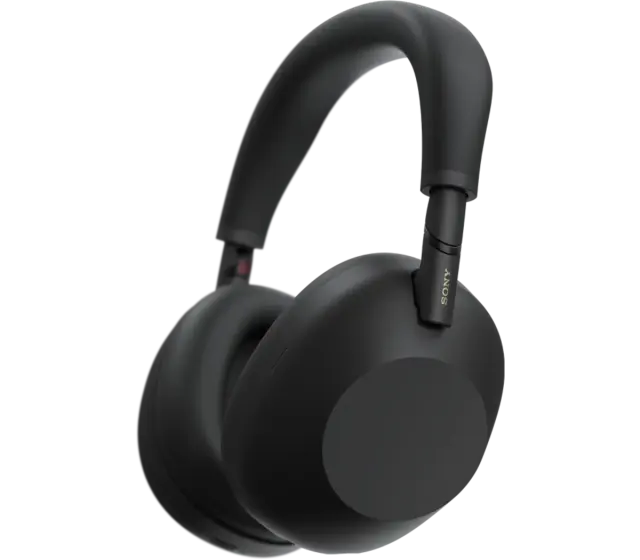
| Sony WH-1000XM6 | 8.3Research | A frequent traveller or desk worker who wants cancellation, multipoint, a wired option and a folding over-ear in one… | Amazon.ca ↗ |
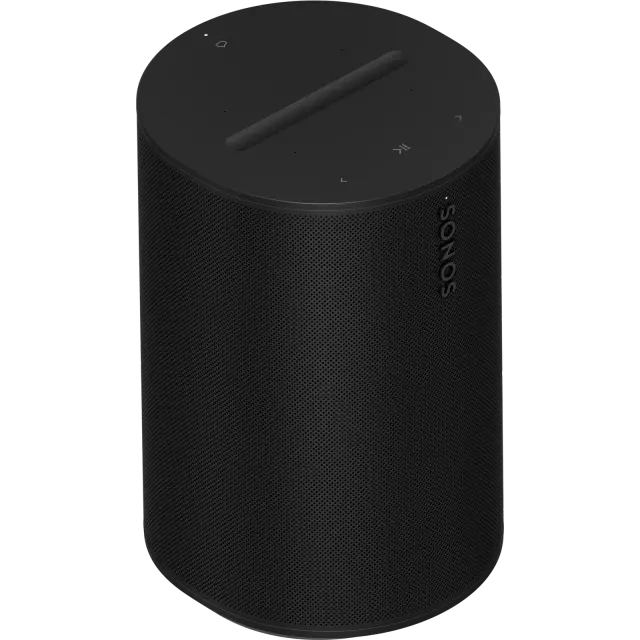
| Sonos Era 100 | 7.9Research | A kitchen, bedroom or study where music stays in the room and a supported phone is on hand for setup and tuning. | Amazon.ca ↗ |
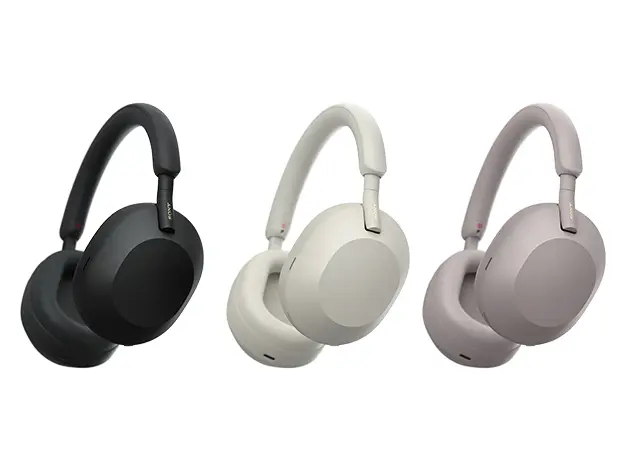
| Sony WH-1000XM5 | 8.2Research | A commuter or desk worker who wants strong cancellation, two-device switching and a cable backup, and has the bag room… | Amazon.ca ↗ |
Compare scores within a category: Tested means our own use, Research means documentation and attributed outside testing. Price links are affiliate links. As an Amazon Associate, Tech Standpoint earns from qualifying purchases. Disclosure
Sources & further reading.
These are the sources behind this research review. Manufacturer claims are not independent performance measurements. Community accounts, when cited, describe individual experiences.
- Bose QuietComfort 35 II product page ↗manufacturer
- Bose QuietComfort 35 II owner’s guide (PDF) ↗manual
- RTINGS.com Bose QuietComfort 35 II review (measurement-based evaluation) ↗independent review
Product software and regional bundles can change. Corrections and editorial disclosures.
Affiliate link. As an Amazon Associate, Tech Standpoint earns from qualifying purchases. It never changes our verdict or score. Disclosure