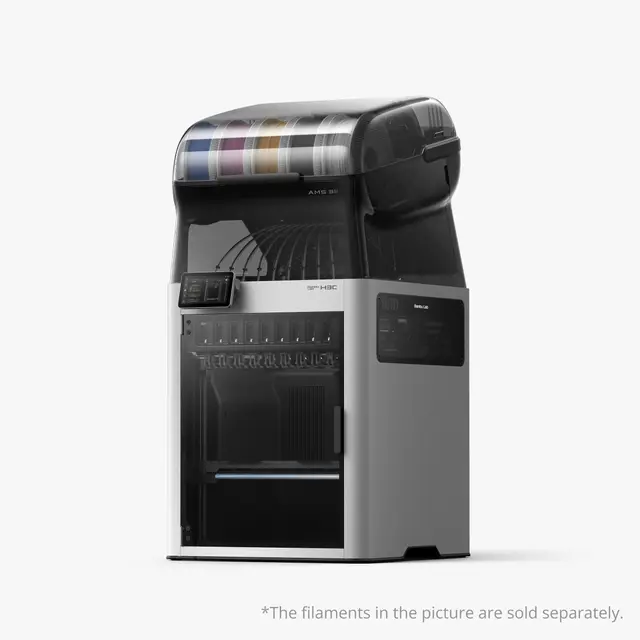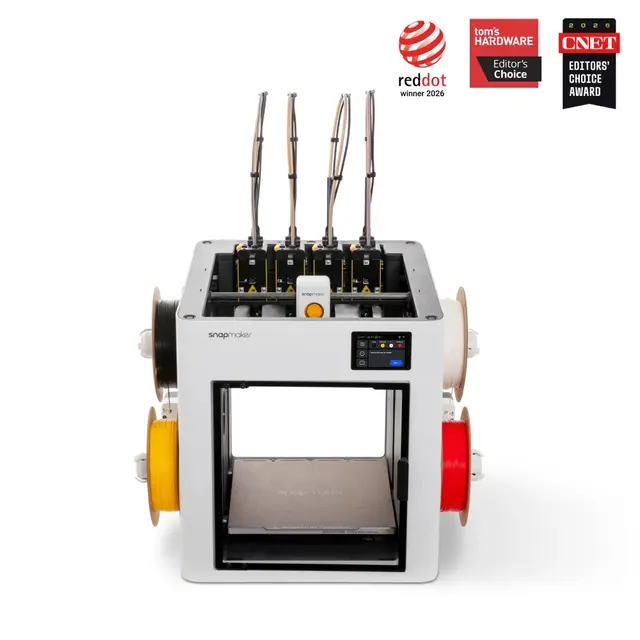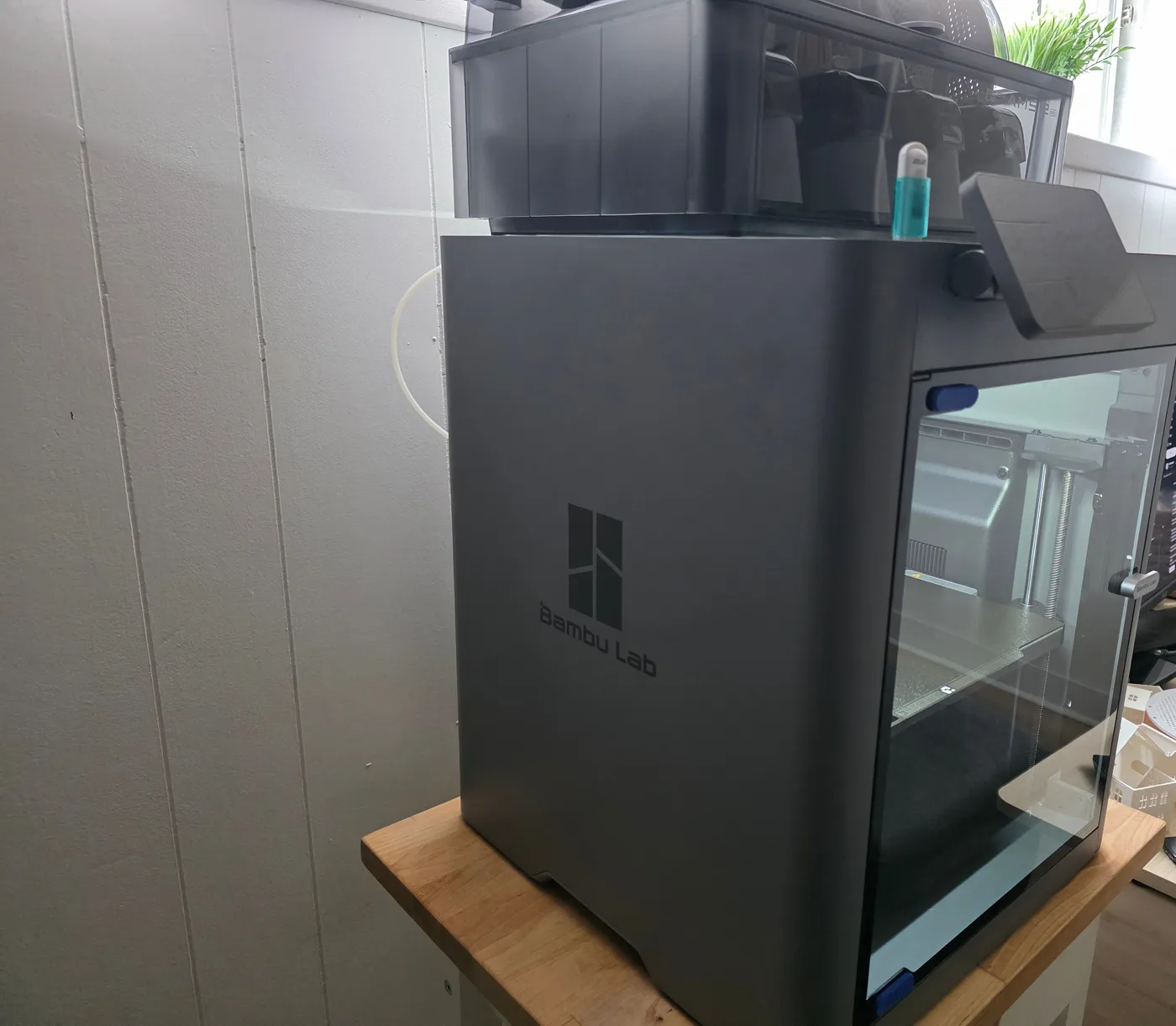
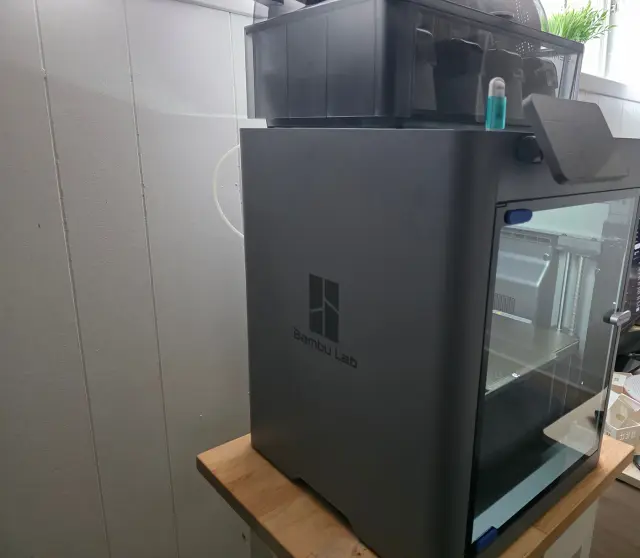
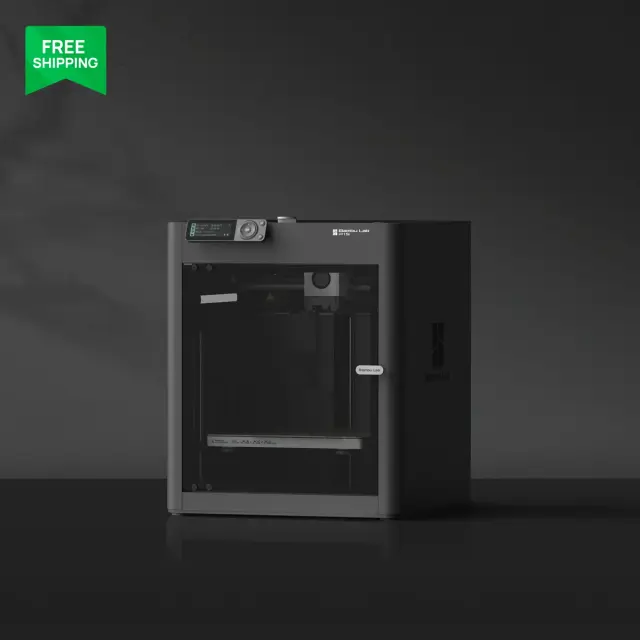
Bambu Lab P2S Combo (AMS 2 Pro)
The P2S Combo is CAD $889 at Bambu Canada. My review covers about a month and 25 prints: a 25-minute setup, quiet everyday use and a PETG print with stringing that I have not yet retested after drying.
From a file to something tangible. 9 reviews, 1 tested at home, every one scored and sourced.
Standpoint Score8.5/10TestedThe P2S Combo is CAD $889 at Bambu Canada. My review covers about a month and 25 prints: a 25-minute setup, quiet everyday use and a PETG print with stringing that I have not yet retested after drying.
Read the reviewShowing 1–9
1 hands-on · 8 research reviews (not tested)The P2S Combo is CAD $889 at Bambu Canada. My review covers about a month and 25 prints: a 25-minute setup, quiet everyday use and a PETG print with stringing that I have not yet retested after drying.
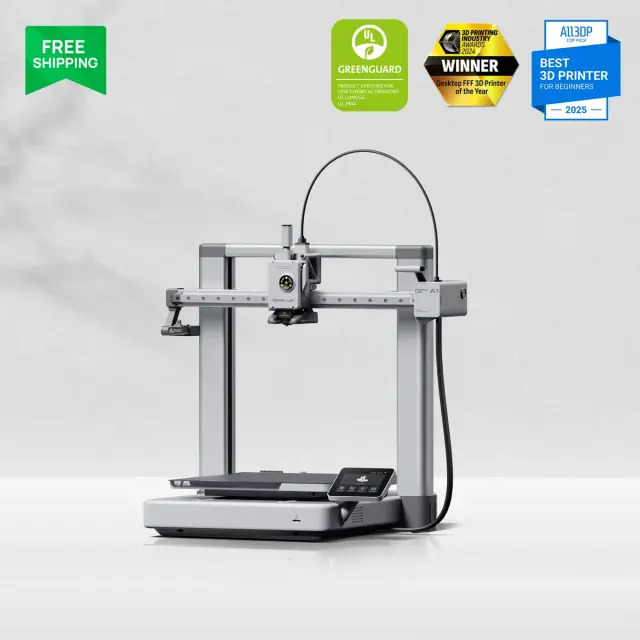
The Bambu A1 is the easiest way into PLA and PETG printing, as long as you give its moving bed the room it needs, skip the enclosure Bambu tells you not to build, and check the serial number on any used unit against the 2024 recall.
The P1S is the enclosed CoreXY printer to buy for a workflow, not a spec sheet; its stock stainless nozzle is not ready for carbon-filled filament, and its camera runs at half a frame per second.
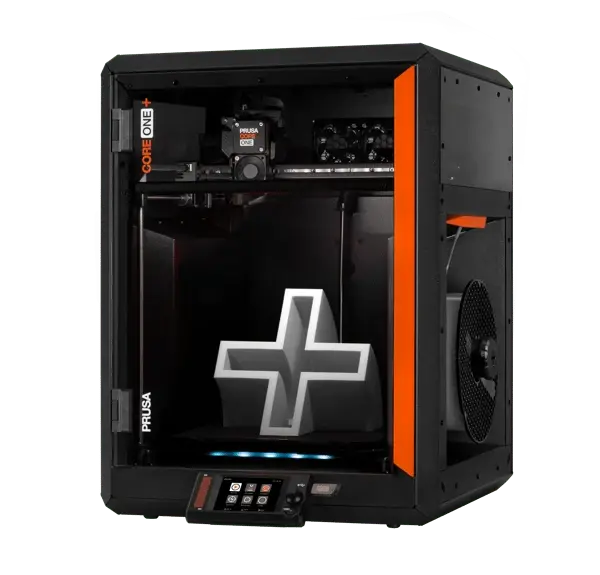
The Prusa CORE One+ is the enclosed printer for people who plan to keep it for years and like to repair what they own, not for anyone chasing the biggest square bed or an all-in-one bundle.
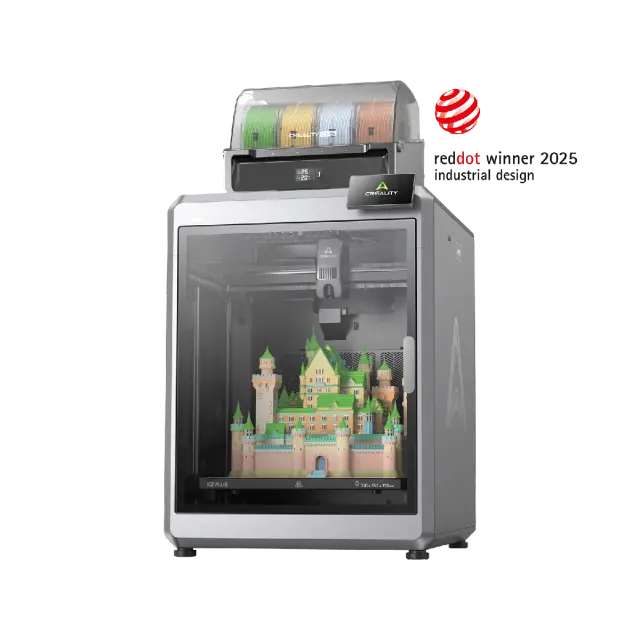
The Creality K2 Plus is a 35 kg workshop machine you buy because a real part needs a 350 mm cube and a heated chamber, not because sixteen colours sounds fun.
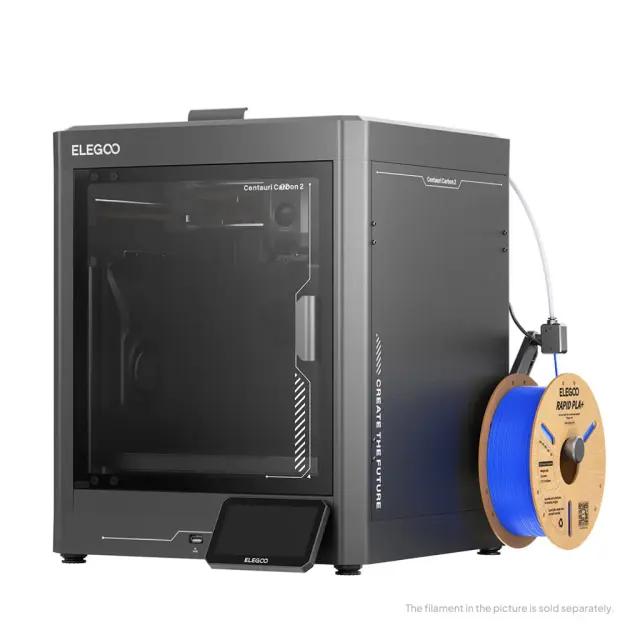
The Elegoo Centauri Carbon 2 is a sensible enclosed 256 mm printer whose CANVAS add-on does colour well, with a few rough edges around spools and the feed path.
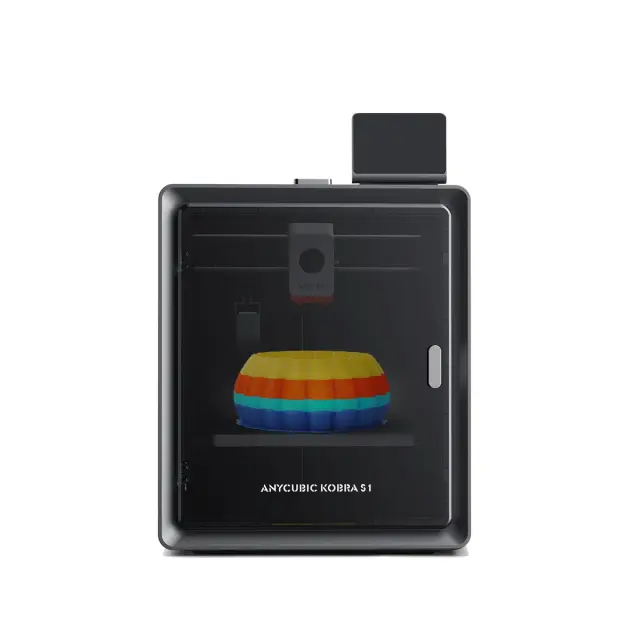
The Anycubic Kobra S1 is an enclosed everyday printer first; buy the ACE Pro for its 55°C active drying, not for an eight-colour headline that Tom's Hardware showed can produce more waste than model.
Bambu's first true tool changer swaps between nine preheated nozzles in about six seconds and handles soft TPU better than anything else in its lineup. At CA$3,499 it's a tall, demanding machine that only pays off if you really print in lots of materials.
Four heated toolheads swap in seconds instead of purging filament, so Tom's Hardware measured a 4.4 g prime tower where a Bambu P1P threw away about 25 g more. At CA$989 to CA$1,199 in Canada, it's one of the cheapest real toolchangers you can buy, with open spools and an optional lid as the catch.
Try another model, brand or department.
Checked at the retailer in Canadian dollars, each with a Standpoint Deal Score and the reason behind it.
C$1,599.99 C$1,899.9916% off
Save C$300
About 16% off a flagship printer, sale to Dec 1.
See the deal ↗C$499.00 C$799.0038% off
Save C$300
Big headline discount, but the Anycubic list price is rarely paid, so it is a fair price at best.
See the deal ↗Prices change fast; the retailer's page is the final word. As an Amazon Associate, Tech Standpoint earns from qualifying purchases. Disclosure
A $480 starter, a $1,000 sweet spot and a $1,500 multi-colour build, priced at Canadian retailers in October 2026, with the dryer, filament and safety gear nobody tells beginners to budget for. The only printer I've run myself is the Bambu Lab P2S Combo; the rest is research, and the page says so.
Materials, workspace, slicing, maintenance and finished parts belong in the same buying decision.
PETG usually rewards drying and PLA often doesn't need it, so here is how to tell which situation you are in and what temperatures the filament makers actually recommend.
Work through PETG stringing in order: moisture first, then nozzle temperature, retraction, seams and cooling, so you change one thing at a time and know what fixed it.
Canadian homes swing from humid summers to very dry winters, so here is how to keep PLA, PETG and TPU usable all year with sealed bins, desiccant and a cheap hygrometer.
Pick PLA for looks and easy printing, PETG for tougher parts that face heat or water, and TPU for anything that needs to bend, then check that your printer and AMS can actually handle it.