An editorial assessment of documented capabilities and ownership trade-offs. This is not a hands-on test result or a measurement of reliability.
Task capability 30%8.2
Useful enclosed build cube and material range, with explicit recommended and maximum motion settings.
Control & connectivity 20%7.8
Slicer, app and USB routes are documented, but camera monitoring is limited to the stated resolution.
Ownership & upkeep 20%7.7
Optional active drying adds utility; feeder limitations and extra hardware require planning.
Setup & usability 15%8.1
Automatic setup functions, adjustable screen and quick-release hotend support usability.
Documentation & support clarity 15%7.2
Detailed FAQs help, but conflicting printer weights reduce documentation confidence.
Compare scores within the same product category. Small decimal differences should not override your needs or the evidence limits.
How the Standpoint Score works
We score five aspects of the documented product on a 0–10 scale, then calculate a weighted total:
- Task capability30% of the total
- Control & connectivity20% of the total
- Ownership & upkeep20% of the total
- Setup & usability15% of the total
- Documentation & support clarity15% of the total
This product’s 7.9/10 is a provisional research assessment. It does not claim measured performance, tested reliability or a verified customer satisfaction rate. Compare it with products in the same category, and read each criterion’s reasoning above.
Read the full rubric and score bands ↗The ownership case.
A credible documented candidate for enclosed everyday work, especially when ACE Pro drying fits the material routine. Its specifications contain a weight inconsistency, and feeder restrictions need to be respected.
Reasons to consider it
- 250 mm cube with automatic leveling and compensation
- ACE Pro option adds documented active drying while printing
- Quick-release hotend and adjustable touchscreen address daily usability
Go in knowing
- Base printer has no active drying; ACE Pro is separate
- TPU 95A is explicitly excluded from ACE Pro feeding
- Official base and Combo pages disagree about printer weight
The specification sheet.
Published specifications from the linked sources. Configurations and availability can differ by country.
- Build volume
- 250 × 250 × 250 mm
- Temperatures
- 320°C hotend; 120°C bed
- Speed specification
- 300 mm/s recommended; 600 mm/s maximum
- Acceleration specification
- 10,000 mm/s² recommended; 20,000 mm/s² maximum
- Multicolor
- Optional ACE Pro; second unit and feeding module needed for eight colors
- Drying
- ACE Pro up to 55°C; standalone printer does not actively dry filament
A useful separation between printer and feeder
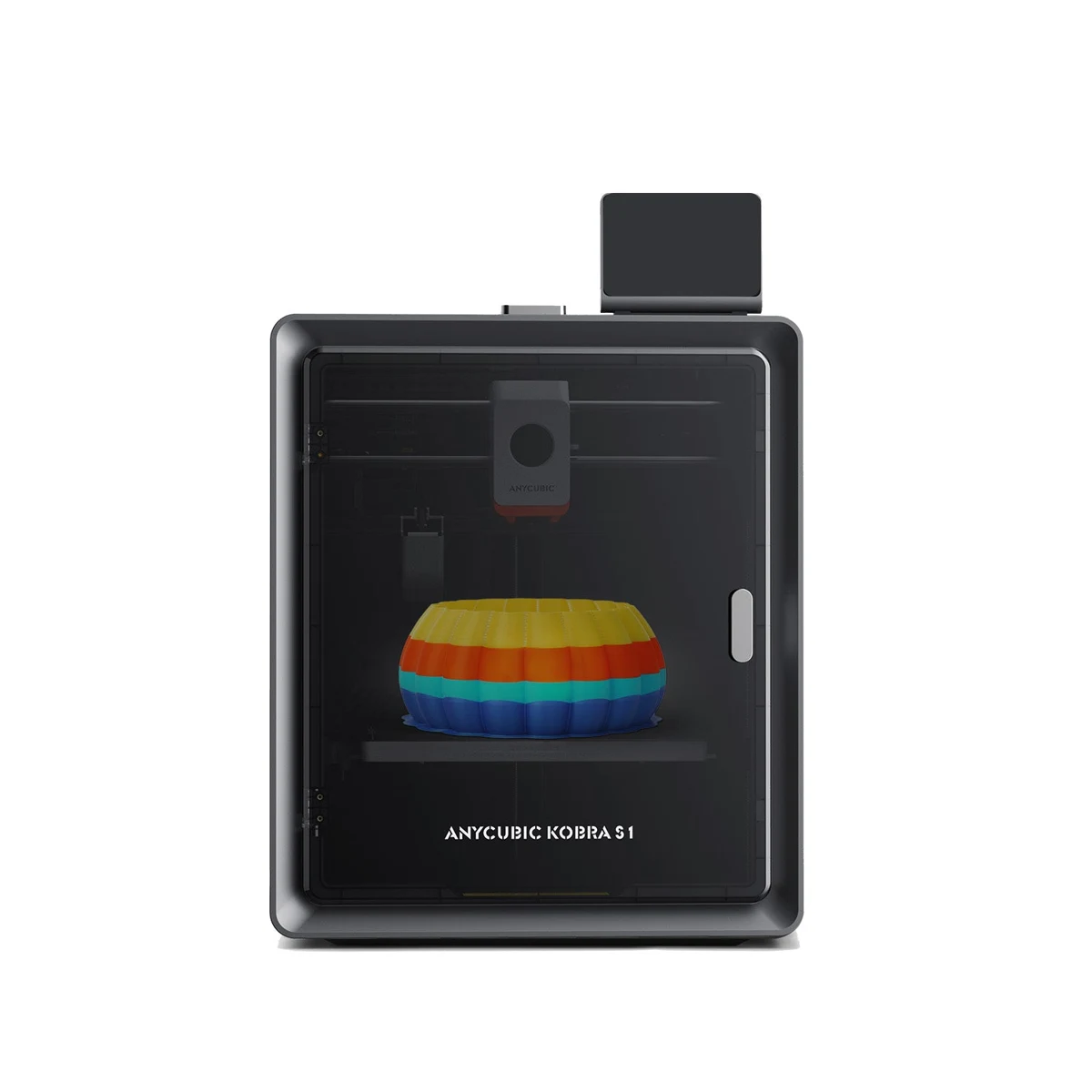
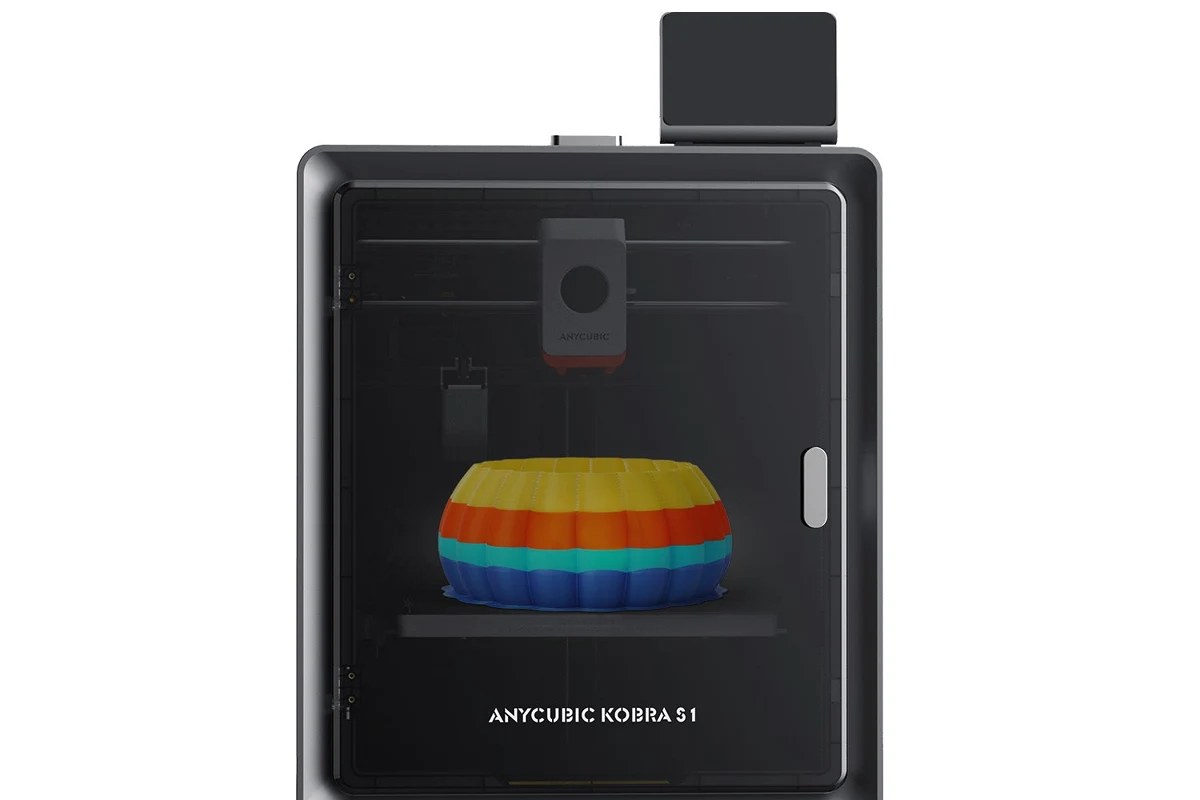
The Kobra S1's strongest buying argument is easier to understand when the printer and ACE Pro are treated as separate systems. The enclosed CoreXY machine handles the print, while the optional feeder adds color changes and active filament drying. Some owners need both; others would use one spool at a time and gain little from automatic switching. This research review covers the Kobra S1 itself and explains the optional workflow rather than counting the Combo as another printer. We have not tested a sample or measured its finished parts.
Anycubic's listed 250 mm cube is broadly useful for organizers, prototypes and model-making, but it is still a real size constraint. A design that only just fits should be checked in the actual slicer profile with its supports and brim. The cube also says nothing about whether a part should be printed as one piece. Splitting a model may improve orientation, surface appearance or material use even when it fits. The practical question is whether the S1 can repeatedly produce the owner's intended geometry, not simply whether a digital bounding box fits inside the advertised dimensions.
Recommended speed is more useful than the maximum
Anycubic helpfully publishes both recommended and maximum values: 300 versus 600 mm/s for speed, and 10,000 versus 20,000 mm/s² for acceleration. That gives a clearer starting point than a single headline. The faster setting is not automatically appropriate for every visible surface, support or small feature. Begin with the documented profile and examine a useful part before chasing the ceiling. A dimensional clip or mating bracket will reveal a different set of compromises from a decorative benchmark printed largely to demonstrate motion.
The enclosed CoreXY layout avoids shifting a growing object rapidly across the desk as part of the horizontal motion. That is appealing for tall prints, but good mechanics still depend on the surface beneath the machine and the material's grip on the plate. The published 400 by 410 by 490 mm outline also excludes some practical access needs. Leave room for the door, filament routing and removal of the plate. If ACE Pro will be stacked or placed nearby, lay out its full arrangement before deciding that the printer fits a particular cabinet or cart.
Material range and the thermal distinction
The published hotend limit is 320°C and the bed limit is 120°C. Anycubic lists mainstream PLA, PETG, ABS, ASA and TPU support, while its detailed guidance makes clear that TPU 95A cannot be fed through ACE Pro. That is a useful reminder that printer compatibility and feeder compatibility are different questions. A flexible part should be planned around the approved external-feed route. Do not put a flexible spool into the automated path simply because the material appears somewhere on the printer's marketing page.
The enclosed chamber is relevant for controlling drafts, but the product information reviewed does not establish an actively heated chamber equivalent to a machine with its own chamber-temperature specification. Likewise, the nozzle's temperature ceiling does not guarantee successful large engineering-polymer parts. Material dryness, plate selection and geometry remain important. We would evaluate adhesion and layer bonding using the exact filament intended for the project. A finished decorative sample can look convincing while failing to answer whether a fitted part will retain its dimensions and useful mechanical behavior.
ACE Pro drying changes the ownership routine
The Combo page describes ACE Pro drying up to 55°C while printing. That is a concrete distinction from a feeder that only stores filament with desiccant. It could be useful when a long job draws from material that needs controlled handling, but 55°C should not be presumed sufficient for every drying instruction on every spool. Check the filament maker's temperature and time requirements. The standalone S1 explicitly lists active drying as unsupported, so this benefit belongs in the accessory budget rather than in a verdict about the cheapest base configuration.
One ACE Pro supplies four positions; the advertised eight-color arrangement requires a second unit and the corresponding feeding module. More positions add flexibility, tubing and spool-management decisions as well as purchase cost. They also do not remove the transition overhead of a shared nozzle. Evaluate a planned multicolor model by its sliced time and purge consumption, particularly when colors change on many layers. A simple automatically refilled single-material job can be a more practical use of a feeder than a tiny eight-color object that spends much of its time switching.
Calibration, hotend access and monitoring
The S1's documentation describes LeviQ 3.0 leveling and Z-offset, resonance compensation and flow-related calibration. Its startup FAQ also gives an order for calibration rather than suggesting that the owner can ignore setup entirely. Use the current guide for the installed firmware and preserve a baseline profile after the first satisfactory prints. When quality changes, check whether the filament, plate condition or hotend has changed before adjusting several settings at once. Automated routines are most useful when the owner can separate an ordinary maintenance issue from a profile mismatch.
The quick-release hotend is a promising service detail, and the stock 0.4 mm assembly is not the only documented size. Optional diameters alter detail, potential flow and the suitability of particle-filled filaments, so the software profile must match the installed hardware. The camera supports monitoring and the advertised spaghetti-detection function, but should be regarded as another observation channel rather than a guarantee against failures. A camera cannot establish that a hole has the right clearance or that the interior of a part is sound. Inspect important parts after printing even when the screen shows a normal completion.
Software, source inconsistencies and a sensible verdict
Anycubic describes Slicer Next as based on Orca, alongside its mobile app and USB printing. That provides several ways to start a job, but it is worth testing the desired local or remote process with a simple file before making it central to a workshop routine. Decide how designs, print records and camera access should be handled. The published quiet-mode figure is also conditional and measured at a stated distance; it is not our noise test. Fan operation and job settings can change the experience, particularly when a printer shares space with concentrated work.
One documentation inconsistency deserves explicit mention: the base product page lists 9.37 kg, while the Combo page lists the S1 printer at 18 kg. We would ask the seller to confirm the shipping and handling specification rather than selecting the more convenient number. The global store directs US buyers to a dedicated US storefront; Canadian availability and coverage should be verified with the chosen seller. Our provisional verdict favors the coherent printer-plus-drying option, while withholding claims about durability or print quality. Long-job consistency, feeder recovery, actual noise and the service path are the next tests that would turn the promising specification into a stronger recommendation.
Sources & further reading.
These are the sources behind this research review. Manufacturer claims are not independent performance measurements. Community accounts, when cited, describe individual experiences.
- Anycubic Kobra S1 — base machine specifications ↗manufacturer
- Kobra S1 Combo — ACE Pro specifications and detailed FAQ ↗manufacturer
- Kobra S1 official user manual ↗manual
Documentation reviewed: 9 October 2026. Product software and regional bundles can change. Corrections and editorial disclosures.