Not tested. This is a research score for the documented features, compatibility and ownership trade-offs discussed in this review, not a performance measurement.
Features & capability 30%8.7
OLED, HDR and gaming options create a versatile documented package; picture quality is not measured here.
Compatibility & connectivity 20%8.5
Broad format and source support is useful, with the entire signal path needing verification.
Ownership & upkeep 20%7.5
Installation, panel care and possible external audio influence the complete ownership arrangement.
Setup & everyday use 15%8.0
webOS and picture controls offer choices, while shared use and setup remain to test.
Documentation & support clarity 15%8.4
Model-specific support and product material identify regional and feature conditions clearly.
Compare scores within the same product category. Small decimal differences should not override your needs or the evidence limits.
How the Standpoint Score works
We score five aspects of the documented product on a 0–10 scale, then calculate a weighted total:
- Features & capability30% of the total
- Compatibility & connectivity20% of the total
- Ownership & upkeep20% of the total
- Setup & everyday use15% of the total
- Documentation & support clarity15% of the total
This product’s 8.3/10 is an editorial research assessment. It does not claim measured performance, tested reliability or a verified customer satisfaction rate. Compare it with products in the same category, and read each criterion’s reasoning above.
Read the full rubric and score bands ↗From a tech standpoint.
Buy it if you watch films and play games in a room where you can manage daylight, you have measured the space, and your console or PC can actually feed its 144Hz, G-Sync and FreeSync Premium modes. Look elsewhere if the TV lives in a bright, window-heavy family room or mostly plays background television; brightness, reflections, motion and input lag have not been measured here, and OLED's strengths are wasted on that job.
Reasons to consider it
- A 4K self-lit OLED panel, which is the whole reason to pay for it over a backlit set
- Refresh up to 144Hz with NVIDIA G-Sync and AMD FreeSync Premium compatibility
- Dolby Vision and Dolby Atmos compatibility, with film-oriented picture modes
Go in knowing
- Brightness, reflections, motion and input lag are unmeasured; a bright room is the open risk
- This covers the US OLED65C5PUA only; other sizes and regional models need their own checks
- Wall mounting, external audio and panel care add cost and ownership decisions
Affiliate link. As an Amazon Associate, Tech Standpoint earns from qualifying purchases. It never changes our verdict or score. Disclosure
The specification sheet.
Published specifications from the linked sources. Configurations and availability can differ by country.
- Reviewed configuration
- US OLED65C5PUA, 65-inch
- Panel
- 4K OLED
- Gaming refresh
- Up to 144 Hz advertised with compatible sources
- Formats
- Dolby Vision; Dolby Atmos compatibility
- Platform
- webOS; check local applications and update policy
Choose an OLED for the room, not the demo
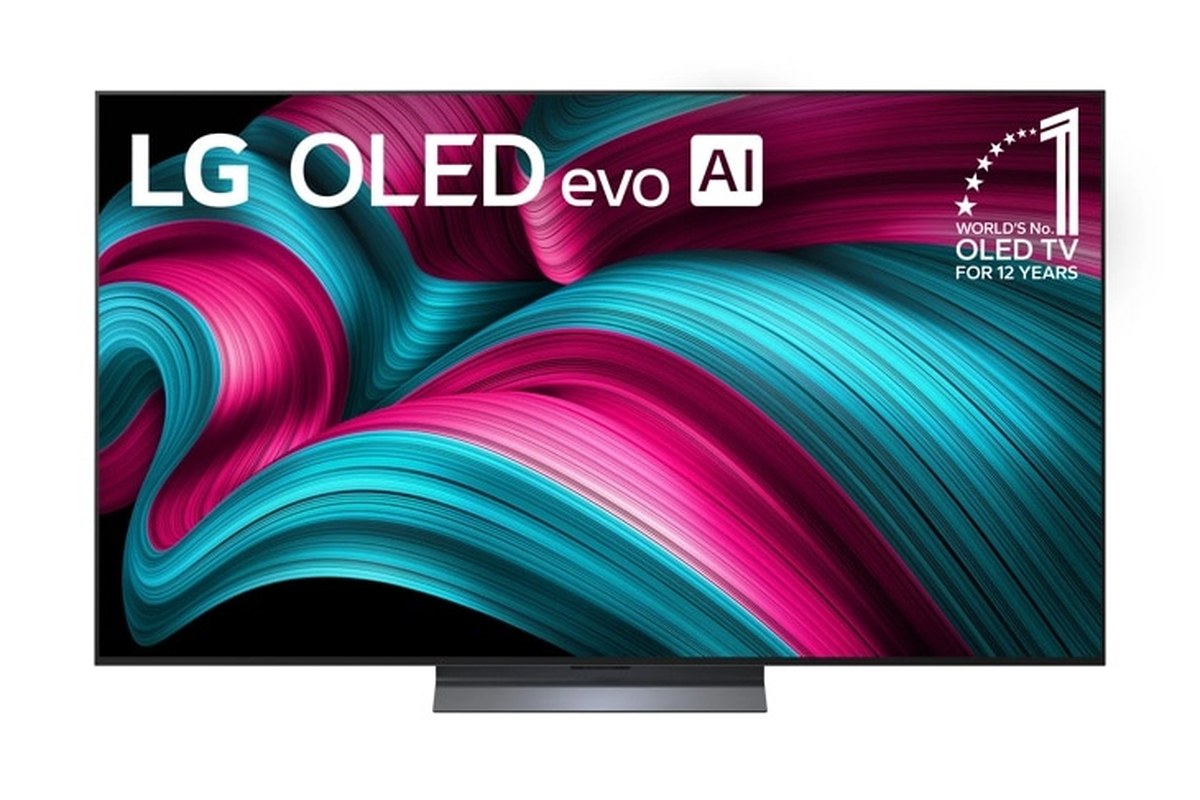
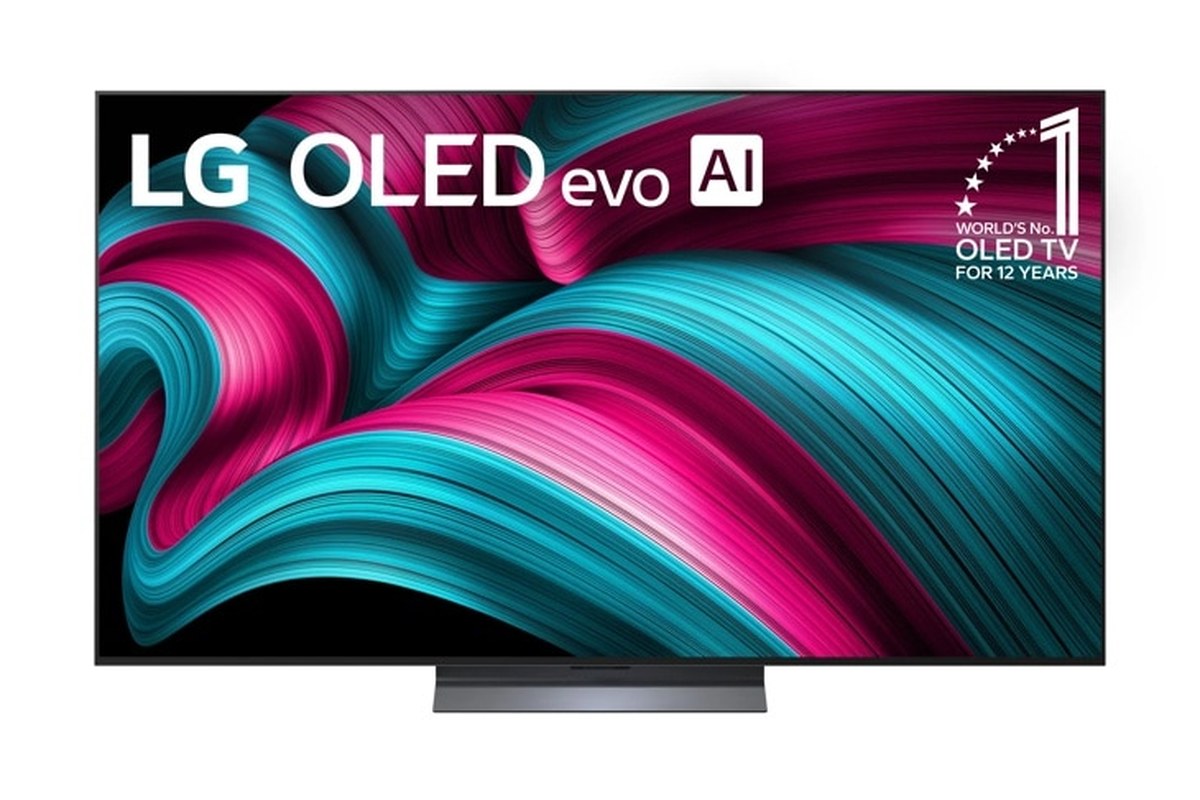
LG's C5 is the obvious shortlist candidate for someone who wants one television for films, streaming and games without buying three different things. This covers the US 65-inch OLED65C5PUA; other sizes and regional models need their own checks. The first question is the room: viewing distance, seating, windows, lighting and the space for installation. A set that looks stunning in a dark demo can be a different proposition in a bright family room at two in the afternoon.
LG's documentation establishes a broad feature set. Brightness, colour accuracy, motion, input lag and reflections have not been measured here, so the provisional Standpoint Score reflects supported capabilities and the ownership arrangement, not a lab verdict on picture quality. A sensible purchase compares the whole installation and the way the household actually watches, rather than choosing a screen because a vivid preset looked good in a shop or because the model is well regarded in someone else's room.
Self-lit pixels are the mechanism; the room is the result
The C5 uses OLED's self-lit pixel structure, a different way of building an image from a backlit display, and LG leans on its black-level proposition. The result still has to be judged with real material and your settings. Shadow detail, bright highlights, colour and motion all change with the source and picture mode. A television should preserve what is in the programme, not just make one demonstration scene look dramatic.
Bring familiar material that covers several kinds of difficulty: dark scenes, faces under ordinary light, sport and a low-quality broadcast. Watch at your real seating distance rather than up close to the panel. Nothing here claims flawless contrast or reference accuracy, because nothing has been measured. The fair conclusion is that OLED is a promising foundation, and the implementation plus your room conditions decide how well it serves you.
65 inches is a furniture decision
A 65-inch screen is big enough that placement needs planning. Check the exact dimensions, stand footprint, weight and mounting requirements for the local model before moving furniture or ordering a bracket. A diagonal cannot tell you whether the television fits the cabinet. Leave the access and ventilation space the manual requires, and make sure the connections can be reached without repeatedly moving the display.
Wall mounting adds more questions. Confirm the mounting pattern and the suitability of the wall, with a proper installer where needed. Think about cable routes, socket positions and whether the height is comfortable for long sessions. A display can be technically excellent and tiring to watch from an awkward angle. The final viewing position belongs in the decision; a front-facing product photo cannot make it for you. The purchase works when the screen can be used comfortably and serviced without disruption.
144Hz only arrives if the source can send it
LG advertises refresh support up to 144Hz and compatibility with NVIDIA G-Sync and AMD FreeSync Premium. Those describe supported gaming arrangements, not the frame rates every console or computer produces. Check the source device, cable, input and game settings together. A console owner should look at that console's actual output options rather than assuming a PC-oriented maximum refresh mode will be used automatically. The whole signal path decides what reaches the panel.
Gaming quality also comes down to latency, motion clarity and presentation at the frame rates you actually play at, and none of that is measured here. The useful check is to note your source hardware, game, output mode and picture settings, then compare the combinations that matter to you. If the TV sits behind a receiver or switch, include that box in the test. A capability printed on the product page is only worth money when your installed setup can use it without a limit hiding elsewhere in the chain.
HDR badges need matching content
LG lists Dolby Vision and promotes film-oriented presentation modes. Those are useful compatibility and control options, but a format badge does not establish the effect in a particular film. Mastering, source quality, ambient light and television settings all remain part of the result. Make sure the streaming plan or player actually supplies the format you want, and do not judge an HDR claim with a low-quality source that never uses it.
Test picture processing deliberately. Automated adjustments suit some viewers and change the intended look for others. Keep a record of your settings and compare the same scene before deciding a feature helps. Ordinary viewing includes mediocre material as well as pristine demos, so judge both. The provisional score credits the documented tools and format support; it does not award brightness, colour or motion points because a menu contains an option meant to improve them.
webOS versus an external box
The C5 runs webOS, and LG describes its update programme and app platform. Verify that the services you need in Canada or the US are available on the exact local configuration. A service offered elsewhere may carry different rights, apps or account requirements. Read the current policy, and do not treat an update programme as a promise that every third-party app stays available indefinitely. The platform and the service provider make separate decisions.
An external streaming player gives you a different interface, plus another device, another update routine and possibly another remote. Before buying one by reflex, try the television's own workflow and name what needs improving. Set up accounts, recommendations and voice features deliberately, especially in a shared household. The real test is whether another household member can find a programme and change inputs unaided. A platform that suits the person who configured it is not automatically convenient for everyone who watches.
Sound and panel care belong in the total
Audio compatibility on the spec sheet is not the experience of a full external sound system. Start by checking dialogue at the volumes and seating positions you use. If you add a system, verify connections, format handling and remote behaviour against both manuals. A soundbar that blocks the screen or the remote receiver creates a new problem. Judge the complete arrangement before calling a compatible format an immersive experience.
Read LG's current panel-care instructions and warranty conditions for the exact model. If the screen will show long stretches of static content, look into that role carefully rather than assuming every television is equally suited to it. Follow the care routines and leave maintenance features enabled even when they are inconvenient. There are no long-term panel observations here, so longevity and retention sit outside the capability score; a familiar brand or a new panel does not guarantee a particular service life.
Who should buy the C5
The 65-inch C5 is a strong documented package for a buyer who wants one OLED for cinema, streaming and compatible gaming. Its fit depends on the room, the local model and the connected equipment. Compare the full cost of installation, audio and any external player against how the household actually watches. If most viewing is background television in a bright, awkward spot, look at alternatives rather than assuming the most celebrated display technology belongs everywhere.
What would turn this into a full review is defined picture modes, calibrated measurements where appropriate, ordinary daytime viewing, game inputs and shared-interface use, with the exact size, firmware and regional configuration recorded. Until then, the Standpoint Score is a research assessment of documented breadth and ownership fit. The C5's promise is versatility built around a self-lit panel. The missing evidence is how well that versatility holds up against real sources, real room light and the daily routines that matter more than any showcase specification.
The closest alternatives.
| Product | Standpoint Score | Best for | Price |
|---|---|---|---|
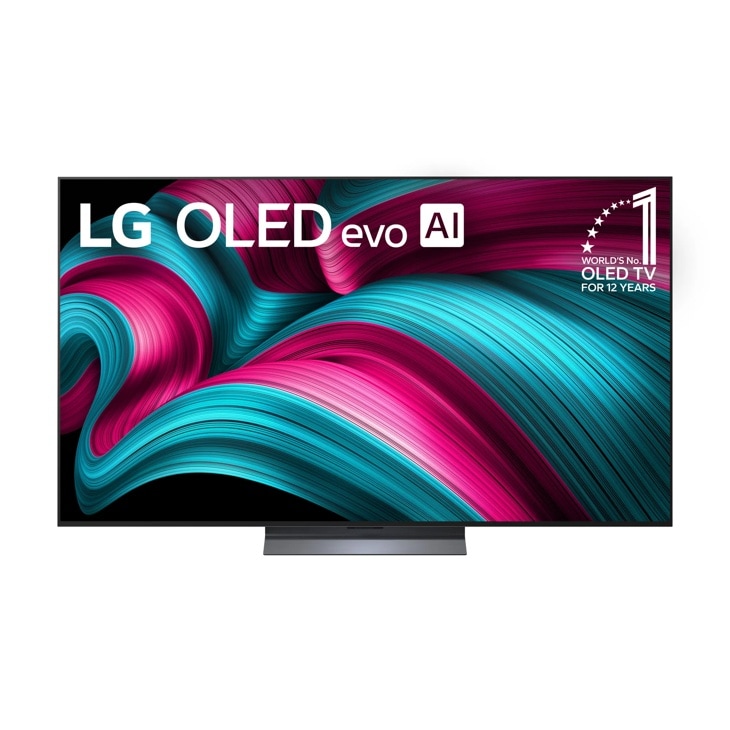
| LG C5 OLED 65-inchThis review | 8.3Research | A film and gaming household that can plan a suitable room, installation and source equipment. | Amazon.ca ↗ |
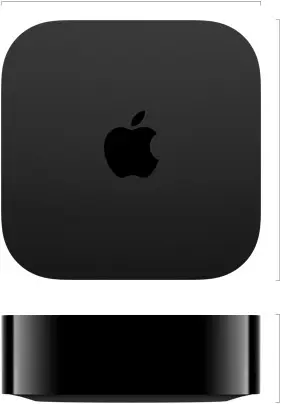
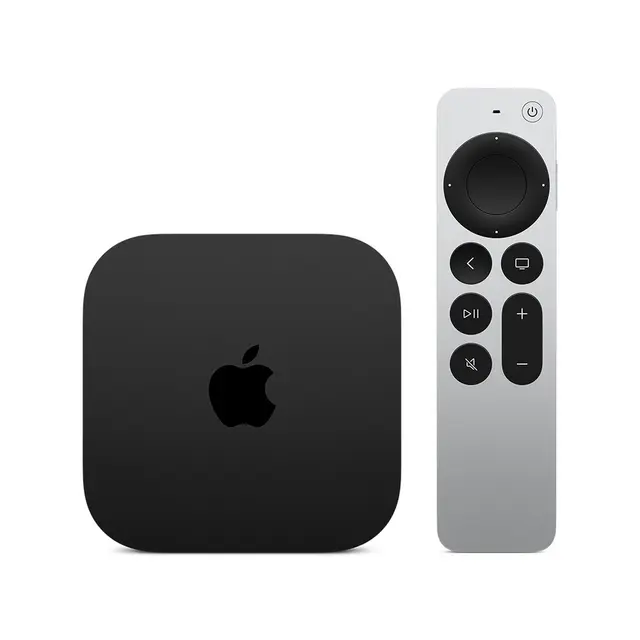
| Apple TV 4K (A15) | 8.3Research | A household that wants a dedicated viewing interface and specific, verified Apple integrations. | Amazon.ca ↗ |
| Apple TV 4K (2026) | 8.2Research | New Apple TV buyers in an iPhone household who want the box that should get updates the longest, a Thread and Matter… | Amazon.ca ↗ |
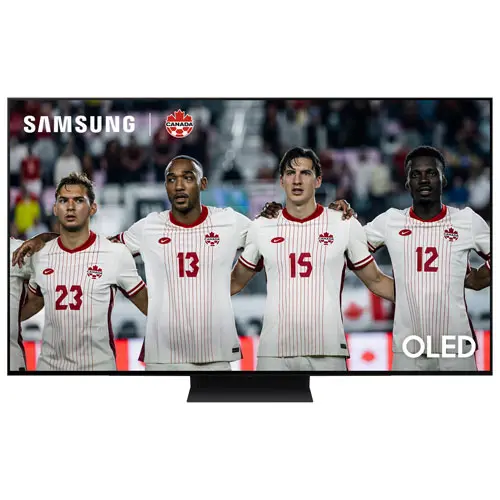
| Samsung S90H OLED | 8.1Research | Bright living rooms and gamers who want a 65-inch OLED around $2,000 that doesn't turn into a mirror every afternoon. | Amazon.ca ↗ |
Compare scores within a category: Tested means our own use, Research means documentation and attributed outside testing. Price links are affiliate links. As an Amazon Associate, Tech Standpoint earns from qualifying purchases. Disclosure
Sources & further reading.
These are the sources behind this research review. Manufacturer claims are not independent performance measurements. Community accounts, when cited, describe individual experiences.
- OLED65C5PUA — LG US product and specifications ↗manufacturer
- OLED65C5PUA — LG manuals and support ↗manufacturer
Product software and regional bundles can change. Corrections and editorial disclosures.
Affiliate link. As an Amazon Associate, Tech Standpoint earns from qualifying purchases. It never changes our verdict or score. Disclosure