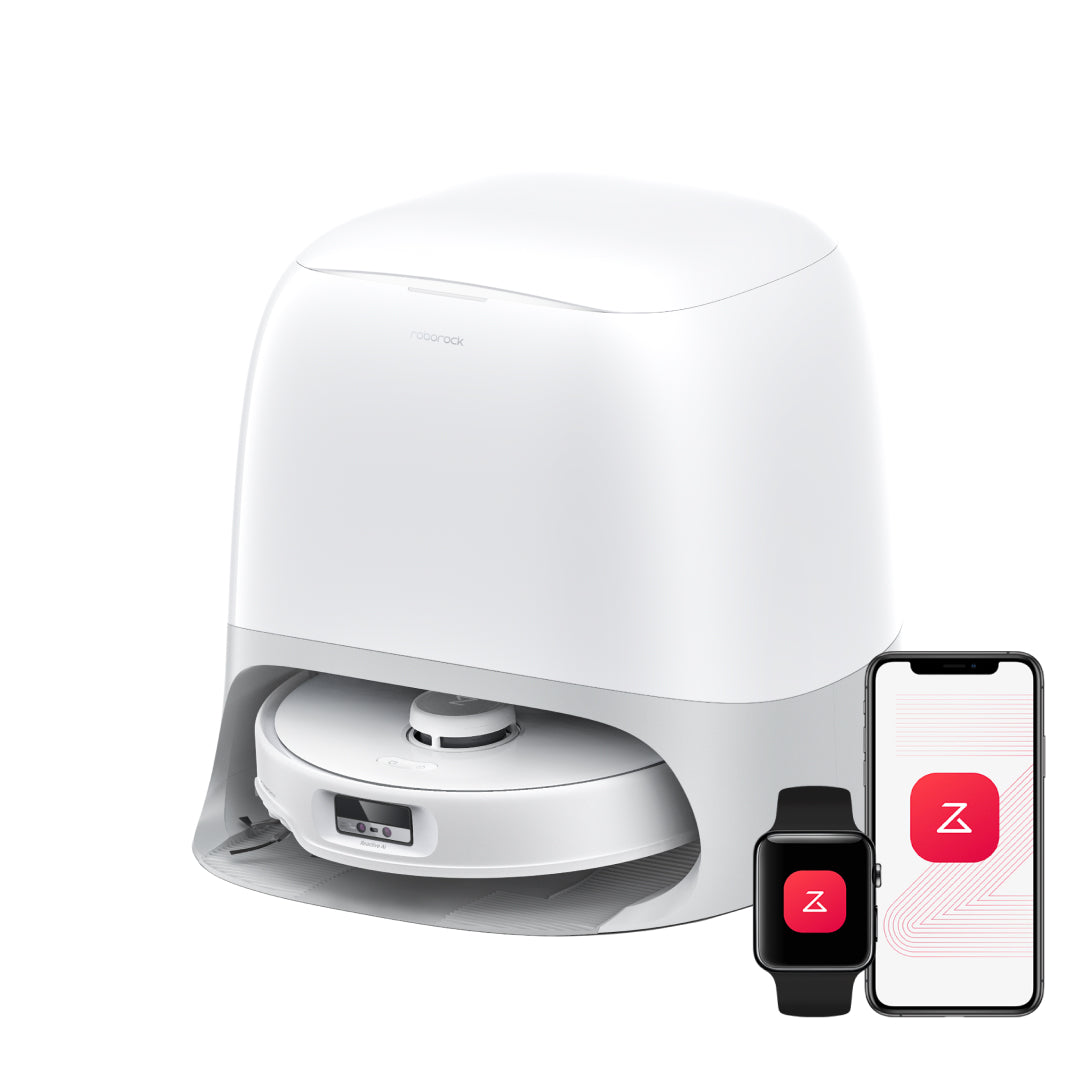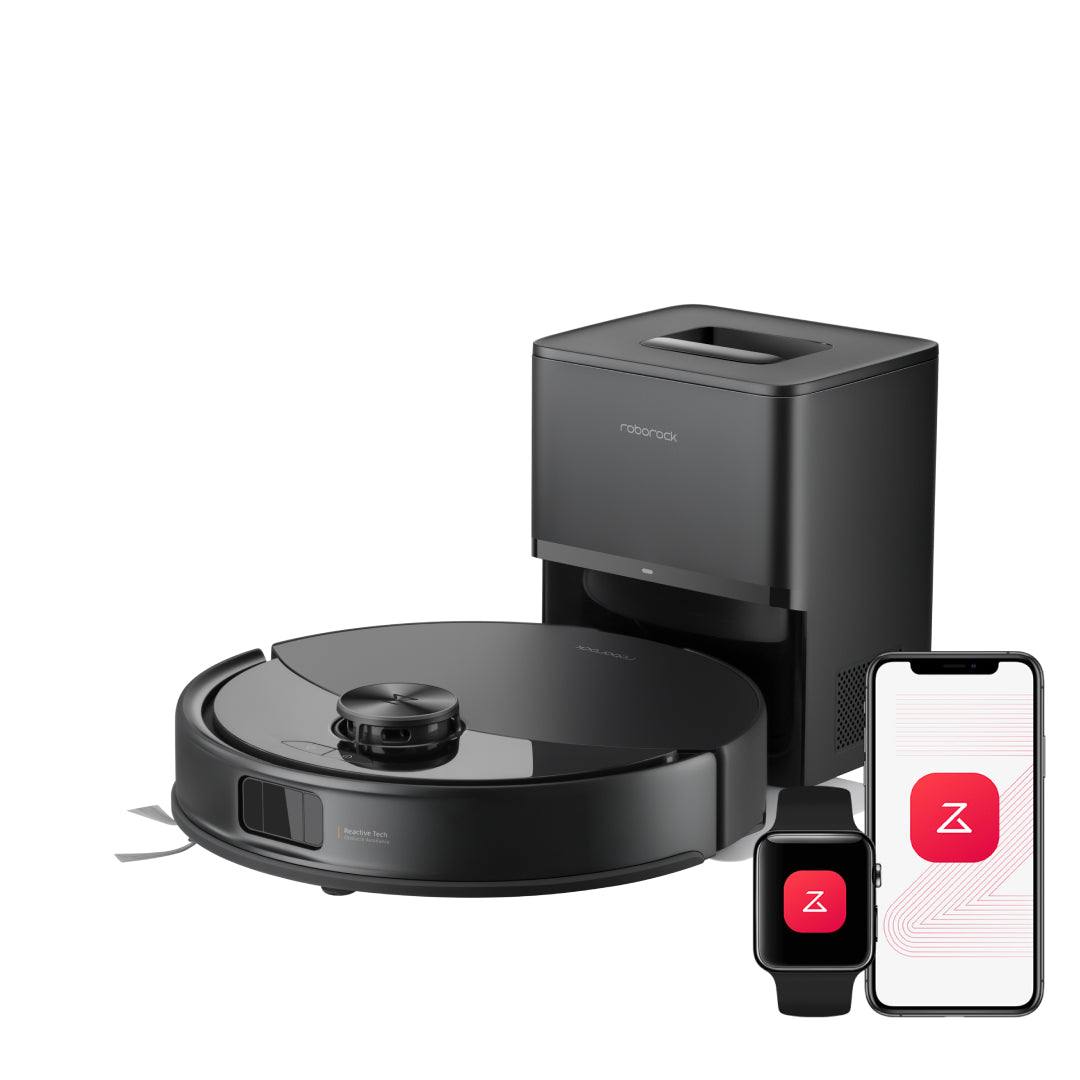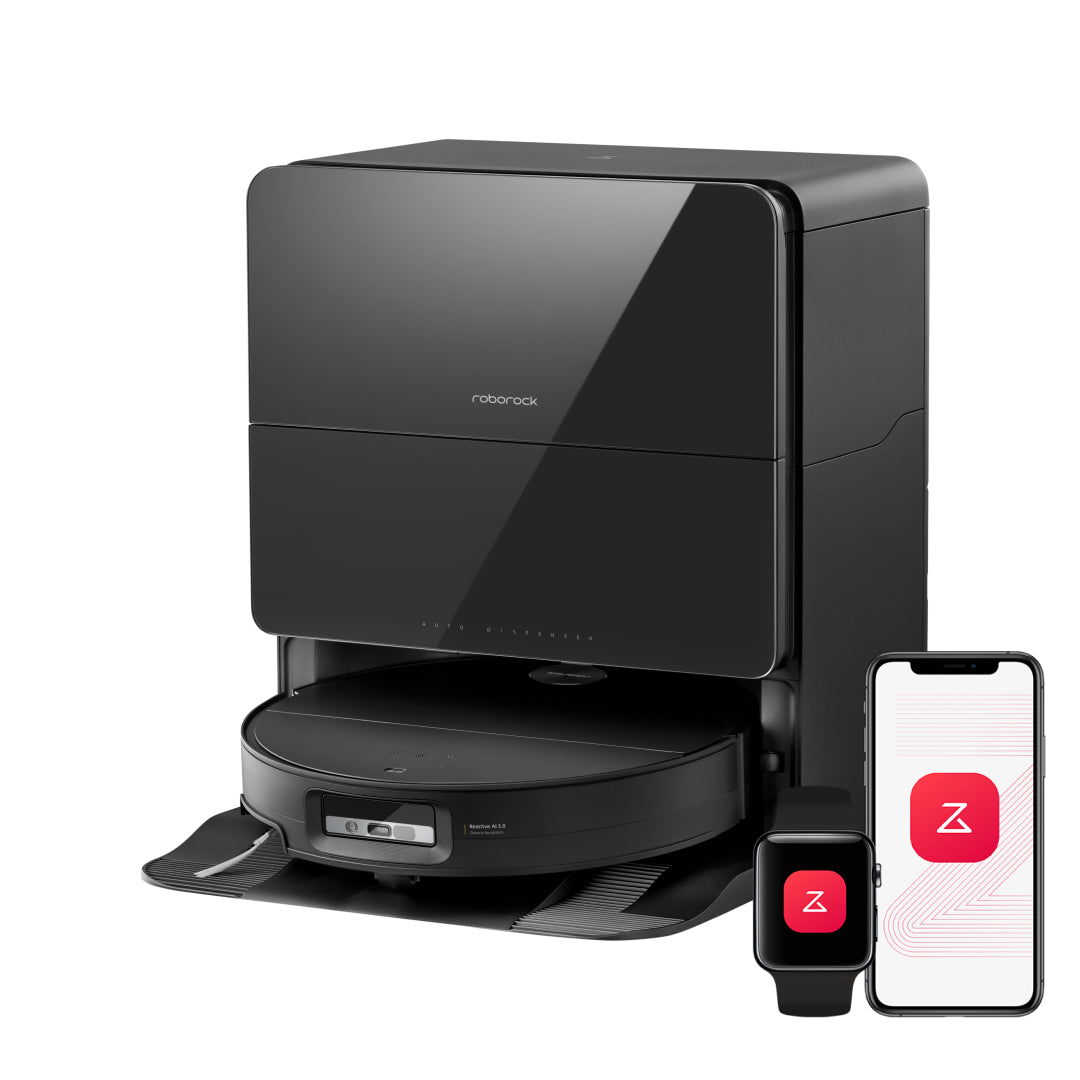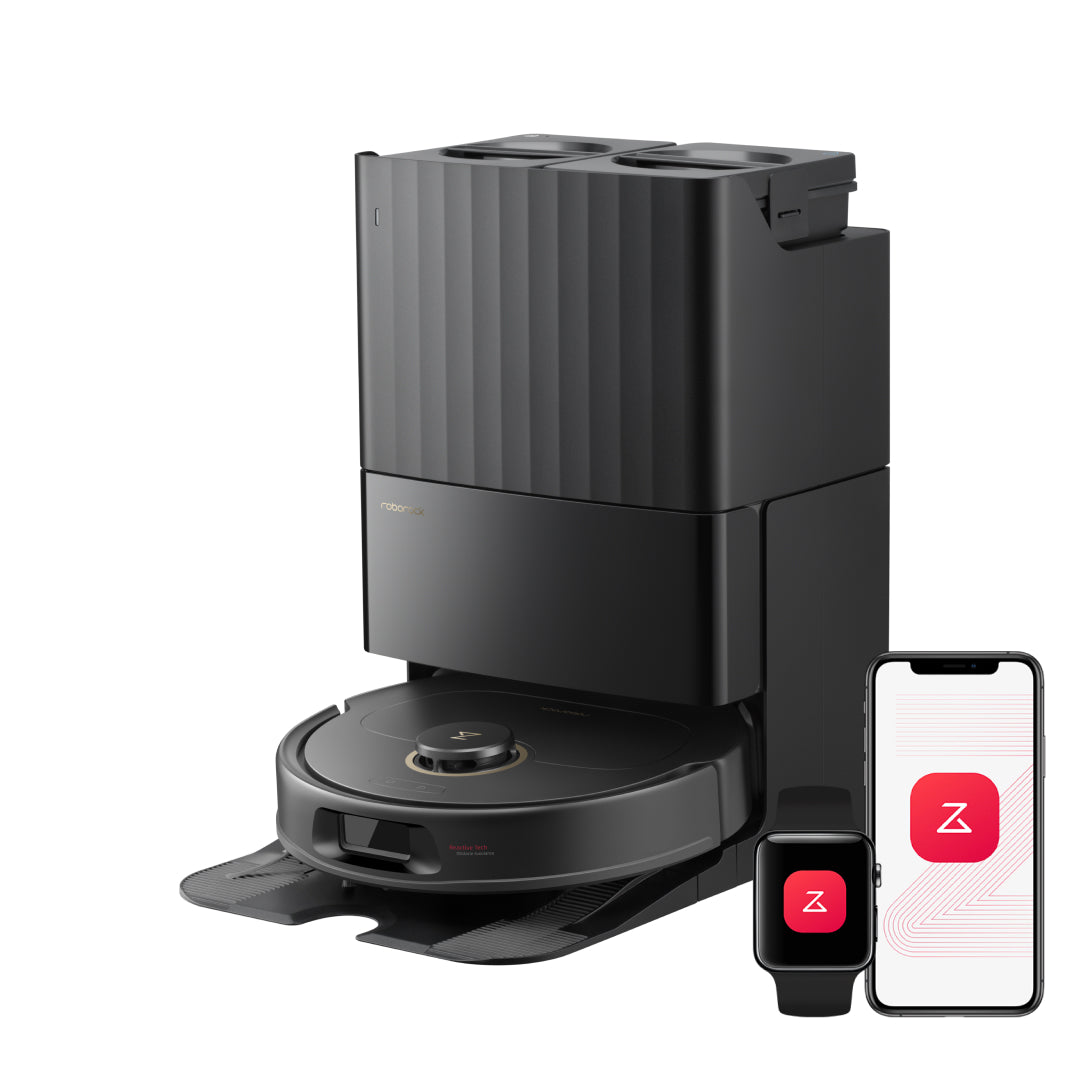
An editorial assessment of documented capabilities and ownership trade-offs. This is not a hands-on test result or a measurement of reliability.
Task capability 30%8.1
Rotating pads and comprehensive station functions support an everyday mixed-floor routine.
Navigation & control 20%7.7
LiDAR and Reactive Tech support mapping and avoidance without assuming flagship camera features.
Ownership & upkeep 20%8.1
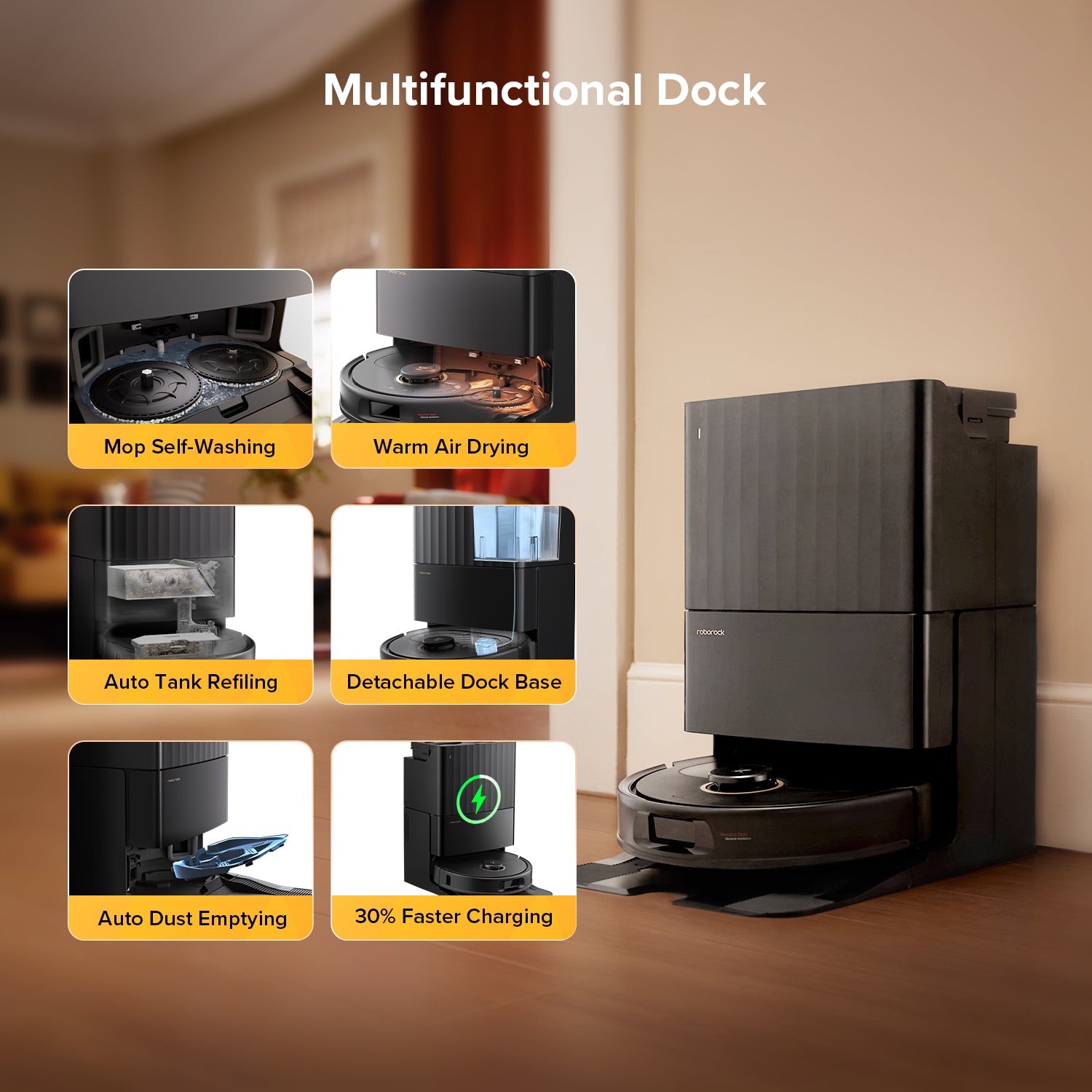
Dock washing, drying and emptying reduce frequent chores, with an accessible removable base.
Setup & usability 15%8.0
A conventional layout and app routine should be manageable after network and bundle checks.
Documentation & support clarity 15%6.9
Inconsistent brush wording on the official page requires exact hardware confirmation.
Compare scores within the same product category. Small decimal differences should not override your needs or the evidence limits.
How the Standpoint Score works
We score five aspects of the documented product on a 0–10 scale, then calculate a weighted total:
- Task capability30% of the total
- Navigation & control20% of the total
- Ownership & upkeep20% of the total
- Setup & usability15% of the total
- Documentation & support clarity15% of the total
This product’s 7.8/10 is a provisional research assessment. It does not claim measured performance, tested reliability or a verified customer satisfaction rate. Compare it with products in the same category, and read each criterion’s reasoning above.
Read the full rubric and score bands ↗The ownership case.
A potentially sensible daily-cleaning configuration; verify the exact brush and included dock features because the official page contains broad family-style wording.
Reasons to consider it
- Comprehensive everyday dock functions
- Anti-tangle design targets recurring brush work
- App room routines and exclusions
Go in knowing
- Do not assume flagship camera or chassis features
- Manufacturer wording should be checked against the exact SKU
- Wet-care chores remain
The specification sheet.
Published specifications from the linked sources. Configurations and availability can differ by country.
- Advertised suction
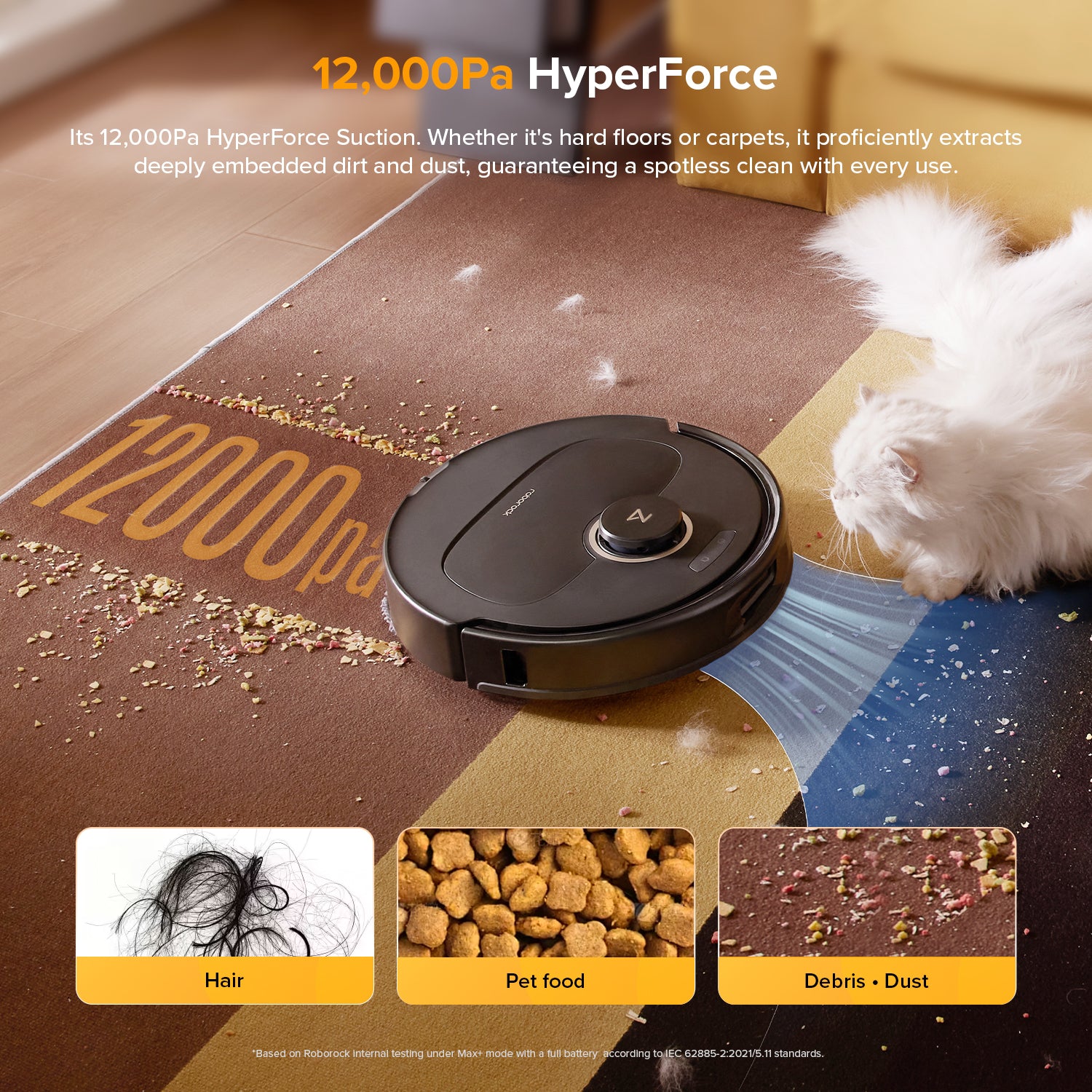
- 12,000 Pa
- Navigation
- PreciSense LiDAR; Reactive Tech avoidance
- Mopping
- Dual spinning pads with lift
- Dock
- Mop washing, warm-air drying, dust emptying and tank refill
- Connectivity
- 2.4 GHz Wi-Fi
Daily repetition is the point
The Qrevo S5V is most interesting as a machine intended to repeat an ordinary cleaning routine with little preparation. Its package combines rotating mops, an automated station and anti-tangle features, rather than making a mechanical arm or the lowest possible body the centre of the story. That can be the right set of priorities for a modern apartment or a fairly open main floor. The buyer should begin with the schedule they want: perhaps vacuuming living areas each morning and mopping the kitchen after dinner. The product is valuable if that routine runs consistently and tank care remains easy enough that it does not get abandoned.
Read the exact specification carefully
The manufacturer's page lists a 12,000 Pa suction claim, LiDAR mapping and Reactive Tech obstacle avoidance. It also contains brush terminology that should be checked against the actual regional SKU and supplied parts. This is a good example of why robot shopping needs more than a family-name comparison. Confirm the main brush, side brush, mop reach and dock functions on the exact unit being purchased, particularly if a retailer uses different marketing copy. The useful question is whether the specific hardware solves your hair and floor problems. We would rather leave an ambiguous detail open than silently import a capability from a similarly named Qrevo.
Mapping and avoidance solve separate problems
LiDAR supports systematic routes and room maps. Reactive Tech is intended to help the robot respond to objects along that route, but it should not be interpreted as the same camera-recognition system found on every more expensive Roborock. A floor with predictable furniture and few small objects is a more straightforward task than one with changing cables and toys. Run the S5V around the actual dining set and monitor narrow spaces between chair legs. If those areas repeatedly need rescue, change the arrangement or set a deliberate boundary rather than hoping a higher suction setting will somehow improve navigation. Reliability of coverage comes before cleaning intensity.
Rotating mops need a realistic rug strategy
The dual pads add agitation while the station reduces the need to wash them after every task. This is a substantial step beyond a basic drag cloth for households wanting frequent hard-floor cleaning. Pad lift helps manage suitable carpet transitions, but it does not approve every rug or replace checking pile height. The floor plan should separate areas that welcome regular damp cleaning from those that should remain dry. Watch for small kitchen mats that slide or fold when approached. If a daily combined routine becomes complicated, a targeted kitchen task and a separate vacuum schedule may be both more dependable and easier to understand.
What to expect from the station
The documented dock functions include washing, warm-air drying, dust emptying and onboard water refill. Those are the features that can make daily mopping repeatable without someone handling pads between rooms. A detachable base also gives a practical route to cleaning the part where residue accumulates. The owner still handles dirty water, bag replacement and inspection. Position the dock where the tray can be removed and the tanks lifted without rearranging furniture. If an advertised maintenance interval sounds long, translate it into your own usage: two pets and several kitchen cleans per day will not load a system like an occasional single-room run in a tidy studio.
Where it fits among alternatives
Compare S5V with Qrevo Curv when adaptive chassis movement and more elaborate sensing are important, and with Q10 S5+ when a dust-emptying dock and manually maintained sonic mop would be enough. Those are meaningful workflow differences rather than small numerical upgrades. The S5V's research case is its everyday combination of wet and dry automation. We have not measured its pickup, obstacle success or pad-washing effectiveness. During a home trial, concentrate on the tasks you intend to automate, inspect the brushes after real hair loads and record the total owner attention. A practical middle configuration wins when it quietly does the required work often.
Checking the everyday configuration
Before buying S5V, save the exact retailer specification and compare it with the product label and manual. The official page's mixture of brush terminology is a reason to verify, not to invent a specification that resolves the ambiguity. Ask which main brush is installed, whether the edge mop has the expected movement and which station functions are included in that regional bundle. This matters if the purchase is motivated by hair maintenance rather than basic cleaning. A feature mentioned for a neighbouring Qrevo does not become part of S5V automatically. Photograph the supplied components during unboxing and keep the packing list. If the hardware differs from the advertised configuration, that is easier to address during the return period than after buying a set of incompatible spare parts.
S5V's most useful routine may be deliberately ordinary: vacuum the high-traffic rooms, mop the kitchen and return for pad care. Set that up before enabling more elaborate automatic decisions. Watch the route around the dining set and inspect the mops after the first few washes. A detachable dock base is valuable only if it can actually be removed at the chosen location, so leave room in front and avoid trapping the station beneath low furniture. Give wastewater a regular disposal routine instead of waiting for a long advertised maintenance interval that refers to dust. The dry bag, wet tank and cleaning tray have different limits. Keeping those jobs separate in the owner's mind makes an automated station easier to maintain without over-cleaning everything after every small task.
The cited S5V listing requires 2.4 GHz Wi-Fi. Confirm that the household router provides a compatible connection and follow the app's pairing process before assuming a failed setup means a faulty robot. Mapping and usage records still deserve care even if the model lacks a camera feature the buyer does not want. Review app permissions, account sharing and the procedure for removing the device before resale. For Canadian buyers, check local consumables and warranty eligibility for the full S5V name. When comparing with Curv, price only the additional mechanisms that solve a demonstrated need, such as troublesome transitions. S5V's appeal is a balanced recurring routine. Its success should be measured in completed tasks and manageable pad care, not in whether its specification list resembles the most expensive robot in the brand's catalogue.
Sources & further reading.
These are the sources behind this research review. Manufacturer claims are not independent performance measurements. Community accounts, when cited, describe individual experiences.
Documentation reviewed: 9 October 2026. Product software and regional bundles can change. Corrections and editorial disclosures.