Not tested. This is a research score for the documented features, compatibility and ownership trade-offs discussed in this review, not a performance measurement.
Features & capability 30%7.9
APS-C stills, documented subject selection and conditional bursts offer substantial learning capability, with buffer and pre-capture restrictions.
Compatibility & connectivity 20%7.8
RF/RF-S and adapted EF/EF-S routes allow kit development; one card slot and no headphone terminal constrain recording workflows.
Ownership & upkeep 20%7.5
Standard SD media is accessible, while lens stabilization, battery condition and planned power add practical kit costs.
Setup & everyday use 15%8.3
Identified pre-production handling observations support the control layout and compact format without proving production focus accuracy.
Documentation & support clarity 15%8.7
Canon’s manual gives detailed burst conditions, card classes, RAW-roll extraction and recording-power limitations.
Compare scores within the same product category. Small decimal differences should not override your needs or the evidence limits.
How the Standpoint Score works
We score five aspects of the documented product on a 0–10 scale, then calculate a weighted total:
- Features & capability30% of the total
- Compatibility & connectivity20% of the total
- Ownership & upkeep20% of the total
- Setup & everyday use15% of the total
- Documentation & support clarity15% of the total
This product’s 8.0/10 is an editorial research assessment. It does not claim measured performance, tested reliability or a verified customer satisfaction rate. Compare it with products in the same category, and read each criterion’s reasoning above.
Read the full rubric and score bands ↗From a tech standpoint.
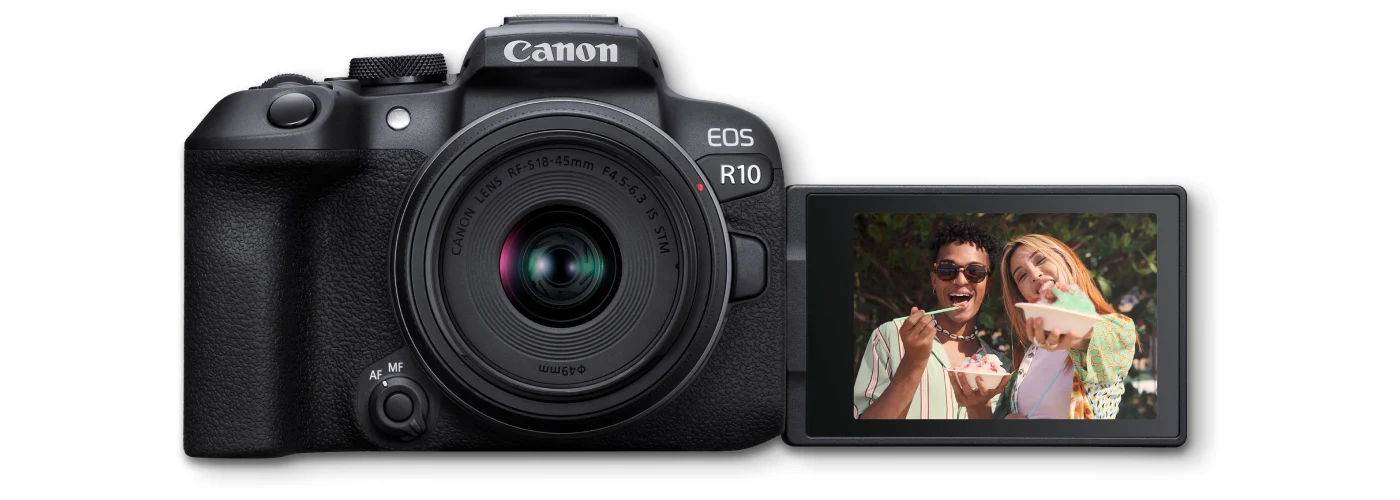
Buy the R10 if you're learning photography or travelling light, want an AF joystick, AF-ON button and articulated screen in a small RF/RF-S body, and shoot action occasionally rather than constantly. Gordon Laing's pre-production Cameralabs handling observations back up the control layout, while Canon's manual spells out the compromises. Skip it if you need long full-RAW bursts, a second card slot, headphone monitoring or uncropped 4K60. Our 8.0 Standpoint Score is an editorial assessment of that documented package, not a measured autofocus or image-quality rating from a Tech Standpoint sample.
Reasons to consider it
- An AF joystick, AF-ON button and articulated screen give learners a proper shooting routine to grow into
- Canon documents exactly when the mechanical and electronic burst rates apply
- Native RF/RF-S lenses plus adapted EF/EF-S options let you choose the kit deliberately
Go in knowing
- No sensor-shift stabilisation and no headphone output
- RAW pre-capture drops to about 13.6 MP and needs a roll-extraction step
- 4K60 and Movie digital IS both tighten the frame, and one card slot means no second-card duplicate
Affiliate link. As an Amazon Associate, Tech Standpoint earns from qualifying purchases. It never changes our verdict or score. Disclosure
The specification sheet.
Published specifications from the linked sources. Configurations and availability can differ by country.
- Sensor
- 24.2 MP APS-C CMOS
- Mount
- Canon RF/RF-S; compatible EF/EF-S lenses through adapter
- Media
- One UHS-II SD slot
- Maximum continuous shooting
- 15 fps mechanical; up to 23 fps electronic, with conditions
- Video
- 4K up to 30p; cropped 4K up to 60p
- Screen
- 3-inch vari-angle touchscreen; approximately 1.04 million dots
- Battery
- LP-E17
A learner's camera that stays bag-sized
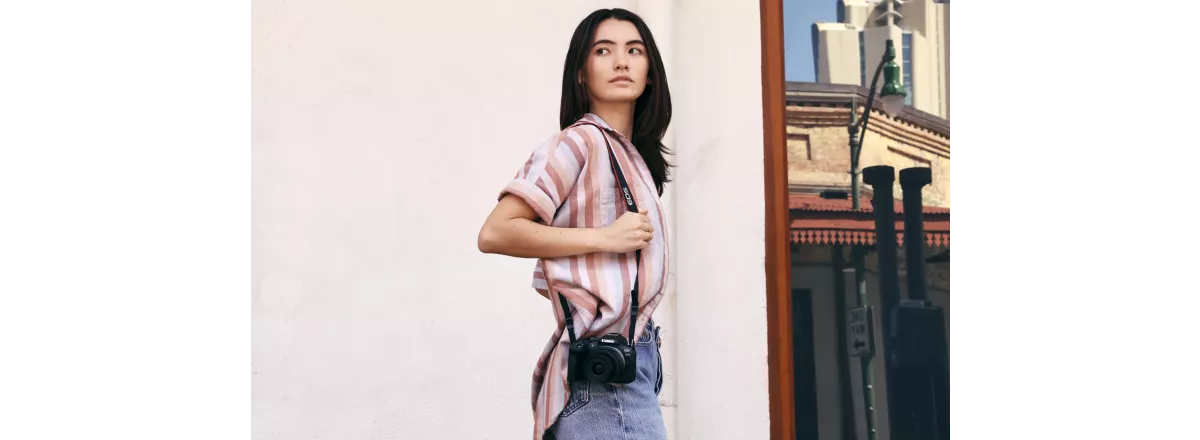
The EOS R10 appeals as a compact camera that gives you room to learn instead of demanding a professional kit on day one. A useful lens, a healthy battery and time spent understanding exposure can make it more satisfying than a pricier body left in unfamiliar auto modes. Its physical controls and vari-angle screen offer several ways of working, and the APS-C format helps keep an everyday lens kit manageable.
Gordon Laing's Cameralabs first look describes a light but sturdy body and welcomes the AF joystick and AF-ON button. His camera was pre-production, so his handling notes are useful context rather than a final performance test. This assessment combines that context with Canon's operating manual; Tech Standpoint has not tested the R10. Choose the lens and the bag along with the body, because an adapted large zoom changes the travel proposition completely compared with a small native kit.
The 1.6x crop and a lens-only stabilisation plan
The documented 24.2 MP APS-C sensor is only half the framing decision. Canon gives a roughly 1.6x full-frame-equivalent field-of-view factor for the indicated focal length, so 18 mm frames roughly like 29 mm on full frame. It doesn't physically turn the lens into a different focal length. That matters when borrowing lens advice written for another sensor size. A lens picked for distant action can be maddening in a small room, whatever the body's resolution.
The R10 has no sensor-shift in-body stabilisation, which puts the lens in charge of steadying handheld stills. Check the exact lens rather than assuming every native option is stabilised. Moving subjects still need fast enough shutter speeds even with a stabilised lens, and that's a useful lesson for a learner: steady hands and a steady view don't make a running child sharp. Work out whether the problem is camera movement, subject movement or missed focus before buying a fix for just one of them.

People, Animals, Vehicles, and the cars it may miss
Canon's AF-area guide separates People, Animals and Vehicles. Animals covers dogs, cats and birds; Vehicles is aimed at motorsports subjects, and Canon cautions that ordinary cars or bicycles may not be detected. Don't read the category names as a promise to identify anything that moves. What you get is a documented way to prioritise certain subjects, with you still responsible for choosing the right one.
The manual also says tapping the screen to focus uses One-Shot AF regardless of the AF-operation setting. Watch for that if you expect a touch selection to behave like continuous tracking. Practise subject selection and the Servo workflow before a fast-moving session. A visible focus box is an operating aid, not proof that every frame in a burst is as sharp as you need.
Keep a smaller AF area ready for scenes where automatic selection keeps getting distracted by foreground clutter. Instead of repeatedly accepting the wrong subject, learn one reliable way to take control. At a family event, the moment that matters may involve several faces at once, and the camera can't know which expression you care about. A short practice session with the controls beats switching on every detection option and hoping the camera agrees with you.
Read the conditions behind 15 and 23 fps
Canon's drive guide gives maximums of about 15 fps mechanically or with electronic first curtain, and 23 fps electronically in High-speed continuous shooting +. The mechanical figure assumes a fully charged LP-E17, a shutter speed of 1/1000 second or faster and flicker reduction switched off. The lens, the subject and Servo AF can all slow it down. The headline describes a mode available under conditions, not the pace every moving scene will sustain.
The shutter guide separately warns that electronic capture can distort fast movement and produce banding under flickering light. Decide which compromise the scene can tolerate instead of reaching for the biggest fps number. A silent mode might be perfect in one place and a liability in another. Look at real files, including straight edges in motion and backgrounds under artificial light. A setting that works outdoors at noon says nothing about an indoor sports hall.
29 RAW frames, then the camera catches its breath
Canon's reference table gives 29 full RAW frames at the mechanical 15 fps maximum with its high-speed card, versus 21 at the electronic 23 fps. Those are manufacturer test figures, with One-Shot AF, ISO 100 and Standard Picture Style among the conditions. They show why a faster rate doesn't necessarily mean a longer full-RAW sequence. Dividing the counts by the nominal rates gives about 1.9 seconds and 0.9 seconds respectively. That's arithmetic for illustration, not burst timing measured by this publication.
That changes how you approach a subject coming toward you. Start a long sequence too early and you can burn the fast portion before the useful moment arrives. A short, anticipated burst is the better habit, along with learning how the camera signals a backlog. A good card can help writing speed, but it doesn't turn the internal buffer into unlimited storage.
File format is another lever. Shoot a short sequence in each format you plan to keep, then see whether the camera is ready for the next moment quickly enough. Someone photographing occasional action may find a disciplined rhythm entirely sufficient. Someone who relies on repeated long RAW sequences should put that requirement front and centre when comparing bodies, because the headline fps figure can't answer it alone.
Pre-capture saves the moment and spends the pixels
RAW burst mode is a separate workflow. Canon documents capture into a single CR3 roll at about 13.6 MP, with optional pre-shooting up to half a second before the full shutter press after a momentary half press. It isn't ordinary full-resolution RAW with a free timing bonus. You have to extract a chosen frame, or use Canon Digital Photo Professional to go through the roll on a computer.
That timing aid is tempting for an unpredictable takeoff or a fleeting expression. The real question is whether the saved moment is worth the lower resolution and the extra selection work. Extract a frame, edit it and produce your usual output before you rely on the mode. A feature only helps if the files fit how you work after the camera goes back in the bag.
Canon requires at least 4 GB free on the card and warns about motion distortion and a delay before the next burst. RAW burst also has to be turned off for EOS Utility to communicate with the camera, so keep that in your setup notes. If the computer connection suddenly fails after some experimenting, check this mode before blaming the cable. It's a capable specialist option with real restrictions, not something to leave switched on for every outing.
One slot, so the backup lives off the camera
The R10 has a single UHS-II SD slot. That keeps the media familiar and the body small, but it can't write a duplicate to a second card while you shoot. If you take on irreplaceable assignments, factor that into your backup and equipment plan. It doesn't make the camera unsuitable for everyday use; it just means UHS-II speed support shouldn't be mistaken for the redundancy of a two-slot body.
The manual's HDR PQ 4K50/60 IPB Standard row requires Video Speed Class V60 or higher, while the matching 8-bit row needs UHS Speed Class 3 or higher. Card requirements follow the exact mode. UHS-II describes an interface, not a guarantee that any card wearing the label meets every recording demand. Test your setting before travelling, then copy important work to independent storage before formatting. One slot is one recording location, however fast the card.
4K60 and digital IS shrink your wide angle
The recording tables separate ordinary 4K up to 30p from cropped 4K up to 60p, and Canon's movie-size guide adds that Movie digital IS crops further still. That's a real problem for arm's-length vlogging and small rooms, where changing frame rate or switching on digital stabilisation can cut away the space you expected around the subject. Settle the final combination with your actual lens before buying around a demo shot in a wider mode.
Canon lists a microphone input but no headphone terminal. An external mic can improve the recording without giving you any built-in way to listen on headphones. Record a voice sample and check it before the session, and think about cable contact, lens noise and clothing rustle, not just the level display. The articulated screen helps you frame but can't reveal every audio problem. If you regularly record interviews, price the monitoring workflow instead of just ticking the external-mic box.
Two-hour clips, thirty-minute HFR and the heat caveat
Canon's movie-size instructions cap ordinary movies at two hours and High Frame Rate movies at thirty minutes. They also warn that temperature can shorten recording time, and the separate recording-precautions guide describes temperature warnings and automatic shutdown. A formal clip limit and a dependable duration in your room are not the same thing.
For recurring presentations, rehearse the full session length with the intended frame rate, card, lens and power setup. Check the saved file and whether the camera restarts when you need it to. Heat endurance hasn't been measured here, and the maximum clip limit isn't read as a promise of uninterrupted recording. Short travel clips and a long locked-off programme are very different demands on the same small body.
Canon's USB-power guide describes charging the LP-E17 with the camera off using the PD-E1, and powering the camera with it on, with a battery installed. It notes that remaining charge can still drop during powered operation, so plugging in a cable doesn't remove the need for a battery plan. Laing reported successful charging from phone and MacBook power supplies in his first look; that was his combination, not certification for every adapter. Verify the exact setup you'll use.
A built-in flash and the small LP-E17
The built-in flash gives the R10 an occasional lighting option without packing an external unit every time. It's good for learning fill and exposure balance, but its size limits what it can do across a large room or when the lens blocks the light. Try it at normal working distances and look at the result instead of assuming auto flash always helps. Light direction and subject distance matter more than whether the flash fired.
The LP-E17 is part of what keeps the kit small, but a spare and a known charging route matter on a mixed stills-and-video day. Judge the pack that comes with a used body separately from the camera's cosmetic condition, and confirm it charges and holds enough for your use. Keep battery and card access in mind when choosing a tripod plate, so a quick swap doesn't turn into a full dismantling job.
Adapters, EF-M confusion and a used-body once-over
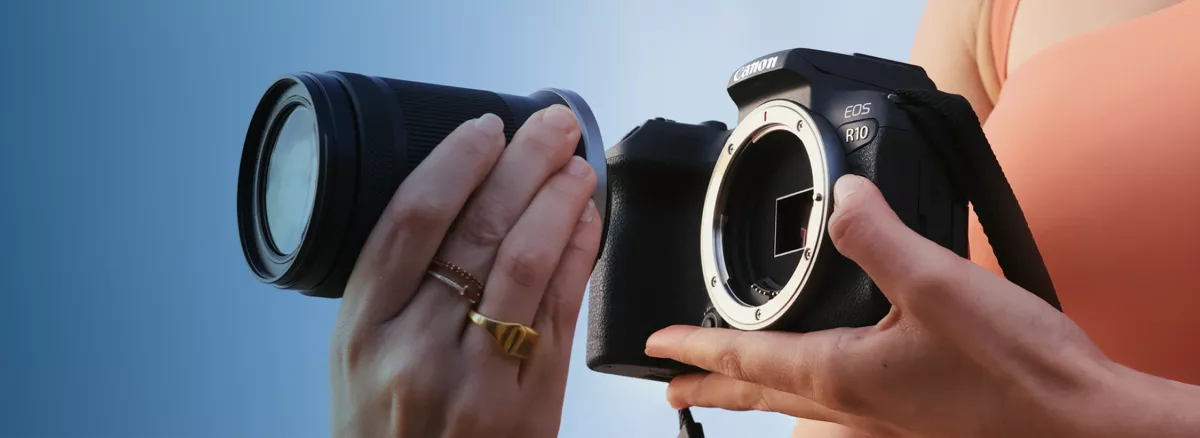
RF and RF-S lenses mount natively, while compatible EF and EF-S lenses need the right adapter. EF-M lenses belong to a different family, so don't mix them up. If the purchase depends on reusing a particular lens, check the exact model and see the combination working. Adapter, lens and body together decide balance and behaviour, and a good price on the R10 matters less if your old lens doesn't give you the functions or framing you need.
On a used example, inspect the mount, screen hinge, flash mechanism, card access and external sockets. Test the controls and shoot at several apertures with gear you know. Ask about repairs and the original sales territory. Canadian and US buyers should confirm local service and any remaining coverage rather than assuming an imported body gets the same treatment as a local authorised sale. Keep it in good shape with careful lens changes, dry storage and Canon's own cleaning procedures, not improvised cleaning of delicate internals.
Buy it when its limits match your plans
The online manual remains a good source for media, power and recording requirements. Compare the installed firmware with Canon's current support route and follow the exact update instructions. Don't borrow firmware or assumptions from another EOS R model because the names look similar. Available documentation keeps an older camera understandable, but it isn't a promise that missing hardware features will arrive through software.
The R10 is strongest when compactness, learning and general photography matter more than in-camera redundancy or an elaborate video workflow. Price the complete kit, including any adapter, a stabilised lens and a reliable spare battery. If those extras wipe out the saving over a better-matched body, compare again. If the package stays small and coherent, the R10 offers a substantial, well-documented set of controls for building real photographic skill. Its value lies in being a camera you can understand and carry, with limits that fit the job rather than ambush you halfway through it.
The closest alternatives.
| Product | Standpoint Score | Best for | Price |
|---|---|---|---|
| Canon EOS R10This review | 8.0Research | Learners and travellers moving into Canon RF/RF-S who value a light body and occasional action photography. | Amazon.ca ↗ |
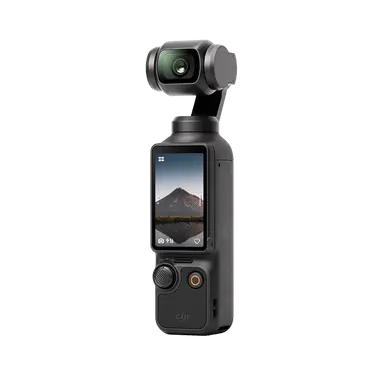
| DJI Osmo Pocket 3 | 8.0Research | A creator filming walking pieces, tabletop demonstrations and short interviews who wants a dedicated camera instead of… | Amazon.ca ↗ |
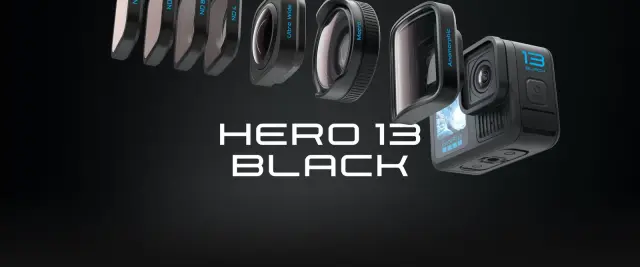
| GoPro HERO13 Black | 8.2Research | Outdoor filming where a compact mounted camera, slow-motion inserts and adaptable framing beat holding a phone up. | Amazon.ca ↗ |
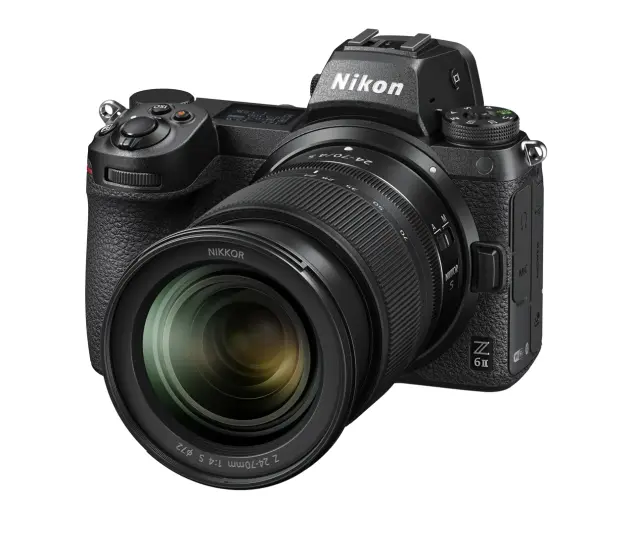
| Nikon Z 6II | 8.0Research | Photographers building a Nikon Z kit, or keeping compatible F-mount lenses, who want full-frame stills with a second… | Amazon.ca ↗ |
Compare scores within a category: Tested means our own use, Research means documentation and attributed outside testing. Price links are affiliate links. As an Amazon Associate, Tech Standpoint earns from qualifying purchases. Disclosure
Sources & further reading.
These are the sources behind this research review. Manufacturer claims are not independent performance measurements. Community accounts, when cited, describe individual experiences.
- Canon EOS R10 product, stabilization and interface information ↗manufacturer
- Canon R10 reference specifications and burst/media tables ↗manual
- Canon high-speed drive modes and qualifying conditions ↗manual
- Canon electronic shutter distortion and lighting precautions ↗manual
- Canon RAW burst pre-shooting, resolution and file restrictions ↗manual
- Canon movie-size crop, format and clip-limit instructions ↗manual
- Canon temperature and general movie-recording precautions ↗manual
- Canon AF areas, detection categories and touch-focus behaviour ↗manual
- Canon USB charging and camera-power requirements ↗manual
- Gordon Laing’s Cameralabs pre-production first look ↗independent
Product software and regional bundles can change. Corrections and editorial disclosures.
Affiliate link. As an Amazon Associate, Tech Standpoint earns from qualifying purchases. It never changes our verdict or score. Disclosure