Not tested. This is a research score for the documented features, compatibility and ownership trade-offs discussed in this review, not a performance measurement.
Features & capability 30%8.2
Full-frame stills and conditional burst options form a versatile toolkit; 4K/60p crop and external-output limits need planning.
Compatibility & connectivity 20%8.1
Native Z lenses, conditionally adapted F lenses and two card formats offer flexibility with exact-model checks.
Ownership & upkeep 20%7.3
Replaceable power and retained firmware help; mixed media, used condition and paid RAW activation add ownership demands.
Setup & everyday use 15%7.8
Physical controls suit a deliberate stills setup; tilting display and recorder accessories require workflow choices.
Documentation & support clarity 15%8.7
Nikon’s manuals specify RAW-depth burst limits, approved media, battery variants and HDMI restrictions.
Compare scores within the same product category. Small decimal differences should not override your needs or the evidence limits.
How the Standpoint Score works
We score five aspects of the documented product on a 0–10 scale, then calculate a weighted total:
- Features & capability30% of the total
- Compatibility & connectivity20% of the total
- Ownership & upkeep20% of the total
- Setup & everyday use15% of the total
- Documentation & support clarity15% of the total
This product’s 8.0/10 is an editorial research assessment. It does not claim measured performance, tested reliability or a verified customer satisfaction rate. Compare it with products in the same category, and read each criterion’s reasoning above.
Read the full rubric and score bands ↗From a tech standpoint.
Buy the Z6 II if you shoot mostly stills, want a CFexpress-plus-SD pair of slots and are building a Z kit or keeping compatible F-mount lenses through an FTZ adapter. Skip it if full-frame 4K/60p is the reason you're looking, if you want a fully external RAW video rig without paying for the activation and recorder, or if your work depends on demanding action tracking you haven't seen proven with your own lens. Our 8.0 Standpoint Score reflects documented capability and ownership demands, supported by attributed independent observations; it is not a Tech Standpoint hands-on result.
Reasons to consider it
- A 24.5 MP full-frame sensor that works with native Z lenses and, conditionally, adapted F-mount glass
- Separate CFexpress Type B/XQD and SD slots, so fast media and cheap backup cards can share one body
- Nikon's manuals spell out burst, charging and HDMI limits in unusual detail, which makes planning easier
Go in knowing
- The 14 fps headline drops with 14-bit RAW and wider AF-area modes
- 4K/60p uses the DX image area, and 10-bit HDMI output tops out at 30p
- Paid RAW-video activation, a recorder and the accessories around it can change the cost a lot
Affiliate link. As an Amazon Associate, Tech Standpoint earns from qualifying purchases. It never changes our verdict or score. Disclosure
The specification sheet.
Published specifications from the linked sources. Configurations and availability can differ by country.
- Sensor
- 24.5 MP full-frame BSI CMOS
- Processing
- Dual EXPEED 6
- Lens mount
- Nikon Z; conditional F-mount use through an FTZ adapter
- Card slots
- CFexpress Type B/XQD plus SD (UHS-I and UHS-II supported)
- Maximum stills burst
- 14 fps with specified settings; 14-bit RAW up to about 10 fps
- 4K/60p recording
- DX image area; introduced with firmware 1.10
- Battery supplied
- EN-EL15c; older battery variants have charging limitations
- Firmware checked
- C 1.70 listed by Nikon at this review revision
Price the lens first, the body second
The Nikon Z6 II lands in a comfortable spot: enough documented capability to cover varied stills work, without dragging you into the storage bill of a high-resolution body. Nikon lists a 24.5 MP back-illuminated full-frame sensor and dual EXPEED 6 processors. Those are the hardware facts. They don't tell you whether this camera suits your photographs. A suitable lens, dependable cards and controls you can work quickly have far more to do with the pictures you bring home than a processor count does.
This is a research assessment built on Nikon's documentation and DPReview's identified evaluation. Tech Standpoint has not had a Z6 II sample, so the advice here keeps published functions, outside measurements and our own judgement about the whole kit in separate boxes. Start with the lens your main subject needs, then add the body, cards, a reader and power. If that total leaves no money for the right lens, rebalance. A body that looks like a bargain is still an expensive way to build the wrong system.
Same image quality as the Z6, so upgrade for the other reasons
DPReview found the Z6 II's image quality essentially unchanged from the original Z6, with strong RAW detail and noise performance for its class. That's an independent comparison, credited to DPReview, and it hands existing Z6 owners a blunt question. If what you really want is a different-looking still image, this isn't the upgrade that delivers it. The reasons to move live elsewhere in the camera: the second slot, the processing and the video additions.
If you're new to the system, think about where the files end up. Occasional cropping for ordinary output is a different job from routinely throwing away half the frame. Pull representative RAW files into the editor you actually use, ideally of subjects and light that matter to you, and ignore small promotional JPEGs. Exposure, lens choice and subject movement still decide the result even when the sensor spec is reassuring. A new body won't fix a framing habit or supply a focal length you're missing.
Grip and buttons are a personal fit test
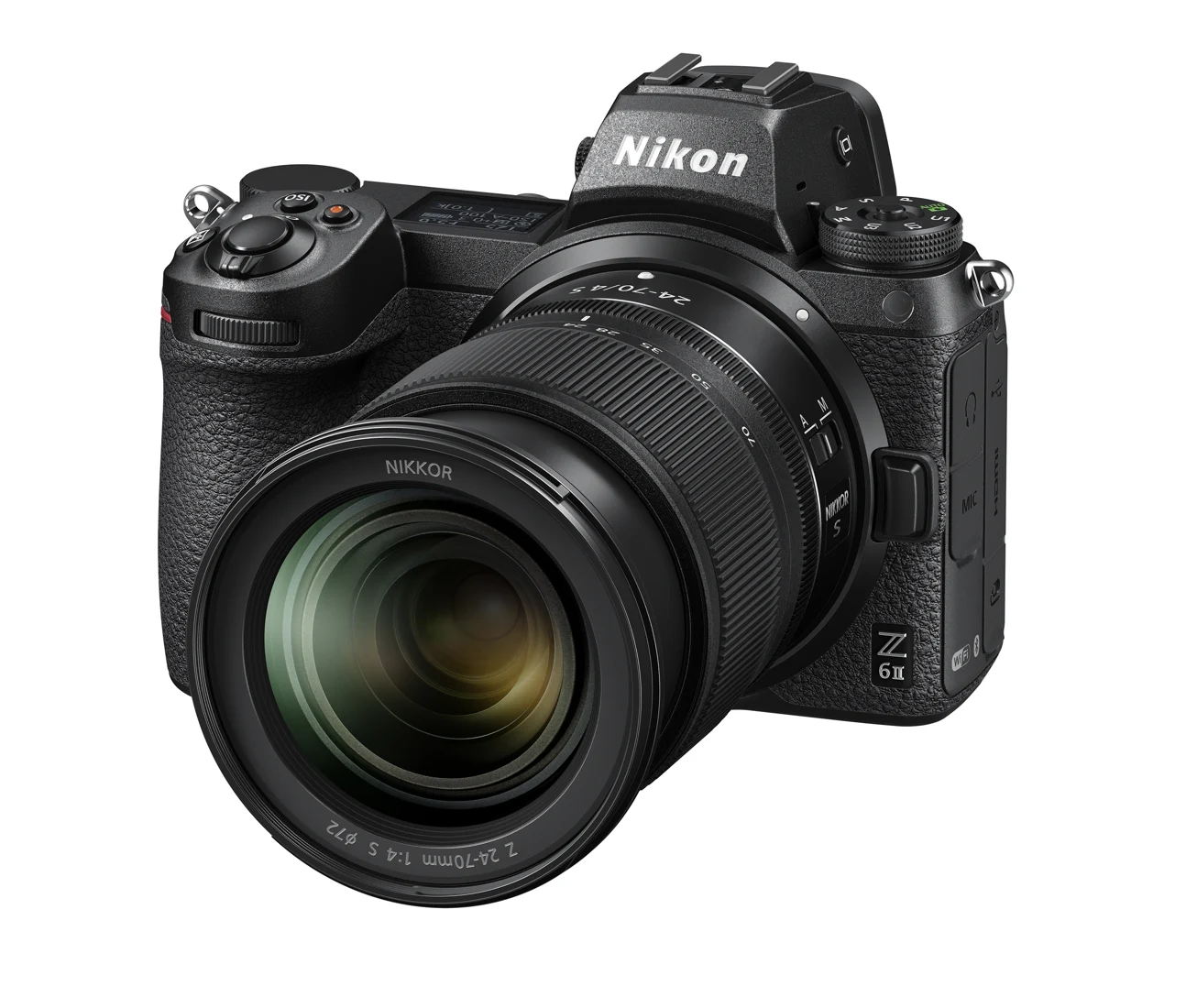
Nikon's supplied top-view photograph below shows the mode dial, top display and controls with a Nikkor Z 24–70mm f/4 lens attached. It's a manufacturer image that explains the layout, nothing more. DPReview described a comfortable grip and a familiar control arrangement, which is a good reason to try the body in a shop. It can't tell you how that grip works with your hand, or with a lens much heavier than the 24–70mm.
If you can get one in your hands at a store, run your real routine: change exposure compensation, move the focus area, flip the settings you touch most. Do it at the finder, then again on the rear screen. A setup that keeps sending you into menus is more distracting than most spec-sheet gaps between bodies. Save a sensible starting configuration before an important shoot and write down your custom controls. The goal is fewer surprises when the subject changes, not a button for every function Nikon offers.
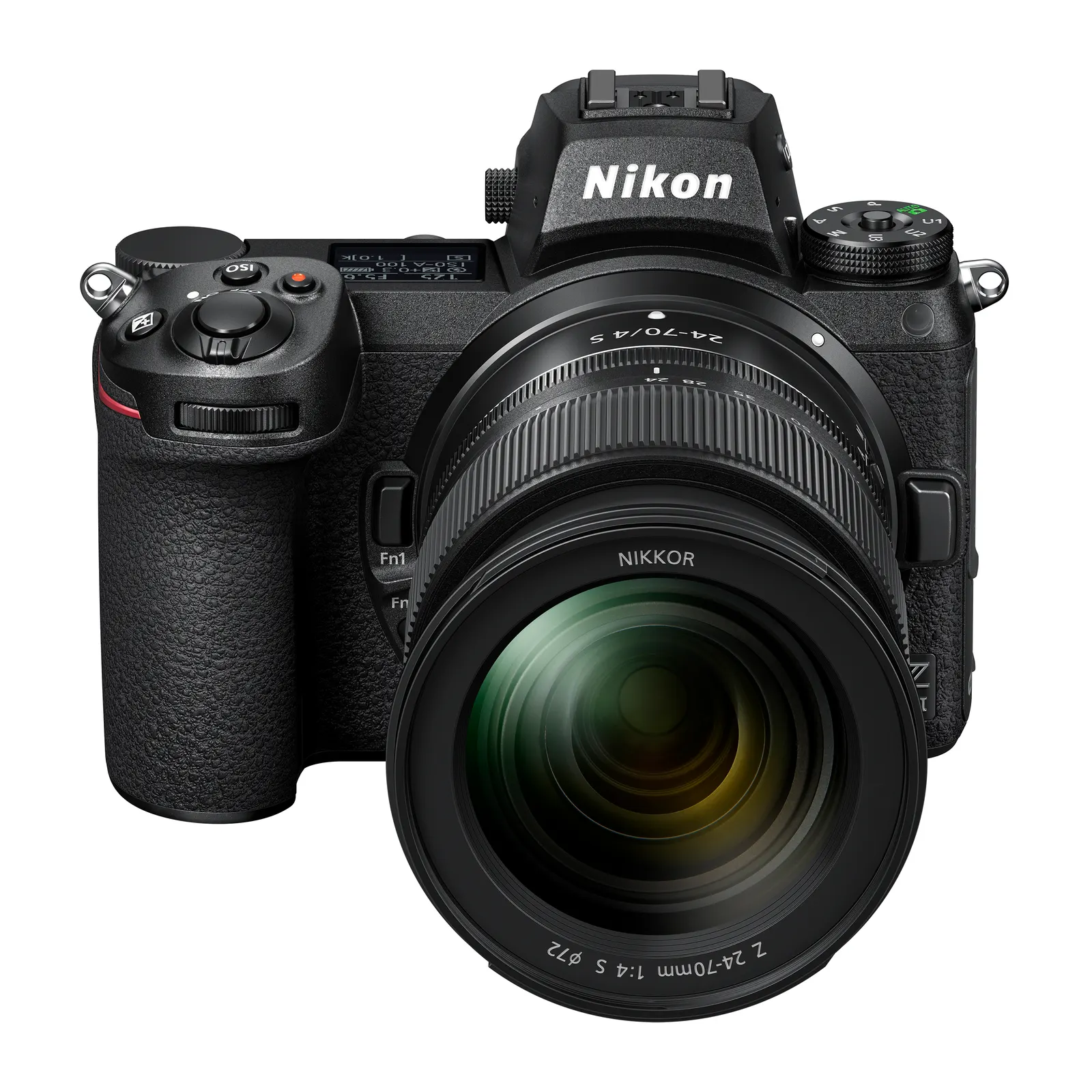
What DPReview's tracking runs actually show
DPReview tested approaching and weaving subjects with a Nikkor Z 70–200mm f/2.8 VR S and reported mostly successful tracking across roughly 500 shots, with an occasional poor run. Its review also separated face and eye detection from subject tracking, and noted that tracking could wander when no face was recognized. Those specifics are worth far more than a one-word verdict that the autofocus is excellent or poor.
Ask whether that test looks like your work. Someone walking toward the camera is a different problem from a small subject half-hidden behind something else. The lens is part of the evidence too, especially if you plan to adapt an older optic. Pick an AF area on purpose and learn how to recover when the camera grabs the wrong target. When judging any sample sequence, look at the whole run at useful magnification rather than one sharp frame. For demanding action work, this recommendation stays conditional until you've seen results from your own subject and lens.
Fourteen frames per second, with footnotes
Nikon's release-mode table specifies about 14 fps in Continuous H (extended) for JPEG or 12-bit RAW, with silent photography off, using manual focus, AF-S or single-point AF-C. Other AF-area choices cut that to about 12 fps. With 14-bit RAW, the figures fall to about 10 fps and 9 fps. Plain Continuous H is a separate mode rated at about 5.5 fps. All of these are Nikon's published conditional rates, not measurements made here.
So decide which combination the assignment needs. More frames help with timing, but a long run is worthless if the focus area is following the wrong subject. Build RAW depth and release mode into a saved action setup, so you don't discover the compromise halfway through an event. Practise clearing and reviewing a burst before relying on it. And budget editing time, because more files means a bigger culling job. The headline rate becomes useful once you know the settings behind it. On its own, it's not a reason to replace a camera.
One fast slot, one cheap slot
The Z6 II pairs a CFexpress Type B/XQD slot with a separate SD slot, and Nikon's manual supports both UHS-I and UHS-II SD. For 4K/60p and 50p, the movie guidance asks for at least 250 MB/s maximum transfer rate on CFexpress or XQD, or UHS Speed Class 3 SD with at least that transfer rate. Slower cards can interrupt recording or playback. Follow the exact recommendation; the big capacity number printed on a card says nothing about recording speed.
The supplied side photograph below shows the closed card door, not the slots themselves. Budget for readers in the formats you actually choose. Set the card roles for the job and check the resulting files before trusting two inserted cards to give you the backup you have in mind. And once the shoot's done, a second card sitting in the same camera isn't an archive. Copy important work to separate storage and verify it before you reuse the media. The second slot is real flexibility when the workflow around it is spelled out.
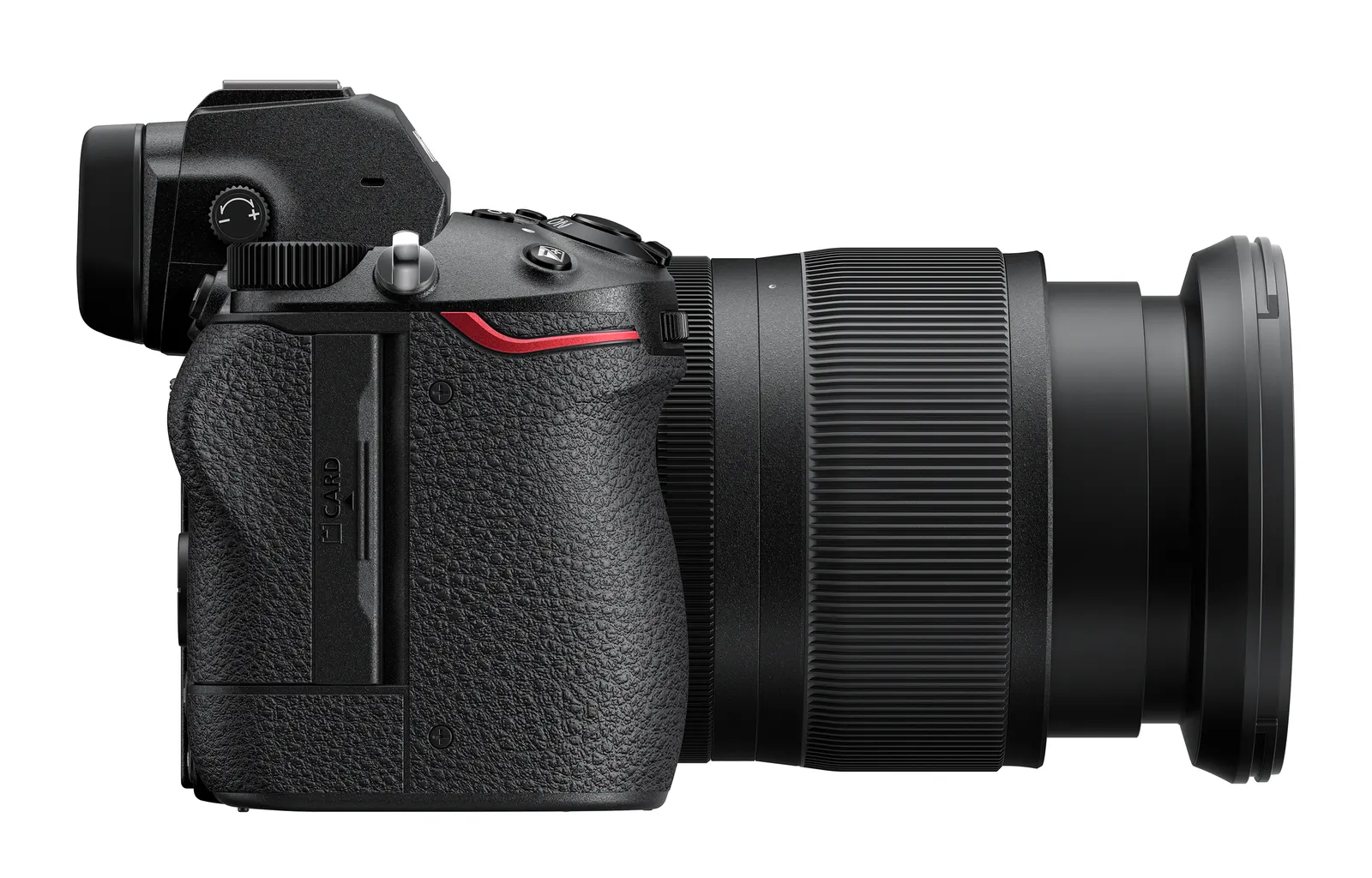
4K/60p arrived by firmware, and it crops
Firmware 1.10 added 4K/60p and 50p to the Z6 II. Nikon's announcement specifies a fixed DX image area and Normal movie quality for those modes. A launch-era review calling the feature forthcoming is history now, not grounds for saying an updated camera lacks it. Equally, having the mode doesn't make it the same thing as full-frame 4K at a lower frame rate.
For a room tour or a presenter at a fixed distance, check the real framing before committing to a lens. Switching modes can change the shot enough that you have to move the camera or swap focal lengths. DPReview measured about 22 ms rolling readout in its 4K/24p and 30p evaluation; that figure describes frame readout, not shutter exposure time. Keep movement and handling in mind when judging sample footage. A mode can give you the frame rate you want and still be wrong for the lens, the room and the motion in it.
Rigging the body for video
The supplied side view below shows the tilting monitor and closed connector covers. A tilting screen helps with some high and low positions, but it doesn't flip round to face a presenter standing in front of the lens. Work out where the camera, subject and operator will each be, and how the operator will check framing while recording, before you assume this screen solves solo filming.
Before adding a recorder, lay the camera out so connectors and controls stay reachable. Check the cable route and how any accessory mount affects the grip or the screen's movement. A tidy arrangement on a desk can turn awkward the moment you move the camera or change lenses. Record a short test with the microphone, power and storage you plan to use for the real shoot, then play it back. A workable setup needs a picture and an audio track you can trust. Buying a capable body starts that process; it doesn't prove the rig works.
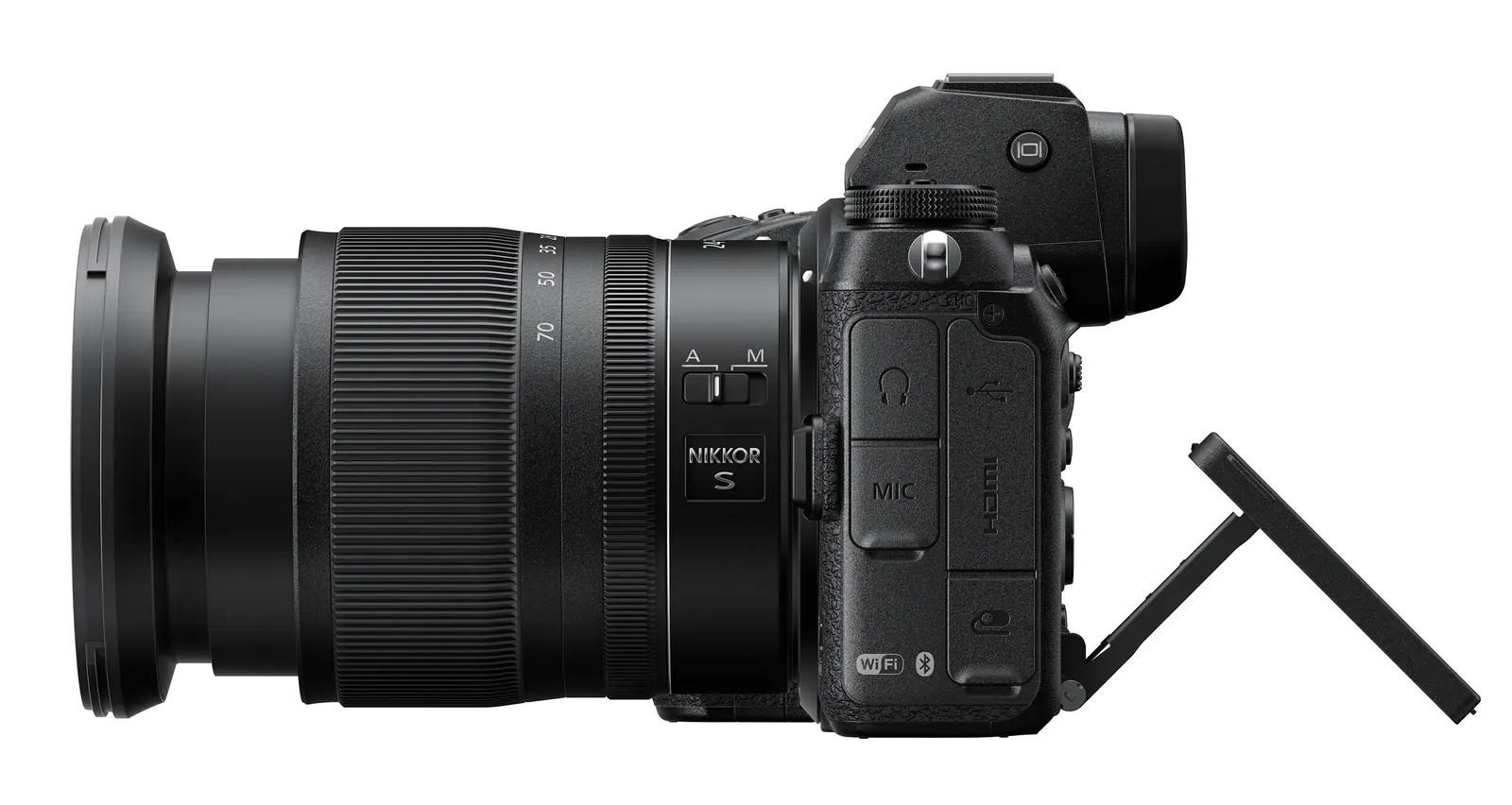
HDMI output plays by its own rules
Nikon's HDMI manual puts N-Log and HDR (HLG) output inside the 10-bit external-recording workflow, and that footage can't be saved to the camera card. It also states that 4K/60p and 50p aren't available for 10-bit HDMI output, which drops to 30p or 25p instead. The connector is HDMI type C. In short, the internal 4K/60p listing is not a promise of the same thing at the recorder.
RAW video adds another layer. Nikon documents a paid camera service upgrade and compatible external recorder support, with no RAW output at 4K/60p or 50p. On a used camera bought for this, confirm the activation status and the exact recorder compatibility first. Then price the recorder, media, power and mounting together, and make sure your editing software handles the files. If your videos are simple deliveries with light grading, an elaborate external workflow can burn money and hours without improving anything you actually need.
Check every F-mount lens by its full name
Nikon's manual confirms native Z-mount use and F-mount use through an FTZ adapter, while warning that functions depend on the specific F-mount lens. Its firmware history records FTZ II support from version 1.30. Neither statement guarantees that every older lens keeps every function. Look up the complete lens name against Nikon's compatibility restrictions instead of assuming Nikon-branded glass all behaves the same way.
Write a short list of the optics you'd keep. For each, note the adapter needed, the functions you rely on and how the lens, adapter and camera handle together. If something important is uncertain, settle it before you count the old collection as a saving. Then compare it with a native lens for the same job. Familiar glass can be a smart choice, as long as familiarity includes how it actually behaves on this body. The supplied photographs show a 24–70mm f/4 Z lens; a body-only listing doesn't include one just because the advert uses those images.
EN-EL15c, UC-E25 and the charging fine print
The camera ships with an EN-EL15c. Nikon's charging instructions treat older members of the family differently: EN-EL15a and original EN-EL15 batteries can't be charged in the camera through the charging AC adapter. The manual also separates charging from external power, because the battery doesn't charge while the camera is drawing operating power. Computer charging needs the separately sold UC-E25 cable, and Nikon cautions that some computers can't supply enough power.
In a used package, read the battery label and check the charger and cable. A spare battery is only reassuring if it's the right variant and in decent shape. Plan how you'll charge between sessions rather than trusting any USB cable to do the job. Nikon's photograph below shows the optional MB-N11 grip, which is an extra accessory, not part of the basic body. It earns a place for a defined handling or power need once you accept the added size. If the day is mostly walking with the camera for hours, a lighter kit may serve you better.
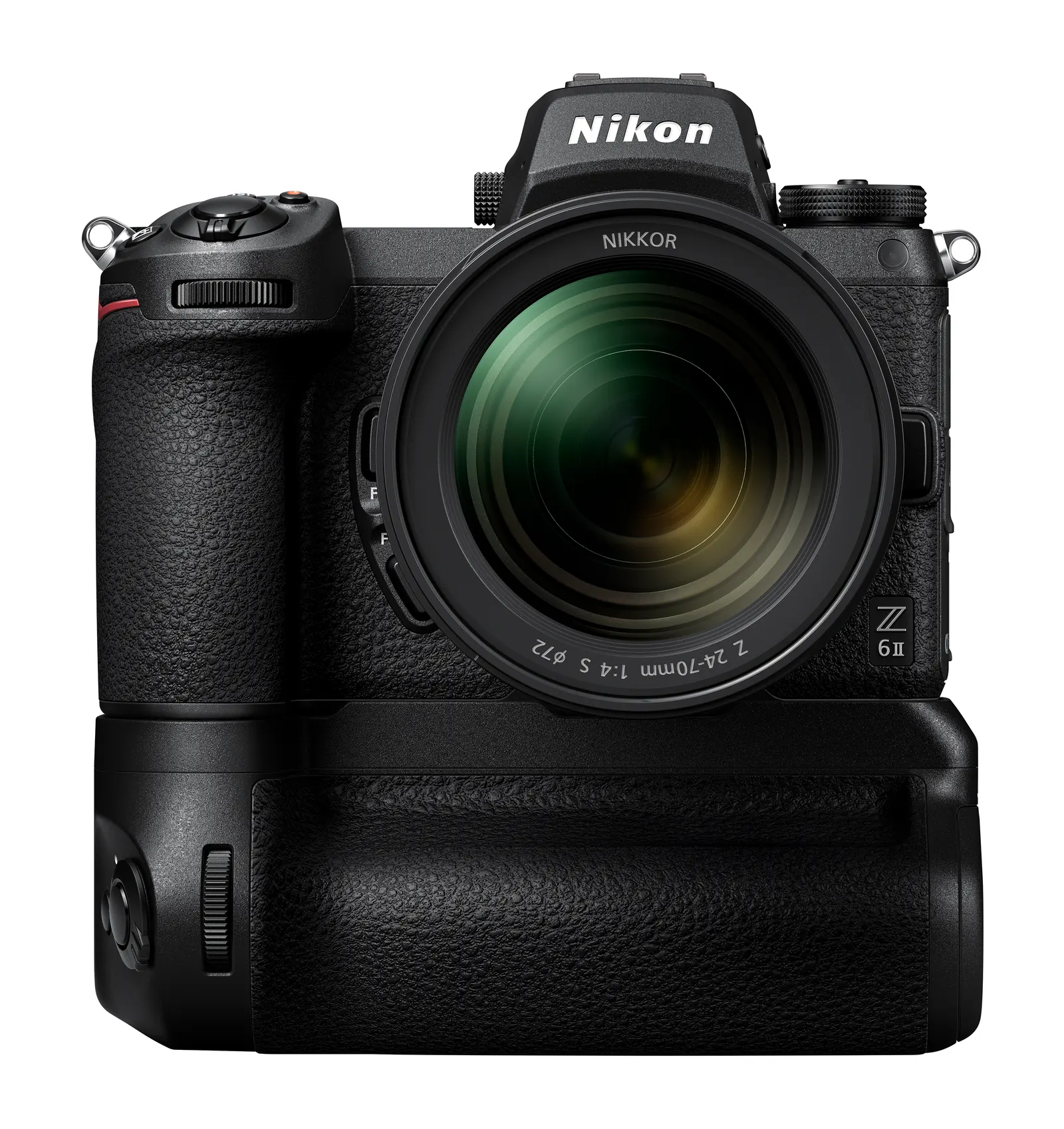
C 1.70 and a used-body checklist
Nikon currently lists C firmware 1.70 for the Z6 II. The notes add power-zoom lens support and fixes, and keep the history of earlier changes. Read that history for the function you care about; a higher version number isn't evidence of an all-new autofocus system. Update according to Nikon's instructions and confirm your settings afterwards, especially on a secondhand body set up by someone else.
Inspect the mount, card door, screen movement, controls and connectors, then look at representative files made with your intended lens and media. A cosmetic grade in a listing doesn't establish that any of that works. Our 8.0 Standpoint Score rewards the documented stills toolkit, the flexible lens system and the detailed support material, while accounting for conditional burst speeds, mixed media and the cost of external video. The best purchase is a complete kit with the right lens and a workflow you understand. If your work hinges on demanding action tracking or one specific recorder mode, get direct evidence for that before you commit.
The closest alternatives.
| Product | Standpoint Score | Best for | Price |
|---|---|---|---|
| Nikon Z 6IIThis review | 8.0Research | Photographers building a Nikon Z kit, or keeping compatible F-mount lenses, who want full-frame stills with a second… | Amazon.ca ↗ |
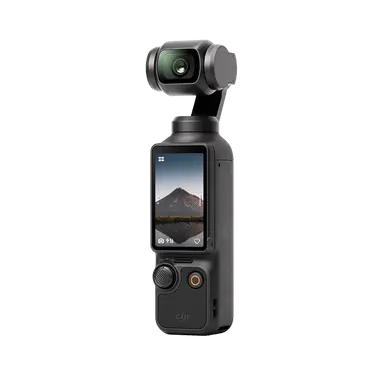
| DJI Osmo Pocket 3 | 8.0Research | A creator filming walking pieces, tabletop demonstrations and short interviews who wants a dedicated camera instead of… | Amazon.ca ↗ |
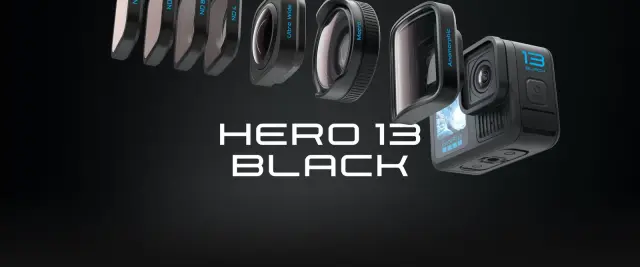
| GoPro HERO13 Black | 8.2Research | Outdoor filming where a compact mounted camera, slow-motion inserts and adaptable framing beat holding a phone up. | Amazon.ca ↗ |
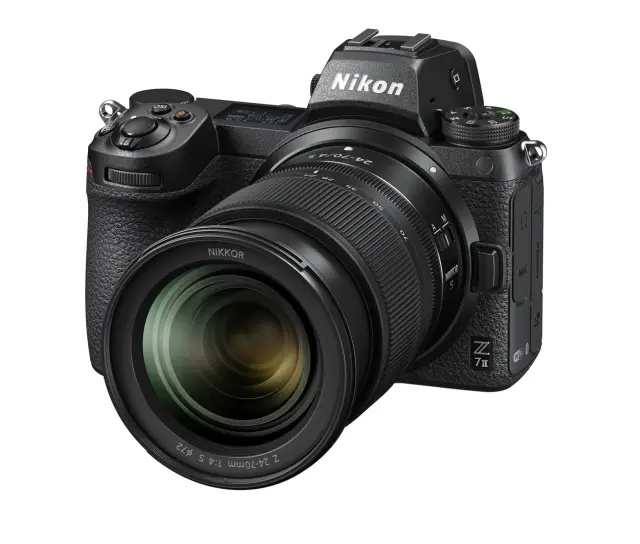
| Nikon Z 7II | 8.1Research | Photographers making large prints, controlled commercial images or carefully framed landscapes. | Amazon.ca ↗ |
Compare scores within a category: Tested means our own use, Research means documentation and attributed outside testing. Price links are affiliate links. As an Amazon Associate, Tech Standpoint earns from qualifying purchases. Disclosure
Sources & further reading.
These are the sources behind this research review. Manufacturer claims are not independent performance measurements. Community accounts, when cited, describe individual experiences.
- Z6 II hardware and specifications ↗manufacturer
- Nikon Z6 II launch and supplied product photographs ↗manufacturer
- DPReview’s Z6 II evaluation and identified test conditions ↗independent
- Current C 1.70 firmware and change history ↗support
- 4K/60p introduction and DX limits ↗manufacturer
- Burst rates and autofocus conditions ↗support
- Approved media and movie-speed recommendations ↗support
- HDMI output, N-Log and HLG restrictions ↗support
- Native and adapted lens compatibility ↗support
- Battery charging and external-power instructions ↗support
Product software and regional bundles can change. Corrections and editorial disclosures.
Affiliate link. As an Amazon Associate, Tech Standpoint earns from qualifying purchases. It never changes our verdict or score. Disclosure