Not tested. This is a research score for the documented features, compatibility and ownership trade-offs discussed in this review, not a performance measurement.
Features & capability 30%8.2
Full-frame stills, stabilization and useful video modes form a broad older hybrid toolkit.
Compatibility & connectivity 20%8.0
RF lenses, qualified EF adaptation and two SD slots provide a coherent system.
Ownership & upkeep 20%7.6
Manageable still files and common media help, with ageing batteries and used condition to assess.
Setup & everyday use 15%8.0
Articulated viewing and physical controls suit mixed work after careful setup.
Documentation & support clarity 15%8.6
A detailed online manual and model-specific support page retain useful technical guidance.
Compare scores within the same product category. Small decimal differences should not override your needs or the evidence limits.
How the Standpoint Score works
We score five aspects of the documented product on a 0–10 scale, then calculate a weighted total:
- Features & capability30% of the total
- Compatibility & connectivity20% of the total
- Ownership & upkeep20% of the total
- Setup & everyday use15% of the total
- Documentation & support clarity15% of the total
This product’s 8.1/10 is an editorial research assessment. It does not claim measured performance, tested reliability or a verified customer satisfaction rate. Compare it with products in the same category, and read each criterion’s reasoning above.
Read the full rubric and score bands ↗From a tech standpoint.
Buy a used original R6 if you shoot portraits, family photos and mixed jobs, like moderate file sizes, and want in-body stabilisation and two SD slots in an RF body. Confirm the exact video workflow on the installed firmware and the condition of the specific camera. Skip it if you crop distant subjects heavily, deliver very large detailed prints or need long continuous video you haven't rehearsed, and don't let an abbreviated listing pass off R6 Mark II features as this camera's.
Reasons to consider it
- 20.1 MP files keep editing fast and archives small
- Two SD slots, so there's only one card family to buy and carry
- In-body stabilisation and an articulated screen make it adaptable for stills and video
Go in knowing
- Less room to crop than high-resolution alternatives
- Video duration, temperature and card requirements all need checking
- The original R6 differs from the R6 Mark II and later generations
Affiliate link. As an Amazon Associate, Tech Standpoint earns from qualifying purchases. It never changes our verdict or score. Disclosure
The specification sheet.
Published specifications from the linked sources. Configurations and availability can differ by country.
- Sensor
- 20.1 MP full-frame CMOS
- Mount
- Canon RF; compatible EF/EF-S through adapter
- Media
- Two SD card slots
- Video
- 4K UHD up to approximately 60p; mode-specific requirements
- Viewfinder
- Approximately 3.69-million-dot OLED
- Stabilization
- In-body image stabilization
- Battery
- LP-E6NH family; compatibility depends on version and function
Fewer pixels, on purpose
The original EOS R6 suits a photographer who cares more about catching the moment and keeping the workflow light than about the largest possible file. Its 20.1-megapixel sensor covers portraits, family photos and plenty of everyday publishing while keeping storage and editing demands modest compared with a resolution-first body. Resolution still matters, though. If you crop distant subjects hard or routinely deliver very large, detailed prints, be honest with yourself about that limit.
Be precise about the model, because the EOS R6, R6 Mark II and later generations don't share specifications and used listings often abbreviate the name. Check the body label and supporting photos. This review looks at the original camera's documented functions and what they mean for ownership; it doesn't present measured noise, dynamic range, autofocus or endurance results. The condition of the specific body and the lens kit around it still decide whether a secondhand offer is worth taking.
Full frame cuts both ways on depth of field
The sensor is just one part of the system. The right lens and a well-chosen aperture can matter more than moving up a body class. For a portrait, shallow depth of field may be exactly what you want; for several family members standing at different distances, it makes focusing harder. If you're coming from a phone or a smaller sensor, learn those relationships instead of assuming wide open is always the best use of full frame.
In-body stabilisation helps with camera movement under supported conditions, but it can't freeze a moving subject, so set shutter speed for the activity before trying to keep ISO low. The R6's moderate file size makes it easy to practise and review often, which is a real advantage when learning. Judge images at the size they'll be delivered while still checking enough detail to spot focus or motion problems. A tidy archive only matters if the photos themselves do their job.
Set a focus fallback before you need it
The R6 offers Canon's documented autofocus modes and both mechanical and electronic shutter options. Those give you different ways to respond to a scene, but the most automatic setting isn't always the most predictable. Several faces, a partly hidden animal or a busy foreground can call for a more specific focus area. Set up a fallback that's easy to reach and practise switching to it with your eye at the finder.
Fast continuous shooting helps catch a changing expression or a burst of movement, but the top rate says nothing about focus consistency. Check a sequence with your intended lens and read the conditions attached to the drive mode you pick. Electronic shutter behaviour also needs checking with fast movement and artificial light. On a used body, go further than photographing a static shop display. These are suggested checks, not results from testing done for this article. The aim is a routine you can repeat with your own subjects.
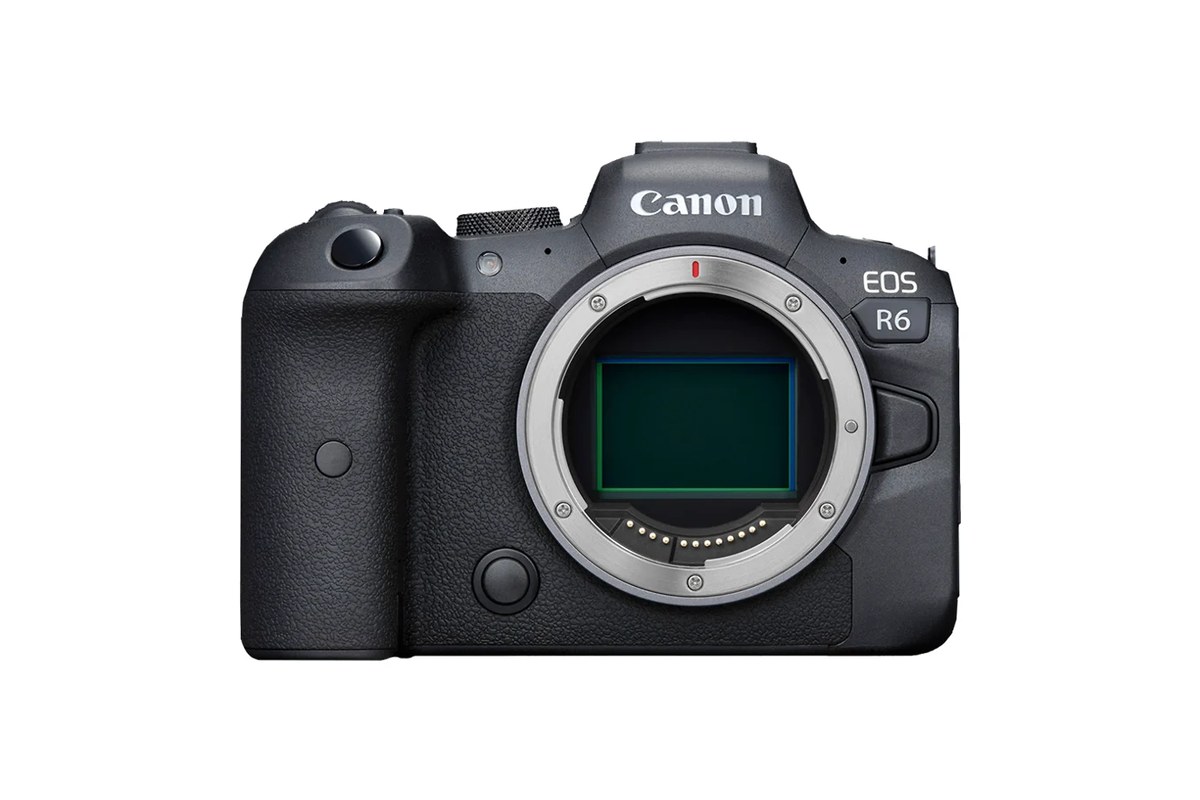
One card family, two jobs
The R6 uses two SD slots, which keeps things simple if you already work with SD. You still need the manual's speed requirements, particularly for demanding video modes, because a big capacity label doesn't prove sustained write speed. Choose cards for the settings you'll record at and test them before an important session. Standardising on one format is convenient, but it's no excuse to keep using slow or unreliable cards.
Decide what the second slot is for and check the resulting files outside the camera. Duplicate copies, split file types and overflow each do something different. When inspecting a used body, write to both slots and make sure access and door latching feel normal. After a shoot, move important files to independent storage. The R6's smaller files make that routine easier to keep up, but two cards in one camera still share risks, like the bag going missing.
4K up to 60p, with mode-by-mode rules
Canon documents 4K UHD recording up to approximately 60p and lists different requirements for compression and tonal options. Those settings change the media you need, the files you get and how the edit goes. If you plan to grade, confirm that the exact profile and format are supported on the installed firmware, then check that your software handles them comfortably. A simpler format may be perfectly sensible for quick interviews or clips alongside a stills job.
Recording conditions are a separate question from card capacity. A card-capacity table isn't evidence of an uninterrupted clip of that length. Temperature, previous use and the selected mode all need checking against current Canon guidance and a realistic rehearsal. Heat limits and recovery behaviour haven't been measured here. If a production depends on long continuous recording, test that exact requirement before committing. The R6's video options can be genuinely useful without being the right tool for every event or unattended recording.
Rig it up, then check the LP-E6 packs
The articulated screen and electronic viewfinder give you two ways to compose. Try both with the microphone, support and cables you'll actually use, because a comfortable bare body can turn awkward once accessories go on. For video, inspect the audio connections and check a short clip instead of trusting a moving level meter. For stills, make sure your most-used controls stay easy to reach with your chosen lens and strap.
The LP-E6 battery family needs exact identification. Canon documents which versions work and under what conditions, so a box of older packs shouldn't be valued as though they all behave the same. Check the supplied battery, the charger and your planned USB power setup. Age and use cut practical endurance, and a damaged connector can undermine an otherwise handy external-power arrangement. Put dependable power into the purchase price. Published battery figures describe test conditions, not a day of finder use, wireless transfer and video.
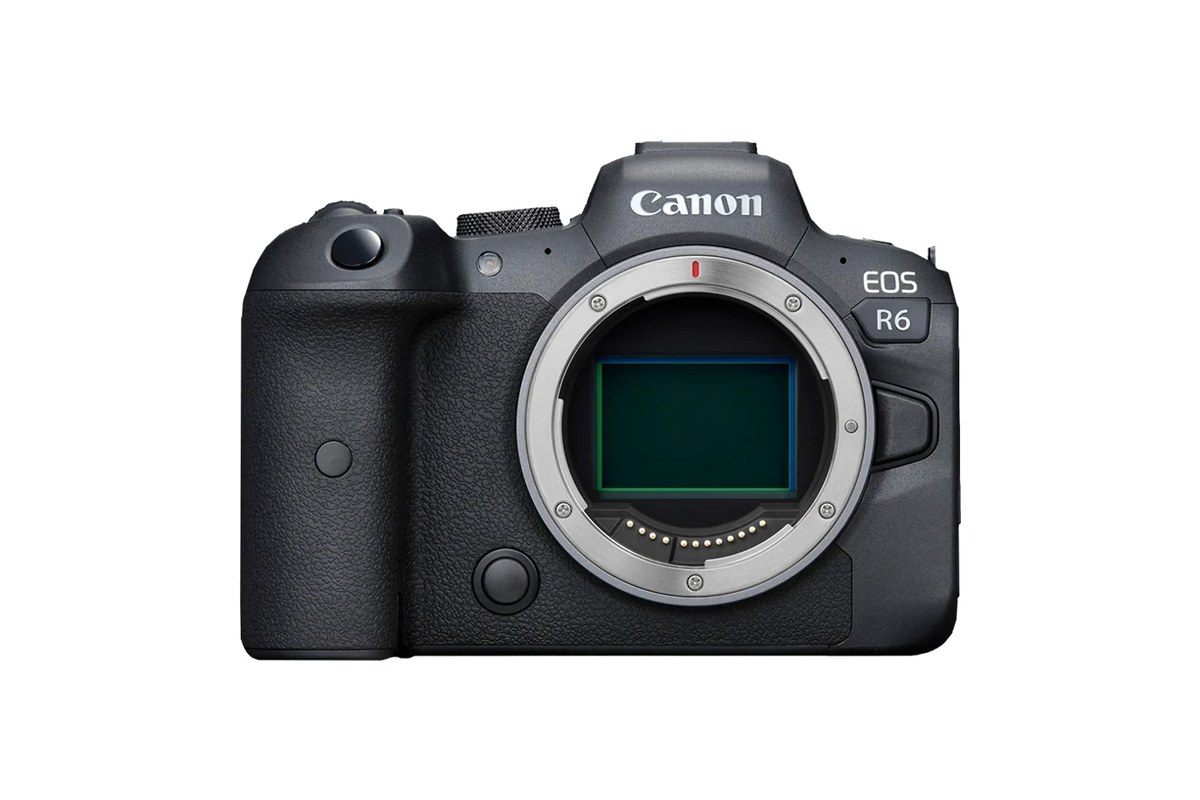
Check the body and the lens you'll pair it with
Native RF lenses and compatible adapted EF or EF-S lenses give you several routes into the system. If you're buying because you want to reuse existing glass, check the exact adapter and lens. EF-S changes the image area and framing, and EF-M is a different family altogether. Test focus, aperture operation and balance together, because the R6 can be comfortable on its own and feel quite different after an afternoon with a heavy adapted zoom.
On the body itself, inspect the mount, sensor, finder, screen hinge, card doors and port covers. Ask about repairs, knocks and moisture, and record both stills and video test files. Cosmetic appearance and a quoted shutter count tell only part of the story. For upkeep, follow Canon's cleaning procedures and store the kit dry. Weather-resistant construction isn't waterproofing, particularly when you don't know how the previous owner treated the seals and covers.
Support today, and the generation you're actually buying
Canon keeps an online manual and an original-R6 support page with model-specific resources. Read the installed firmware version and check the current instructions before updating or relying on a feature described in an old article. Firmware, desktop software and phone compatibility are related but separate parts of the workflow. A support page that exists today is useful, but it doesn't guarantee future upgrades or every replacement part.
Canadian and US buyers should confirm the original sales territory, local repair eligibility and any remaining warranty for the specific camera. A US support page doesn't prove an imported secondhand unit has local coverage. The R6's best case is a sound example paired with lenses suited to everyday stills, where moderate resolution is fine and dual SD recording is welcome. If heavy cropping or continuous video dominates, compare those tasks directly against alternatives. Buy this generation for its documented strengths, not on the assumption that the R6 name brings every feature of its successors.
The closest alternatives.
| Product | Standpoint Score | Best for | Price |
|---|---|---|---|
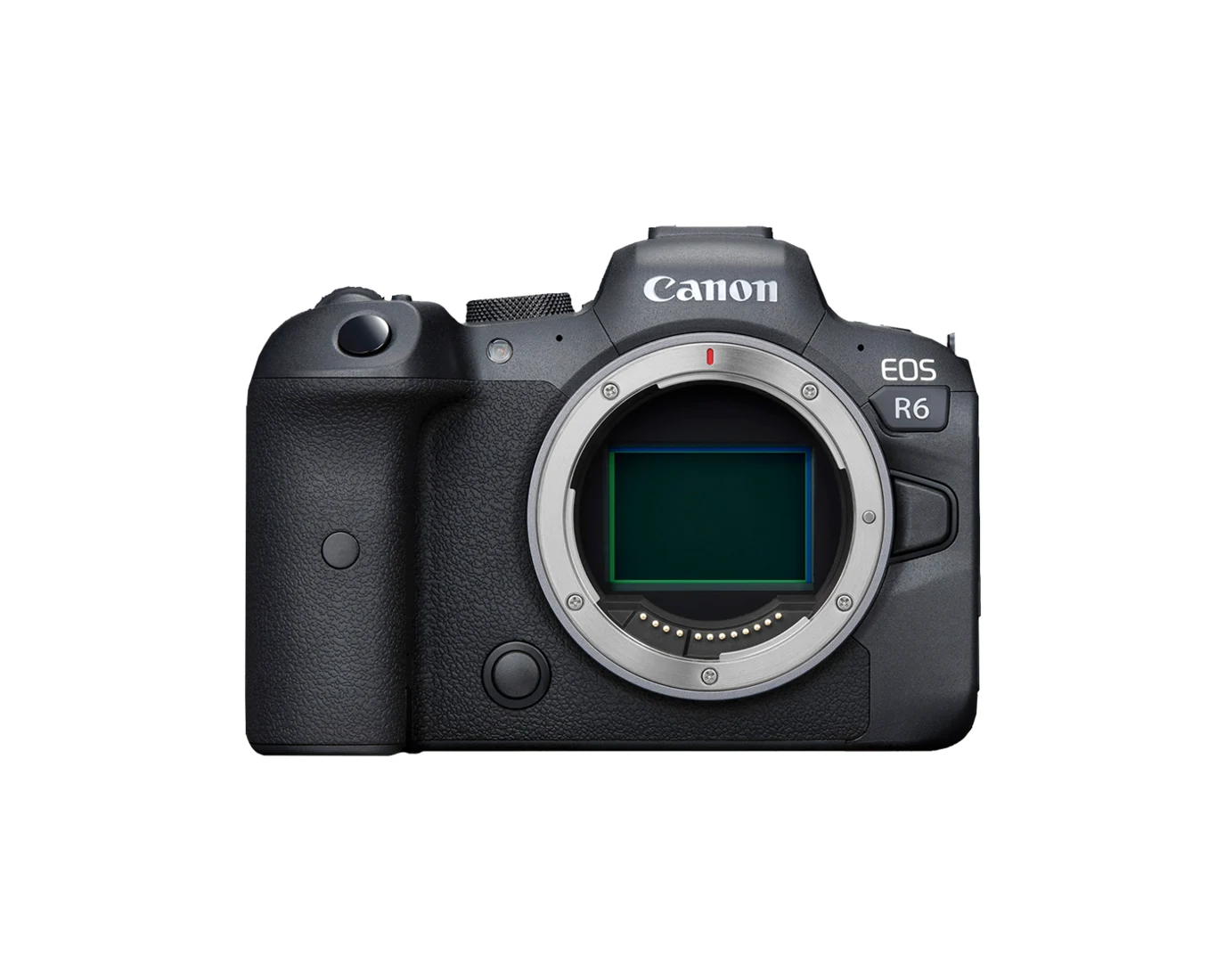
| Canon EOS R6This review | 8.1Research | Canon users making portraits, family photographs and mixed assignments without needing very high-resolution still files. | Amazon.ca ↗ |
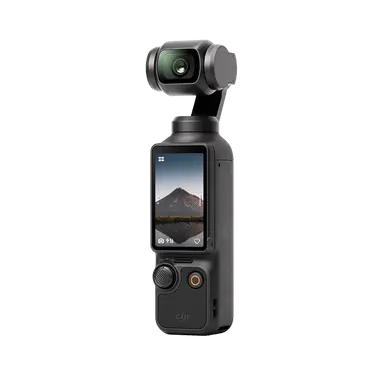
| DJI Osmo Pocket 3 | 8.0Research | A creator filming walking pieces, tabletop demonstrations and short interviews who wants a dedicated camera instead of… | Amazon.ca ↗ |
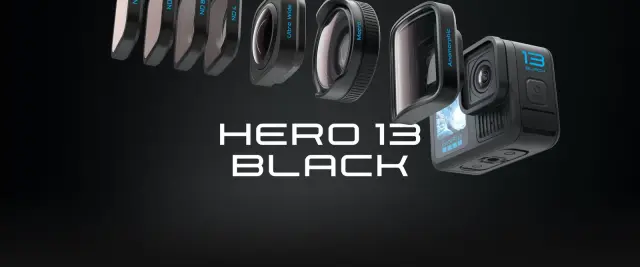
| GoPro HERO13 Black | 8.2Research | Outdoor filming where a compact mounted camera, slow-motion inserts and adaptable framing beat holding a phone up. | Amazon.ca ↗ |
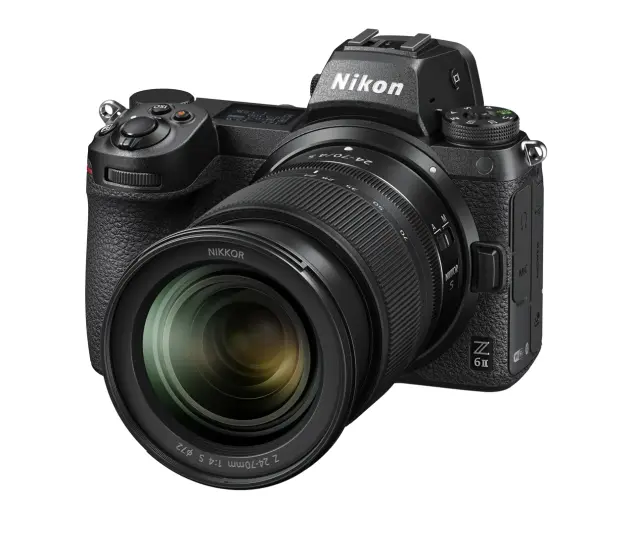
| Nikon Z 6II | 8.0Research | Photographers building a Nikon Z kit, or keeping compatible F-mount lenses, who want full-frame stills with a second… | Amazon.ca ↗ |
Compare scores within a category: Tested means our own use, Research means documentation and attributed outside testing. Price links are affiliate links. As an Amazon Associate, Tech Standpoint earns from qualifying purchases. Disclosure
Sources & further reading.
These are the sources behind this research review. Manufacturer claims are not independent performance measurements. Community accounts, when cited, describe individual experiences.
- Canon EOS R6 manual specifications ↗manual
- Canon original EOS R6 support page ↗manufacturer
Product software and regional bundles can change. Corrections and editorial disclosures.
Affiliate link. As an Amazon Associate, Tech Standpoint earns from qualifying purchases. It never changes our verdict or score. Disclosure