Not tested. This is a research score for the documented features, compatibility and ownership trade-offs discussed in this review, not a performance measurement.
Task capability 30%9.0
Mapping, structured activity tools and multisport support form a deep training platform.
Control & connectivity 20%8.6
Physical buttons and touch suit varied activity conditions; connected calling remains phone dependent.
Ownership & upkeep 20%8.2
Mode-specific endurance is useful, but music and intensive positioning sharply reduce the headline duration.
Setup & usability 15%7.6
Rich customisation and optional sensors require more preparation than a simple tracker.
Documentation & support clarity 15%9.2
The extensive manual explains controls, maps, accessory dependencies and battery modes in practical detail.
Compare scores within the same product category. Small decimal differences should not override your needs or the evidence limits.
How the Standpoint Score works
We score five aspects of the documented product on a 0–10 scale, then calculate a weighted total:
- Task capability30% of the total
- Control & connectivity20% of the total
- Ownership & upkeep20% of the total
- Setup & usability15% of the total
- Documentation & support clarity15% of the total
This product’s 8.6/10 is an editorial research assessment. It does not claim measured performance, tested reliability or a verified customer satisfaction rate. Compare it with products in the same category, and read each criterion’s reasoning above.
Read the full rubric and score bands ↗From a tech standpoint.
Buy it if you run or ride unfamiliar routes, want maps and five physical buttons on the wrist, and will spend an evening configuring workouts properly. Count the HRM 600 strap in the price if running economy and step speed loss are on your wish list, because the watch alone does not deliver them. Skip it if you mostly want step counts, sleep records or phone apps; a smaller tracker or a general-purpose smartwatch will ask far less of you.
Reasons to consider it
- Built-in colour maps with course transfer and dynamic round-trip routing
- Five physical buttons alongside the touchscreen, so a lap or pause does not depend on a precise tap
- A detailed owner manual with a mode-by-mode battery table instead of one flattering headline figure
Go in knowing
- Running economy and step speed loss need Garmin's HRM 600 accessory
- Calls run through a paired compatible smartphone; there is no independent cellular service
- The training system is deep, and configuring it properly takes real time
Affiliate link. As an Amazon Associate, Tech Standpoint earns from qualifying purchases. It never changes our verdict or score. Disclosure
The specification sheet.
Published specifications from the linked sources. Configurations and availability can differ by country.
- Case
- 47 mm; sapphire lens and titanium bezel
- Mapping
- Built-in colour maps; course and round-trip routing
- Advertised battery
- Up to 15 days smartwatch; 26 hours GPS-only
- Music and multiband mode
- Up to 12 hours with all-systems multiband GNSS and music
- Water rating
- 5 ATM, swim rated
Complexity with a purpose
The Forerunner 970 earns its keep when the watch sits inside a repeatable training routine, not when it occasionally logs a walk. Its real value is in how courses, workout screens, activity history and planning connect to each other. So here is the test before you buy: name the number you will act on after a session. If you cannot, all that depth turns into an expensive scoreboard you glance at once and forget.
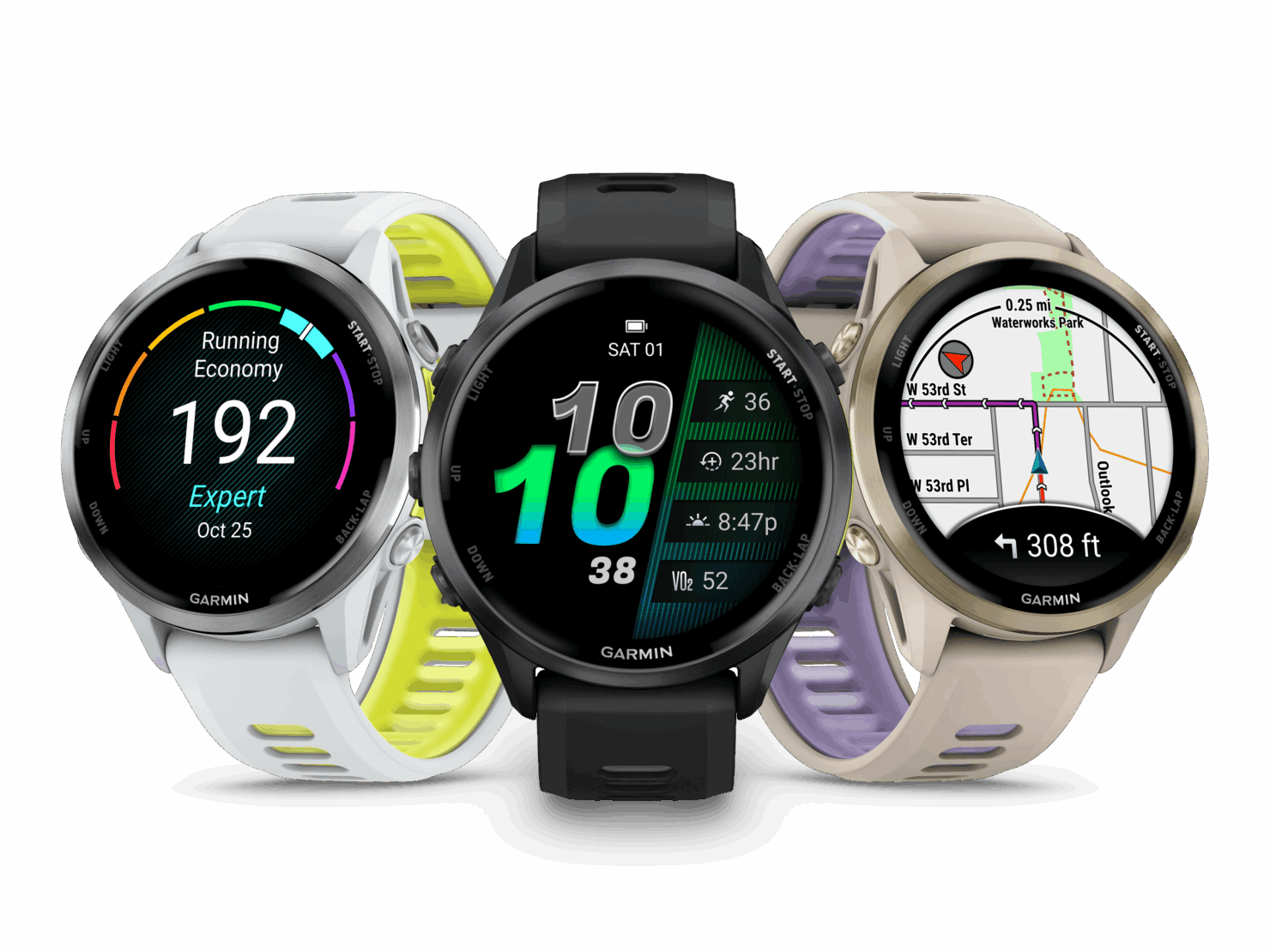
Garmin builds the 970 in a 47 mm case with sapphire glass and a titanium bezel. Good materials for a watch that lives outdoors, but fit matters more than the spec sheet. Try it on over a sleeve and with the strap cinched to exercise tightness. A watch that sits nicely at a desk can shift around on a small wrist during intervals, or feel bulky in bed.
The maps are the reason to pay up
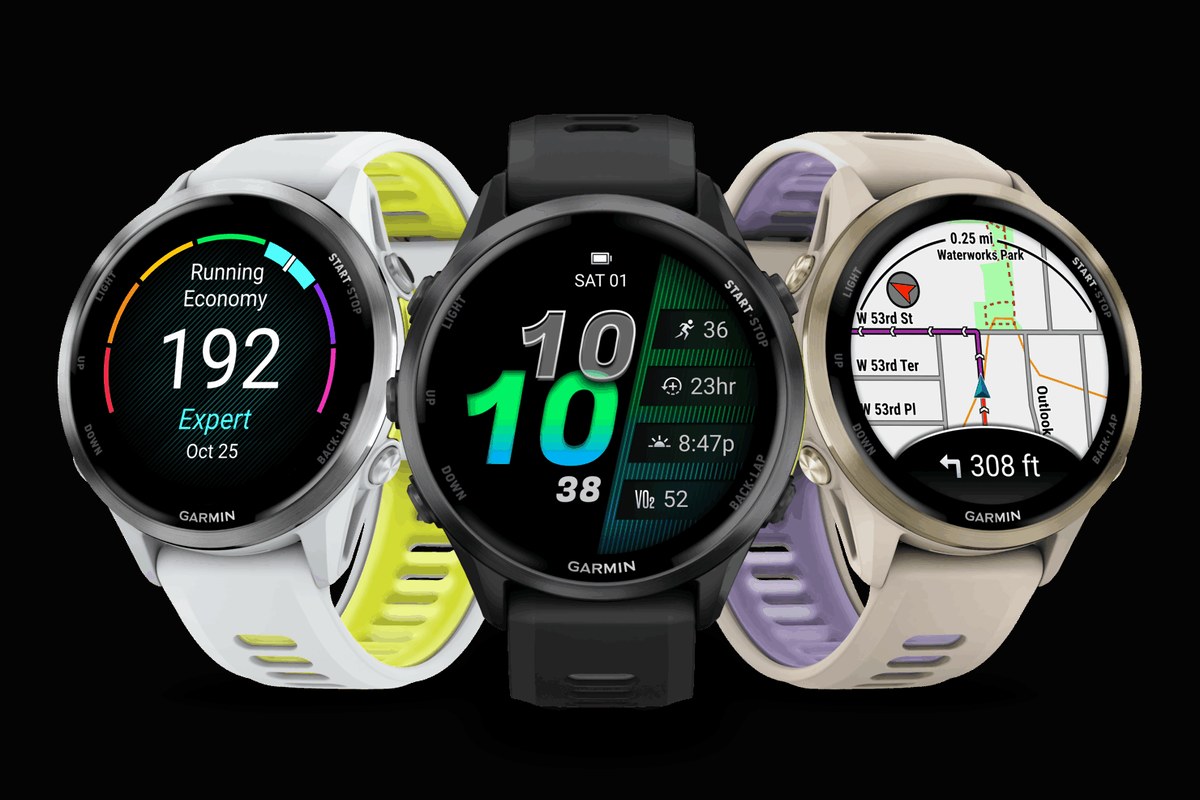
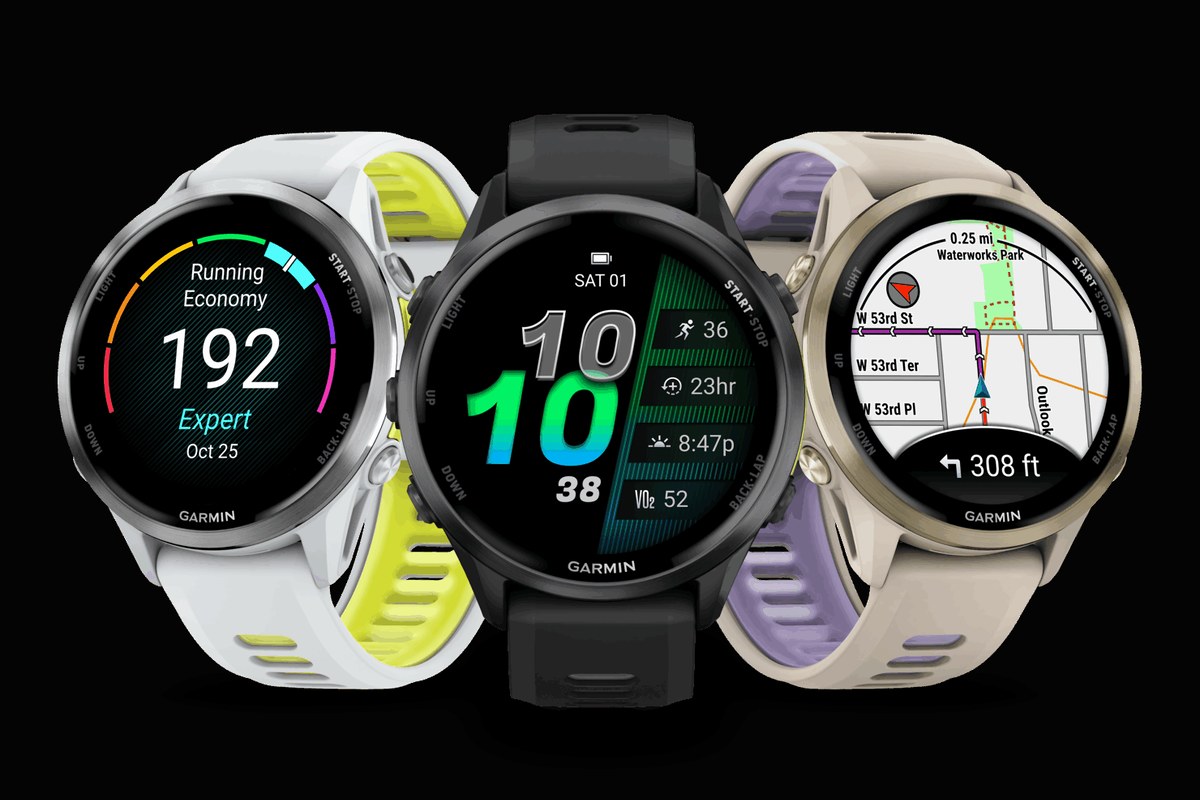
Built-in colour mapping is the 970's headline differentiator. Garmin describes course transfer and dynamic round-trip routing, which means the watch can plan and follow a real route rather than draw a lonely breadcrumb line. That matters most to people who regularly run or ride somewhere new. If you repeat the same neighbourhood loop and know every corner, the maps are a nice extra rather than the deciding feature.
Maps still need homework. Confirm the region you need is loaded, look over a planned course, and learn to tell a turn prompt apart from the background map before you head out. A wrist screen is great for a quick prompt or a position check. It does not replace thinking about terrain, access restrictions or weather. How well the routing handles an ambiguous junction or an off-course recovery is not documented here, so treat it as unproven.
Five buttons, one rehearsal
Garmin's manual describes five buttons alongside the touchscreen, and you can tailor how touch behaves during activities. That is exactly right for an exercise watch, because tapping precisely with sweaty fingers mid-interval is a losing game. Learn the layout on purpose. Start, pause, lap and save are four different actions, and fumbling them at a finish line is maddening no matter how good the sensors are.
Record a short practice activity and run through the whole sequence before race day. Keep only the data fields that deserve your attention for that sport; a screen crammed with values makes you hunt when one clear number would do. Rehearse the button shortcuts and the LED flashlight too. The flashlight is handy for finding a key or checking a shoelace. It is not a substitute for proper lighting on a dark route.
Some metrics need a chest strap
Garmin's announcement says running economy and step speed loss require the HRM 600 accessory. That belongs at the top of the buying decision, because it is easy to assume every advertised metric comes from the watch alone. Write down the measurements you actually want and the hardware each one needs. Then add the strap's fit, charging and washing to your routine instead of pretending it is a free checkbox.
More metrics also mean more interpretation. A shift in a derived training figure is a prompt to look closer, not an instruction to change your plan. The useful questions are whether you can see what fed a number, spot missing input and compare like sessions over time. This review does not judge physiological accuracy, prescribe training or validate race predictions. The documented depth gets credit; how useful it is for you remains your call.
Pick the battery number that matches your run
The manual lists up to 15 days in smartwatch mode and up to 26 hours with GPS-only positioning. Combine all-systems multiband positioning with music and that drops to up to 12 hours. Those are very different watches in practice. If you always run with headphones and the more demanding positioning mode, 12 hours is your number, and quoting 26 would be fooling yourself.
Plan around the settings you will actually record with, and keep a reserve. A long event, a delayed start and the trip home all stretch the time away from a charger. Watch the drain during comparable training sessions rather than extrapolating from quiet weekdays at a desk. Download maps and music before you leave. The watch becomes trustworthy once you know which features are on and what they cost you in hours.
Calls still go through your phone
The 970 has a microphone and speaker, and calls run through a paired compatible phone. Handy when the phone is in a backpack, but this is not independent cellular service. The same caution applies to assistance, sharing and connected messaging: read the documented requirements before you count on the watch to reach someone from a remote trail.
Garmin Connect and the watch menus offer a lot of customisation, so give account, notification and sharing settings a proper setup session. Decide whether activities get shared, how much route detail goes with them and which services can receive the data. A route that starts at your front door says more about you than a finishing time does. Then strip out any alerts that compete with the workout screen.
Budget for the whole kit
Day-to-day care is light, but consistency counts. Follow Garmin's guidance on cleaning the watch and its charging contacts, especially after sweat and water. Check the strap attachment before a hard session. Pack the right cable before a trip: the charging connection is proprietary, and a bag full of ordinary USB cables will not help you at a hotel the night before a race.
Price the actual system: the watch, any chest strap you choose, a spare charging cable and any optional digital services. Garmin's current manual separates some subscription functions from the core watch features, so match your intended workflow to the relevant plan instead of assuming every future feature is included. If you already own suitable accessories, the value math looks much better than it does for someone buying the whole setup from scratch.
Who the 970 is really for
The right buyer uses maps, likes buttons and is willing to organise structured training. For that person, the complexity is productive rather than a burden. If you want a discreet step and sleep record, look at a smaller tracker. If phone apps and messaging come first, compare general-purpose smartwatches. The most expensive sports model is not automatically the comfiest or simplest thing to wear every day.
What this assessment cannot settle is just as clear: route accuracy, button use with wet hands, endurance over a long session and how much of the setup survives real use. There is no hands-on evidence here to rank its heart-rate sensor or GPS against rivals. The provisional score rewards an unusually complete training and navigation package backed by a thorough manual, and deducts for the learning curve and the accessory the best metrics need.
The closest alternatives.
| Product | Standpoint Score | Best for | Price |
|---|---|---|---|
| Garmin Forerunner 970This review | 8.6Research | Runners and multisport athletes who want route guidance, detailed training history and physical workout controls. | Amazon.ca ↗ |
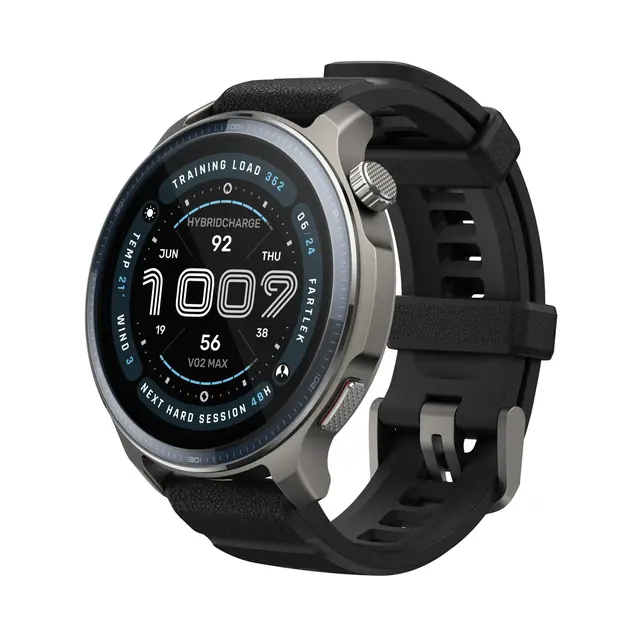
| Amazfit Balance 2 | 8.2Research | An iOS or Android user seeking a large-screen fitness watch with offline maps and a less frequent charging routine. | Amazon.ca ↗ |
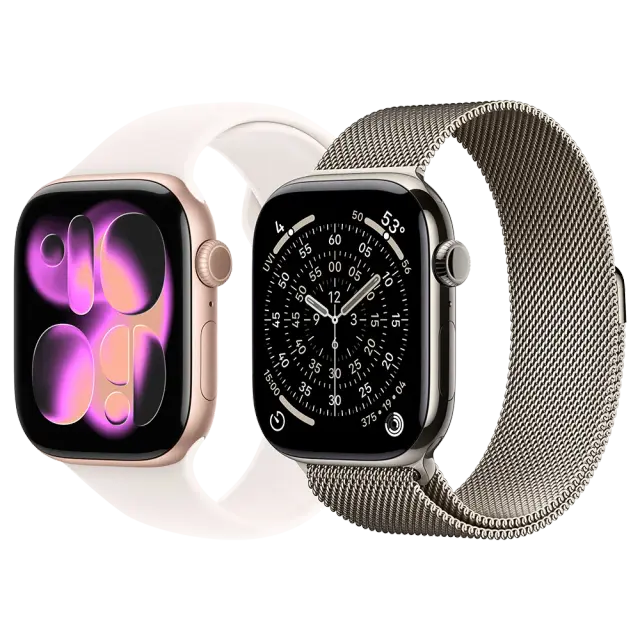
| Apple Watch Series 11 | 8.5Research | An iPhone household that wants a versatile everyday smartwatch rather than a dedicated endurance instrument. | Amazon.ca ↗ |
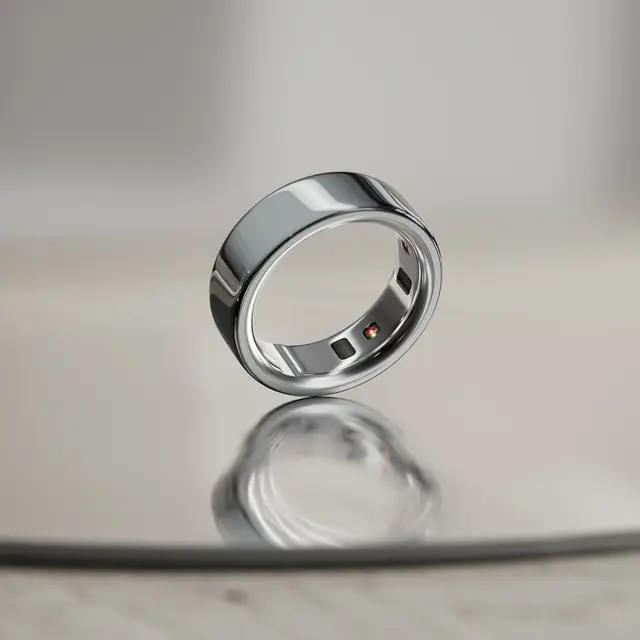
| Oura Ring 4 | 7.8Research | People who want sleep and daily trends without a wrist screen, accept the ongoing membership cost and will take the time… | Amazon.ca ↗ |
Compare scores within a category: Tested means our own use, Research means documentation and attributed outside testing. Price links are affiliate links. As an Amazon Associate, Tech Standpoint earns from qualifying purchases. Disclosure
Sources & further reading.
These are the sources behind this research review. Manufacturer claims are not independent performance measurements. Community accounts, when cited, describe individual experiences.
- Forerunner 970 — official US product page ↗manufacturer
- Forerunner 570 and 970 — Garmin feature announcement ↗manufacturer
- Forerunner 970 — owner manual ↗manual
Product software and regional bundles can change. Corrections and editorial disclosures.
Affiliate link. As an Amazon Associate, Tech Standpoint earns from qualifying purchases. It never changes our verdict or score. Disclosure