Not tested. This is a research score for the documented features, compatibility and ownership trade-offs discussed in this review, not a performance measurement.
Task capability 30%8.1
Multiple mechanisms provide distinct physical learning opportunities.
Navigation & control 20%8.0
Control and programming paths support feedback experiments.
Ownership & upkeep 20%7.2
Rebuilding and battery management increase upkeep.
Setup & usability 15%7.0
Assembly and connection troubleshooting need patience.
Documentation & support clarity 15%8.0
Model-specific support addresses common power and connection issues.
Compare scores within the same product category. Small decimal differences should not override your needs or the evidence limits.
How the Standpoint Score works
We score five aspects of the documented product on a 0–10 scale, then calculate a weighted total:
- Task capability30% of the total
- Navigation & control20% of the total
- Ownership & upkeep20% of the total
- Setup & usability15% of the total
- Documentation & support clarity15% of the total
This product’s 7.7/10 is an editorial research assessment. It does not claim measured performance, tested reliability or a verified customer satisfaction rate. Compare it with products in the same category, and read each criterion’s reasoning above.
Read the full rubric and score bands ↗From a tech standpoint.
Buy Ranger for a mechanically curious learner who enjoys taking a working machine apart and rebuilding it into something else, and who has the patience (and a parts tray) for that. If the focus is blocks-to-Python coding, mBot2 may be the more direct current path, and if your family wants uninterrupted play with little setup, a preassembled robot will cause far less friction.
Reasons to consider it
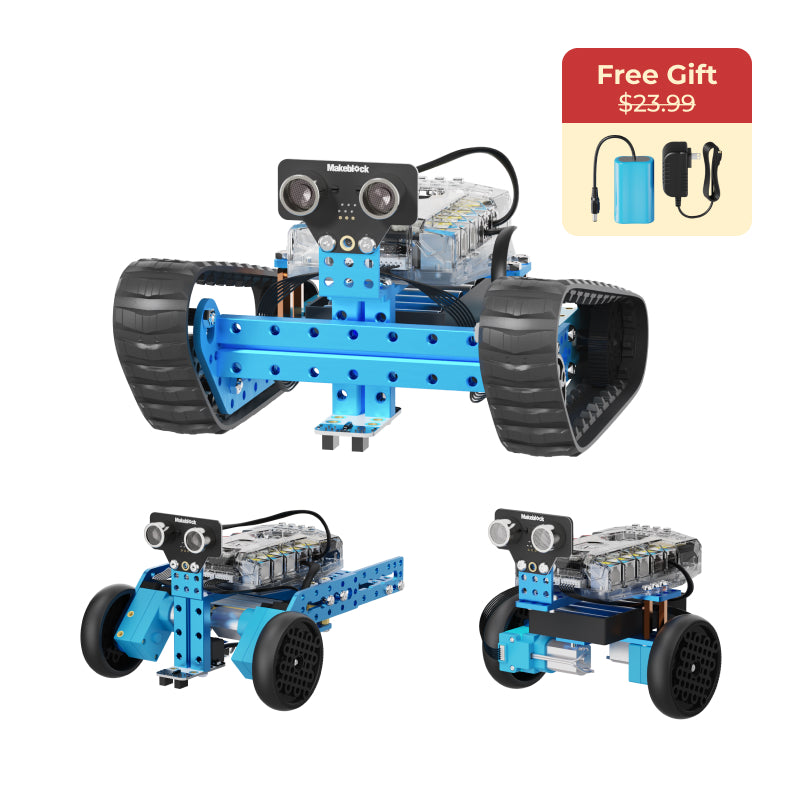
- Three documented builds from one kit: Land Raider, Dashing Raptor and Nervous Bird
- The self-balancing form opens a genuine route into feedback control
- Programming through mBlock and Arduino C, with app control also supported
Go in knowing
- It's one set of parts, so only one of the three forms exists at a time
- Battery condition can change motor and connection behaviour in ways that look like code bugs
- Sorting parts and rebuilding between forms takes real time and storage space
Affiliate link. As an Amazon Associate, Tech Standpoint earns from qualifying purchases. It never changes our verdict or score. Disclosure
The specification sheet.
Published specifications from the linked sources. Configurations and availability can differ by country.
- Builds
- Land Raider, Dashing Raptor, Nervous Bird
- Programming
- mBlock and Arduino C
- Control
- Makeblock app supported
- Type
- Reconfigurable construction kit
One kit, three machines, one at a time
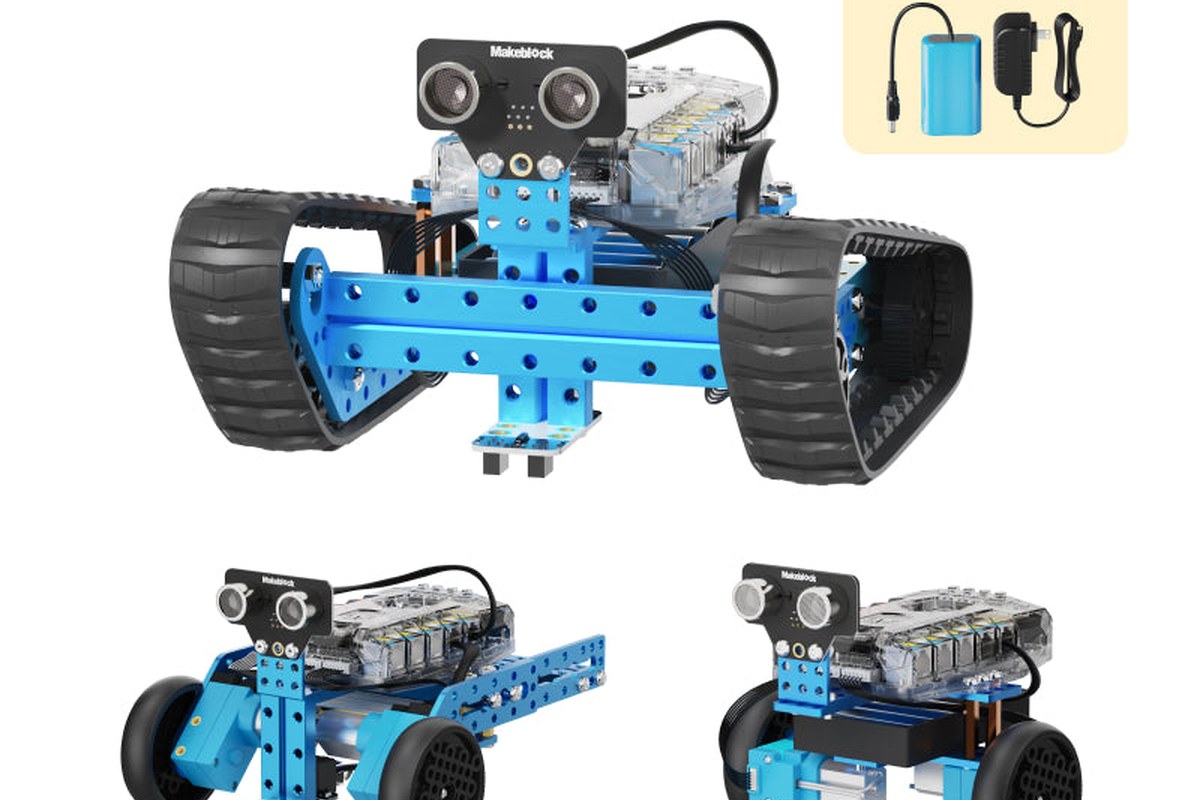
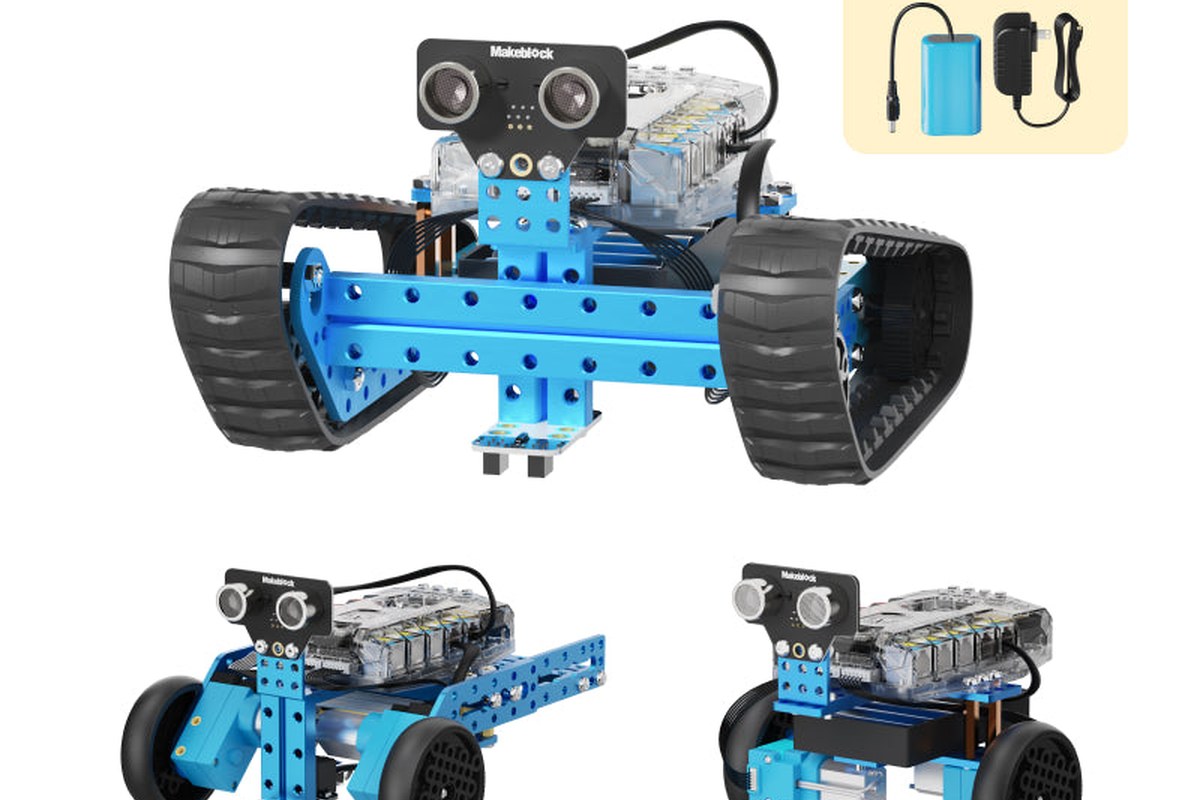
mBot Ranger is a construction kit that can become a tracked vehicle, a wheeled racing-style robot or a self-balancing form. Makeblock calls these Land Raider, Dashing Raptor and Nervous Bird. The educational value isn't that you get three robots; it's that one set of parts can be rebuilt into different mechanisms. That makes Ranger ideal for a learner who loves pulling a working machine apart to understand another layout. The source describes programming through mBlock and Arduino C, with app control also available. Tech Standpoint hasn't assembled the kit. This review looks at the published design and what it asks of a learner, teacher or parent across repeated building sessions.
Why the teardown is the feature
A kit with several forms can show how weight distribution, wheel placement and drivetrain geometry change behaviour. Those lessons land hardest when the learner predicts the effect before rebuilding and checks it afterward. Working through three instruction booklets is still fun, but it doesn't build the same understanding by default. Leave time to look closely at the mechanism and explain why each part moves. Rebuilding has practical costs too: screws and brackets need organised storage, and a half-finished assembly can pass itself off as a software fault. So Ranger suits someone who enjoys mechanical iteration more than someone after instant, uninterrupted robot play. The flexibility comes bundled with the job of managing parts and configurations.
Tracks don't make it an off-roader
The Land Raider's tracks look great and can give useful grip in suitable conditions. The product page's broad terrain language should still be read against the actual handling and environmental instructions. Sand, water, long grass and debris can cause maintenance and reliability problems that a short demo won't show. Try the intended course carefully and keep it away from roads, drops and bystanders. Track tension, alignment and trapped material all affect movement. A good activity runs the same route in different configurations and asks why the results differ. Tech Standpoint hasn't measured terrain capability, so there's no promise here that the kit can be treated like a rugged outdoor utility robot.
Nervous Bird and the art of staying upright
The Nervous Bird form is a way into feedback control: staying upright takes constant correction, not a single timed move. That's a rich problem, and also more sensitive to assembly, surface and battery condition than ordinary driving. Explain clearly what the programme is trying to hold steady. When the robot topples, check the build and setup before rewriting unrelated code over and over. Use a clear, safe area where a fall won't damage the robot or anything nearby. Tech Standpoint hasn't tested balancing performance. The draw is the chance to wrestle with a genuinely hard control problem, not a guarantee that a beginner gets flawless balance the moment the last screw goes in.
Old tutorials, new software
Makeblock supports mBlock and Arduino-based development for Ranger. Before buying, check the current workflow for the exact controller and connection module in the box. Older tutorials may use a different app or software version, and getting that first connection working can be harder than the build itself. The manufacturer's support material includes model-specific guidance and troubleshooting, which beats guessing from another Makeblock kit. Start with a small example that's known to work, then change one thing at a time. For advanced work, show how sensor readings and motor commands tie into the mechanism. Tech Standpoint hasn't run the current software on your device, so check compatibility before a time-sensitive gift or lesson.
Check the batteries before the code
Makeblock's Ranger FAQ specifically points to batteries when dealing with some motor and connection symptoms. That's a handy reminder that an electronics kit behaves according to its power supply as well as its code. Use the approved battery setup, follow polarity and charging instructions, and keep a known-good configuration for troubleshooting. A robot that connects fine doesn't necessarily have enough power for every motor load. Equally, don't start swapping parts before checking the assembly and the manufacturer's troubleshooting steps. A classroom needs a simple routine for separating power, mechanical and software faults. Explained openly, that routine is a lesson in itself rather than a mysterious repair an adult does behind the scenes.
Input, decision, output
Ranger's sensors and controller ecosystem let each form react to its surroundings instead of only moving on remote command. Line following, obstacle response and motion experiments bring in feedback and conditional logic. How good those activities are depends on making the reasoning visible. Have the learner name the input, the decision and the output, then change one condition and predict what happens. A sensor may act differently under other lighting or on another floor, which opens a useful conversation about calibration and uncertainty. Tech Standpoint hasn't measured sensor precision. The kit's strength is a physical system simple enough to understand, where software and mechanics visibly interact. It doesn't mean every reading is exact or every prewritten project runs unchanged in every room.
You're adopting a tiny workshop
Next to a sealed educational robot, Ranger asks for more attention to fasteners, wiring and getting back to a known configuration. For a mechanically curious learner that's a plus; for a family short on time or shelf space it's a burden. Keep parts sorted, hang on to the assembly instructions and look the robot over before each run. Ask which motors, sensors, cables and structural parts are sold separately. Confirm whether the quoted package includes the battery pack shown in promotions. A class kit needs a plan for builds that can't be finished in one lesson. Tech Standpoint hasn't established long-term durability, but with a modular kit, whether you can buy individual replacements matters a lot to how long it stays useful.
Ranger is for builders first
Ranger is an appealing choice when rebuilding and comparing mechanisms sit at the heart of the learning goal. mBot2 may offer a more direct current path for a learner focused on blocks-to-Python coding, and a preassembled robot cuts mechanical setup. Ranger's distinctive value is in its transformations and the control problems they expose. Tech Standpoint hasn't checked assembly time, balancing, terrain performance or classroom reliability. A good pilot builds two forms, runs one sensor-based activity and asks the learner to explain how the mechanical change affected the programme. That proves more than any list of supported projects. Choose Ranger when building, diagnosing and rebuilding is the experience you actually want to buy.
The closest alternatives.
| Product | Standpoint Score | Best for | Price |
|---|---|---|---|
| Makeblock mBot RangerThis review | 7.7Research | Mechanically curious learners who enjoy rebuilding, comparing mechanisms and debugging. | Amazon.ca ↗ |
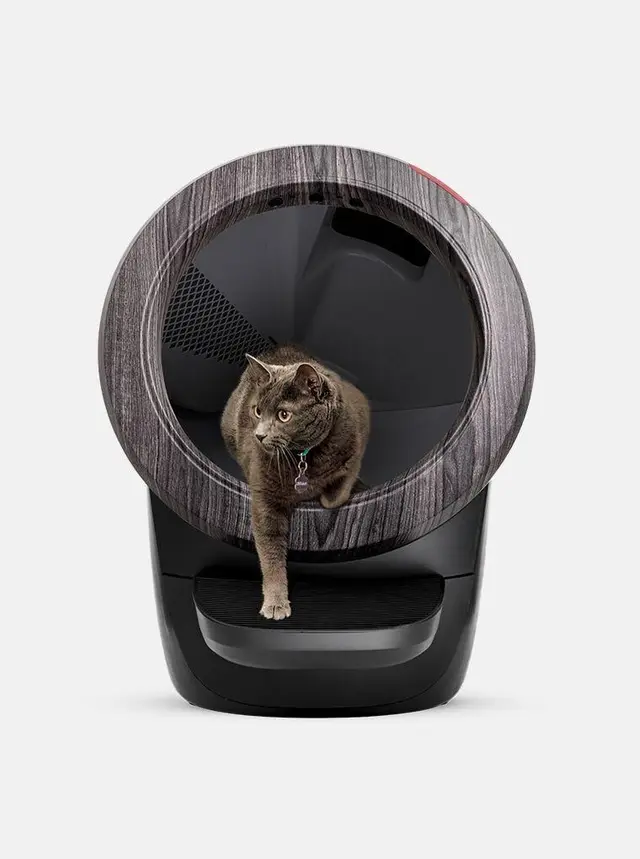
| Litter-Robot 4 | 7.8Research | Homes with suitable adult cats, room beside a power outlet and a realistic deep-cleaning plan, where the goal is less… | Amazon.ca ↗ |
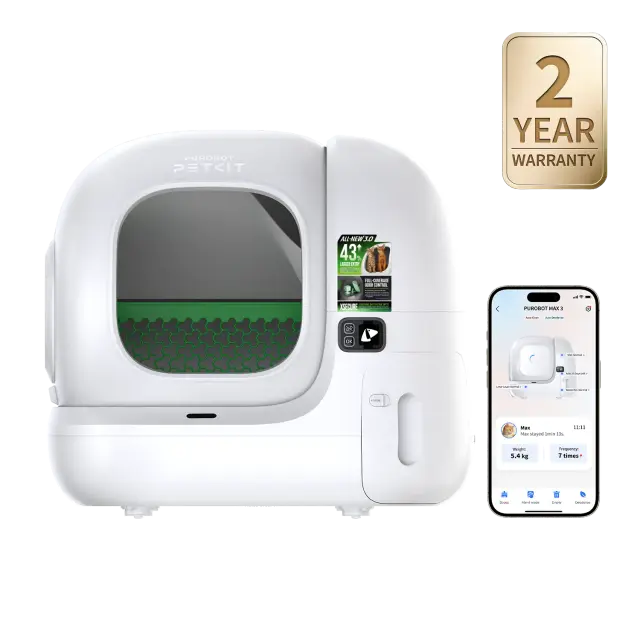
| PETKIT Purobot Max 3 | 7.6Research | Cats within the documented age and weight limits, in homes where a low entry and side waste bin fit the space. | Amazon.ca ↗ |
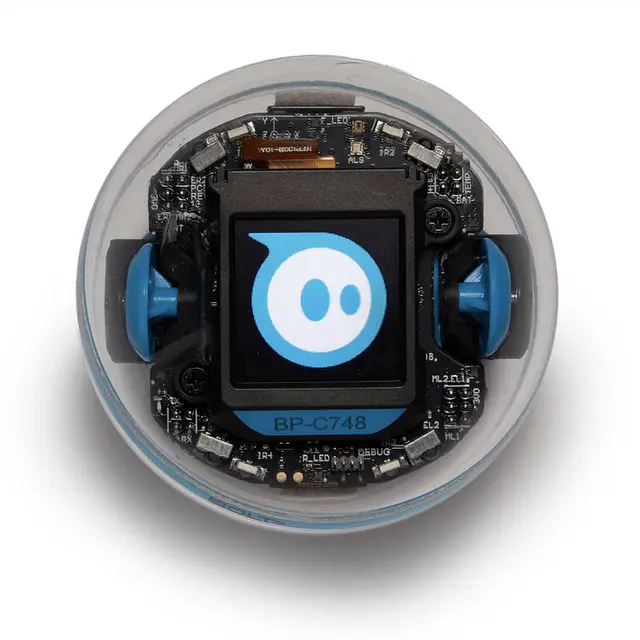
| Sphero BOLT+ | 8.2Research | Guided programming and sensor lessons where an on-robot display helps learners see and explain what their code is doing. | Amazon.ca ↗ |
Compare scores within a category: Tested means our own use, Research means documentation and attributed outside testing. Price links are affiliate links. As an Amazon Associate, Tech Standpoint earns from qualifying purchases. Disclosure
Sources & further reading.
These are the sources behind this research review. Manufacturer claims are not independent performance measurements. Community accounts, when cited, describe individual experiences.
- Makeblock mBot Ranger — official product information ↗manufacturer
- Makeblock: About mBot Ranger ↗support
- Makeblock: Ranger troubleshooting FAQ ↗support
Product software and regional bundles can change. Corrections and editorial disclosures.
Affiliate link. As an Amazon Associate, Tech Standpoint earns from qualifying purchases. It never changes our verdict or score. Disclosure