An editorial assessment of documented capabilities and ownership trade-offs. This is not a hands-on test result or a measurement of reliability.
Task capability 30%8.4
Construction plus programming supports a broad learning path.
Navigation & control 20%8.5
Multiple supported programming methods enable original behaviours.
Ownership & upkeep 20%7.6
Modularity supports repair but creates parts and fastener upkeep.
Setup & usability 15%7.5
Assembly and software preparation require time.
Documentation & support clarity 15%8.2
Official product and support resources are substantial, with version checks needed.
Compare scores within the same product category. Small decimal differences should not override your needs or the evidence limits.
How the Standpoint Score works
We score five aspects of the documented product on a 0–10 scale, then calculate a weighted total:
- Task capability30% of the total
- Navigation & control20% of the total
- Ownership & upkeep20% of the total
- Setup & usability15% of the total
- Documentation & support clarity15% of the total
This product’s 8.1/10 is a provisional research assessment. It does not claim measured performance, tested reliability or a verified customer satisfaction rate. Compare it with products in the same category, and read each criterion’s reasoning above.
Read the full rubric and score bands ↗The ownership case.
mBot2 is a strong candidate for a learner who wants construction, visible electronics and a programming path with room to grow.
Reasons to consider it
- Physical assembly
- Blocks-to-Python pathway
- Expandable sensors and mechanisms
Go in knowing
- Setup may need adult help
- Accessory bundles differ
- Not a finished household assistant
The specification sheet.
Published specifications from the linked sources. Configurations and availability can differ by country.
- Controller
- CyberPi-based platform
- Structure
- Aluminium kit
- Programming
- Blocks and Python
- Connectivity
- Supported Bluetooth and Wi-Fi workflows
A kit with room to grow
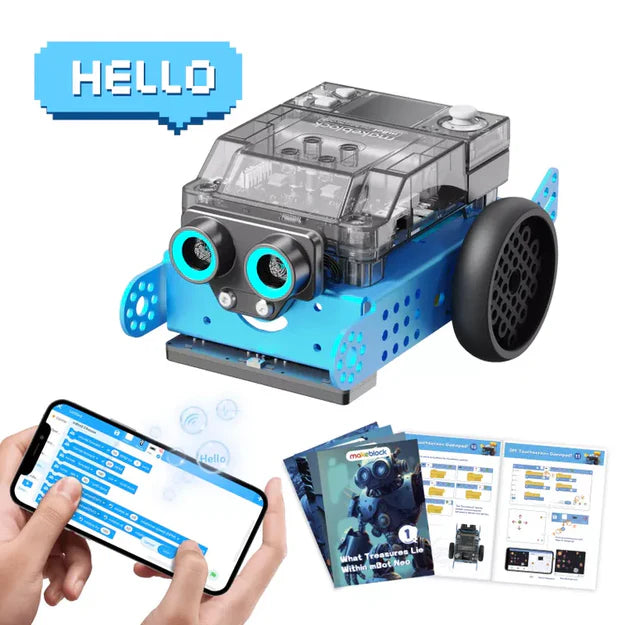
Makeblock mBot2 combines physical assembly with a programmable mobile robot and a supported path from blocks to Python. The current product material describes an aluminium structure, multiple sensors, a CyberPi-based control system and several ways to operate the finished machine. That makes it attractive for a learner who wants to build something tangible and then change what it does. It is not a general autonomous household robot, and the standard kit should not be confused with Rover, competition or other accessory bundles. We have not assembled or programmed an mBot2 during this review. The analysis focuses on whether its construction, software and expansion model provide a sensible fit for a learner's next projects.
Assembly is part of the educational value
Putting together a chassis, wheels, controller and sensors creates an opportunity to connect software behaviour with physical components. It also introduces practical challenges such as screw alignment, cable placement and distinguishing a mechanical fault from a programming error. An adult should allow enough time for that process rather than treating the advertised assembly estimate as a deadline. The useful outcome is not merely a finished robot but a learner who can identify its parts and explain their roles. If the intended user wants immediate remote-controlled play and dislikes construction, a preassembled platform may be a better fit. If building is the main attraction, check how much of the standard assembly can actually be modified later with available parts.
CyberPi gives the project an observable centre
A controller with its own display and inputs can make programmes easier to inspect and interact with. A learner can show a state, respond to a button or use feedback without always looking at a separate computer. The value depends on whether the activities explain that relationship clearly. A display used only for a decorative face adds less learning depth than one used to show a sensor value or debugging state. Confirm the exact modules included in the standard kit and which functions belong to optional accessories. Product pages often show a broad ecosystem. The buyer should know what can be built from the box on the first day and what requires another purchase or more advanced integration.
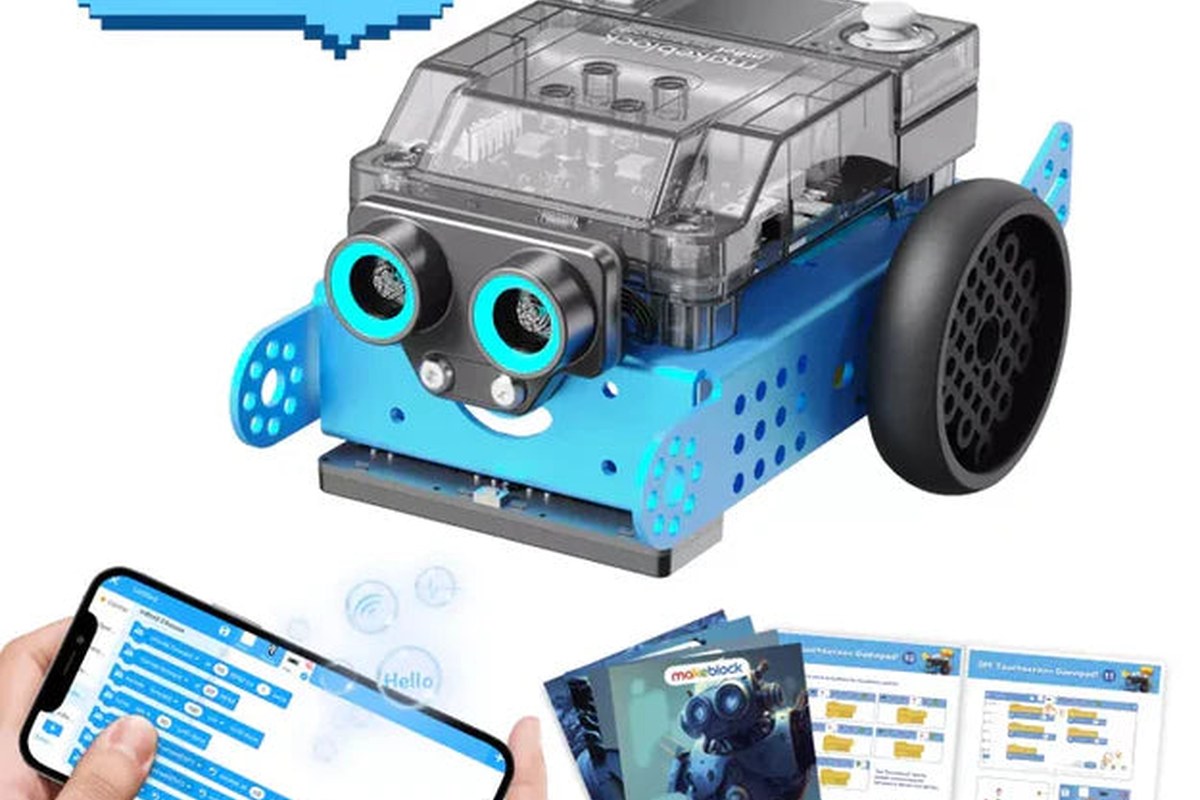
Blocks to Python is a path, not a switch
Makeblock's progression toward Python is appealing for a learner who may outgrow a purely visual environment. The transition still requires instruction about variables, control flow, syntax and debugging. It should not be presented as an automatic upgrade achieved by clicking a different editor mode. Start with small behaviours whose physical result is easy to predict, then compare the same idea in different representations. Verify the current mBlock workflow on the intended computer or tablet before purchase, including any connection helper or permissions required. A school device may impose restrictions that a personal laptop does not. We have not tested setup compatibility. A reproducible installation and connection process is part of the product's practical value.
Sensors should drive meaningful decisions
Line following and obstacle response can be satisfying early projects, but the learning comes from understanding thresholds and feedback. Ask why the robot turns, what the sensor is measuring and how changing a value affects the result. Lighting, floor colour and surface texture can alter behaviour, creating opportunities for experiments rather than reasons to hide the physical complexity. We would assess whether the documentation helps a learner distinguish sensor uncertainty from a coding mistake. A robot that completes a prewritten course is not the same as a learner who can adapt it to another course. The mBot2's sensor package is valuable when it supports that progression, not simply because several components appear on a specification list.
Remote control and autonomy are separate experiences
The product can be driven through supported controls and can execute uploaded programmes. Those are useful but distinct modes. Remote driving offers immediate enjoyment; autonomous behaviour requires the learner to specify what should happen and how the robot should respond when conditions change. A strong activity moves deliberately between them. For example, manual driving can help map a course before a programme attempts it. Do not imply that the kit arrives understanding rooms or performing useful chores without development. Its autonomy is something the learner creates within the available hardware and software. That is a strength for education, provided the buyer expects a project platform rather than a finished assistant.
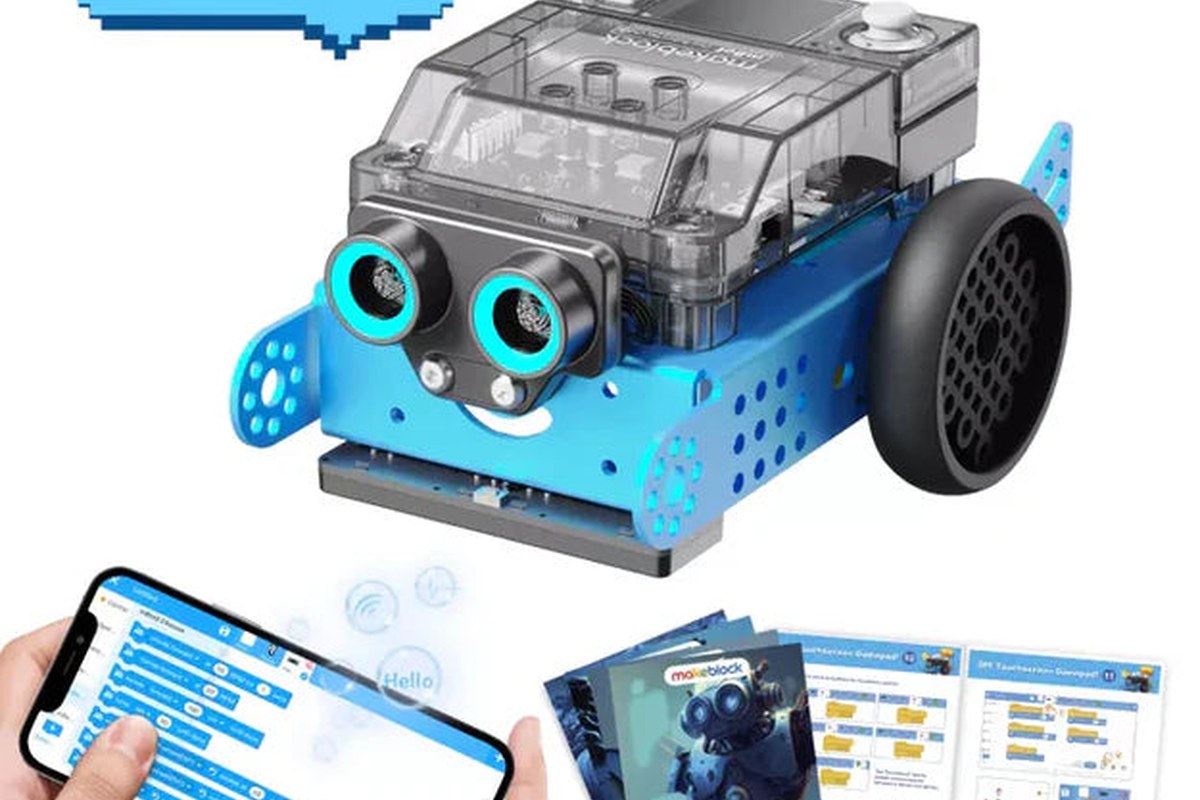
Expansion can extend interest and the budget
Makeblock's accessory ecosystem offers a route into new mechanisms and tasks. It can also turn a modest initial purchase into a much larger collection. Identify the next two projects before buying add-ons and confirm compatibility with mBot2 rather than the original mBot or Ranger. A robotic arm, camera or track conversion may require different hardware, software and mechanical expectations. Keep the standard configuration working before adding several changes at once. The educational benefit is easier to assess when each addition introduces a clear new idea. Buying every accessory in anticipation of future interest can create complexity without a learning plan. We have not tested the expansion packages and do not assume that the base kit's strengths automatically establish their value.
Care, storage and classroom logistics
Small fasteners, cables and moving parts need organised storage and periodic inspection. Check wheel attachment and cable routing before a run, keep fingers and loose clothing clear of motion and use a safe activity area away from stairs or fragile objects. Follow the supplied charging and battery guidance. For classrooms, name each robot, prepare the device connection process and allow time to restore a known working configuration between groups. Ask about replacement motors, sensors, cables and controller parts before committing to a fleet. Repairability can be a meaningful advantage of a modular kit, but only if parts and instructions remain accessible. We have not measured long-term durability or the time required to recover from common student assembly errors.
Our research judgement
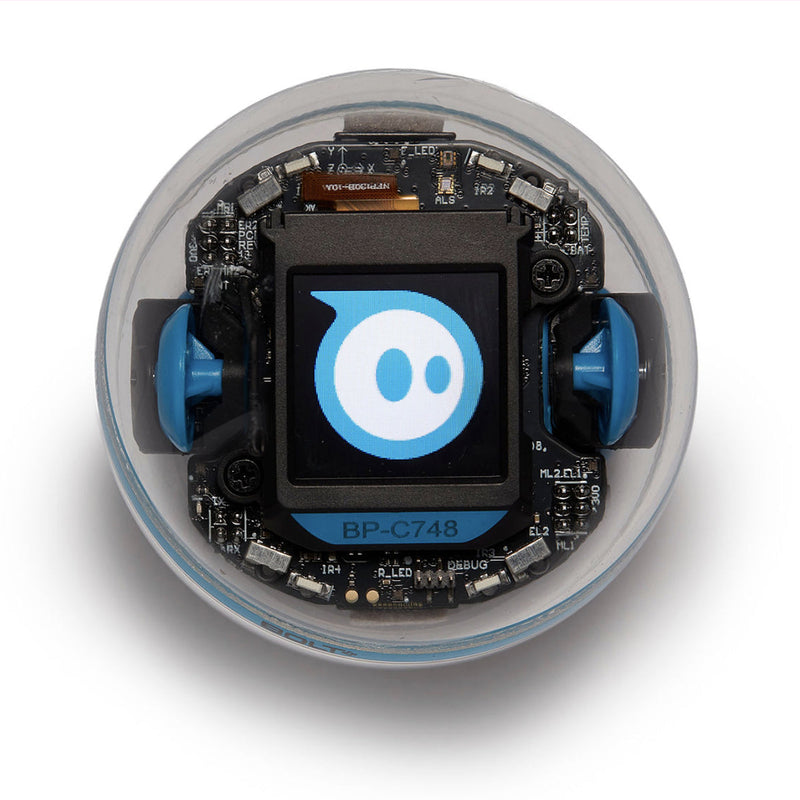
mBot2 is a strong candidate for a learner who wants construction, visible electronics and a programming path with room to grow. It is less suitable for someone who wants a robot that works as a finished household product or who has no support for initial setup. A useful pilot would include assembly, one original sensor-driven programme and a small modification, with the learner explaining each change. We have not carried out those tests. Compare it with BOLT+ for less mechanical setup and RVR+ for a ready-made expansion base. The mBot2's appeal lies in the work it invites the learner to do; the purchase succeeds when that work matches the learner's interests and available guidance.
Sources & further reading.
These are the sources behind this research review. Manufacturer claims are not independent performance measurements. Community accounts, when cited, describe individual experiences.
- Makeblock mBot2 — official product information ↗manufacturer
Documentation reviewed: 9 October 2026. Product software and regional bundles can change. Corrections and editorial disclosures.