Not tested. This is a research score for the documented features, compatibility and ownership trade-offs discussed in this review, not a performance measurement.
Features & capability 30%8.8
The headset combines standalone VR, mixed reality, pancake optics and a current XR platform, although comfort and app quality vary.
Compatibility & connectivity 20%8.1
Wi-Fi, PC VR and a growing Quest library are useful, but the experience is tied to Meta accounts and platform policies.
Ownership & upkeep 20%7.5
No cable is required for ordinary use, yet the battery, facial interface and controllers are consumable ownership points.
Setup & everyday use 15%8.0
Room setup and boundary tools are approachable; a first session still needs space, lighting and a willingness to learn.
Documentation & support clarity 15%7.9
Meta documents hardware and safety guidance, while app support, privacy controls and future platform changes need periodic review.
Compare scores within the same product category. Small decimal differences should not override your needs or the evidence limits.
How the Standpoint Score works
We score five aspects of the documented product on a 0–10 scale, then calculate a weighted total:
- Features & capability30% of the total
- Compatibility & connectivity20% of the total
- Ownership & upkeep20% of the total
- Setup & everyday use15% of the total
- Documentation & support clarity15% of the total
This product’s 8.1/10 is an editorial research assessment. It does not claim measured performance, tested reliability or a verified customer satisfaction rate. Compare it with products in the same category, and read each criterion’s reasoning above.
Read the full rubric and score bands ↗From a tech standpoint.
Buy Quest 3 if you already know which standalone VR or mixed-reality titles you will return to, you can try the fit, and the sharper pancake optics fix something you noticed on a Fresnel headset. Buy Quest 3S if you mainly want access to the same library for less. Skip both if you expect afternoon-long sessions on one charge or a headset that plugs into a PC as a plain monitor; neither is on offer.
Reasons to consider it
- Pancake lenses and 2064 × 2208 pixels per eye, versus the Fresnel optics on Quest 3S
- Colour passthrough and a hardware depth sensor for mixed reality
- Standalone Snapdragon XR2 Gen 2 with 8GB of memory, plus Quest Link and Air Link for PC VR
Go in knowing
- Hector found it less bulky than Quest 2 but still preferred Quest Pro's counterbalanced fit
- Meta's own developer table estimates about two hours of headset use
- Spatial-data permissions, Meta account requirements and youth controls deserve a read before family use
Affiliate link. As an Amazon Associate, Tech Standpoint earns from qualifying purchases. It never changes our verdict or score. Disclosure
The specification sheet.
Published specifications from the linked sources. Configurations and availability can differ by country.
- Display
- Two LCD panels; 2064 × 2208 pixels per eye
- Optics
- Pancake lenses with adjustable eye relief
- Processor
- Qualcomm Snapdragon XR2 Gen 2
- Tracking
- Inside-out tracking; Touch Plus controllers; depth sensor
- Storage
- 512GB current offer; 128GB is an earlier configuration
The reason to choose Quest 3 is what you see through it
Quest 3 makes sense for someone who already knows which VR games or mixed-reality activities they want. Its pancake lenses are the meaningful difference from the cheaper Quest 3S, which uses Fresnel optics despite sharing the XR2 Gen 2 processor family. Paying more for Quest 3 is an optical and fit decision as much as a performance one. A list of games you will actually return to is a better starting point than the promise of replacing every screen in the house.
This assessment draws on current Meta hardware and permission documentation, the matching Quest 3 quick-start guide filed with the FCC, and Hamish Hector's independently conducted TechRadar review, first published in October 2023 and updated in October 2024. His comparisons with Quest 2 and Quest Pro are identified where they appear. They are outside findings on earlier software, not Tech Standpoint measurements or a fresh test of every current app. Launch bundles and historical prices are left out of the present buying calculation.
A sharper panel still needs an app that uses it
Meta's current comparison lists 2064 × 2208 pixels per eye and up to 120Hz, with a 110-degree horizontal and 96-degree vertical field of view. Panel capability is not the resolution and frame rate of every game; developers choose rendering settings within the available performance budget. The launch 4K-plus description combines the two displays, so each eye is not getting a conventional 4K television panel. Judge the text, edges and motion in the applications you are buying it for.
Hector found less optical distortion than on Quest 2 and a markedly better presentation in the Quest 3 version of Red Matter 2 when comparing the two headsets, singling out sharper detail and improved lighting. That is evidence about one specifically enhanced game, not a blanket guarantee for the library. A social app with small labels and a fast action game ask different things of the same screen. Check whether a title has a relevant enhancement before treating a hardware upgrade as a software upgrade.
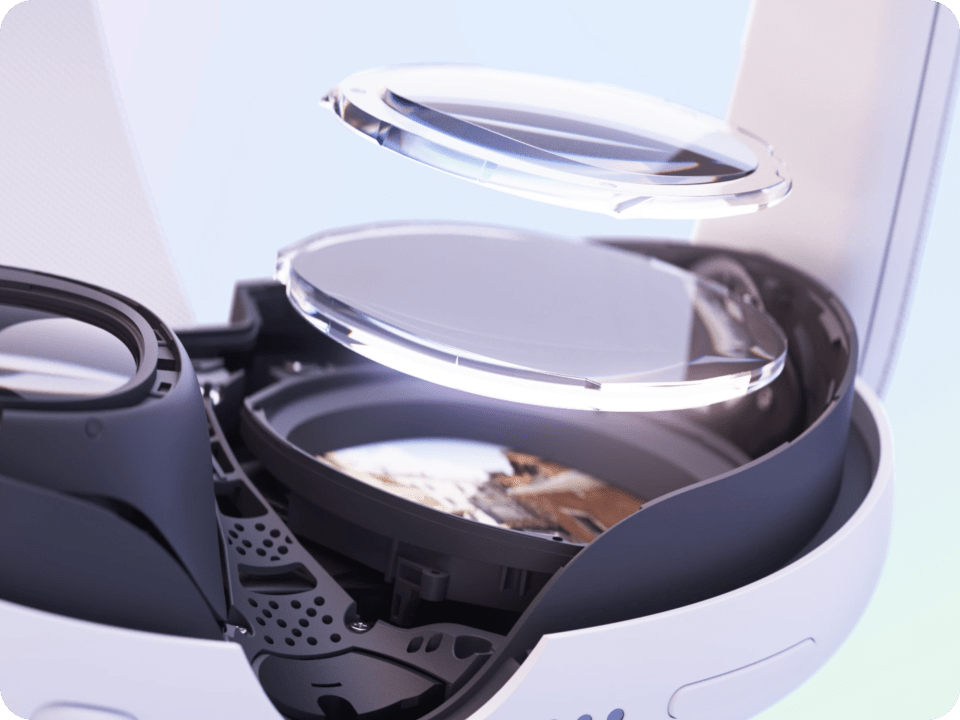
Lens spacing and facial depth are two different adjustments
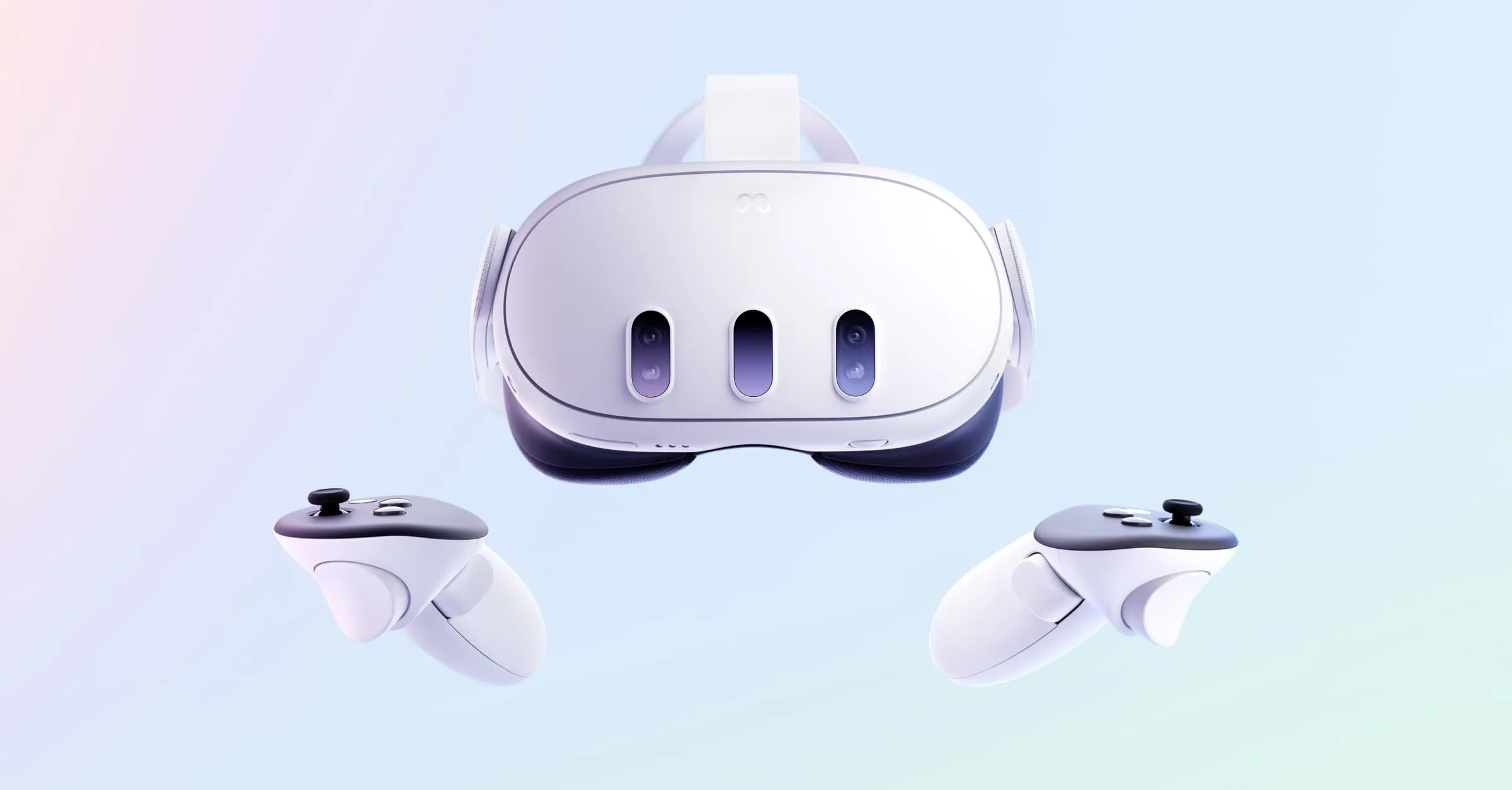
The quick-start guide identifies an underside lens-spacing wheel and two facial-interface depth buttons. The wheel changes optical alignment; the buttons change how far the headset sits from your face. They solve different problems. Meta says to turn the wheel until the view is clear and comfortable, and to set the interface before putting the headset on. With glasses, leave room for the frames without letting them rub the headset lenses.
Meta's launch claim of a 40% slimmer optical profile refers to the lens stack compared with Quest 2, not a 40% lighter headset. Hector found Quest 3 less bulky and somewhat more comfortable than Quest 2, yet still preferred Quest Pro's counterbalanced design. That is a useful distinction: pulling the mass closer to the face helps without making it disappear. Try looking down, turning and reading for more than a moment. Add a replacement strap only to fix a problem you can name; extra support and extra bulk tend to arrive together.
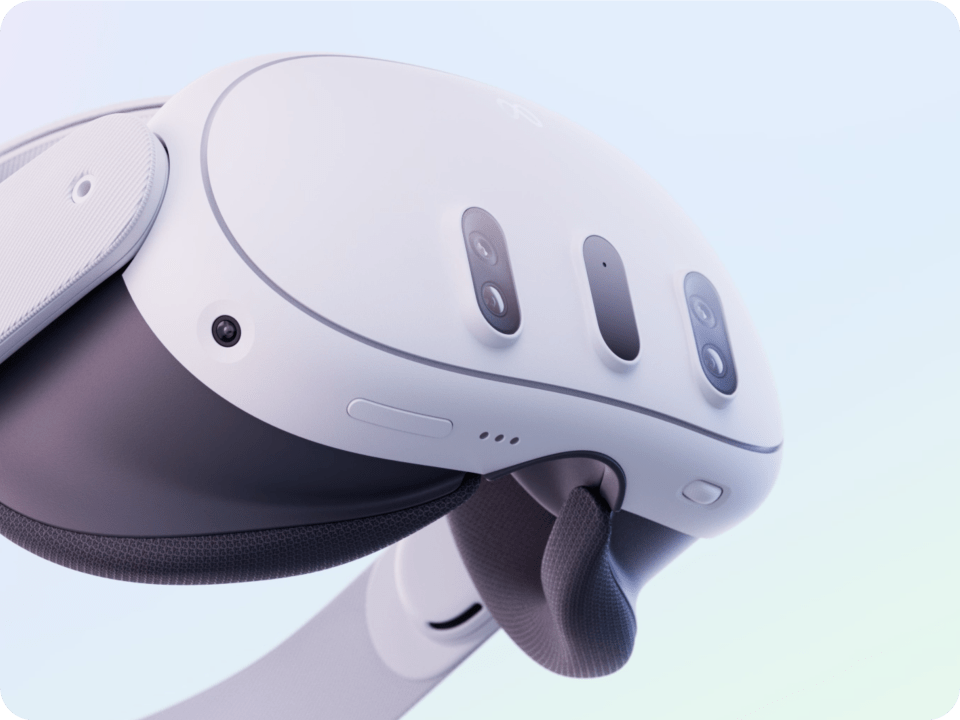
Passthrough is a camera feed, not a window
Colour passthrough and a hardware depth sensor let supported experiences place virtual objects around the room. In Hector's earlier review, mixed-reality objects responded convincingly to walls and furniture, but the view was less satisfactory in lower lighting. Software has changed since, so those observations are not a measurement of today's camera quality. The question that holds is whether the app you want works in your actual room, at the lighting level and distance where it will be used.
Do not let a visible sofa or coffee table become licence to move carelessly around it. Clear the space before a session and account for people, pets and the reach of a controller. Meta lists at least 6.5 × 6.5 feet for room-scale use; stationary experiences offer a different arrangement, subject to the app. A boundary is an aid, not a physical barrier. The best mixed-reality app makes an existing room useful without asking the player to forget what else is in it.
Standalone play and PC VR have different dependencies
Quest 3's XR2 Gen 2 and 8GB of memory run supported standalone experiences without a gaming computer. That matters in a shared household: the session does not wait for someone to free up the PC. It also keeps the purchase legible. Look at the standalone library first, including each game's account, internet and multiplayer requirements. A headset that needs expensive extra equipment to do the one thing you want is no longer a simple standalone purchase.
Meta lists wired Quest Link and wireless Air Link for PC VR. Both add a compatible computer and, for wireless, a suitable network. The USB-C connector is not DisplayPort input; Meta's comparison lists no external-display connection for Quest 3, so an ordinary video cable will not turn it into a native monitor headset. Check the intended PC software and connection requirements before buying accessories, and separate a local wireless bottleneck from the speed of your internet plan.
Plan a session, not an afternoon
The current developer table estimates about two hours of headset use. Hector's earlier experience was broadly consistent with Meta's then-published two-hour-and-twelve-minute average, but that was not a controlled Tech Standpoint battery benchmark. Different games, display settings and wireless activity change the workload. For a long shared session, build the charging pause into the plan rather than assuming one full battery covers everyone's turn.
An external battery or battery strap extends the arrangement and adds another thing to charge, carry and keep compatible. Judge it after trying the stock setup. The headset, any accessory battery and the controllers do not share one charging routine. Keep the headset's USB-C charging path accessible, avoid cable strain and leave a stable place to set the unit down. A strap that improves weight distribution may matter more than extra runtime if discomfort ends the session first.
Touch Plus runs on AA cells, and there is no eye tracking
The included Touch Plus controllers use AA batteries. Replace the cells as needed instead of hunting for a charging port or treating an optional dock bundle as standard. The guide shows a battery-cover eject button, triggers, grip buttons, thumbsticks and wrist straps. Check the straps before active play and keep spare batteries where they will be useful. A charged headset can still be stopped by a dead controller.
Hand tracking is another input for supported software, but buttons and sticks remain central in many games. Choose the app first, then check its accepted inputs; controller-free navigation does not mean a whole title plays that way. Quest 3 tracks the headset and hands, but it has no eye tracking. Keep that in mind when comparing social avatars or gaze-based interfaces. Neither a high-resolution display nor an inward-facing fit adjustment implies an eye-tracking sensor.
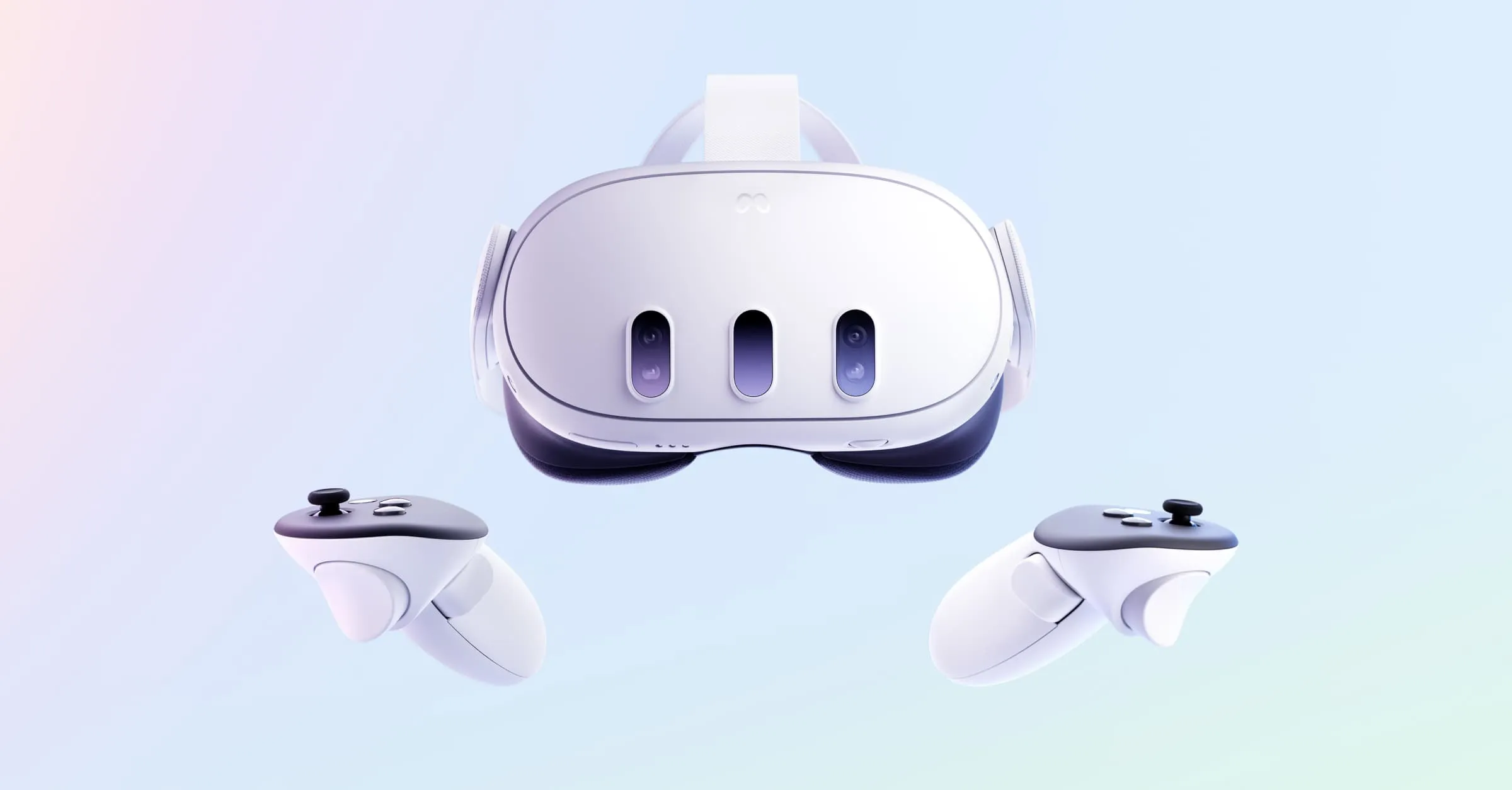
Room access is a permission, not a promise
Meta's April 2026 developer guidance says an app using scene-model or depth data must request spatial-data permission, with an explainer and a consent step. Granting it lets the app query spatial data on the device. Read the request against what the app does: placing a virtual object around furniture needs something a seated puzzle does not. Declining may limit the feature. The permission is meaningful, but it is not proof that every other category of data stays local.
Meta's privacy overview gives raw sensor images used for tracking as an example of data processed on-device and overwritten immediately. Do not inflate that into nothing ever reaches Meta; account services and apps have their own data practices. Review the headset and app settings together. For family use, Meta provides parent-managed accounts for children aged 10 to 12 and controls for app use and time limits. Check the current regional requirements and each game's suitability instead of handing everyone an adult account.
Buy the current configuration, not a launch deal
The current Canadian product page lists the 512GB Quest 3; the original 128GB configuration belongs to the conversation about older stock and used units. Capacity does not change the optics or the processor. More installed games help someone with a broad library or slow downloads, while a player returning to a few favourites has a different need. Compare local prices and the exact package contents rather than repeating a launch promotion whose dates have passed.
For a used headset, inspect the lens surfaces, strap attachments and controller condition, and confirm that reset, account setup and pairing work inside the return period. A low price does not make up for permanent lens damage. Price prescription inserts, any comfort accessory you need and the games separately. Quest 3S is the relevant comparison for someone who mainly wants the standalone library; Quest 3 is easier to justify when the better optics fix a limitation you actually notice.
Lens care and a repeatable fit
The quick-start guide warns against exposing the lenses to direct sunlight and specifies a microfiber cloth, with no strong solvents or alcohol cleaners. Keep that guidance with the headset instead of reaching for whatever cleaner sits beside the television. The same guide separates strap, lens and interface adjustments; learn them before passing the unit between people. A shared headset needs a repeatable way to restore each wearer's fit, not just a shared account password.
Quest 3 is worth considering for its standalone library and pancake optics when the room, the fit and the intended activities suit it. Its limits are concrete: session-length battery life, separate controller cells and a software library tied to Meta's services. Hector's earlier findings supply useful examples, and current documentation settles the ownership details. Together they do not add up to Tech Standpoint's own tracking, latency, endurance and long-term reliability measurements, because none have been made.
The closest alternatives.
| Product | Standpoint Score | Best for | Price |
|---|---|---|---|
| Meta Quest 3This review | 8.1Research | A curious player or household that wants standalone VR and mixed reality without buying a gaming PC first. | Amazon.ca ↗ |
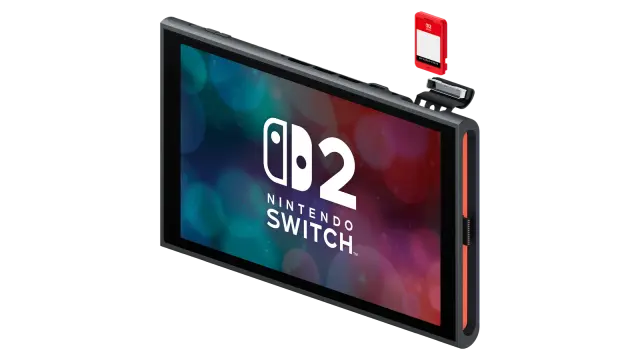
| Nintendo Switch 2 | 8.3Research | A Nintendo player or household that genuinely uses both portable sessions and television play. | Amazon.ca ↗ |
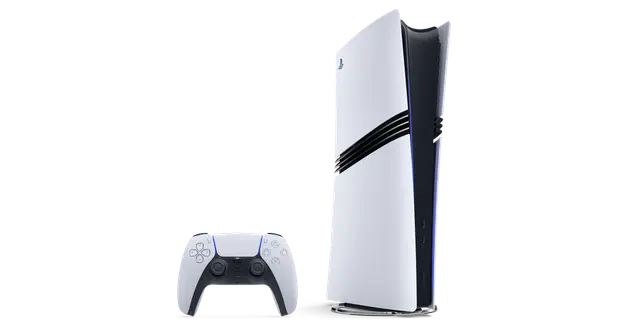
| Sony PlayStation 5 Pro | 8.2Research | A PlayStation enthusiast with supported enhanced games and a display setup that can use the improvements. | Amazon.ca ↗ |
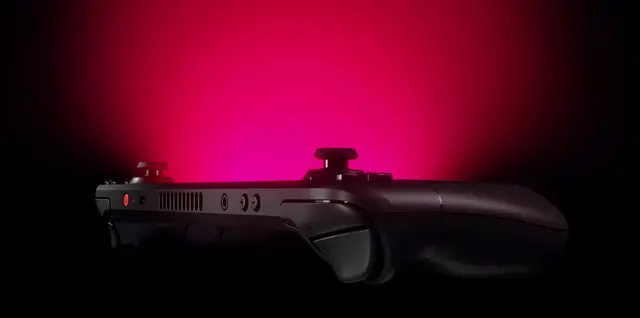
| Valve Steam Deck OLED | 8.4Research | A PC gamer who wants a handheld Steam library with console-style suspend and resume and is willing to check Linux… | Amazon.ca ↗ |
Compare scores within a category: Tested means our own use, Research means documentation and attributed outside testing. Price links are affiliate links. As an Amazon Associate, Tech Standpoint earns from qualifying purchases. Disclosure
Sources & further reading.
These are the sources behind this research review. Manufacturer claims are not independent performance measurements. Community accounts, when cited, describe individual experiences.
- Meta Quest 3 — current Canadian product configuration ↗manufacturer
- Meta: current device comparison, including Quest 3 and Touch Plus ↗manufacturer
- Meta Quest 3: matching quick-start artwork filed with the FCC ↗support
- Meta: Quest 3 launch optics and combined-display terminology ↗manufacturer
- Meta: Quest 3S and the distinction from Quest 3 optics ↗manufacturer
- Meta: spatial-data permissions, updated April 2026 ↗support
- Meta: Quest data processing, privacy settings and youth controls ↗support
- TechRadar: Hamish Hector’s independently conducted Quest 3 review ↗independent review
Product software and regional bundles can change. Corrections and editorial disclosures.
Affiliate link. As an Amazon Associate, Tech Standpoint earns from qualifying purchases. It never changes our verdict or score. Disclosure