Not tested. This is a research score for the documented features, compatibility and ownership trade-offs discussed in this review, not a performance measurement.
Features & capability 30%8.7
The OLED panel, controls, suspend system and Steam library make a complete handheld proposition, although the APU remains the same performance class.
Compatibility & connectivity 20%8.3
SteamOS, microSD and USB-C support are practical, while anti-cheat, launchers and non-Steam stores can require extra work.
Ownership & upkeep 20%8.1
The larger battery and mature accessory ecosystem help, but storage, thumbsticks and the sealed battery remain condition checks.
Setup & everyday use 15%8.4
The interface feels console-like and the grip is purposeful; some games still need settings work or a dock for a better experience.
Documentation & support clarity 15%8.5
Valve documents hardware and compatibility clearly, with the status of individual games changing over time.
Compare scores within the same product category. Small decimal differences should not override your needs or the evidence limits.
How the Standpoint Score works
We score five aspects of the documented product on a 0–10 scale, then calculate a weighted total:
- Features & capability30% of the total
- Compatibility & connectivity20% of the total
- Ownership & upkeep20% of the total
- Setup & everyday use15% of the total
- Documentation & support clarity15% of the total
This product’s 8.4/10 is an editorial research assessment. It does not claim measured performance, tested reliability or a verified customer satisfaction rate. Compare it with products in the same category, and read each criterion’s reasoning above.
Read the full rubric and score bands ↗From a tech standpoint.
A persuasive first Deck for anyone whose important games already run on Steam without workarounds. GamersNexus's comparison shows modest, game-dependent speed gains and a real endurance improvement over the LCD model, so a satisfied LCD owner can sit this out. Choose between 512 GB and 1 TB on screen finish and case as much as storage, and check your actual games against Valve's compatibility ratings before paying.
Reasons to consider it
- 7.4-inch HDR OLED at up to 90 Hz
- SteamOS with familiar console-style controls, trackpads and gyro
- 50 Wh battery and Wi-Fi 6E over the LCD model
Go in knowing
- Same APU class as the LCD Deck; this is not a performance upgrade
- Anti-cheat titles and extra launchers still need compatibility work
- Big games, microSD cards and a dock add up fast
Affiliate link. As an Amazon Associate, Tech Standpoint earns from qualifying purchases. It never changes our verdict or score. Disclosure
The specification sheet.
Published specifications from the linked sources. Configurations and availability can differ by country.
- Display
- 7.4-inch HDR OLED; 1280 × 800; up to 90 Hz
- Processor
- Custom AMD Zen 2; four cores/eight threads
- Graphics
- 8 RDNA 2 compute units; 1.6 TFLOPS
- Battery
- 50 Wh; approximately 3–12 hours depending on use
- Storage
- 512 GB or 1 TB NVMe; microSD expansion
Compare it against the right thing
Steam Deck OLED is strongest as a first Deck. If you already own the LCD model, the question is narrower: does the screen, the charging routine or the Wi-Fi actually annoy you? A better panel will not make an unsupported competitive shooter run. This assessment leans on Valve's hardware and care documentation plus GamersNexus's independently run comparison, and the numbers quoted here are theirs.
The display is 7.4 inches at 1280 × 800, supports HDR and reaches 90 Hz. That favours a crisp, readable handheld image over a desktop-resolution target. HDR needs game content and settings that support it; flipping it on does not guarantee a better-looking picture. The 1 TB model gets etched anti-glare glass and a case with a removable liner; the 512 GB model has a different screen finish. So the two capacities differ by more than an SSD. Think about where you play and how much glare you will face before treating the 1 TB model as just a storage bump.
Trackpads earn their keep on mouse-first games
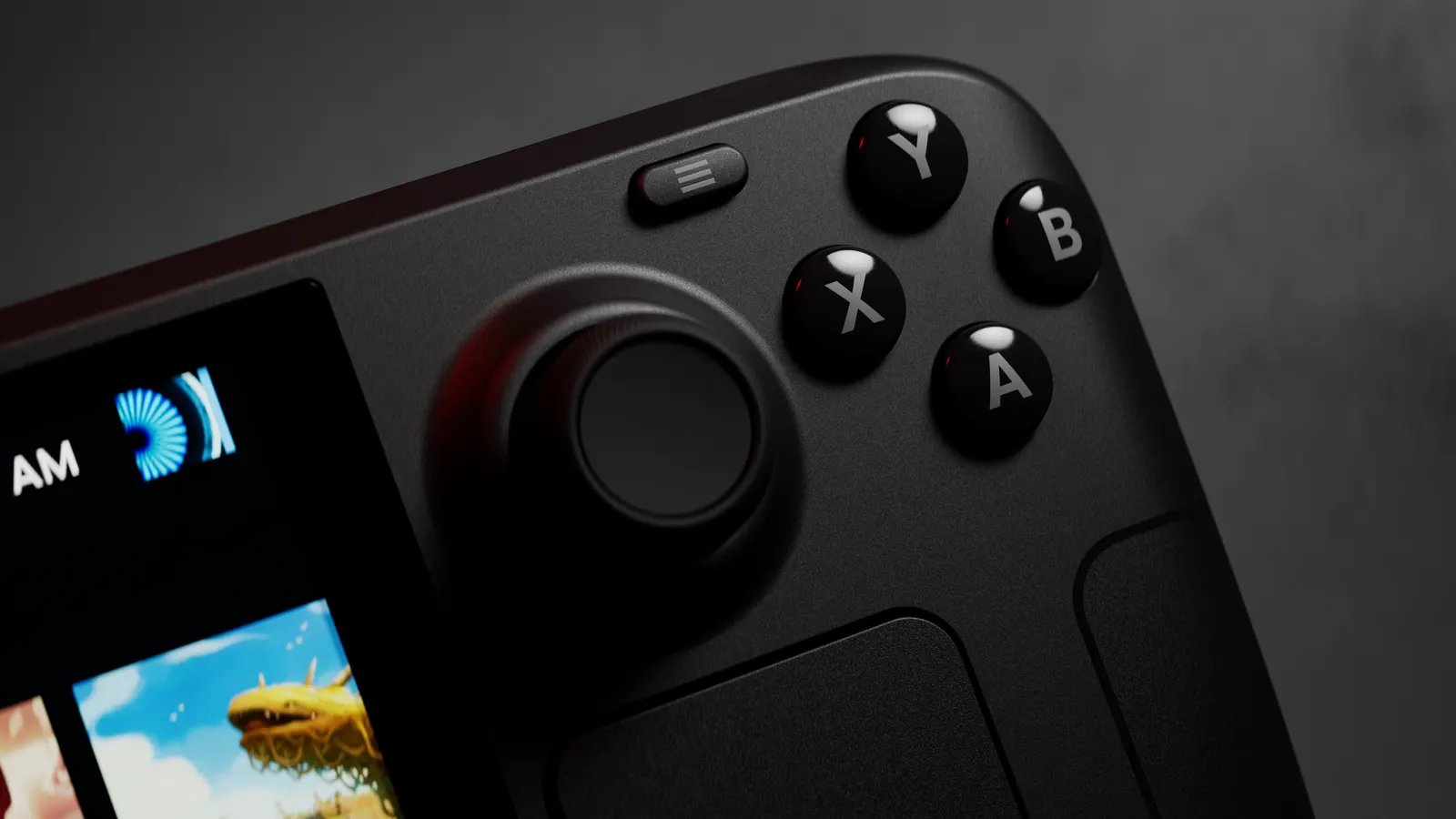
Sticks, trackpads, gyro and four rear buttons give Steam Input a lot of ways to solve a PC game's control problem. That matters most when a game mixes direct movement with tiny menu targets. The trackpad can drive the cursor while a rear button handles an action that would otherwise mean lifting a thumb. The aim is fewer awkward reaches, not using every input because it exists.
Valve's guide explains how to test inputs and pick community layouts. Start with one built for the specific game, then fix one troublesome action at a time. The right trackpad and triggers also make desktop mode usable for navigating the Linux side. At roughly 640 g, the Deck asks more of your hands than a small portable console. Comfort depends on reach and posture, which no spec sheet settles. Check whether the buttons you use most are easy to hit while you are supporting the weight, not while it rests on a table.
The benchmarks say: modest gains, game decides
The OLED model uses a 6 nm AMD part with four Zen 2 cores, eight RDNA 2 compute units and 16 GB of 6400 MT/s memory. It stays in the original Deck's performance class. GamersNexus locked resolution at 720p for its comparison: Red Dead Redemption 2 in Vulkan hit 53 fps on OLED against 49.7 on LCD, and F1 22 at High settings was essentially a tie. That is a small, game-dependent difference under their conditions, not a blanket advantage across new releases.
A 90 Hz panel can display a clean 45 fps cadence; it cannot force a heavy game to hold 45 fps. Set a frame limit after you know what a demanding scene can sustain. Turn down whatever costs performance without helping a small screen, then look at motion and text again. Upscaling can buy speed while making fine UI elements less pleasant. When you compare the Deck with a faster Windows handheld, compare workload, power setting and software version too. A short sprint at a much higher wattage is a different proposition from a handheld expected to last a train journey.
Unknown is not a no, and Verified is not a frame rate
Valve rates games Verified, Playable, Unsupported or Unknown. Unknown means nobody has finished the review yet. Playable can mean an extra launcher step, manual input or small text, so read the reasons attached. OLED and LCD share the same ratings. A nicer panel does not remove a Proton or anti-cheat limitation, and a Verified badge does not promise your preferred High preset at the panel's maximum refresh.
Start with the handful of games that justify the purchase. For an online title, include login and matchmaking in the check instead of stopping at the main menu. For a travel game, confirm it launches with no network. SteamOS suspend and resume works well for a paused local game; a live server session is a different story. Desktop mode widens what you can install, but every extra launcher brings another account, update process and failure point. The Deck is an easy recommendation when the games you care about already run through Steam without a chain of fixes.
Battery numbers only mean something with a workload attached
Valve's 50 Wh battery and its advertised 3–12 hour range cover wildly different workloads, not one typical session. In GamersNexus's testing, local 4K/60 video playback through VLC lasted 4.3 hours on OLED. Its F1 23 Medium-preset run, with VSync and VRS off, showed a 57% runtime increase over the LCD model. The publication ran that at 50% brightness after an OLED crash in its first full-brightness attempt; that is its historical setup, not evidence of a current fault or a prediction of your HDR runtime.
The buying lesson: budget around the most demanding game you will play away from a charger, because a long session of something light proves nothing about that. The included 45 W USB Power Delivery charger has a 2.5 m cable, and Valve's guide explicitly separates Power Delivery from Qualcomm Quick Charge. A charger with a big phone rating can be the wrong accessory. Check the output mode and cable before blaming the handheld for slow charging.
Both capacities use NVMe storage and take microSD cards, which need formatting in the Deck's settings. Faster UHS-II or UHS-III cards will not speed up the slot's UHS-I bus. Decide which games must stay installed before buying the biggest card; a rotating library is often cheaper and easier to manage. Leave room for updates, and do not assume the nominal drive size is all free for games. On a used Deck, test every input and do a real charging check rather than trusting a photo of the home screen.
A dock adds ports, not graphics
Wi-Fi 6E and Bluetooth 5.3 are real upgrades on paper, but they only help with matching gear at the other end. A 6 GHz network needs a compatible router and a clear signal path, and it cannot fix server problems or platform incompatibility. Valve also lists Bluetooth-controller wake and simultaneous use of the onboard microphone with the 3.5 mm jack on OLED. Those are practical differences from the LCD model when you are choosing a headset or setting up a couch controller.
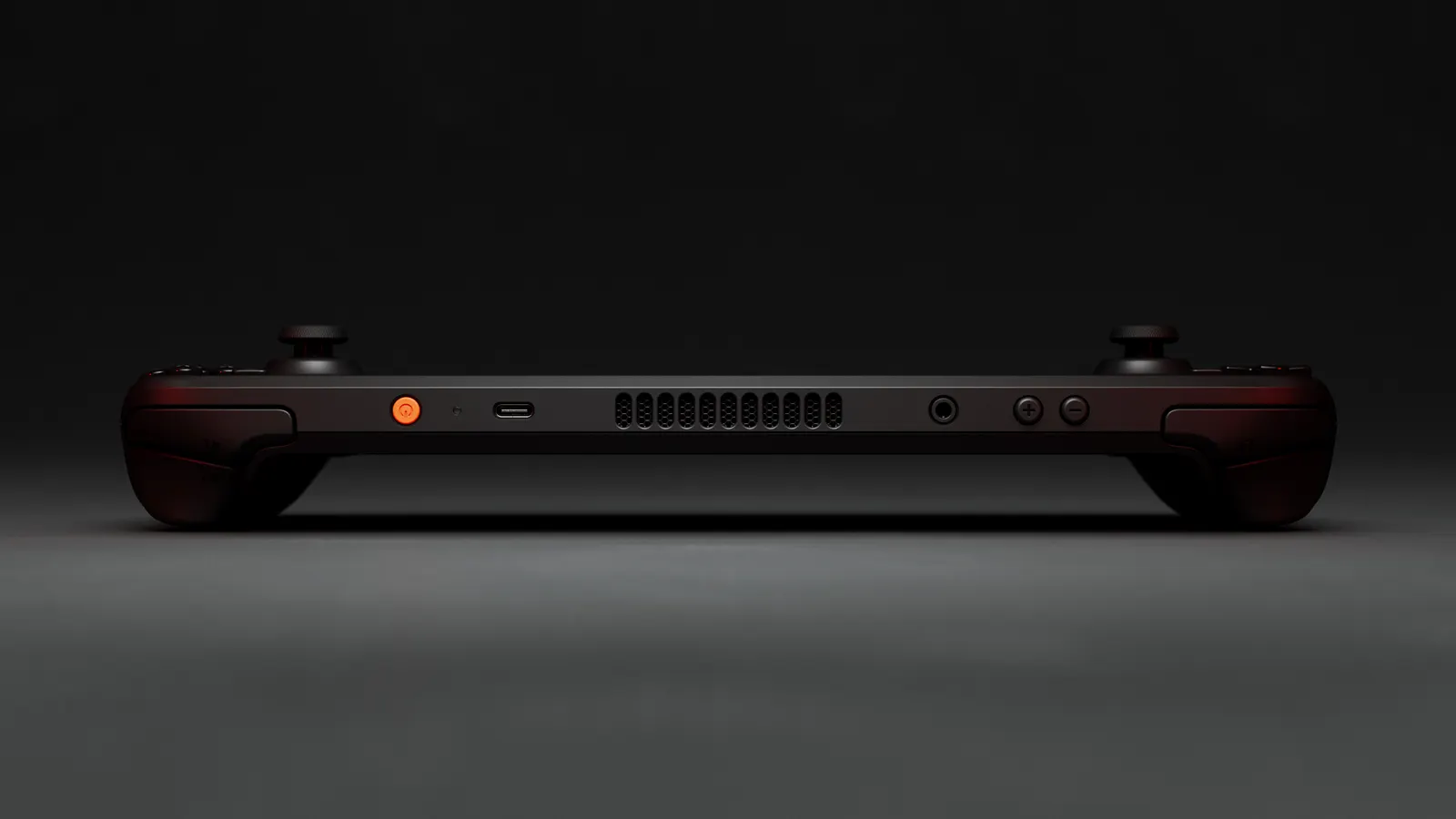
USB-C carries power, data and DisplayPort. The specified 4K/120 Hz or 8K/60 Hz output describes the display connection, not the frames a game can actually render at those sizes. A dock does not add a desktop GPU. A game that looks fine at handheld resolution can look rough on a big TV. Choose output resolution and game settings separately, and count dock power, controller pairing and the audio route in the setup cost. Keep the original charger around; it makes troubleshooting a dock much simpler.
Valve's care instructions are unusually specific
Valve recommends a dry microfibre cloth for the screen and dry cleaning around vents, speakers and ports, and it warns against compressed air in the vents. Do not turn exterior cleaning into a liquid wash. Carry the Deck in its supplied case so sticks and shoulder buttons do not take pressure from loose objects. Before a trip, charge, update, and launch the games you plan to play offline once while you still have a network.
The OLED forced-restart timing is seven seconds on the power button, and the guide gives sixteen seconds for a full shutdown if it stays unresponsive. Those differ from the LCD instructions, so use the matching guide. For long storage, Valve documents a BIOS battery-storage mode and waking it by reconnecting power. Opening the case is a repair decision, not a response to a software freeze. If you are considering a damaged bargain, check parts and repair options for the exact model first.
Buy it for the library you will actually carry
The ideal buyer plays Steam games that already run well on Deck, likes flexible controls and would rather have a handheld interface than maintain Windows on a small screen. Someone chasing unsupported anti-cheat titles, demanding new releases at high settings or a guaranteed full day away from a charger needs a different comparison. The OLED revision softens several of the original Deck's compromises; it does not erase those fundamental limits.
If you own an LCD Deck and like it, keeping it is a perfectly good decision. If you are buying fresh, compare the 512 GB and 1 TB models on screen finish, case and the size of the library you will install, not capacity alone. The independent evidence supports better endurance under named workloads and small performance changes. That is the honest pitch, and for the right library it is enough.
The closest alternatives.
| Product | Standpoint Score | Best for | Price |
|---|---|---|---|
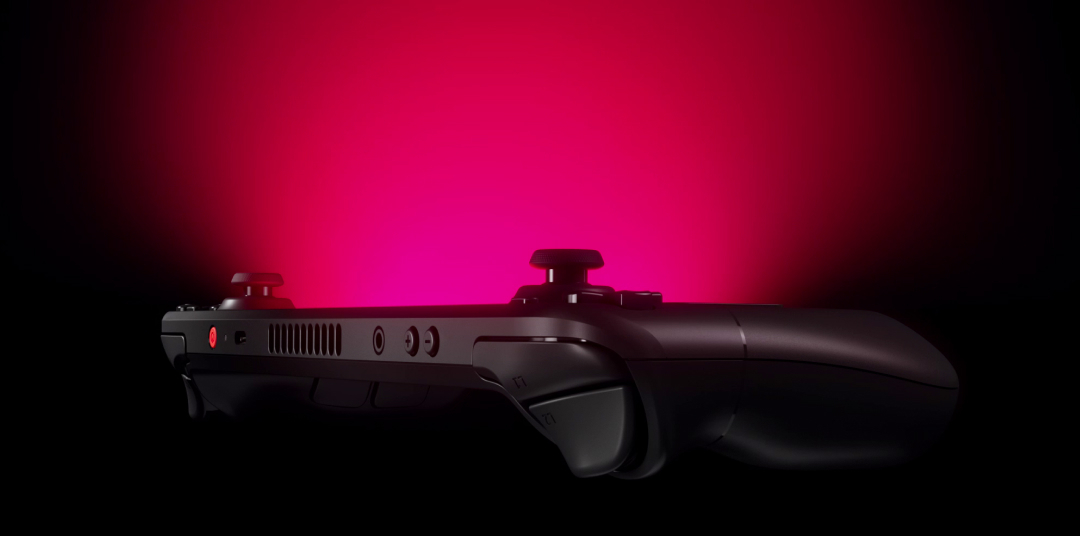
| Valve Steam Deck OLEDThis review | 8.4Research | A PC gamer who wants a handheld Steam library with console-style suspend and resume and is willing to check Linux… | Amazon.ca ↗ |
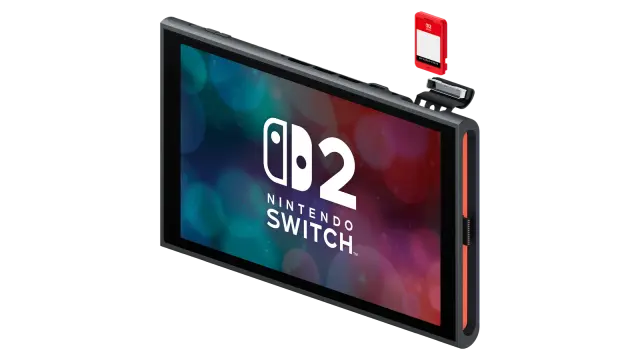
| Nintendo Switch 2 | 8.3Research | A Nintendo player or household that genuinely uses both portable sessions and television play. | Amazon.ca ↗ |
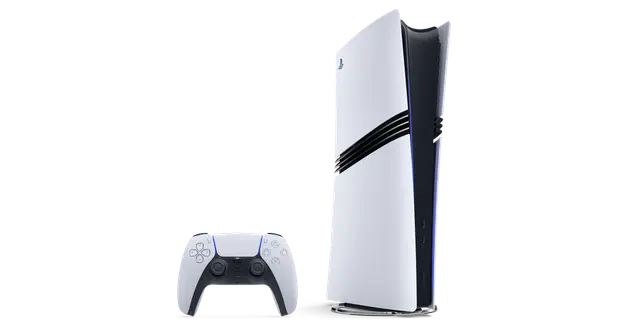
| Sony PlayStation 5 Pro | 8.2Research | A PlayStation enthusiast with supported enhanced games and a display setup that can use the improvements. | Amazon.ca ↗ |
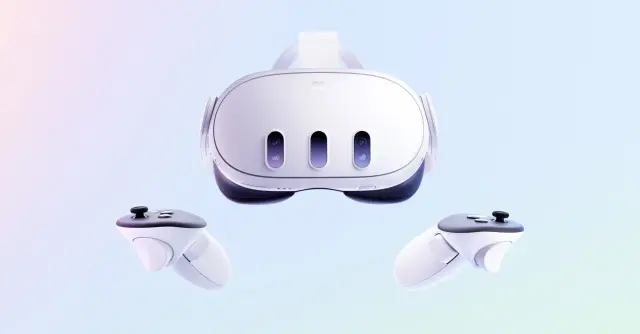
| Meta Quest 3 | 8.1Research | A curious player or household that wants standalone VR and mixed reality without buying a gaming PC first. | Amazon.ca ↗ |
Compare scores within a category: Tested means our own use, Research means documentation and attributed outside testing. Price links are affiliate links. As an Amazon Associate, Tech Standpoint earns from qualifying purchases. Disclosure
Sources & further reading.
These are the sources behind this research review. Manufacturer claims are not independent performance measurements. Community accounts, when cited, describe individual experiences.
- Steam Deck OLED — official product page ↗manufacturer
- Steam Deck technical specifications ↗manufacturer
- Steam Deck compatibility guidance ↗manufacturer
- Valve: Steam Deck basic use and care guide ↗support
- GamersNexus: independently measured OLED, LCD and ROG Ally comparison ↗independent review
- Valve: OLED press kit and separate supplied images ↗manufacturer
Product software and regional bundles can change. Corrections and editorial disclosures.
Affiliate link. As an Amazon Associate, Tech Standpoint earns from qualifying purchases. It never changes our verdict or score. Disclosure