Not tested. This is a research score for the documented features, compatibility and ownership trade-offs discussed in this review, not a performance measurement.
Features & capability 30%8.5
The graphics toolkit supports a strong documented proposition; visible gains need game-specific evidence.
Compatibility & connectivity 20%8.2
Familiar accessories and connection options support several arrangements, subject to exact compatibility.
Ownership & upkeep 20%7.3
The separate disc drive and selective upgrade benefit require careful total-cost planning.
Setup & everyday use 15%8.2
A familiar console workflow is appealing, while migration and display configuration still need checking.
Documentation & support clarity 15%8.6
Official compatibility guidance exposes important conditions; no service-quality assessment is implied.
Compare scores within the same product category. Small decimal differences should not override your needs or the evidence limits.
How the Standpoint Score works
We score five aspects of the documented product on a 0–10 scale, then calculate a weighted total:
- Features & capability30% of the total
- Compatibility & connectivity20% of the total
- Ownership & upkeep20% of the total
- Setup & everyday use15% of the total
- Documentation & support clarity15% of the total
This product’s 8.2/10 is an editorial research assessment. It does not claim measured performance, tested reliability or a verified customer satisfaction rate. Compare it with products in the same category, and read each criterion’s reasoning above.
Read the full rubric and score bands ↗From a tech standpoint.
Buy it if you play enhanced titles on a display that can show a sharper 60fps or a 120Hz Balanced mode, and you have priced the separate disc drive. Keep your standard PS5 if your library has little relevant enhancement; the Pro adds no exclusives, and a satisfied owner has a strong case for staying put.
Reasons to consider it
- Advanced ray tracing and PlayStation Spectral Super Resolution, with the enhanced PSSR model now on by default
- A 2TB SSD, so more of the library stays installed before any expansion
- The same DualSense, accessories and PS5 library, with Wi-Fi 7 and Ethernet on board
Go in knowing
- Enhancements are title-by-title; Dwiar's TechRadar testing found some Pro modes hard to tell from the standard console
- Physical games need a separate disc drive that must be paired over the internet
- 8K applies to selected games only; the interface, media apps and clips top out at 4K
Affiliate link. As an Amazon Associate, Tech Standpoint earns from qualifying purchases. It never changes our verdict or score. Disclosure
The specification sheet.
Published specifications from the linked sources. Configurations and availability can differ by country.
- Storage
- 2 TB SSD
- Graphics tools
- Advanced ray tracing and PlayStation Spectral Super Resolution
- Physical games
- Separate compatible disc drive required
- Connections
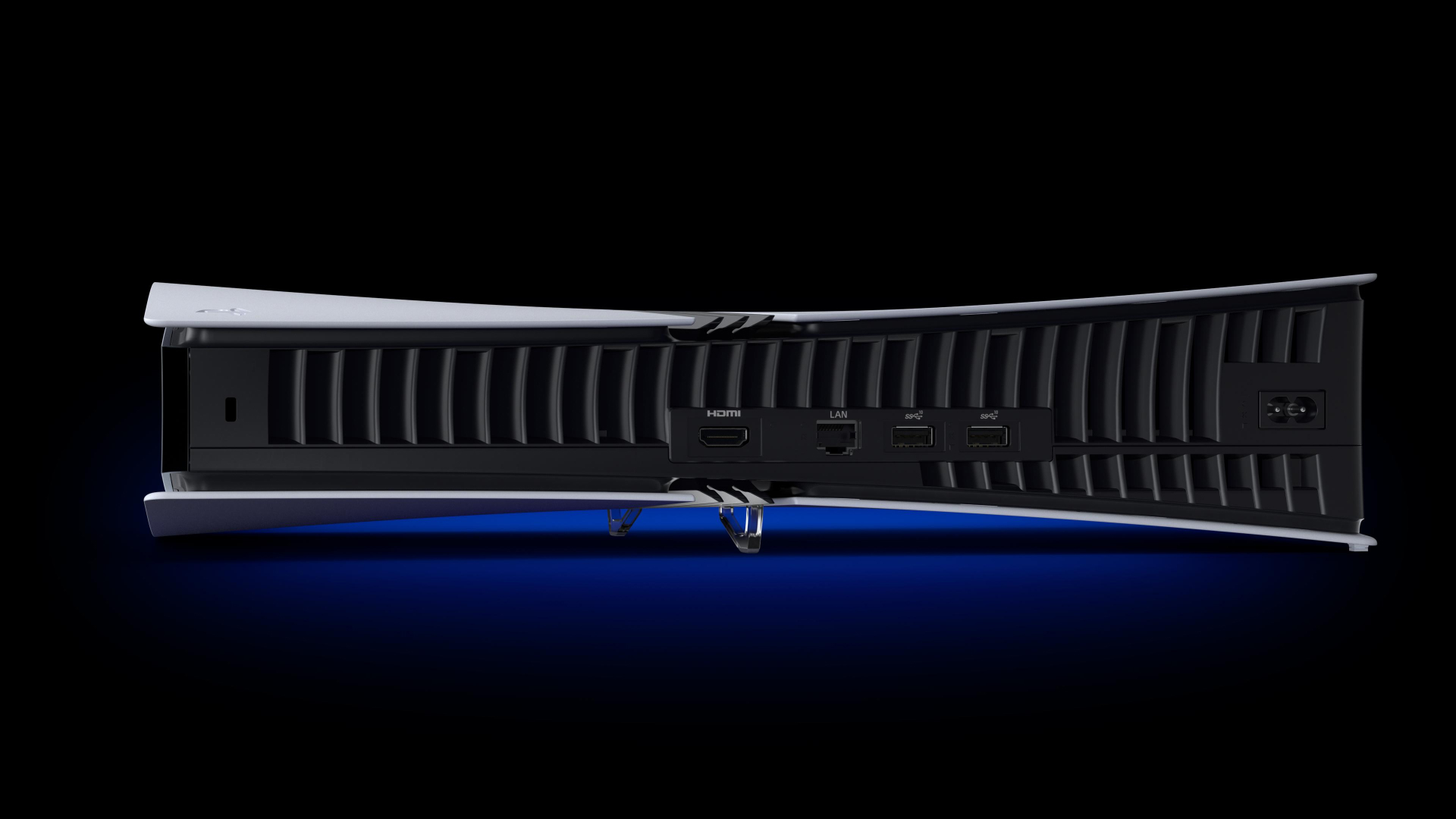
- HDMI output, Ethernet and Wi-Fi 7 with a compatible router
- Platform
- PS5 games; check title-specific enhancement and compatibility
Start with what your current PS5 cannot do
PS5 Pro refines an existing platform; it does not create a separate library. Someone replacing an older-generation console faces a different sum from a satisfied PS5 owner. List the games, modes and display limits that actually prompt the upgrade. If the answer is wanting the newest hardware, that is a preference, not evidence that ordinary play on the current console has stopped being good enough.
This assessment draws on current Sony documentation and Rob Dwiar's November 2024 review for TechRadar. He compared games on a standard PS5 and a Pro across a 60Hz Samsung Q6F television and a 120Hz-capable Acer Predator X32QFS monitor, over roughly a week. His results belong to those game versions and that equipment. Sony has changed the PSSR software since, so his launch observations carry a date and should not stand in for testing the updated system.
Enhanced PSSR is now on by default, so old setup advice is stale
PlayStation Spectral Super Resolution reconstructs the output image; it is not every game rendering natively at the TV's resolution. Its value is the picture you see while playing, including motion and fine detail. Compare the relevant enhanced modes rather than assuming one upscaling feature improves every title. A PS5 Pro Enhanced label signals title-specific changes, not one identical package of ray tracing, frame rate and reconstruction across the whole catalogue.
Sony's current release notes say system version 26.06-14.00.00 turned Enhance PSSR Image Quality on by default, applying the newer model to PSSR-compatible games that used the previous one. The setting lives under Settings, Screen and Video, Video Output, and can be disabled. Older guides telling every owner to switch it on manually are therefore out of date. If a game looks disappointing, compare it with the setting toggled before treating a launch-era screenshot or complaint as permanent. Results stay title-dependent either way.
What Dwiar's comparison actually showed
In his 2024 testing, Dwiar found the Pro mode in The Last of Us Part I and Part II Remastered hard to distinguish from the standard console's Fidelity image, while it targeted 60fps through reconstruction. He preferred Horizon Forbidden West's Balanced Pro mode on his 120Hz monitor. He struggled to see clear gains from the PS4 image-enhancement option in the older games he tried, and he did not test PSVR2. That supports selective improvement with clear limits, not a transformed library.
A 60Hz television can still benefit from a better-looking 60fps mode. A 120Hz screen opens extra modes, including a supported 40fps mode with even frame cadence, but it does not make every game run at 120fps. Viewing distance, screen size and which mode you prefer shape the value. Watch movement and fine edges, not just a paused side-by-side. The upgrade is most persuasive when it removes a compromise you notice every session, such as giving up smooth motion to get the image quality you want.
8K is a feature for some games, not the whole console
Sony's compatibility table allows up to 8K in selected games but lists the system interface, media apps and gameplay clips at up to 4K. So 8K is a specific capability, not a reason to expect all entertainment content at that resolution. Check the title and display requirements before assigning it any value. A good 4K television setup is a more relevant starting point for most households than buying a new screen to chase a rarely supported output mode.
Map the whole HDMI route through the TV, receiver or soundbar. The console can only use a mode that path and its settings support. Keep the included working cable to hand while diagnosing an intermediary. HDR, variable refresh and audio format choices need separate checks. A home screen on the display proves a connection, not that the intended game mode and sound arrangement work. Note the successful setup so a later input or firmware change is easier to pin down.
The disc drive has a price and a pairing step
The ordinary Pro package is digital. A compatible drive is a separate purchase for physical games and supported movie discs. Sony's drive guide covers the CFI-2000 and CFI-7000 console groups and requires an internet connection to pair the drive during setup, so the accessory does not remove every network dependency. Include it in the initial comparison if an existing disc library or buying used games is part of the reason for choosing PlayStation.
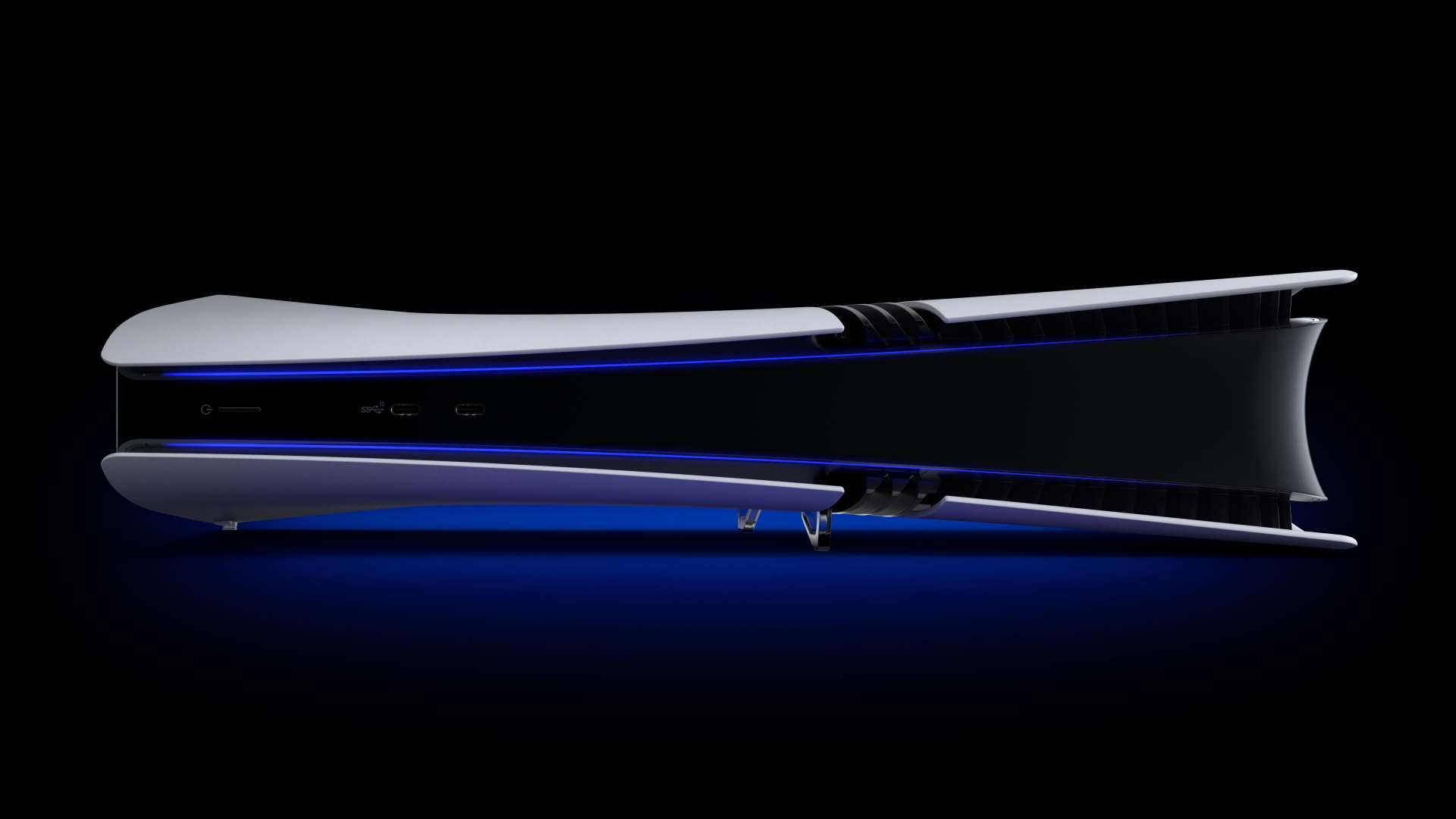
The guide gives model-specific attachment steps and replaces the relevant cover and horizontal feet with the ones included with the drive. Keep the original pieces if the drive might come off later. Sony's compatibility table also says the older full console-cover sets and the original PS5 base are not compatible with Pro, so a familiar shape does not guarantee reuse. Horizontal feet and a vertical stand do different jobs, and the stand is sold separately in the normal package. Check the actual local bundle rather than borrowing a contents list from another PS5 configuration.
Two terabytes is generous; expansion still needs the right drive
The built-in SSD is 2TB, with some space reserved for the system. The real benefit is keeping more of your current library ready without buying expansion straight away. Someone alternating two installed games will notice little; a shared console with several large titles benefits a lot. Count the games and add-ons that need to stay available before turning capacity into an automatic reason to replace a working PS5.
Sony's current M.2 guide specifies PCIe Gen4 x4 NVMe storage from 250GB to 8TB, effective heat dissipation and a recommended sequential read speed of at least 5,500MB/s. Fit includes the cooling structure, not just the bare board. SATA M.2 drives are unsupported. Follow the CFI-7000 instructions rather than assuming the original console's cover-removal steps are identical. First-use formatting erases existing data, and moving an already prepared drive between PS5 consoles is a separate procedure.
PS5 games run from suitable M.2 expansion, while USB extended storage is only an archive: games there must be copied back to internal or M.2 storage to play. Those options solve different problems at different prices. A cheap USB drive suits an occasionally played library; immediately playable extra PS5 installs need the supported M.2 route. Sony does not guarantee that a headline read speed produces identical performance in every game, so the most expensive SSD is not automatically the better console upgrade.
Wi-Fi 7 and accessories should fix a specific annoyance
The Pro supports Wi-Fi 7 with a compatible router and still works with earlier supported Wi-Fi equipment. A new wireless standard is not faster internet service or better matchmaking. If Ethernet is practical, check the existing wired route before replacing the router. Downloads, local streaming and online latency have different bottlenecks; diagnose the interruption that actually bothers you. Buying a console and a router together makes it harder to tell which change helped.
The familiar DualSense and supported PS5 accessories carry much of your existing setup across. Haptics, adaptive triggers and spatial-audio benefits still depend on the game and your equipment. An enthusiast with a racing rig or a VR system should check the full configuration and the relevant enhanced games, not infer a universal boost from controller compatibility. For a household upgrade, keep account access and verify saves, captures and installed purchases before selling the old console. Better graphics cannot recover material lost in a rushed migration.
The sensible verdict includes keeping what you own
PS5 Pro is a plausible enthusiast purchase when supported games offer modes you prefer and your display can show the difference. It is a weak value argument for a satisfied PS5 owner playing titles with little relevant enhancement. Compare the current Canadian or US price of the whole arrangement: drive, stand if needed, storage and any recurring services. The launch price and an old stock shortage should not decide a purchase made today.
Keeping the existing PS5, adding storage or improving the display may fix the actual complaint for less. Dwiar's outside testing demonstrates useful gains in particular games, and Sony's current notes explain software controls that have changed since. Neither amounts to Tech Standpoint's own noise, power, frame-time or long-term reliability measurements, because none have been made.
The closest alternatives.
| Product | Standpoint Score | Best for | Price |
|---|---|---|---|
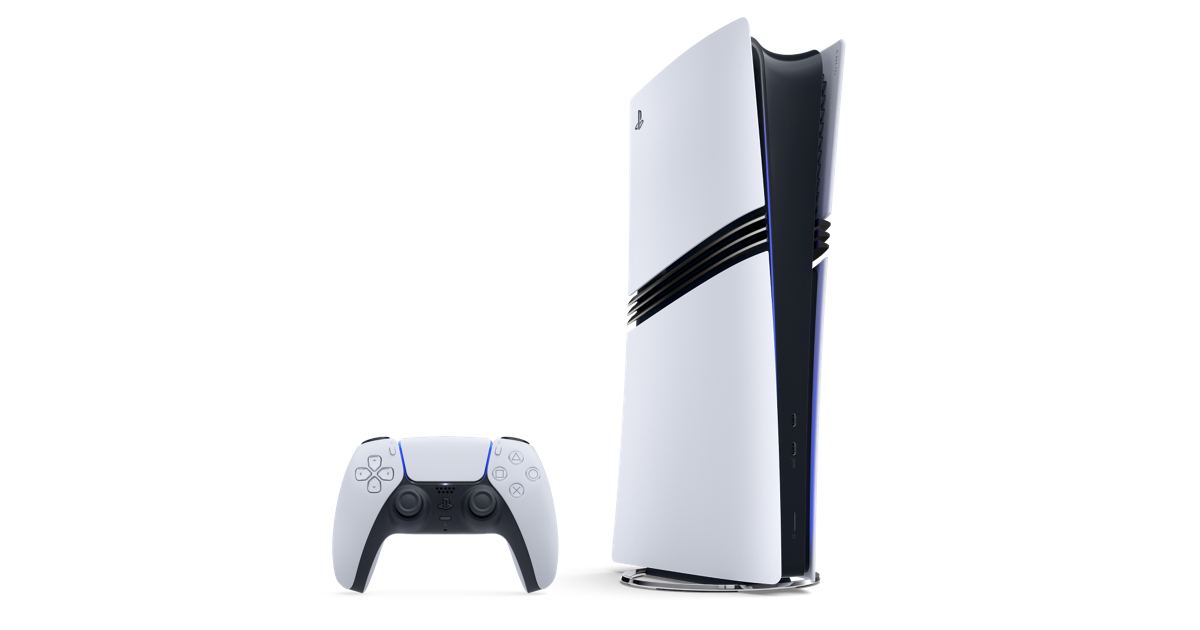
| Sony PlayStation 5 ProThis review | 8.2Research | A PlayStation enthusiast with supported enhanced games and a display setup that can use the improvements. | Amazon.ca ↗ |
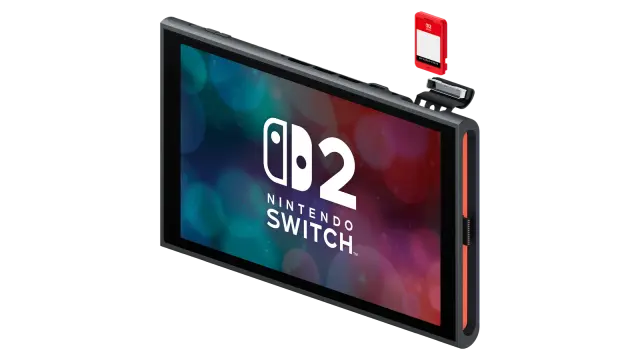
| Nintendo Switch 2 | 8.3Research | A Nintendo player or household that genuinely uses both portable sessions and television play. | Amazon.ca ↗ |
| Valve Steam Deck OLED | 8.4Research | A PC gamer who wants a handheld Steam library with console-style suspend and resume and is willing to check Linux… | Amazon.ca ↗ |
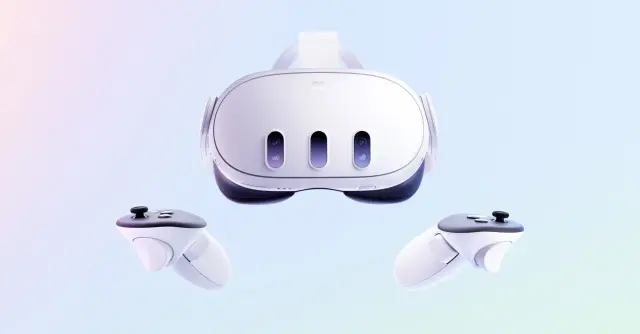
| Meta Quest 3 | 8.1Research | A curious player or household that wants standalone VR and mixed reality without buying a gaming PC first. | Amazon.ca ↗ |
Compare scores within a category: Tested means our own use, Research means documentation and attributed outside testing. Price links are affiliate links. As an Amazon Associate, Tech Standpoint earns from qualifying purchases. Disclosure
Sources & further reading.
These are the sources behind this research review. Manufacturer claims are not independent performance measurements. Community accounts, when cited, describe individual experiences.
- PlayStation 5 Pro — official US product information ↗manufacturer
- PS5 Pro — hardware and display compatibility guidance ↗manufacturer
- Sony: current PS5 release notes and enhanced PSSR default ↗support
- Sony: matching disc-drive installation and internet pairing ↗support
- Sony: M.2 requirements, installation and USB archive distinction ↗support
- TechRadar: Rob Dwiar’s independently conducted November 2024 review ↗independent review
Product software and regional bundles can change. Corrections and editorial disclosures.
Affiliate link. As an Amazon Associate, Tech Standpoint earns from qualifying purchases. It never changes our verdict or score. Disclosure