Not tested. This is a research score for the documented features, compatibility and ownership trade-offs discussed in this review, not a performance measurement.
Features & capability 30%8.0
Full-frame stills, stabilization and two-card recording cover a broad range of work.
Compatibility & connectivity 20%8.4
E-mount lenses and useful physical connections expand the system.
Ownership & upkeep 20%7.4
Common battery family and retained support help, while age and unequal slots add checks.
Setup & everyday use 15%7.6
Custom controls suit experienced users; older screen and menu behaviour need a trial.
Documentation & support clarity 15%8.8
Detailed specifications and a 2026 firmware listing remain available.
Compare scores within the same product category. Small decimal differences should not override your needs or the evidence limits.
How the Standpoint Score works
We score five aspects of the documented product on a 0–10 scale, then calculate a weighted total:
- Features & capability30% of the total
- Compatibility & connectivity20% of the total
- Ownership & upkeep20% of the total
- Setup & everyday use15% of the total
- Documentation & support clarity15% of the total
This product’s 8.0/10 is an editorial research assessment. It does not claim measured performance, tested reliability or a verified customer satisfaction rate. Compare it with products in the same category, and read each criterion’s reasoning above.
Read the full rubric and score bands ↗From a tech standpoint.
Buy a used A7 III if you mainly take photographs, want manageable 24.2 MP files and in-body stabilisation, and the price leaves real money for a good E-mount lens. Check the individual body carefully. Skip it if you film yourself, grade footage heavily or need both card slots running at UHS-II speed; in those cases a newer option is worth the extra if the total-kit gap is small.
Reasons to consider it
- A full-frame sensor and five-axis stabilisation that suit portraits, travel and family work alike
- Two card slots that support duplicate, split or overflow recording
- The E-mount lens range lets you build either a compact kit or a specialist one
Go in knowing
- Slot 2 runs at UHS-I speed only
- The screen tilts but never faces forward for self-filming
- 8-bit video output weakens the case for heavy colour grading
Affiliate link. As an Amazon Associate, Tech Standpoint earns from qualifying purchases. It never changes our verdict or score. Disclosure
The specification sheet.
Published specifications from the linked sources. Configurations and availability can differ by country.
- Sensor
- 24.2 MP full-frame Exmor R CMOS
- Stabilization
- Five-axis sensor-shift system
- Maximum continuous rate
- 10 fps, subject to settings
- Media
- Two SD-compatible slots; only slot 1 supports UHS-II
- Video
- 4K up to 30p; 8-bit HDMI output
- Display
- 3-inch tilting touchscreen
- Battery
- NP-FZ100
Spend on glass before you spend on body
The Alpha 7 III makes the most sense when buying it leaves enough money for a lens that suits your work. A full-frame body wearing the wrong lens isn't automatically better than a smaller camera you actually enjoy carrying. For portraits, the right lens might be a modest prime; for family trips, a versatile zoom may matter more. Start with the pictures you want and the weight you'll tolerate, then judge the body as one part of that kit.
Sony's current US product page still describes the original model, but that doesn't make every example new or every used listing equivalent. Check if the listing is body-only, a specific lens kit or a third-party bundle. Our score rates the documented tools and the ownership proposition; it doesn't invent image-quality or durability results. The individual camera's history is a separate decision, especially on a model that may have worked years of assignments.
24.2 megapixels keeps the edit fast
The 24.2-megapixel sensor is a sensible middle ground for general stills. There's room for ordinary prints and some cropping without making giant files the default. That keeps editing, exporting and backing up a busy family day or event manageable. What it can't tell you is how the sensor stacks up against every newer camera for noise or dynamic range; that would take controlled measurements and consistent processing.
Five-axis sensor-shift stabilisation adds flexibility with suitable lenses, but the benefit depends on how you hold the camera and what the subject is doing. It won't stop a guitarist's hands or a sprinting dog. Set shutter speed for the movement before you chase a low ISO. If you're coming from a phone, remember that shallow depth of field can work against you when people stand at different distances. Picking an aperture on purpose is part of getting value from the bigger sensor.
Ten frames a second, and a previous owner's button map
The documented hybrid autofocus combines wide phase-detection coverage with contrast detection and eye-related functions. Those tools help with subject placement, but they won't pick the right person in every crowded scene. Set up a handful of focus-area options you understand and practise switching between them. A camera with lots of modes is still frustrating if the useful one is buried under an unfamiliar button assignment left by the last owner.
Sony quotes a maximum of ten frames per second under qualified conditions. Keep that number separate from focus consistency and from how well you can follow movement in the finder. When trying a body, use a lens you know and look through the whole sequence, not just the best frame. If you plan to adapt lenses, check Sony's compatibility information for the exact adapter and lens. A lens that physically fits may not deliver eye detection, continuous focus or every exposure function.
Slot 1 is fast, slot 2 isn't
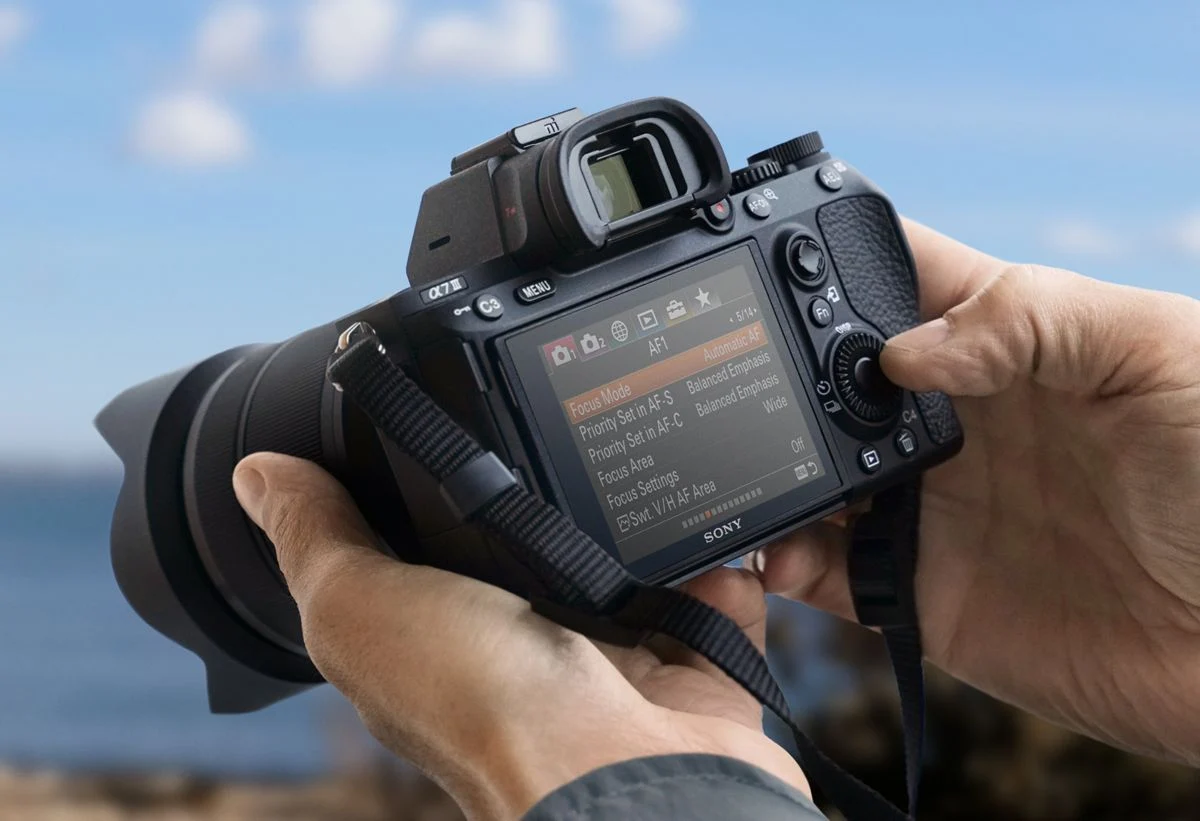
The A7 III takes SD cards in both slots, with UHS-II support in the first and UHS-I in the second. That affects whether very fast cards are worth buying and how a simultaneous-recording setup behaves. Plan the arrangement before an important shoot, because duplicate files, split RAW and JPEG, and overflow are three different strategies. Two cards being in the camera doesn't tell you which kind of protection you're getting.
On a used body, write and play back from each slot, then move the files to another device. Make sure the card door shuts securely and swapping cards works normally. After you buy, set up an off-camera backup routine; two cards inside the same camera share risks like a lost or damaged bag. This is a body where ten minutes in the menus beats an expensive accessory. Make the recording setup explicit and check it before you rely on it.
8-bit video is fine for simple jobs
The A7 III records 4K up to 30p and outputs 8-bit over HDMI. Picture profiles, including log options, are documented, but a log label doesn't turn this into a later-generation 10-bit workflow. For straightforward interviews, travel clips and well-exposed footage, the tools may be enough. For heavy colour work or matching a demanding production pipeline, check the full format requirements before buying on the strength of the camera's old hybrid reputation.
The tilt-only screen shapes solo filming too. It helps with low or high angles from behind the camera, but you can't see yourself from the front. An external monitor brings another battery, cable and mounting decision. Microphone and headphone sockets are useful for a controlled setup, yet having them doesn't guarantee clean audio without a rehearsal. Heat limits, rolling shutter and recording endurance haven't been measured here, so test the exact clip length, profile and editing path your project needs.
NP-FZ100, a joystick and ports worth wiggling
Sony specifies the NP-FZ100 battery and supports USB power arrangements through the documented connections. A used bundle should name the actual battery and charger, not just promise 'several spares'. Capacity fades with age and use, and an unknown pack can shake your confidence in an otherwise healthy camera. Check the battery compartment and confirm the charging method you plan to use. A familiar label doesn't mean you can skip checking where a pack came from and what shape it's in.
The body has configurable controls, a joystick and an electronic finder, so time spent on setup can make it far nicer to use than the default layout suggests. Copying someone else's settings without understanding them, on the other hand, creates surprises. Build a stills configuration first, then a separate video routine if you need one. Test the ports with real cables, especially if you'll tether or run a monitor. A connection that only works when you press on the plug is a repair job, not a quirk.
A low shutter count doesn't settle anything
Inspect the sensor, mount, viewfinder, screen hinge, hot shoe and card door. Shoot at several apertures with a lens you know and look for obvious contamination or inconsistent behaviour. Ask about repairs, knocks and moisture. A quoted shutter count adds context but doesn't certify how much life the mechanism has left, and cosmetic wear doesn't automatically mean neglect. Weigh all the evidence together instead of boiling it down to one number.
Keep weather expectations in proportion. Sony qualifies its dust and moisture resistance; this isn't a waterproof body, and an older example's seals and port covers have an unknown history. Shield it in rain, store it dry and follow the official cleaning guidance. For Canadian and US purchases, confirm the original sales territory, local service route and any transferable coverage. A cheap import looks less attractive if you've assumed warranty rights the seller can't document.
Firmware 4.04 and a stills-first verdict
The official download listing shows firmware 4.04, dated April 15, 2026, with software and product alerts listed separately. That separation matters: a desktop application isn't a camera firmware update, and an old reference to a cloud service doesn't mean the service still runs. Read the model-specific update instructions and current app requirements before building a connection workflow around an old tutorial.
The A7 III makes the strongest case for a photographer who wants its stills tools and the E-mount system more than the newest video conveniences. Add up body, lenses, cards and a dependable power kit. If the gap to a newer option is small after all that, the screen, media and recording compromises should weigh more heavily. If the saving is substantial and the specific body checks out, it's still a coherent, well-documented camera for making photographs. Its age calls for careful selection, not automatic dismissal or automatic enthusiasm.
The closest alternatives.
| Product | Standpoint Score | Best for | Price |
|---|---|---|---|
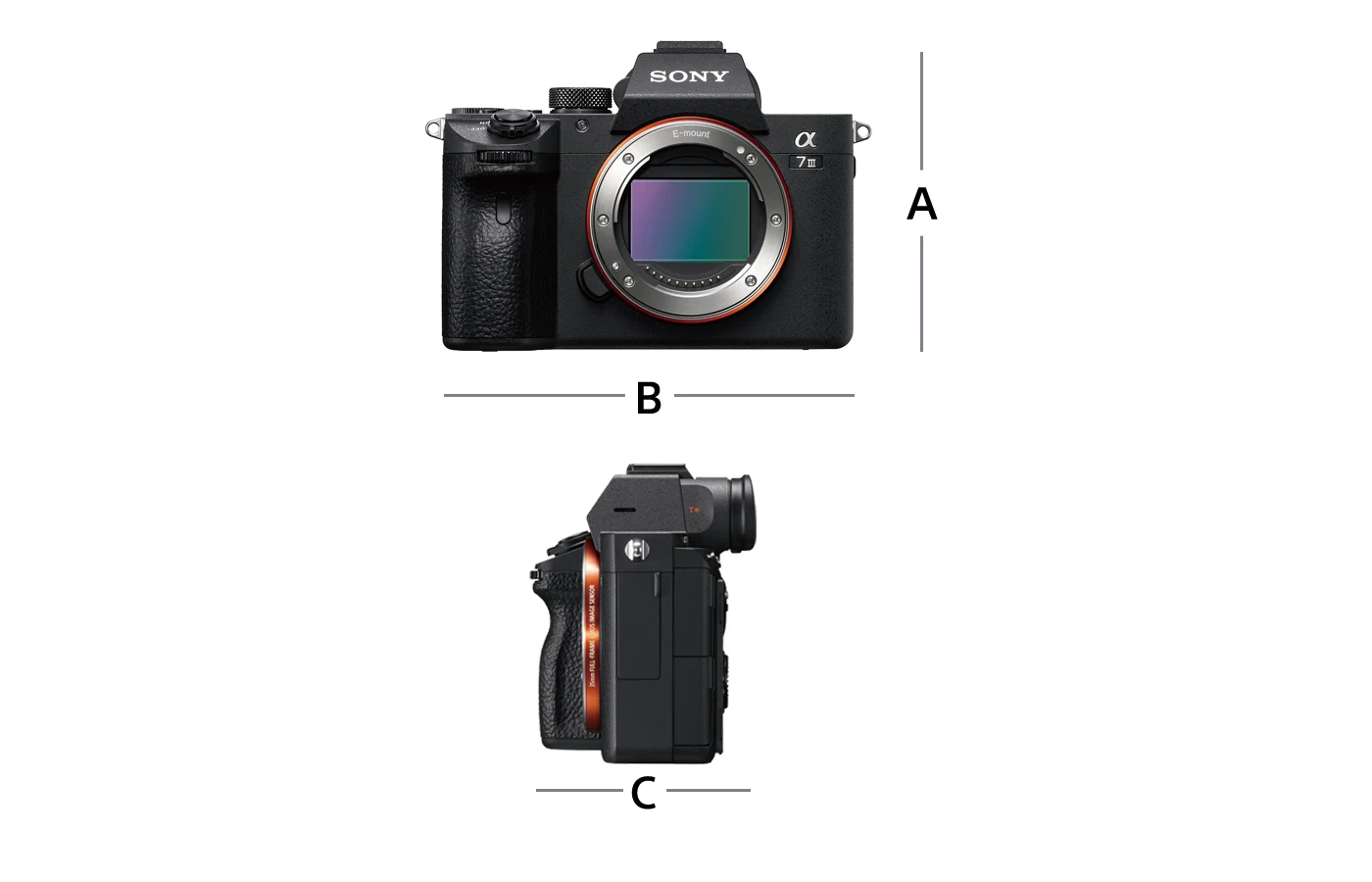
| Sony Alpha 7 IIIThis review | 8.0Research | Photographers prioritising full-frame stills, interchangeable lenses and a manageable file size. | Amazon.ca ↗ |
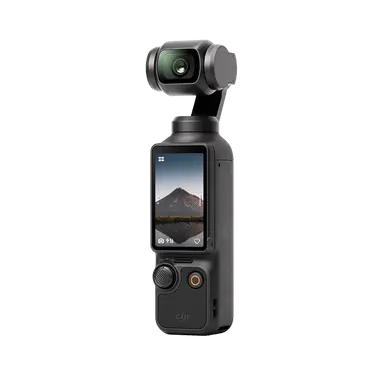
| DJI Osmo Pocket 3 | 8.0Research | A creator filming walking pieces, tabletop demonstrations and short interviews who wants a dedicated camera instead of… | Amazon.ca ↗ |
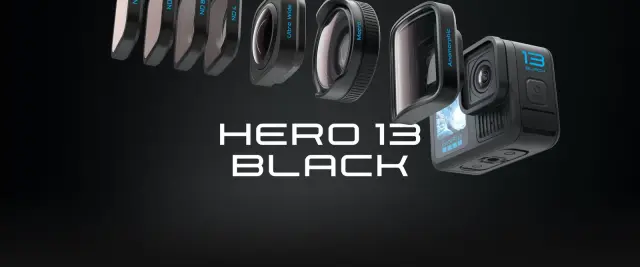
| GoPro HERO13 Black | 8.2Research | Outdoor filming where a compact mounted camera, slow-motion inserts and adaptable framing beat holding a phone up. | Amazon.ca ↗ |
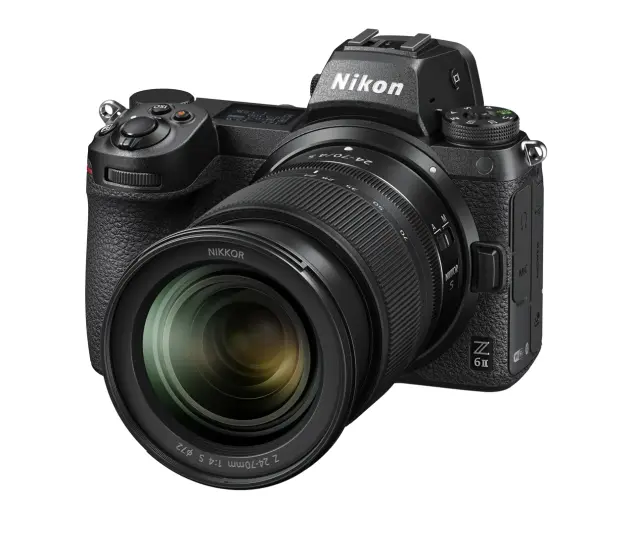
| Nikon Z 6II | 8.0Research | Photographers building a Nikon Z kit, or keeping compatible F-mount lenses, who want full-frame stills with a second… | Amazon.ca ↗ |
Compare scores within a category: Tested means our own use, Research means documentation and attributed outside testing. Price links are affiliate links. As an Amazon Associate, Tech Standpoint earns from qualifying purchases. Disclosure
Sources & further reading.
These are the sources behind this research review. Manufacturer claims are not independent performance measurements. Community accounts, when cited, describe individual experiences.
- Alpha 7 III official specifications ↗manufacturer
- Alpha 7 III product overview ↗manufacturer
- ILCE-7M3 downloads and product alerts ↗support
Product software and regional bundles can change. Corrections and editorial disclosures.
Affiliate link. As an Amazon Associate, Tech Standpoint earns from qualifying purchases. It never changes our verdict or score. Disclosure