Not tested. This is a research score for the documented features, compatibility and ownership trade-offs discussed in this review, not a performance measurement.
Task capability 30%8.4
A ready mobile base supports projects beyond simple driving.
Navigation & control 20%8.5
SDK and hardware integrations provide meaningful development scope.
Ownership & upkeep 20%7.7
Removable battery helps ownership while drive care remains.
Setup & usability 15%7.6
Preassembly helps, but expansions require engineering.
Documentation & support clarity 15%8.5
Official SDK and device resources support a reproducible workflow.
Compare scores within the same product category. Small decimal differences should not override your needs or the evidence limits.
How the Standpoint Score works
We score five aspects of the documented product on a 0–10 scale, then calculate a weighted total:
- Task capability30% of the total
- Navigation & control20% of the total
- Ownership & upkeep20% of the total
- Setup & usability15% of the total
- Documentation & support clarity15% of the total
This product’s 8.2/10 is an editorial research assessment. It does not claim measured performance, tested reliability or a verified customer satisfaction rate. Compare it with products in the same category, and read each criterion’s reasoning above.
Read the full rubric and score bands ↗From a tech standpoint.
Buy RVR+ if you're an educator or maker who wants a programmable mobile base that can grow into Raspberry Pi or micro:bit projects, and you can already name the next couple of builds. Pass if the joy for your learner is assembling the whole mechanism, or if you're hoping for a finished autonomous helper; cameras, computing and task-specific sensors are still separate work.
Reasons to consider it
- A mounting platform and supported interfaces built for adding your own hardware
- A removable rechargeable battery that makes classroom logistics and service easier
- A Public SDK alongside Sphero Edu, with documented paths to Raspberry Pi and micro:bit
Go in knowing
- Advanced projects need extra hardware, such as cameras, computing and task-specific sensors
- Every add-on changes mass, balance and power demand, so payload and wiring need care
- School-managed devices and Bluetooth policies can get in the way of setup
Affiliate link. As an Amazon Associate, Tech Standpoint earns from qualifying purchases. It never changes our verdict or score. Disclosure
The specification sheet.
Published specifications from the linked sources. Configurations and availability can differ by country.
- Form
- Programmable rover
- Battery
- Removable rechargeable
- Sensors
- Colour, light, IR, gyro and accelerometer
- Development
- Sphero Edu and Public SDK
Skip the chassis, start with the behaviour
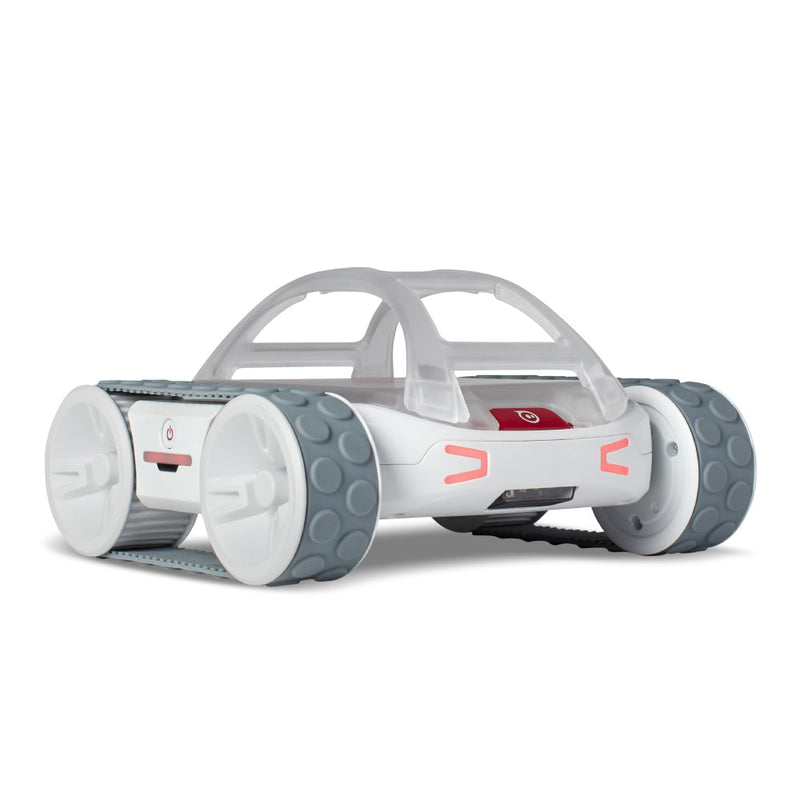
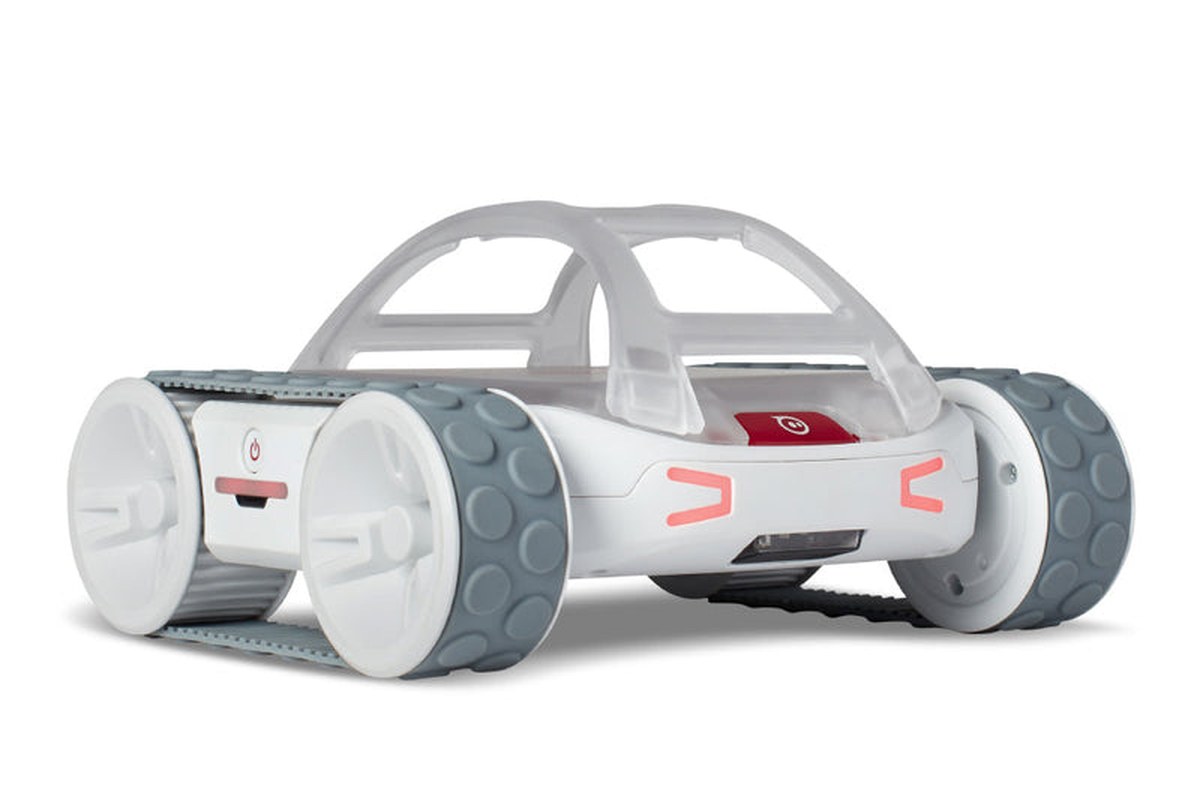
RVR+ sits in a useful spot between a sealed coding toy and a robot built from loose motors and controllers. Sphero supplies a programmable mobile base with sensors, a removable rechargeable battery and mounting provisions for extra hardware. The official page describes work through Sphero Edu and the Public SDK, including integration with platforms such as Raspberry Pi or micro:bit. For a learner who wants to spend time on behaviour rather than wrestling with a drivetrain, that's a smart starting point. It isn't a promise that every advanced project works out of the box. Cameras, computing, task-specific sensors and the integration between them can all be separate jobs. Tech Standpoint hasn't tested RVR+; this is an assessment of a documented project platform.
Decide which problems you want to skip
Building a robot from scratch teaches real mechanical and electrical lessons, but it can push back the software experiment a class actually came to do. RVR+ hands learners a known chassis so they can start with movement, events and sensor data on day one. That's a sensible buy when the curriculum is about control or autonomous behaviour. It's the wrong buy if the goal is understanding motor drivers, gearing and chassis construction. Be honest about which difficulties you want the product to remove and which ones students should struggle through. A ready-made base isn't more or less educational than a kit by default. It's only as valuable as the questions it lets the group investigate.
Every add-on is a small engineering project
The mounting platform and supported interfaces make RVR+ adaptable, but every piece of added hardware shifts mass, balance, power draw and cable routing. Mount a small computer or sensor securely and power it within the documented electrical limits. A platform listed as compatible doesn't guarantee that every accessory plugs in without extra components or code. Start with a simple, known example and confirm each layer works before stacking on more. The documentation's handling of power, communication and mounting deserves close reading, because those three cause most of the avoidable frustration. A robot that runs a demo can still need serious work before it becomes a reliable custom system. Put that integration time in the schedule and the budget.
Colour, light, IR and the mess of reality
The source lists colour, light, infrared, gyroscope and accelerometer sensing. That lets the robot react to its surroundings instead of replaying a timed routine. It also brings in measurement uncertainty. A colour threshold that works under one lamp may need retuning under another, and a bump or a slick floor can throw off a route. Those are good lessons when learners are pushed to look at the data and revise their assumptions. Don't sell a classroom robot as a precision instrument without validating it; Tech Standpoint hasn't measured sensor accuracy or motion repeatability. The real strength is how plainly it exposes the chain from sensing to decision to movement, with room to dig into why the floor never quite matches the code.
Check the laptop before the robot
RVR+ supports beginner-friendly programming and more advanced SDK work, but the exact workflow depends on the host device and how the project is put together. Confirm current app or browser support, Bluetooth permissions and any school-managed restrictions before you buy. Code that runs on a teacher's personal laptop proves nothing about every student device. For advanced work, check the supported library versions and examples instead of trusting an old tutorial to still be current. When several people collaborate, keep the project code and configuration under sensible version control. The robot simplifies the mechanical side; software integration still needs care. A classroom setup works when another learner can reproduce it from the notes.
Carpet, gravel and the course you actually have
Sphero pitches RVR+ as a capable mobile base, but a classroom floor, an outdoor path, deep carpet and loose gravel are four different problems. Confirm the permitted environments in the current instructions and try the intended surface at modest speed. Obstacles that look trivial to you can be serious to a robot this size, and added equipment can cut clearance or hurt stability. Keep experiments away from stairs, traffic, water and bystanders. Tech Standpoint hasn't assessed terrain performance or obstacle handling. The question worth asking is whether it can carry your project around your actual course again and again, not whether a promo video shows it clearing something dramatic once.
A battery you can swap
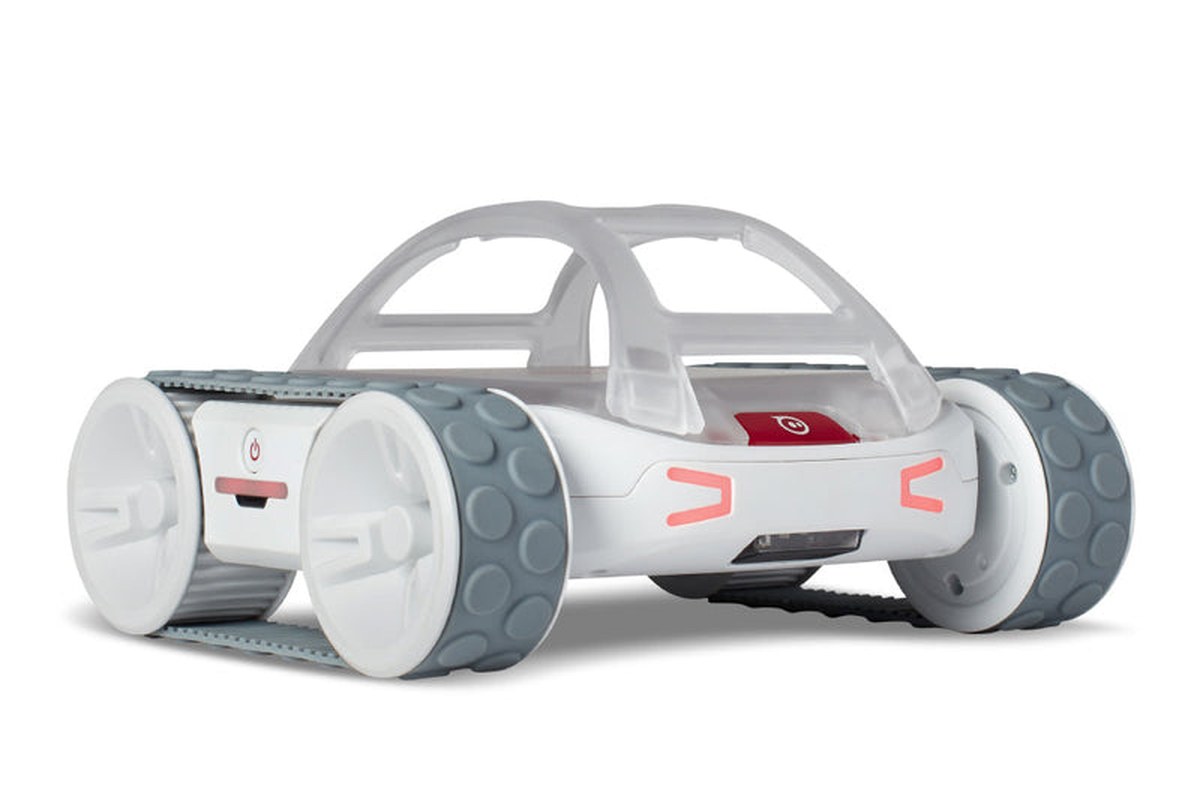
A removable battery can make classroom logistics and eventual service easier, as long as replacements stay available and the handling procedure is followed. It also means a robot's availability isn't hostage to a single charge. Check whether spare batteries and a suitable charging setup are in the quoted package, and plan secure storage and adult supervision suited to the learners. Runtime depends on movement, payload and accessories, so plan around your real workload rather than the longest headline figure. Tech Standpoint hasn't measured endurance. Pilot a class set across a full lesson schedule, charging between sessions included, because a capable robot is no use if it keeps dying before the activity wraps up.
What the whole project really costs
The chassis, tyres or drive surfaces, battery, mounting accessories and external electronics all add to what you'll spend. Check for hair and debris around moving parts and follow the approved cleaning guidance. Ask about repairs and replacement parts before equipping a programme meant to last several years. Price the complete project against a kit such as mBot2 or a simpler BOLT+ activity. RVR+ can save integration time by giving you a solid starting platform, but weigh that against the hardware your application still needs. A camera-based autonomous project, for example, doesn't come with the base. Tech Standpoint hasn't established long-term reliability and doesn't infer it from the educational branding.
Who RVR+ is really for
RVR+ is a credible choice for educators and makers who want a programmable mobile base that can grow into hardware projects. It's a weaker fit for a learner whose fun is assembling the whole mechanism, or a household after a finished autonomous helper. A sensible pilot covers basic programming, one sensor-driven behaviour and one modest expansion, while noting setup time and how failures get recovered. Tech Standpoint hasn't run that pilot. The purchase is easiest to justify when you can name the next two projects and the interfaces they need. Then its openness is a working capability, not an attractive promise gathering dust.
The closest alternatives.
| Product | Standpoint Score | Best for | Price |
|---|---|---|---|
| Sphero RVR+This review | 8.2Research | Makers and classrooms that want a ready-made, expandable chassis for sensor-driven mobile projects. | Amazon.ca ↗ |
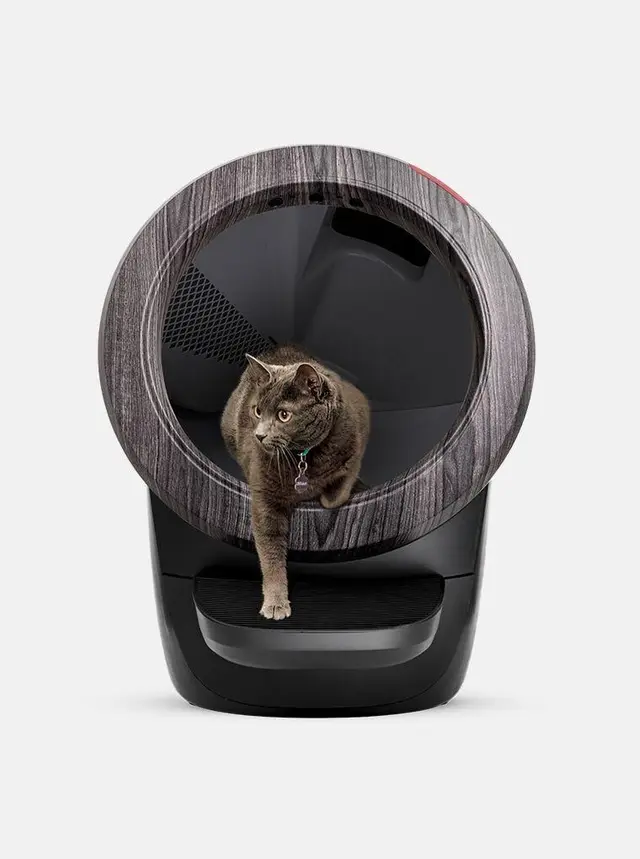
| Litter-Robot 4 | 7.8Research | Homes with suitable adult cats, room beside a power outlet and a realistic deep-cleaning plan, where the goal is less… | Amazon.ca ↗ |
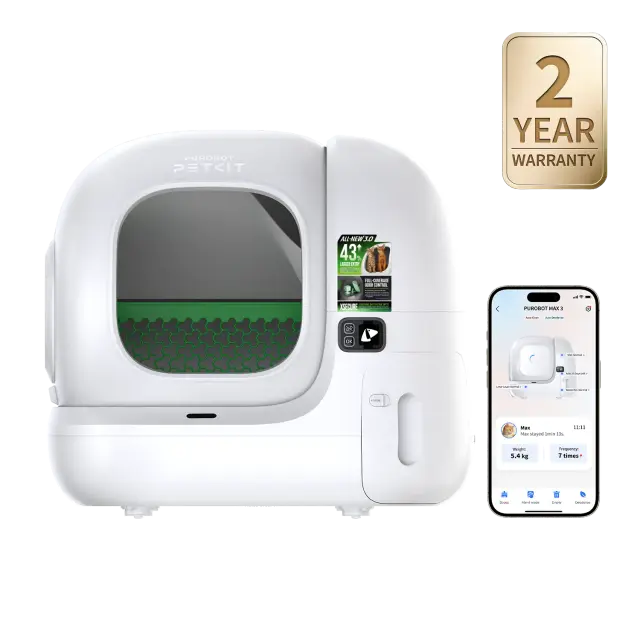
| PETKIT Purobot Max 3 | 7.6Research | Cats within the documented age and weight limits, in homes where a low entry and side waste bin fit the space. | Amazon.ca ↗ |
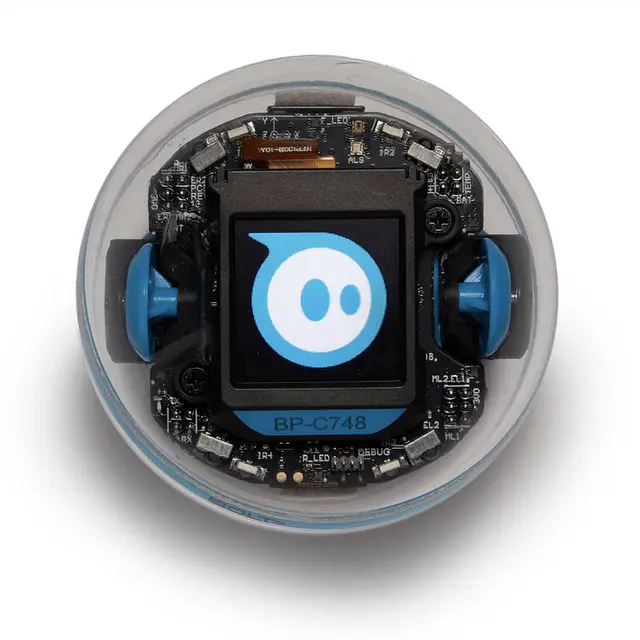
| Sphero BOLT+ | 8.2Research | Guided programming and sensor lessons where an on-robot display helps learners see and explain what their code is doing. | Amazon.ca ↗ |
Compare scores within a category: Tested means our own use, Research means documentation and attributed outside testing. Price links are affiliate links. As an Amazon Associate, Tech Standpoint earns from qualifying purchases. Disclosure
Sources & further reading.
These are the sources behind this research review. Manufacturer claims are not independent performance measurements. Community accounts, when cited, describe individual experiences.
- Sphero RVR+ — official product information ↗manufacturer
- Sphero RVR public SDK FAQ ↗support
Product software and regional bundles can change. Corrections and editorial disclosures.
Affiliate link. As an Amazon Associate, Tech Standpoint earns from qualifying purchases. It never changes our verdict or score. Disclosure