Not tested. This is a research score for the documented features, compatibility and ownership trade-offs discussed in this review, not a performance measurement.
Task capability 30%7.8
Extended edge system and greater capacity add practical capability over A1.
Navigation & control 20%8.3
Camera-enhanced LiDAR and map controls offer a richer navigation proposition.
Ownership & upkeep 20%6.7
Added edge hardware and connected features increase ownership complexity.
Setup & usability 15%7.8
Automatic boundary tools help when their results are verified.
Documentation & support clarity 15%7.2
Official tutorials clarify operation, while regional module terms remain uncertain.
Compare scores within the same product category. Small decimal differences should not override your needs or the evidence limits.
How the Standpoint Score works
We score five aspects of the documented product on a 0–10 scale, then calculate a weighted total:
- Task capability30% of the total
- Navigation & control20% of the total
- Ownership & upkeep20% of the total
- Setup & usability15% of the total
- Documentation & support clarity15% of the total
This product’s 7.6/10 is an editorial research assessment. It does not claim measured performance, tested reliability or a verified customer satisfaction rate. Compare it with products in the same category, and read each criterion’s reasoning above.
Read the full rubric and score bands ↗From a tech standpoint.
Buy the A2 if your lawn has plenty of flush paths and borders where a closer edge would really save trimming, you want camera-assisted boundary setup or separate maps for split lawns, and you can buy it with confirmed local service. Skip it if your lawn is simple enough for the A1, if you'd rather not have a camera-equipped, cloud-linked machine watching the garden, or if a seven-centimetre maximum cut is too short for you.
Reasons to consider it
- OmniSense 2.0 pairs 3D LiDAR with a camera for richer boundary and obstacle awareness
- An EdgeMaster mechanism with a claimed disc-to-edge distance under 5cm
- Dual-map support and zone controls for lawns split into separate areas
Go in knowing
- A sub-5cm edge claim doesn't mean zero trimming
- Regional Link Module contents and service periods need confirming
- The 3,000-square-metre capacity figure depends on the mode used
Affiliate link. As an Amazon Associate, Tech Standpoint earns from qualifying purchases. It never changes our verdict or score. Disclosure
The specification sheet.
Published specifications from the linked sources. Configurations and availability can differ by country.
- Navigation
- OmniSense 2.0, 3D LiDAR and camera
- Published capacity
- 3,000 m²
- Cutting width
- 22 cm
- Cutting-height range
- 3–7 cm
- Slope claim
- 50% / 26.5°
- Edge claim
- Disc-to-edge distance below 5 cm
Five centimetres from the edge, on paper
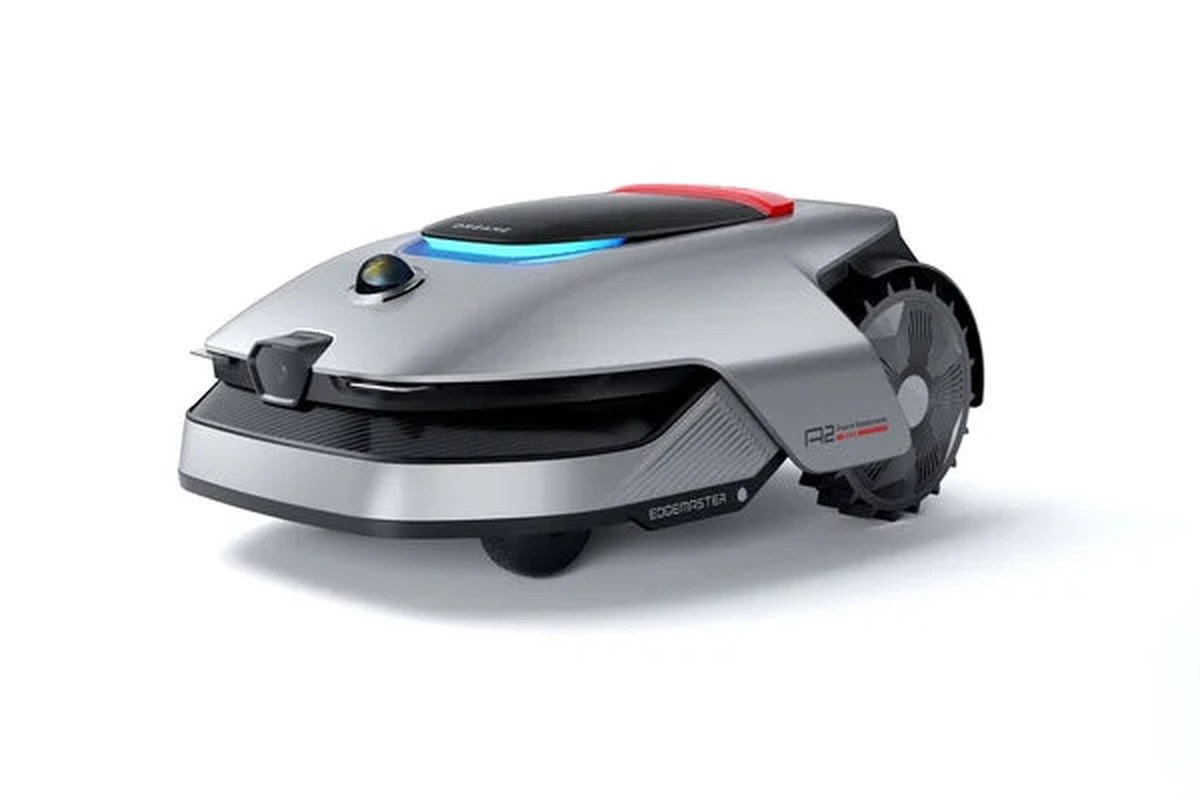
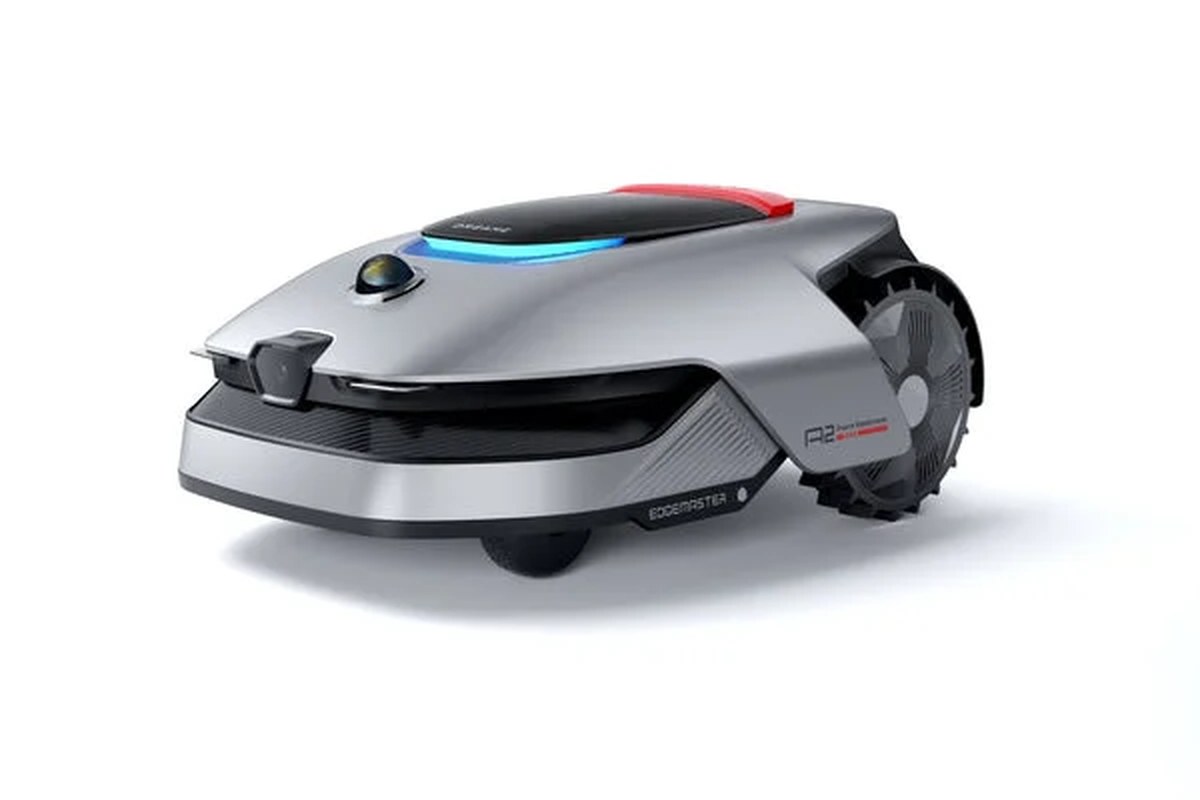
The A2 takes the A1 concept and adds an EdgeMaster cutting arrangement plus camera-assisted OmniSense 2.0 navigation. Dreame's official spec puts the disc-to-edge distance below five centimetres. That's a claim about the hardware, not proof that every border gets cut cleanly. Raised walls, curves and safety margins can still leave a strip. Measure the result beside several kinds of border before you put a value on the mechanism.
The cutting width stays at 22cm and the height range at three to seven centimetres in the global spec. Published capacity climbs to 3,000 square metres, but the daily efficiency references depend on the mode. Work backwards from the grass height and schedule you actually need. A bigger area label doesn't turn this into a substitute for a wide conventional deck.
A camera has to change what the mower does
The A2 combines 3D LiDAR with a camera, aiming for a richer read of boundaries and obstacles, including automatic boundary setup. The real question isn't how fast the app draws a map. It's whether that map stays safe and useful after a chair moves or a flower bed looks different. Check any automatically drawn boundary carefully before letting the mower run on a schedule.
Dreame also lists dual-map support and several mowing modes. Those can be valuable for separated lawns, but find out what physical carrying or charging arrangements are needed between disconnected areas. A map in an app doesn't open a locked gate. The installation tutorials help here, because they deal with work zones, paths and a second map as separate steps rather than presenting all segmentation as one effortless feature.
Garden Guardian is a feature you should be choosy about
Garden Guardian and the Link Module take the A2 beyond cutting grass. Viewing your yard remotely can be handy, but it raises account and data questions that someone just buying a mower may not have considered. Ask which services are included locally and how they behave without Wi-Fi. A global package description doesn't prove every regional retailer supplies the same module or service period.
The 50% slope claim and hub-motor design need checking on your actual lawn too. The things that matter most are how consistent the edge disc is, how much the turns disturb the grass and how it handles obstacles in shade. Against the A1, the extra hardware makes sense when it removes substantial recurring work; otherwise the simpler mower may do. Before importing either, nail down a clear parts and repair route. This review draws on the spec sheet and setup guidance; cut quality, surveillance security and service reliability haven't been measured, so the verdict stays conditional on those essentials.
Isolate what you're paying extra for
A fair A2 trial isolates what it adds over the A1. Compare the camera-assisted boundary setup with a manual map you've checked carefully, then measure what the edge mechanism leaves beside a wall and beside a flush path. That stops you crediting every good result to the newest feature. Confirm whether the local package includes the advertised Link Module and which functions keep working once any introductory service period ends. If you have two disconnected lawns, run the whole physical routine between maps. A dual-map function has to save real work, not just store another outline that still means awkward carrying and charging.
More sensors, more edges, more to keep clean
The A2 setup tutorials treat work zones, connecting paths and a second map as different jobs, and you should too. A lawn cut off from the rest may still need carrying or a charging routine that software can't remove. See the complete transfer process before buying for two isolated areas. Check the automatic boundary against the real edge of the garden as well. Keep generous margins in the first sessions and fine-tune only after watching it work, particularly near water, steps or a lawn that runs straight into a neighbour's.
EdgeMaster brings its own inspection job. Check the extended cutting arrangement for trapped grass and debris, and get the correct instructions for replacing blades and moving the mechanism. Compare the strip left at a raised border with the result beside level paving. The sub-five-centimetre spec can't tell you how the robot behaves at every corner. Check whether the edge cut and the main cut sit at the same height, too. The extra mechanism earns its keep when it removes real finishing work without adding an equally fussy cleaning or adjustment routine.
LiDAR plus a camera gives the A2 more information than the A1, and it gives you more sensor surfaces to keep clean. Dust, dried water spots and plant growth can all affect what the mower sees. Follow the cleaning directions for each part instead of assuming the IPX6 rating allows any washing method. Log recurring navigation problems with the firmware version and location before changing several settings at once. One change at a time helps separate an environmental issue from a map or software problem. Check that the mower reliably resumes after charging and weather interruptions, too.
For some buyers, Garden Guardian and the Link Module are part of the appeal. Confirm that your regional package includes the expected module and find out about any included service period. Decide who can view the garden and whether the camera sees into neighbouring yards. Sort out account sharing and recovery before the installer leaves. The surveillance features and data protections haven't been independently tested here. Remote viewing can help diagnose a stalled mower, but safe use still means keeping cutting away from children, pets and other activity, and knowing how to stop the machine at its own controls.
The global 3,000-square-metre claim is no substitute for a locally supported operating plan. Pick your height within the three-to-seven-centimetre range and estimate the schedule using the mode that gives an acceptable finish. Get battery, brush, blade-holder and repair information from the seller serving your actual country. The A2's premium over the A1 is easiest to justify when the edge and camera upgrades solve specific jobs. If your lawn is simple and regional service is shaky, a fancier spec sheet can be worth less than a plain mower with parts you can actually buy.
Spring is the A2's second exam
Dreame's A2 setup guidance explicitly covers battery care and winter storage, so make the official procedure part of your handover. Record the maps, height setting and Link Module arrangements before shutting down. When you restart, inspect the edge mechanism and sensor surfaces, then check each map's boundaries separately. If you carry the mower between disconnected lawns, rehearse that full routine before switching schedules back on. The change of seasons is a practical test of whether the extra camera, mapping and edge features stay easy to live with beyond installation day.
The closest alternatives.
| Product | Standpoint Score | Best for | Price |
|---|---|---|---|
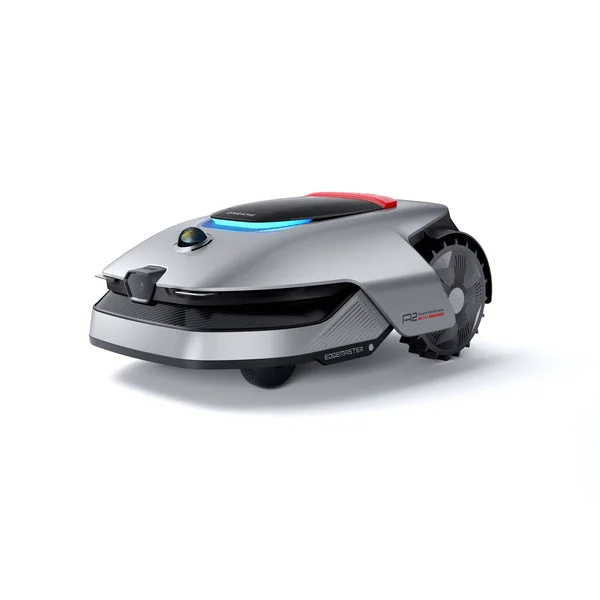
| Dreame Roboticmower A2This review | 7.6Research | A garden in a supported market where camera-assisted navigation and a closer-reaching edge mechanism fix the limits of a… | Amazon.ca ↗ |
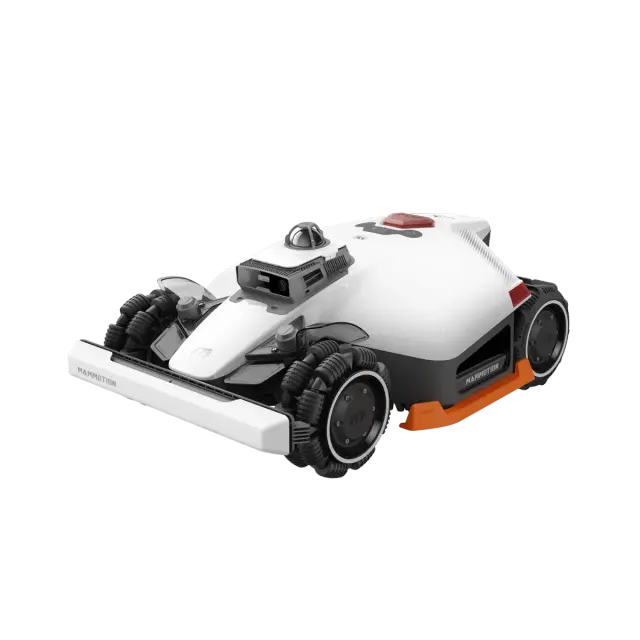
| Mammotion LUBA 3 AWD | 7.8Research | A complex lawn where AWD is useful and the buyer is prepared to verify the navigation and height specification of the… | Amazon.ca ↗ |
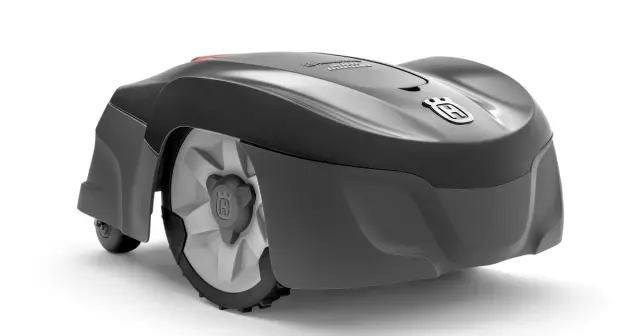
| Husqvarna Automower 115H Bluetooth | 6.1Research | A modest, settled lawn where a supported used mower costs substantially less than a new installation. | Amazon.ca ↗ |
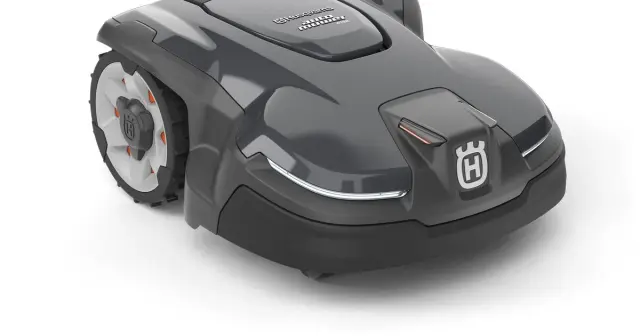
| Husqvarna Automower 415X | 6.6Research | Owners of a small or medium established wired lawn who want connected control and a documented support path. | Amazon.ca ↗ |
Compare scores within a category: Tested means our own use, Research means documentation and attributed outside testing. Price links are affiliate links. As an Amazon Associate, Tech Standpoint earns from qualifying purchases. Disclosure
Sources & further reading.
These are the sources behind this research review. Manufacturer claims are not independent performance measurements. Community accounts, when cited, describe individual experiences.
- Dreame Roboticmower A2 — official manufacturer product information ↗manufacturer
- Dreame A2 official setup and maintenance tutorials ↗support
Product software and regional bundles can change. Corrections and editorial disclosures.
Affiliate link. As an Amazon Associate, Tech Standpoint earns from qualifying purchases. It never changes our verdict or score. Disclosure