Not tested. This is a research score for the documented features, compatibility and ownership trade-offs discussed in this review, not a performance measurement.
Task capability 30%7.7
Six-axis motion supports useful lightweight learning projects.
Navigation & control 20%8.0
Several code and graphical routes provide flexibility.
Ownership & upkeep 20%6.8
Servo, cable and lifespan considerations limit carefree ownership.
Setup & usability 15%6.7
Mounting, tooling and setup require technical work.
Documentation & support clarity 15%7.8
Specifications and model-specific documentation expose useful limits.
Compare scores within the same product category. Small decimal differences should not override your needs or the evidence limits.
How the Standpoint Score works
We score five aspects of the documented product on a 0–10 scale, then calculate a weighted total:
- Task capability30% of the total
- Navigation & control20% of the total
- Ownership & upkeep20% of the total
- Setup & usability15% of the total
- Documentation & support clarity15% of the total
This product’s 7.4/10 is an editorial research assessment. It does not claim measured performance, tested reliability or a verified customer satisfaction rate. Compare it with products in the same category, and read each criterion’s reasoning above.
Read the full rubric and score bands ↗From a tech standpoint.
Buy the myCobot 280 M5 for learning six-axis manipulation and building modest desktop demos with lightweight tools and small objects inside its 280 mm working radius. Skip it if your project assumes substantial payload, industrial production duty or precise unattended work without calibration and integration. If four-axis pick-and-place is enough, look at myPalletizer; if reach or payload is the real constraint, look at a larger platform.
Reasons to consider it
- Six axes let it orient a tool as well as position it, which is ideal for teaching frames and joints
- Several programming options, from graphical tools to Python and ROS-related development
- A compact arm that sits on a modest bench and exposes real control concepts
Go in knowing
- The 250 g payload has to cover the gripper, bracket and cabling as well as the object
- It's built for learning and demos, not industrial production duty
- Calibration, fixtures and safety measures are still your job
Affiliate link. As an Amazon Associate, Tech Standpoint earns from qualifying purchases. It never changes our verdict or score. Disclosure
The specification sheet.
Published specifications from the linked sources. Configurations and availability can differ by country.
- Axes
- 6
- Working radius
- 280 mm
- Payload
- 250 g
- Referenced controller
- M5
A whole robot arm on a small bench
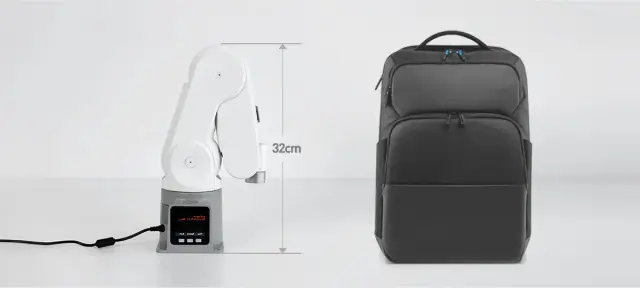
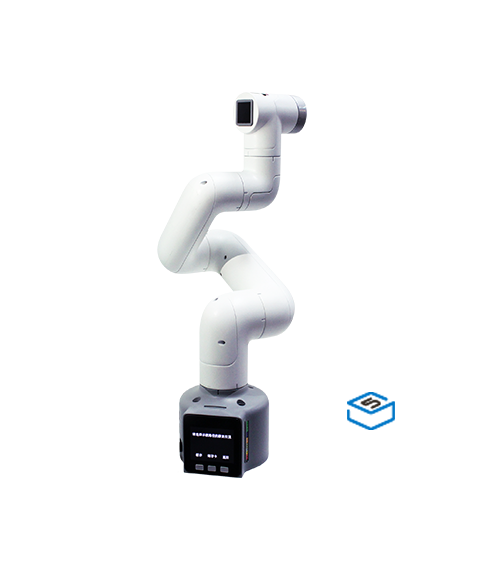
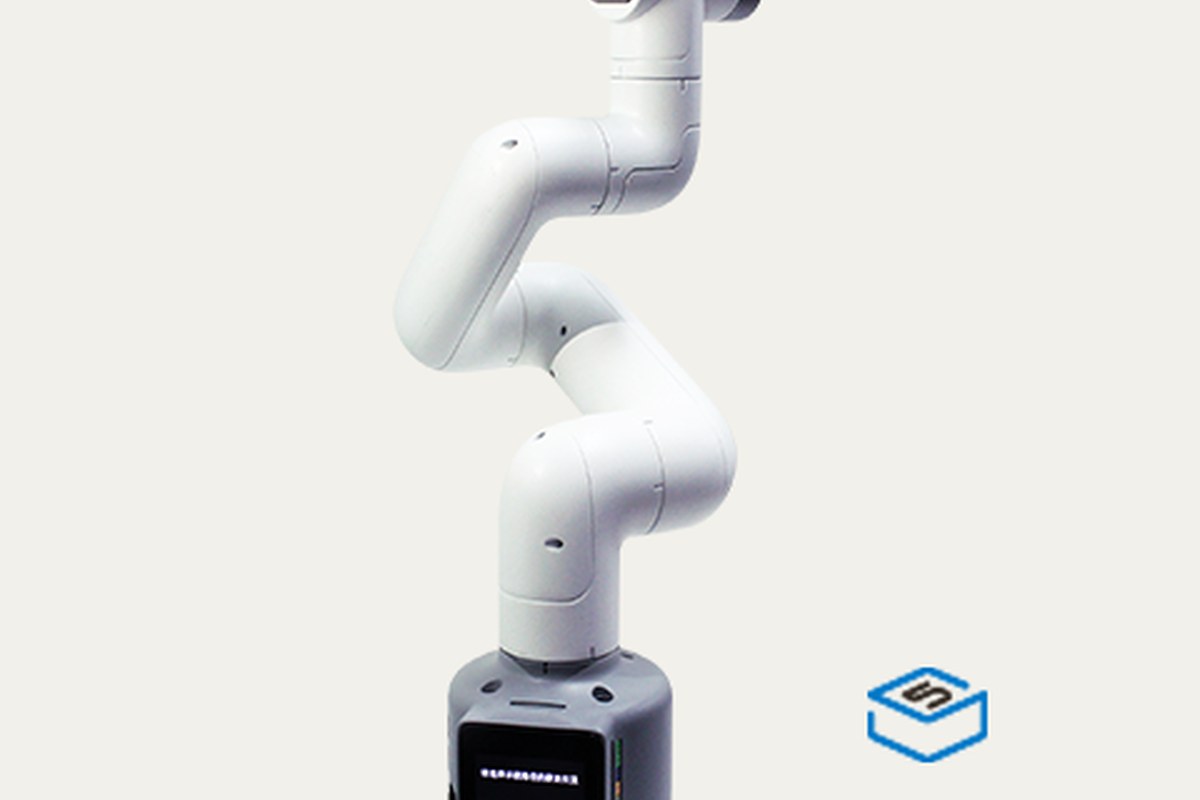
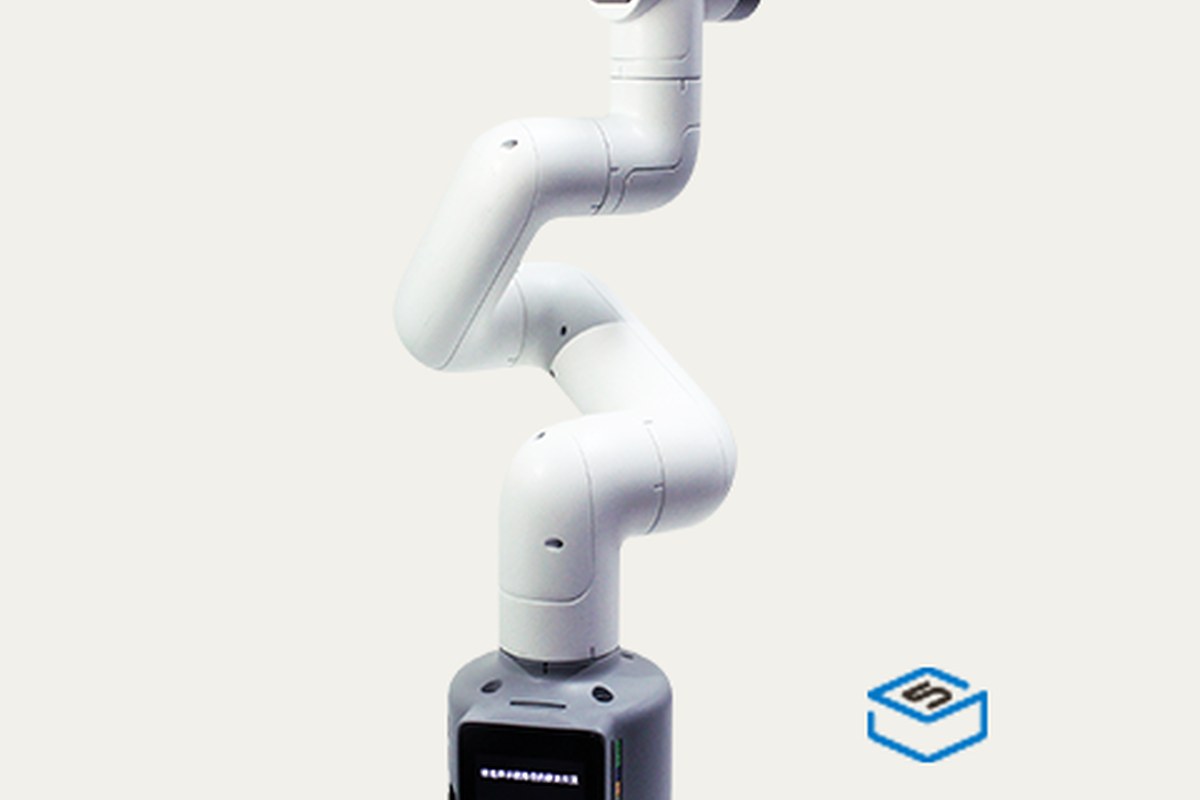
The myCobot 280 M5 is a compact six-axis arm aimed at education, research, demonstrations and maker projects. Elephant Robotics publishes a 280mm working radius and a 250g payload for the referenced version, plus support for several programming environments and ROS-related development. Those numbers put it squarely in lightweight manipulation, not general workshop lifting. The draw is a complete articulated robot that fits on a modest bench and opens up genuinely useful control concepts. Tech Standpoint hasn't operated or measured the arm. This review looks at the documented platform and the integration work behind a successful project, with a close eye on the gap between moving an arm and building a dependable application around it.
What the extra two axes buy you
An articulated arm can position and angle a tool in ways a simpler four-axis mechanism can't. That makes it great for teaching coordinate frames, joint motion and tool orientation. It also brings singularities, joint limits and poses where a tiny tool movement demands a big joint swing. A quoted working radius doesn't promise that every point in an imagined sphere is reachable at every angle. Study the workspace and joint limits before designing a fixture, because a task that looks trivial on paper can force the wrist into an awkward position. Start inside a simple reachable region and widen it on purpose; six axes don't remove the need for mechanical planning.
Weigh the gripper first
A lightweight arm's payload has to cover the gripper, bracket, cabling and the object together. A tool that eats most of the allowance leaves little for the workpiece. Position and leverage matter too: a long object loads the arm differently from a compact one close to the flange. Get the current load guidance for the exact model, and don't read the headline as permission for any 250g arrangement. A tabletop sorting project with small parts is a plausible match; handling ordinary workshop tools may not be. Tech Standpoint hasn't measured load-dependent performance. A sound purchase decision starts with the complete end-effector and object assembly, not just the object's mass.
Coming back to the same spot isn't hitting the right one
The published positioning figure doesn't prove that a coordinate measured with a ruler will put the tool exactly where you expect. Repeatability, calibration, tool offsets, joint compliance and fixture accuracy all shape the end result. An arm can return consistently to a taught point and still miss the ideal mathematical coordinate. For teaching, that distinction is gold. For a practical process, it decides whether you need a jig, a sensor or a calibration routine. Before trusting a tight tolerance, check repeated approaches from different directions and at several payloads. No such measurements were made here. The arm's accessibility makes it a good platform for exploring these issues, not a reason to ignore them.
Python, blocks or ROS: choose one and stick to it
Elephant Robotics lists graphical tools, Python and other languages, plus ROS-related resources. The breadth is appealing, but you need one reproducible workflow, not a wall of logos. Confirm the controller revision, supported firmware and the exact examples for the M5 version. Tutorials for Raspberry Pi or other myCobot variants may not carry over unchanged. Start with a known connection and a simple motion, then add gripper control, sensing or planning one layer at a time. Record versions and configuration so someone else can reproduce the setup. Tech Standpoint hasn't tried the current software stack. Clear documentation and examples are a big part of this product, because integration can take longer than the physical build.
Pick-and-place needs eyes and a plan
Object recognition, pick-and-place and vision-guided manipulation take more than the arm. A camera, lighting, calibration, a gripper and software all have to work together. A demo video may include accessories and carefully staged objects that aren't in the base package. Define the task and ask which components are included. For a first project, fixed positions and a simple fixture are a more reliable path than free-form visual picking. The open interfaces make advanced work possible, but possible isn't the same as finished. Judge any proposed application by its full bill of materials and recovery logic, not on the assumption that six joints can work out how to grasp any object on their own.
Small arm, real pinch points
A compact, lightweight arm can still pinch fingers, hit things or move unexpectedly after a software command. Mount it firmly, keep its operating envelope clear and follow the manufacturer's safety instructions. Start at conservative speeds with a clear stop procedure, and keep hands away from moving joints and the tool. Calling it collaborative in marketing doesn't certify every user-built application as safe around people. A sharp tool, fragile workpiece or loose gripper can change the risk a lot. Tech Standpoint hasn't validated its protective functions. In a classroom, supervision and a controlled workspace are part of the system. Its modest size is great for teaching, but it's no excuse for casual handling while it's powered and moving.
A teaching arm, not a production cell
The referenced manufacturer table includes a working-lifespan figure, an unusually frank reminder that this isn't an arm to run on industrial production duty indefinitely. Ask Elephant Robotics how that figure applies to the current version, your workload and maintenance. Confirm that servos, cables, controller parts and repair support are available in your region. A light classroom demo and continuous repetitive operation are very different demands. Keep loads inside the documented envelope and check mounting and wiring regularly. Tech Standpoint hasn't measured endurance or wear. The low barrier to desktop experimenting is valuable; just buy with a realistic view of duty, repairability and the gap between a teaching platform and a production cell.
The right arm for a well-scoped project
myCobot 280 M5 is a sensible candidate for learning six-axis manipulation and building modest desktop demos with lightweight tools and objects. It's a poor choice if the project assumes substantial payload, industrial duty or precise unattended work without calibration and integration. A worthwhile pilot would exercise the exact software stack, repeated positioning, tool control and safe recovery from an interrupted command. Tech Standpoint hasn't carried out those checks. Compare it with myPalletizer when four-axis pick-and-place is enough, and with a larger platform when reach or payload is the real limit. The best reason to buy is a defined learning or prototyping project that fits its limits, not the general appeal of a robot on your desk.
The closest alternatives.
| Product | Standpoint Score | Best for | Price |
|---|---|---|---|
| Elephant Robotics myCobot 280 M5This review | 7.4Research | Desktop education and lightweight manipulation prototypes that fit a 250 g, tool-inclusive payload. | Amazon.ca ↗ |
| Elephant Robotics myPalletizer 260 | 7.3Research | Lightweight top-down picking demos and structured manipulation lessons that don't need arbitrary tool angles. | Amazon.ca ↗ |
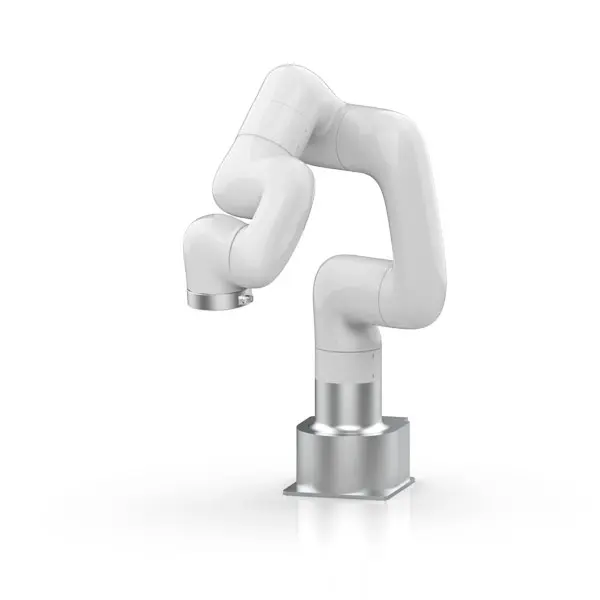
| UFACTORY Lite6 | 7.6Research | Lightweight six-axis prototypes and small automation cells with clearly defined integration requirements. | Amazon.ca ↗ |
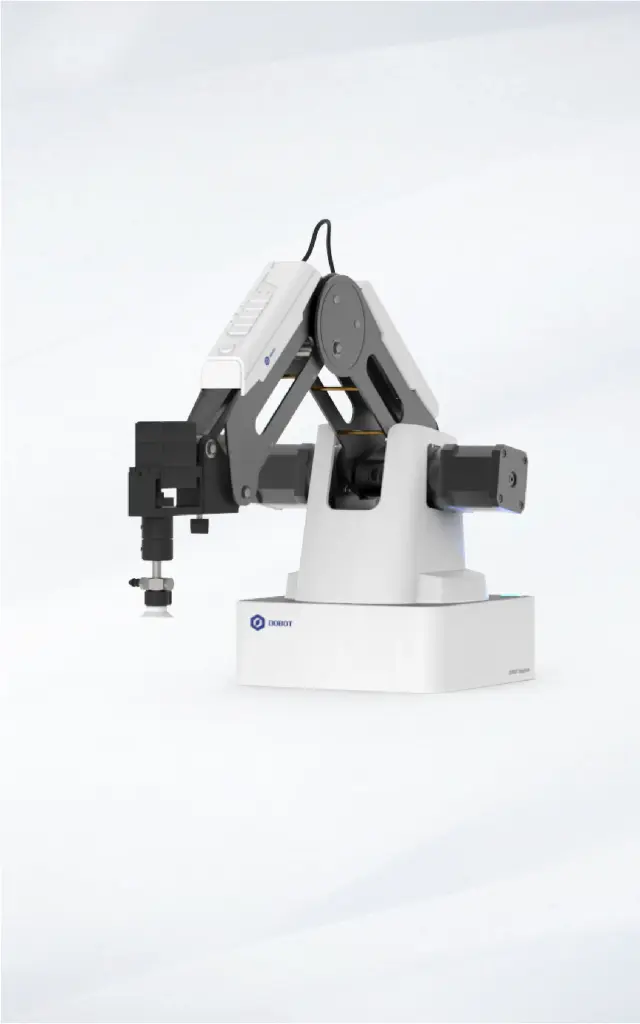
| DOBOT Magician | 7.7Research | Structured robotics teaching and four-axis manipulation demos built around a planned sequence of tools. | Amazon.ca ↗ |
Compare scores within a category: Tested means our own use, Research means documentation and attributed outside testing. Price links are affiliate links. As an Amazon Associate, Tech Standpoint earns from qualifying purchases. Disclosure
Sources & further reading.
These are the sources behind this research review. Manufacturer claims are not independent performance measurements. Community accounts, when cited, describe individual experiences.
- Elephant Robotics myCobot 280 M5 — official product information ↗manufacturer
- myCobot 280 M5 product introduction ↗manual
Product software and regional bundles can change. Corrections and editorial disclosures.
Affiliate link. As an Amazon Associate, Tech Standpoint earns from qualifying purchases. It never changes our verdict or score. Disclosure