Not tested. This is a research score for the documented features, compatibility and ownership trade-offs discussed in this review, not a performance measurement.
Task capability 30%8.0
Reach and six-axis motion support meaningful lightweight projects.
Navigation & control 20%8.3
Studio and SDK routes offer substantial control scope.
Ownership & upkeep 20%6.8
Specialist maintenance and the complete tooling system affect cost.
Setup & usability 15%6.4
Installation and application engineering demand expertise.
Documentation & support clarity 15%8.3
Current technical docs expose payload, tool weights and interface details.
Compare scores within the same product category. Small decimal differences should not override your needs or the evidence limits.
How the Standpoint Score works
We score five aspects of the documented product on a 0–10 scale, then calculate a weighted total:
- Task capability30% of the total
- Navigation & control20% of the total
- Ownership & upkeep20% of the total
- Setup & usability15% of the total
- Documentation & support clarity15% of the total
This product’s 7.6/10 is an editorial research assessment. It does not claim measured performance, tested reliability or a verified customer satisfaction rate. Compare it with products in the same category, and read each criterion’s reasoning above.
Read the full rubric and score bands ↗From a tech standpoint.
Buy Lite6 for lightweight six-axis prototypes and controlled small-shop or lab automation where its documented 440 mm reach, 600 g payload and programming interfaces genuinely fit the complete task, tool included. Skip it if the plan assumes heavy tools, tight tolerances without calibration, or unattended production without proper integration work. If learning is the main goal, a smaller educational arm may suit you better; if payload or duty is decisive, look at higher-capacity systems.
Reasons to consider it
- A six-axis platform with orientation flexibility for more than simple top-down picking
- Documented programming routes through UFACTORY Studio, Python, C++ and ROS
- A 440 mm reach that gives a desktop arm useful room to work
Go in knowing
- Current official docs list a 600 g payload, and older listings may quote different values
- Gripper weight can take a big share of that payload before any object is added
- The complete application needs its own safeguards, recovery logic and guarding
Affiliate link. As an Amazon Associate, Tech Standpoint earns from qualifying purchases. It never changes our verdict or score. Disclosure
The specification sheet.
Published specifications from the linked sources. Configurations and availability can differ by country.
- Axes
- 6
- Maximum payload
- 600 g, current official docs
- Reach
- 440 mm
- Repeatability
- ±0.5 mm, published specification
More reach, same homework
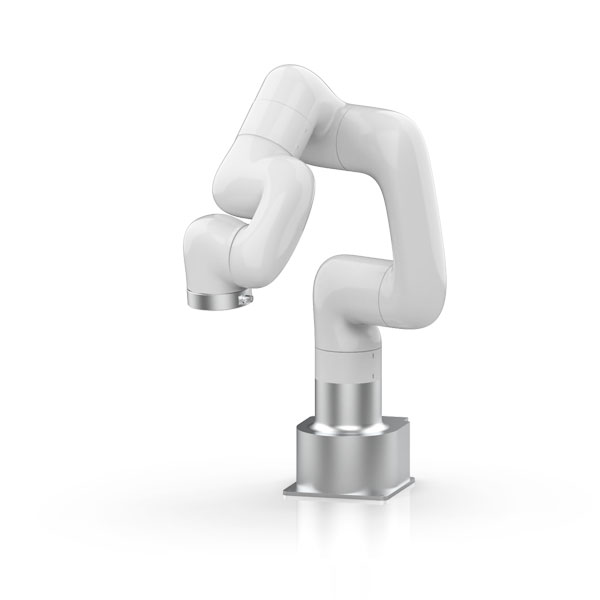
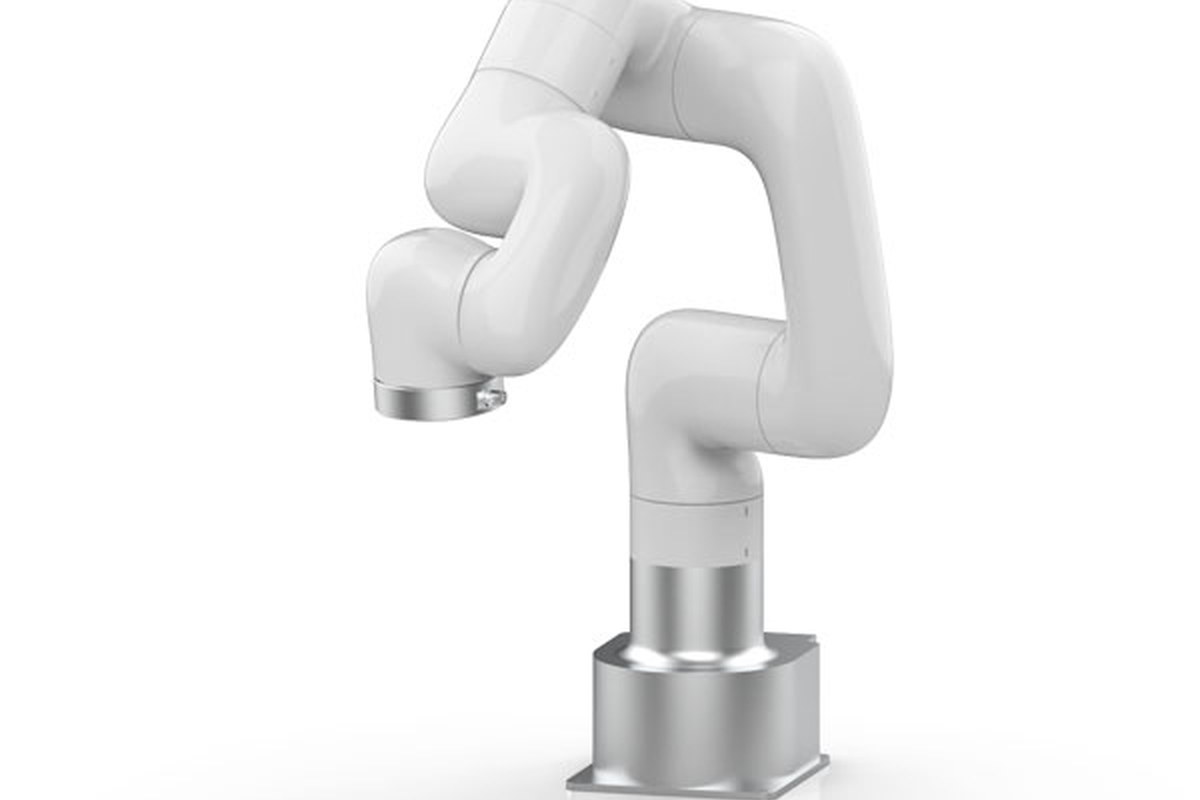
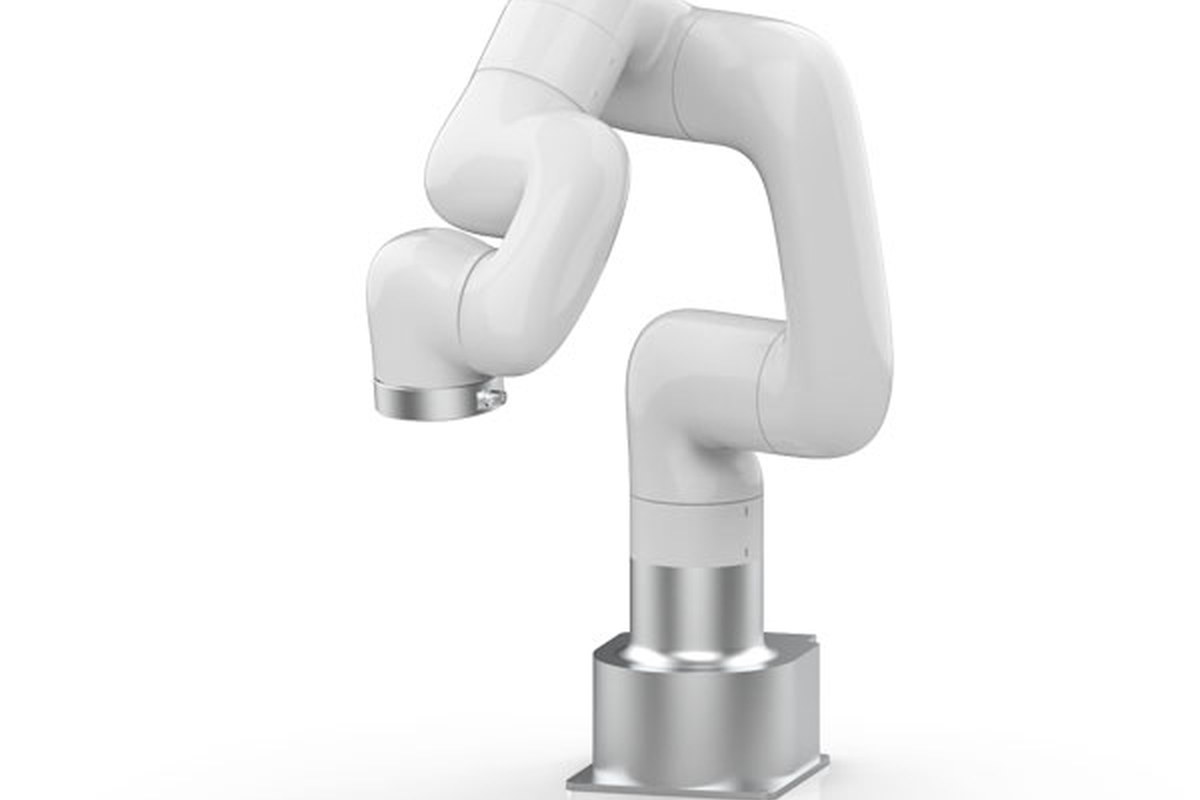
UFACTORY Lite6 is a six-axis desktop arm built for programming, prototyping and automation experiments. The current official technical documentation lists a 600g maximum payload, a working extent tied to a 440mm reach and support through UFACTORY Studio, Python, C++ and ROS. Those are the figures used here; older listings and discussions may quote different values, so confirm the exact revision. It gets interesting when you need more reach and a different mechanical platform than very small educational arms offer. It isn't a finished application, though. A tool, a mounting arrangement, fixtures, control logic and appropriate safeguards all still have to be designed. Tech Standpoint hasn't operated Lite6 or measured its performance.
Your gripper is the first passenger
The official page lists weights for its small gripper options alongside the arm's payload, which makes the maths concrete: the end-effector alone can claim a big share of the allowance before you add an object. Count adapters, cables and any wrist-mounted sensor too. Think about centre of mass and acceleration instead of a single static weight. A process that looks comfortably within the limit when you weigh only the workpiece can blow past it once everything is assembled. Ask UFACTORY for the applicable load guidance and verify your exact tool combination. Check the intended payload at the real poses and speeds before committing to fixtures or promising anyone a production rate.
440 mm isn't a circle you can use end to end
Six-axis geometry gives you flexibility in tool orientation, but joint limits and configurations restrict which poses are practical. The Cartesian range on a spec sheet doesn't mean every position and orientation within a neat boundary is equally usable. Plan the approach and retreat as well as the contact point. An arm can reach a target and still need an awkward path that clips a fixture or drifts toward a singularity. Simulation helps, as long as the model and tool dimensions match reality. Validate the complete motion at conservative speed in a clear workspace. Lite6's reach is only worth what your workable task envelope turns out to be, not the biggest number in the table.
Reading ±0.5 mm correctly
UFACTORY publishes a repeatability figure, and it's not the same thing as absolute positioning accuracy. Returning reliably to a taught point differs from hitting a coordinate taken from an external measurement. Tool calibration, fixture movement, thermal conditions and compliance all nudge the final result. A small assembly or inspection job may still need extra sensing or mechanical alignment even when the robot's repeated motion is fine. Tech Standpoint hasn't measured those effects. Before picking an arm for a tolerance-sensitive process, define the outcome you need and test it with the real payload and approach direction. A spec is a useful first filter; process capability belongs to the whole cell, not the robot alone.
Studio gets it moving; your code keeps it honest
Studio and the supported programming interfaces can get you to a first motion quickly. For a useful application, check command behaviour, state reporting, error handling and version compatibility for the SDK you plan to use. A working example script says nothing about reliable recovery after a network drop or a stopped motion. Record firmware, libraries and configuration, and keep a small repeatable test before layering on perception or external equipment. Tech Standpoint hasn't validated the current software. Documentation quality matters a lot here, because compact arms are often bought by teams without a dedicated industrial-robot integrator. The right platform makes its limits and interfaces understandable, rather than just listing language logos on a product page.
Making the arm, tool and fixture talk
An arm's motion has to be synchronised with the tool and the task. A vacuum pickup needs evidence it actually grabbed the part; a gripper may need the right force and opening; a fixture may need to signal that it's ready. The official documentation lists end-effector communication details worth reviewing before integration. A matching electrical connector doesn't imply compatibility with any tool. Confirm power limits, signal levels and the supported control method. A simple fixed-object demo can hide missing feedback that becomes critical over hundreds of cycles. Build the application around detectable success and safe failure states, instead of timing a sequence and hoping every part stays where the last cycle left it.
The cell is your safety case
A compact six-axis arm can move fast and create pinch and impact hazards, especially with a tool on the end. Secure the base, set up a controlled envelope and follow the manufacturer's safety requirements. A collaboration label doesn't make every installation safe for close human contact; the tool, workpiece, speed and surrounding fixtures all change the risk. Start with conservative motion and a tested stop-and-recover procedure. Never reach into the working area to straighten a part while a sequence is running. Tech Standpoint hasn't assessed protective functions or certified any application. In a school or workshop, training and proper safeguards are part of the purchase, not an afterthought once the robot is already working.
The bare-arm price is just one line
In a practical budget, the arm is only one line. Add tooling, mounting, power equipment, fixtures, sensors, guarding where needed and engineering time. Ask about inspection, calibration, replacement parts and repair turnaround in your region. A compact footprint doesn't mean the whole working cell fits in the same small space; leave room for motion, wiring and maintenance access. A used Lite6 should be checked for controller and hardware revision, supported firmware, communication, joint condition and service history. Tech Standpoint hasn't measured endurance or total ownership cost. The purchase makes most sense when you can support the full application and have a credible repair route, not when a low bare-arm price is defining what you can afford.
Who Lite6 makes sense for
Lite6 is worth considering for lightweight six-axis prototypes and controlled automation projects where its documented reach, payload and interfaces fit. It's the wrong pick when the plan assumes heavy tools, tight tolerances without calibration or unattended production without integration work. A meaningful trial uses the real end-effector, checks the whole motion envelope and exercises error recovery as well as a clean cycle. Tech Standpoint hasn't performed that trial. Compare it with smaller educational arms when learning is the main goal, and with higher-capacity systems when payload or duty decides things. The smart choice is the supported platform that meets the complete task, not the flashiest demo at the lowest advertised starting price.
The closest alternatives.
| Product | Standpoint Score | Best for | Price |
|---|---|---|---|
| UFACTORY Lite6This review | 7.6Research | Lightweight six-axis prototypes and small automation cells with clearly defined integration requirements. | Amazon.ca ↗ |
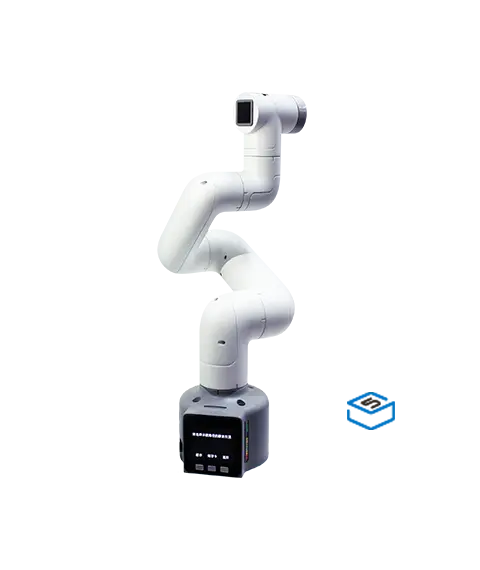
| Elephant Robotics myCobot 280 M5 | 7.4Research | Desktop education and lightweight manipulation prototypes that fit a 250 g, tool-inclusive payload. | Amazon.ca ↗ |
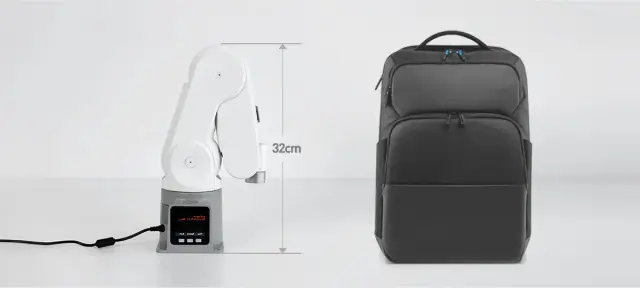
| Elephant Robotics myPalletizer 260 | 7.3Research | Lightweight top-down picking demos and structured manipulation lessons that don't need arbitrary tool angles. | Amazon.ca ↗ |
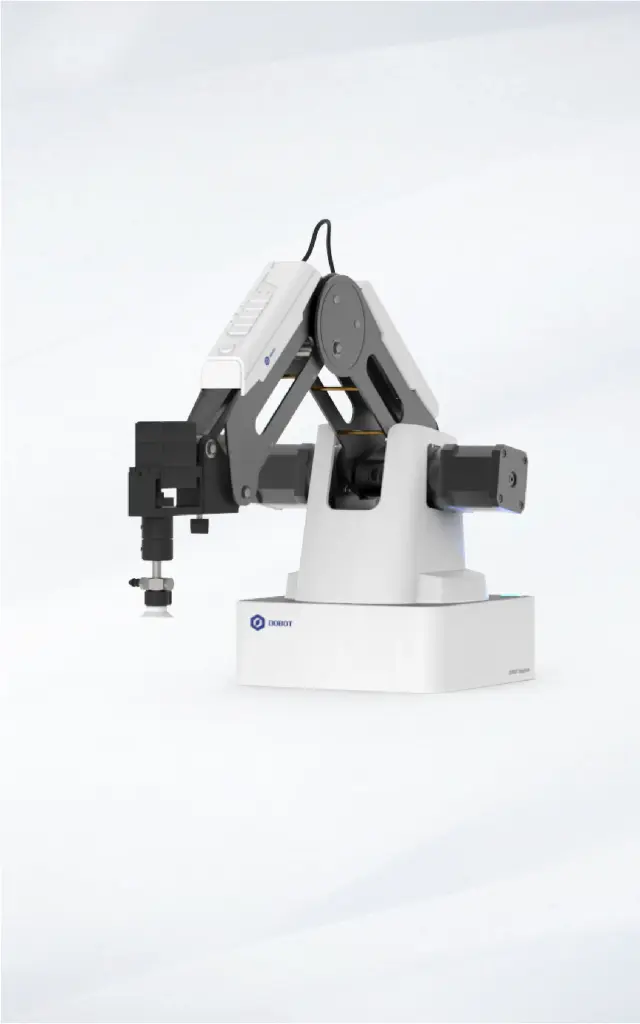
| DOBOT Magician | 7.7Research | Structured robotics teaching and four-axis manipulation demos built around a planned sequence of tools. | Amazon.ca ↗ |
Compare scores within a category: Tested means our own use, Research means documentation and attributed outside testing. Price links are affiliate links. As an Amazon Associate, Tech Standpoint earns from qualifying purchases. Disclosure
Sources & further reading.
These are the sources behind this research review. Manufacturer claims are not independent performance measurements. Community accounts, when cited, describe individual experiences.
- UFACTORY Lite6 — official product information ↗manufacturer
- UFACTORY Lite6 hardware installation ↗manual
- UFACTORY Lite6 official product page ↗manufacturer
Product software and regional bundles can change. Corrections and editorial disclosures.
Affiliate link. As an Amazon Associate, Tech Standpoint earns from qualifying purchases. It never changes our verdict or score. Disclosure