Not tested. This is a research score for the documented features, compatibility and ownership trade-offs discussed in this review, not a performance measurement.
Features & capability 30%8.4
M4 and Pencil support provide a broad documented tablet toolkit; application scope determines usefulness.
Compatibility & connectivity 20%7.9
Connectivity and accessories cover several arrangements, with exact compatibility checks needed.
Ownership & upkeep 20%7.7
Keyboard, stylus, storage and subscriptions can materially change the complete purchase.
Setup & everyday use 15%8.0
Tablet interaction suits reading and annotation, while computer replacement can introduce workarounds.
Documentation & support clarity 15%8.6
Apple distinguishes sizes and accessories clearly; service experience has not been evaluated.
Compare scores within the same product category. Small decimal differences should not override your needs or the evidence limits.
How the Standpoint Score works
We score five aspects of the documented product on a 0–10 scale, then calculate a weighted total:
- Features & capability30% of the total
- Compatibility & connectivity20% of the total
- Ownership & upkeep20% of the total
- Setup & everyday use15% of the total
- Documentation & support clarity15% of the total
This product’s 8.1/10 is an editorial research assessment. It does not claim measured performance, tested reliability or a verified customer satisfaction rate. Compare it with products in the same category, and read each criterion’s reasoning above.
Read the full rubric and score bands ↗From a tech standpoint.
Buy it if you want a tablet canvas for annotation, sketching, reading and travel alongside a computer. Do not buy it as your only computer until the exact apps, exports and file handling have been proven, because the M4 chip cannot add an app that iPadOS does not have.
Reasons to consider it
- 11-inch and 13-inch sizes, both with laminated IPS Liquid Retina displays
- Apple Pencil Pro and Apple Pencil USB-C support
- M4 with an 8-core CPU, 9-core GPU and 12 GB of unified memory
Go in knowing
- Pencil, keyboard and cellular change the real price and the carry weight
- iPadOS app capabilities, exports and plug-ins need exact checks against your desktop workflow
- Cloud storage does not replace local working space on a train or a plane
Affiliate link. As an Amazon Associate, Tech Standpoint earns from qualifying purchases. It never changes our verdict or score. Disclosure
The specification sheet.
Published specifications from the linked sources. Configurations and availability can differ by country.
- Sizes
- 11-inch or 13-inch
- Processor
- M4; 8-core CPU and 9-core GPU
- Memory
- 12 GB unified memory
- Display
- Laminated IPS Liquid Retina
- Stylus support
- Apple Pencil Pro or Apple Pencil USB-C
A tablet has to earn its spot next to a laptop
The M4 iPad Air is at its best when the tablet shape solves something a laptop does badly. Reading standing up, marking up a document, sketching, carrying a light screen around a workspace: those are the jobs. Buying it as a laptop replacement is a harder call. Your exact apps, file workflow and input needs have to fit iPadOS, and a fast chip cannot remove an operating-system limit or conjure an app that is not there.
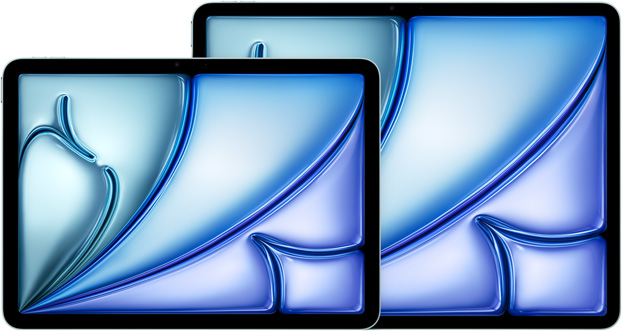
Apple's current line-up has 11-inch and 13-inch sizes. Both are covered here, with the 11-inch treated as the portable starting point. Display, performance and battery have not been measured. The question is whether the Air is the right middle ground for someone who wants more creative and productivity reach than a basic tablet, without assuming the most expensive iPad is required. The answer depends on accessories and software habits at least as much as the processor.
Choose the size with your hands, not a chart
Apple lists laminated IPS displays on both sizes, with different brightness specs. The larger Air gives an annotated page or a drawing more room; the smaller one is easier to get into a bag and use in a cramped seat. Those are trade-offs, not comfort measurements. Hold the intended size with a case on, and think about whether it will mostly sit on a desk, a stand or one hand.
Text scaling and page layout matter. A larger diagonal is worth it if it makes the page readable without constant pinching, but a screen that is too big to bother carrying stays home. For creative work, ask how much canvas is left once toolbars and reference material are visible. The spec sheet starts that decision; only a few real reading and drawing sessions finish it.
M4 is only as useful as the apps that run on it
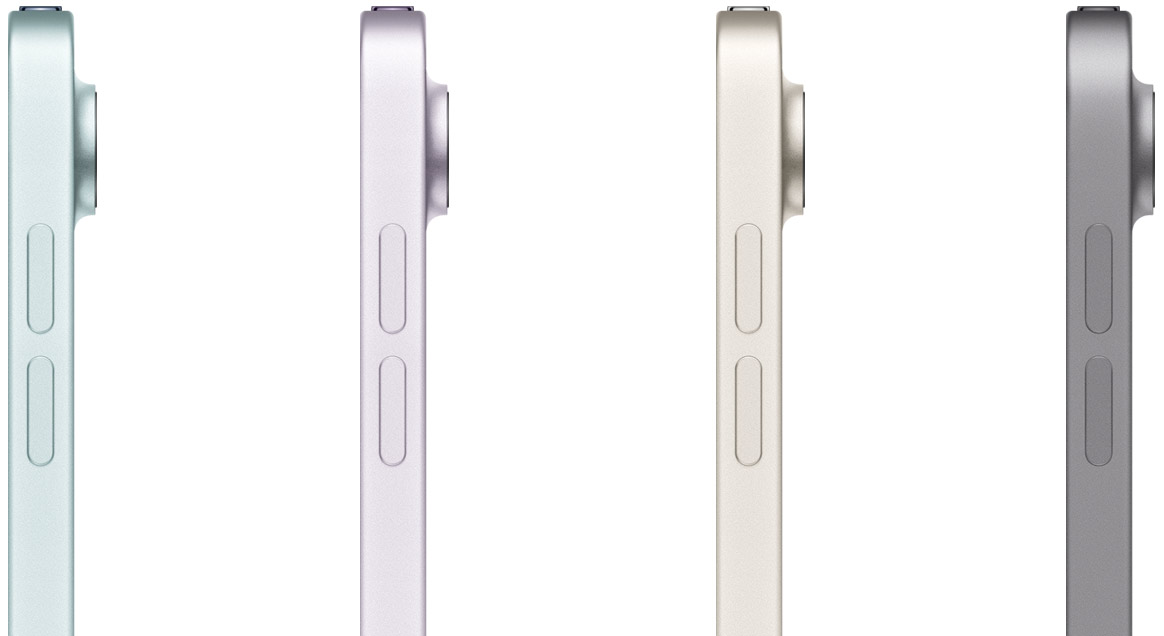
The M4 configuration brings an 8-core CPU, a 9-core GPU and 12 GB of unified memory. That describes the hardware, not a benchmark. To judge usefulness, pin down what each app can actually do on the tablet: export formats, project size limits, plug-in support, and whether it can hand a project back to a desktop app without losing work. A desktop-class chip does not turn a mobile app into a desktop workflow.
Here is a fair test of a proposed replacement. Take an ordinary week and list every step: signing a document, moving a folder, sharing a file with someone on another platform. Do those steps before selling the existing computer. If a workaround keeps recurring, count its time and hassle as part of the price. A tablet can still be an excellent companion when it cannot take over every task. The honest verdict keeps those two roles separate.
Pencil and keyboard change the purchase
Apple documents Pencil Pro and the USB-C Pencil. Check the exact accessory rather than assuming a stylus from an older iPad works. A drawing-focused buyer should look at the controls and charging setup they want; someone annotating the occasional PDF needs less. Either way, budget for the whole setup. The tablet alone is not the price of a drawing station or a keyboard-based travel computer.
A keyboard makes writing easier and changes weight, balance and how the screen is propped. Try it where you will use it: a desk, a tray table, a lap. A combination that is stable on a shop counter can be fiddly in motion. Compare the complete tablet-and-keyboard package with a laptop at the same total price. Accessories should answer a recurring need, not pile up because each one promises to turn the tablet into a different device.
Files need a routine, not a hope
Choose storage around local working material, not the cloud plan you already pay for. Offline documents, reference images, downloaded video and project files fill a tablet fast. A cloud service simplifies sync, but it may not make every file available in transit or behave the same in every app. Keep a core set of important documents local and confirm they open offline before you leave the house.
External storage has its own workflow. Check the drive, cable, power needs and app access before relying on it for a big project. A successful copy does not prove an app can edit the project in place or export it the way you need. Keep backups separate from the only working copy. For a student or creator, losing a project costs far more than a slower export, so recovery and transfer belong in the evaluation alongside speed.
Cellular and cameras serve specific jobs
Choose the cellular option around real time away from trusted networks. Check the current carrier arrangement and the recurring cost in Canada or the US. Independent connectivity is convenient; someone who nearly always works beside a phone may prefer the simpler setup. Neither is automatically right. Weigh battery use, reliability and how often a second connection would genuinely prevent an interruption.
Apple lists a landscape-oriented front camera and a rear camera with video. They are useful for calls, document capture and occasional recording, but the tablet's size affects handling: a big screen is great for inspecting a page and conspicuous when held up to film. Judge call framing and document capture under ordinary light. The camera belongs in this assessment as a tool for the tablet's likely work, not as a rival to a dedicated camera.
Battery, accounts and sharing
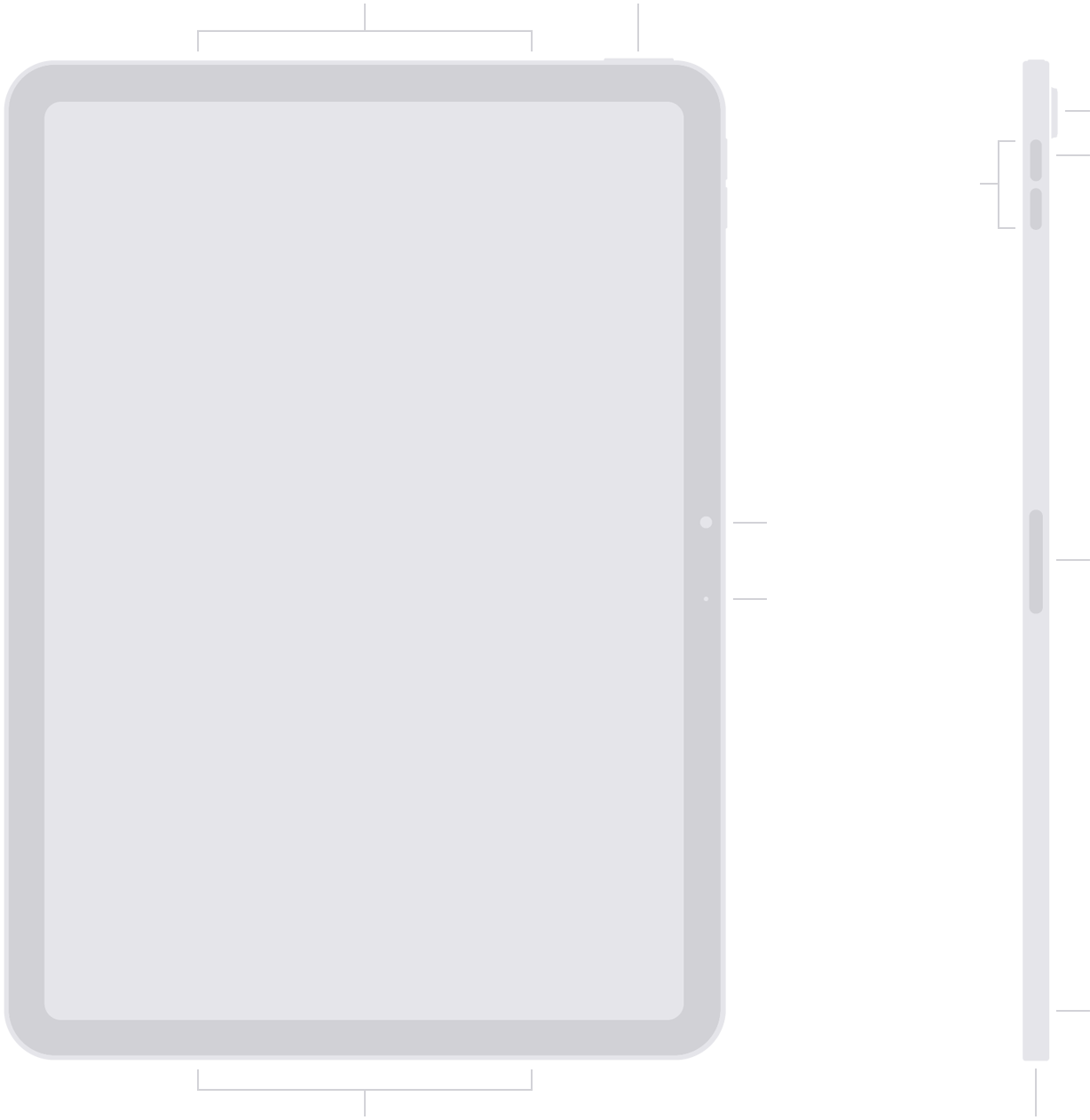
Read the published endurance with its test conditions attached. A drawing session, a long video call and downloaded shows are different loads. Build the charging routine around how the tablet will be used and check the power supply against Apple's guidance. For a full day of classes, think about where it can charge between sessions and how much gear that means carrying. There is no measured school-day endurance to report here.
Set up accounts and permissions deliberately, especially in a shared household. Confirm how purchases, messages, photos and restrictions behave before assuming everyone can use the tablet without exposing someone else's information. Notifications that make sense on a phone become distractions on a reading or drawing device; tune them to the tablet's role. A coherent setup makes the Air a focused companion. A copied-over phone profile makes it one more screen competing for attention.
A strong companion with a replacement claim to prove
The M4 iPad Air has a persuasive documented case for creative note-taking, media, reading and selected productivity work. Its case as your only computer depends entirely on the exact apps and file handling. Compare the full accessory bundle and subscriptions against a laptop before making that leap. The larger Air may be the better canvas; the smaller one may be the one you actually carry. Follow your habits.
What would firm this up is following whole projects through capture, annotation, export and backup with the intended Pencil and keyboard attached, plus endurance and comfort over ordinary use. Until then, the provisional Standpoint Score reflects capability and ownership fit rather than measured responsiveness or display quality. The best reason to buy the Air is that a capable tablet adds something to your routine. The worst is believing a fast chip alone makes it your only computer.
The closest alternatives.
| Product | Standpoint Score | Best for | Price |
|---|---|---|---|
| Apple iPad Air (M4)This review | 8.1Research | Someone who needs a tablet for drawing, documents and travel, not someone assuming every laptop task will transfer. | Amazon.ca ↗ |
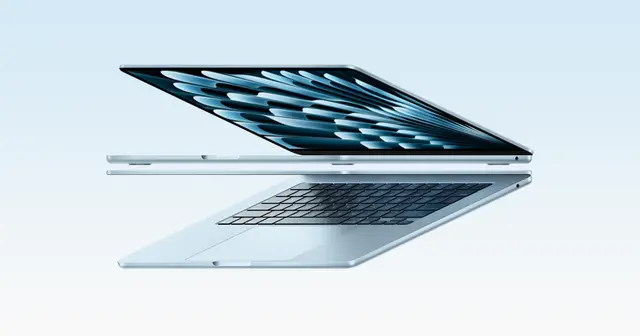
| Apple MacBook Air 13-inch (M5) | 8.4Research | A mobile writer, student or mixed-workload Mac user who values portability and can plan the configuration up front. | Amazon.ca ↗ |
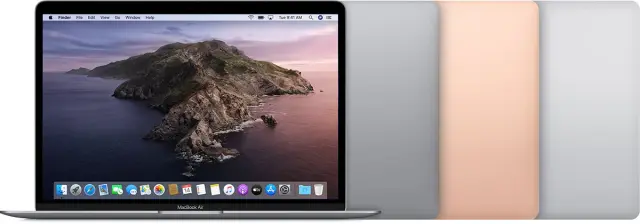
| Apple MacBook Air (Intel, 2020) | 6.4Research | A buyer with a verified Intel-specific application or peripheral requirement, or a two-monitor desk, and realistic… | Amazon.ca ↗ |
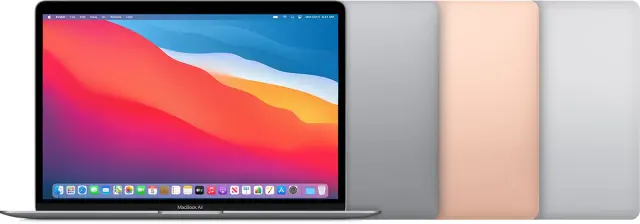
| Apple MacBook Air (M1, 2020) | 7.8Research | A student or everyday Mac user who wants a compact, fanless laptop for a verified set of compatible applications. | Amazon.ca ↗ |
Compare scores within a category: Tested means our own use, Research means documentation and attributed outside testing. Price links are affiliate links. As an Amazon Associate, Tech Standpoint earns from qualifying purchases. Disclosure
Sources & further reading.
These are the sources behind this research review. Manufacturer claims are not independent performance measurements. Community accounts, when cited, describe individual experiences.
Product software and regional bundles can change. Corrections and editorial disclosures.
Affiliate link. As an Amazon Associate, Tech Standpoint earns from qualifying purchases. It never changes our verdict or score. Disclosure