Not tested. This is a research score for the documented features, compatibility and ownership trade-offs discussed in this review, not a performance measurement.
Features & capability 30%5.6
The documented Intel configurations suit limited workloads but offer a weaker general-purpose starting point.
Compatibility & connectivity 20%6.8
Thunderbolt 3 and multiple-display support are useful for compatible peripherals.
Ownership & upkeep 20%5.1
An older software ceiling, battery age and fixed purchase configuration narrow the value proposition.
Setup & everyday use 15%6.8
The conventional keyboard and trackpad are familiar, with limited room for demanding tasks.
Documentation & support clarity 15%8.6
Apple clearly identifies the Intel model and its newest compatible operating system.
Compare scores within the same product category. Small decimal differences should not override your needs or the evidence limits.
How the Standpoint Score works
We score five aspects of the documented product on a 0–10 scale, then calculate a weighted total:
- Features & capability30% of the total
- Compatibility & connectivity20% of the total
- Ownership & upkeep20% of the total
- Setup & everyday use15% of the total
- Documentation & support clarity15% of the total
This product’s 6.4/10 is an editorial research assessment. It does not claim measured performance, tested reliability or a verified customer satisfaction rate. Compare it with products in the same category, and read each criterion’s reasoning above.
Read the full rubric and score bands ↗From a tech standpoint.
A narrow used purchase for a documented Intel requirement or a very light workload. Apple's model guide lists macOS Sequoia as the newest compatible system, which caps the long-term case. Most general buyers should price an M1 Air with equal memory and storage first and only choose the Intel machine if their reason survives that comparison.
Reasons to consider it
- Magic Keyboard in the familiar 1.29 kg wedge body
- Documented support for two external 4K displays at 60 Hz
- Intel platform for a validated legacy app or peripheral
Go in knowing
- The same-year M1 Air is a fundamentally different machine
- macOS Sequoia is the listed ceiling, which limits the long-term case
- Dual-core i3 and 8 GB configurations need careful workload matching
Affiliate link. As an Amazon Associate, Tech Standpoint earns from qualifying purchases. It never changes our verdict or score. Disclosure
The specification sheet.
Published specifications from the linked sources. Configurations and availability can differ by country.
- Processor options
- Intel Core i3, i5 or i7; exact configuration matters
- Display
- 13.3-inch IPS; 2560 × 1600
- Memory
- 8 or 16 GB onboard LPDDR4X
- Storage
- 256 GB to 2 TB SSD configurations
- Ports
- Two Thunderbolt 3 USB-C ports; headphone jack
- Weight
- 1.29 kg
- Listed newest compatible OS
- macOS Sequoia in Apple's model-identification guide at verification
The year alone identifies nothing
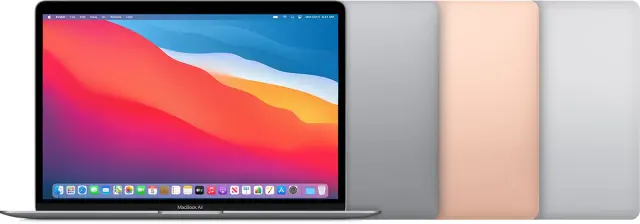
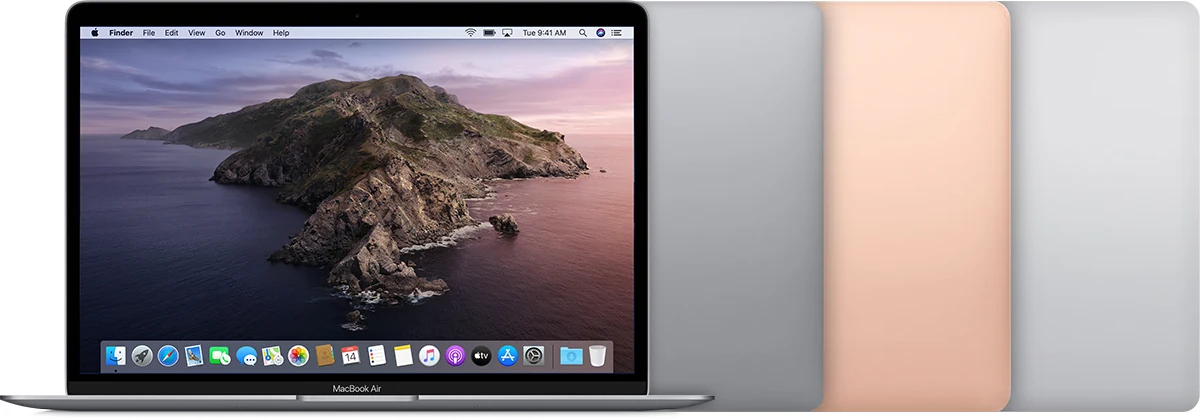
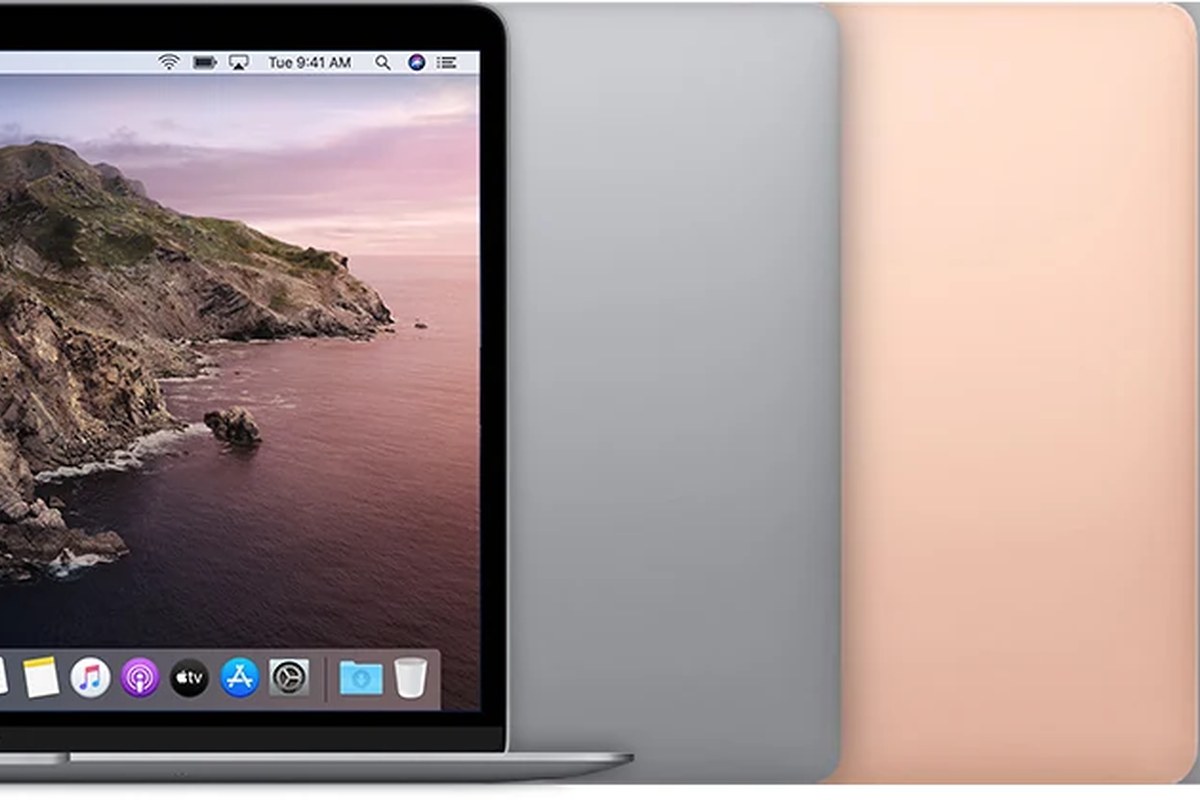
A listing that says 2020 MacBook Air leaves out the most important fact. Apple sold both this Intel design and the later M1 model that year, and they are not the same laptop with a different processor option. Before comparing prices, open the model information and establish the architecture, processor, memory and storage. A photo of the familiar wedge body settles none of that.
The Intel Air has a defensible role when you can name a software or peripheral requirement that specifically favours it. Verify that requirement rather than assuming it from an old habit. For ordinary study or office work, an M1 Air belongs in the comparison. What follows covers the documented configurations and the current ownership limits; benchmark figures and the state of a particular used unit are not part of it.
The software ceiling sets the buying horizon
Apple's model-identification guide lists macOS Sequoia as the newest compatible operating system for this Intel model at the time checked. That is a hard boundary for a purchase meant to last. It does not say which of your apps work today, nor how long those apps will keep supporting that system. Check the vendor requirements for the exact tools you need.
Make a list that includes browser-dependent services, office software, specialist utilities and hardware drivers. A laptop that launches an old application may still be unsuitable in a connected work environment with stricter requirements. If the purpose is a defined offline or legacy task, write that purpose down along with the files it must handle. The narrow case can be reasonable. Buying the machine as a generic cheap Mac without checking its software horizon is not.
Processor labels hide real configuration gaps
The range includes a dual-core Core i3 and quad-core i5 or i7 options. That alone makes it important to compare actual configurations rather than treating every Intel 2020 Air as identical. The top processor label should not decide the purchase either. Memory, storage, battery health and the workload often matter more than a seller's emphasis on a premium suffix.
Run a representative task during the return period: open the documents, browser workload or specialist project that justified the purchase and see whether it stays comfortable over a realistic session. A quick boot demo proves nothing about sustained responsiveness. Thermal behaviour, fan noise and application speed are not measured here, so the score does not turn an advertised clock speed into a promise about demanding work. The question is whether this machine handles your task acceptably.
Buy enough memory and storage at the outset
Apple specifies onboard memory in 8 and 16 GB configurations. Treat the installed capacity as a purchasing decision; there is no easy upgrade later. Check memory use on your current computer if you have one, and consider the combination of apps you normally keep open together. A machine that launches each program on its own can still struggle with the real working set.
Storage needs a realistic inventory too. Count project files, local photo libraries, app installs and room for updates. External storage helps, but it is another device and another connection to carry. The lowest-capacity listing can be poor value if it immediately forces an awkward daily arrangement. Compare computers that can hold the intended workload, not whichever configurations produce the lowest price in a search.
Display connectivity is a genuine distinction
The specifications describe support for up to two external 4K displays at 60 Hz, subject to the stated connection arrangement. That is relevant to a desk setup and worth comparing carefully with the native display limits of other Air generations. Count the monitors you actually need and identify their inputs, resolutions and refresh requirements before buying a dock or adapter.
The laptop has two Thunderbolt 3 USB-C ports, so power and peripherals compete for very few direct connections. Test the intended dock, display and charger together during the return period. A single-monitor demo does not prove a complete workstation will behave. The benefit is a useful desk configuration for compatible equipment; it is not a guarantee that every cheap hub delivers every advertised display combination.
The keyboard and screen are the daily work surface
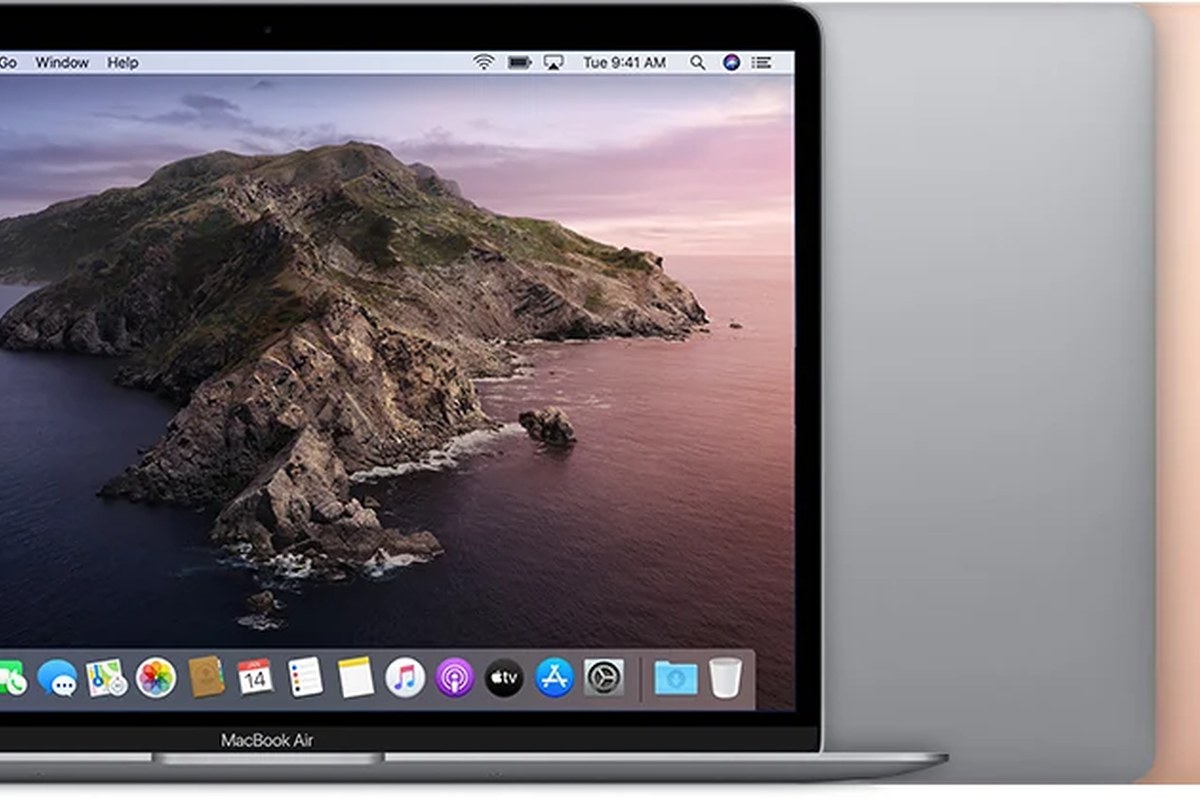
The Magic Keyboard, trackpad and 13.3-inch 2560 × 1600 display decide how comfortable modest work is. Type a paragraph that uses every key, test shortcuts and check the backlight. Look for inconsistent key response or signs of liquid exposure. Try the trackpad's click and gestures across its whole surface rather than briefly nudging the pointer.
Inspect the display on pale and dark backgrounds, tilt the lid through its range and look for damaged coating, bright marks or uneven backlighting. Resolution does not guarantee an ageing panel is still pleasant. The camera is documented as 720p; the useful question for calls is whether its output and the microphones meet your real requirement. Run a short meeting or recording instead of assuming any built-in camera suffices for regular professional communication.
Battery and ownership transfer can outweigh a discount
Ask for battery condition and service information, then weigh any likely maintenance against a current repair quote. A lightweight laptop is far less useful if it has to stay near a socket. Test charging through the available ports and inspect the power adapter. Original battery-life claims do not apply to a used machine with an unknown history and a different workload.
Insist on proper account removal and a clean normal setup. A former business machine must be released from organisational control before purchase; do not accept a promise to resolve enrolment later. Confirm the advertised storage and memory match the device information. Keep the return policy and invoice, and test sleep, wake and your common peripherals. A low price is no reason to inherit administrative restrictions or an unresolved hardware fault.
A specialist legacy buy, not the default old Air
The Intel 2020 Air is reasonable when a verified legacy requirement or a specific compatible desk arrangement makes its features useful. That is a much narrower recommendation than saying any cheap MacBook is a good student computer. The operating-system ceiling, configuration differences and service costs all belong in the decision before the machine takes on important work.
The score reflects that limited current role. Price a healthy M1 Air with equal memory, storage and seller protection whenever the workload allows, and choose the Intel machine only when your reason survives that comparison and the individual example passes inspection. The best older-computer purchase has a clear task and a credible service plan. The worst uses a low price to postpone a list of predictable incompatibilities.
The closest alternatives.
| Product | Standpoint Score | Best for | Price |
|---|---|---|---|
| Apple MacBook Air (Intel, 2020)This review | 6.4Research | A buyer with a verified Intel-specific application or peripheral requirement, or a two-monitor desk, and realistic… | Amazon.ca ↗ |
| Apple MacBook Air 13-inch (M5) | 8.4Research | A mobile writer, student or mixed-workload Mac user who values portability and can plan the configuration up front. | Amazon.ca ↗ |
| Apple iPad Air (M4) | 8.1Research | Someone who needs a tablet for drawing, documents and travel, not someone assuming every laptop task will transfer. | Amazon.ca ↗ |
| Apple MacBook Air (M1, 2020) | 7.8Research | A student or everyday Mac user who wants a compact, fanless laptop for a verified set of compatible applications. | Amazon.ca ↗ |
Compare scores within a category: Tested means our own use, Research means documentation and attributed outside testing. Price links are affiliate links. As an Amazon Associate, Tech Standpoint earns from qualifying purchases. Disclosure
Sources & further reading.
These are the sources behind this research review. Manufacturer claims are not independent performance measurements. Community accounts, when cited, describe individual experiences.
- MacBook Air (Retina, 13-inch, 2020) - Technical Specifications - Apple Support ↗manufacturer
- Identify your MacBook Air model — operating-system compatibility ↗manufacturer
- Apple's March 2020 MacBook Air announcement ↗manufacturer
Product software and regional bundles can change. Corrections and editorial disclosures.
Affiliate link. As an Amazon Associate, Tech Standpoint earns from qualifying purchases. It never changes our verdict or score. Disclosure