Not tested. This is a research score for the documented features, compatibility and ownership trade-offs discussed in this review, not a performance measurement.
Features & capability 30%6.5
Dual cameras and A13 cover modest tasks, but the display and network feature set are dated.
Compatibility & connectivity 20%6.6
LTE and Wi-Fi 6 remain useful; Lightning and the absence of 5G narrow future flexibility.
Ownership & upkeep 20%5.7
Battery condition, ageing seals and repair economics carry considerable weight.
Setup & everyday use 15%7.6
Face ID and a conventional screen size suit familiar phone routines when the hardware is healthy.
Documentation & support clarity 15%8.6
Apple retains detailed model specifications and model-identification documentation.
Compare scores within the same product category. Small decimal differences should not override your needs or the evidence limits.
How the Standpoint Score works
We score five aspects of the documented product on a 0–10 scale, then calculate a weighted total:
- Features & capability30% of the total
- Compatibility & connectivity20% of the total
- Ownership & upkeep20% of the total
- Setup & everyday use15% of the total
- Documentation & support clarity15% of the total
This product’s 6.8/10 is an editorial research assessment. It does not claim measured performance, tested reliability or a verified customer satisfaction rate. Compare it with products in the same category, and read each criterion’s reasoning above.
Read the full rubric and score bands ↗From a tech standpoint.
Worth buying only when the battery, Face ID, usable storage and current app support are all documented. Good for a child, a spare line or a relative who already knows this interface. Wrong for anyone who needs years of demanding daily use, and a cheap unit that needs several repairs is the expensive option.
Reasons to consider it
- 12 MP wide and ultrawide cameras with Night mode on the main lens
- Face ID and the familiar modern iPhone interface
- LCD panel sidesteps OLED burn-in on used examples
Go in knowing
- LTE only, with Qi wireless but no magnetic MagSafe
- Battery age and repair history must be checked, not assumed
- 64 GB leaves little room for a large local library
Affiliate link. As an Amazon Associate, Tech Standpoint earns from qualifying purchases. It never changes our verdict or score. Disclosure
The specification sheet.
Published specifications from the linked sources. Configurations and availability can differ by country.
- Display
- 6.1-inch LCD; 1792 × 828
- Processor
- A13 Bionic
- Rear cameras
- 12 MP wide and 12 MP ultrawide
- Storage
- 64, 128 or 256 GB
- Connectivity
- LTE, Wi-Fi 6 and Bluetooth 5.0
- Charging connector
- Lightning; Qi wireless charging
- Weight
- 194 g (manufacturer specification)
The low price is only the opening offer
The iPhone 11 belongs on a shortlist for one reason: someone needs an uncomplicated way into an existing iPhone household. Shared photo habits, familiar messaging and a relative who can help matter more than a processor label. That does not make every cheap unit a good buy. At this age the specific phone matters more than the gap between two cosmetic grades on a reseller's site. A cracked back, a tired battery or a loose charging socket turns a modest purchase into a repair project on day one.
So start with the role. A secondary communication phone carries a different burden from the device that holds someone's work logins, navigation and entire photo library. The second job deserves a bigger service margin. This is an ownership assessment built on Apple's documentation and attributed outside reporting, not a claim about the particular example a seller is holding.
An LCD with its own inspection list
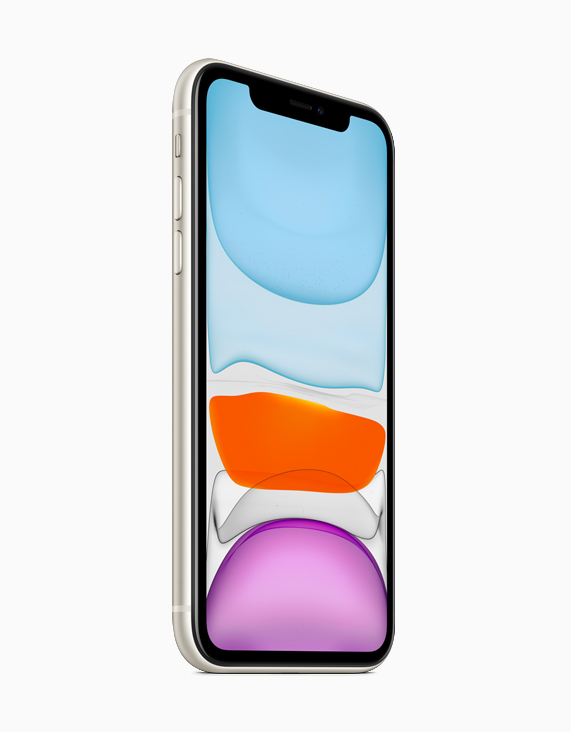
Apple specifies a 6.1-inch LCD at 1792 × 828. That is a different proposition from the OLED in the Pro models, and the lower pixel count should be judged at a normal reading distance rather than in a spec contest. Put email, a transit map and a boarding pass on it during inspection. Set the text to the size the eventual owner will actually use; comfortable reading matters more than squeezing in another paragraph.
An LCD avoids OLED burn-in, but it is not fault-free. Look for bright pressure patches, uneven backlighting, dead pixels and touch that fails near the edges. A replacement display changes the deal too. Ask what was replaced and who did the work, rather than assuming a clean front means the original components are still inside.
Two useful camera views, with a hard boundary
The wide and ultrawide cameras give you two genuinely different ways to frame a room or a group. The ultrawide is the useful extra; there is no telephoto for pulling a distant performer closer. Treat digital zoom as a convenience with trade-offs, not a stand-in for a separate optical view. If distant sports fill your camera roll, the same money is better spent on a different camera arrangement.
Night mode and Deep Fusion are documented for the wide camera, not the ultrawide. Keep that in mind when comparing low-light shots: the wider view of a room does not get the same processing. TechRadar's testing was positive about the main-camera Night mode. That launch-era result shows what the model can do; it does not guarantee that a replacement camera module or a six-year-old phone matches it today. For moving people, more light helps more than any long-exposure mode.
Storage will bite before the processor does
A13 is the hardware foundation, but an old benchmark cannot tell you whether the apps you need still run. List those apps first and check their current operating-system requirements, especially employer-managed tools, banking and authentication. A phone that opens the camera is not thereby a dependable daily phone.
The original storage options start at 64 GB. Be wary of that configuration if you keep years of photos or download entertainment before trips. Compare the occupied space on your current phone and leave room for updates and temporary files. Cloud storage can absorb a photo library, but it brings an account, a connection and a recurring bill. Paying a little more for the right capacity is usually cheaper than managing a cramped one forever.
LTE is a question about your actual carrier
The iPhone 11 is an LTE phone. Missing 5G does not stop ordinary messaging, maps or calls. What matters is whether the intended carrier supports the exact regional model. A Canadian listing, an imported US unit and an unlocked phone are not automatically the same proposition. Get the model number and check activation eligibility before accepting a seller's broad compatibility claim.
Put the real SIM in during the return window. Confirm an outgoing call, an incoming call, mobile data and whatever the account actually needs. A Wi-Fi demo leaves the cellular side untested, and a fast speed test at one address says nothing about coverage along a commute. Judge connectivity against the places and tasks that justify carrying the phone.
Battery service and Lightning belong in the budget
The connector is Lightning, so count charging accessories when comparing against newer USB-C phones. Existing cables make this painless inside an older Apple household; starting from scratch changes the maths. Inspect the socket for a firm connection and confirm it charges without holding the cable at an angle. Wireless charging is handy at a desk, but it does not excuse a flaky port on a phone sold as fully working.
Battery-health information is useful evidence, not a promise of a full day. Ask whether the battery is original, whether service was documented and what the seller guarantees. Get a current local quote before bidding on an example that obviously needs work. Look for lifting panels or a swollen back; a suspect battery is a reason to stop using the phone and get qualified service, not a bargaining chip.
Ownership transfer must work before the money is final
An old iPhone can look immaculate and still be useless if it cannot be activated under your account. Make a proper ownership transfer part of the deal. The seller removes their account and the normal setup process completes in front of you. Do not accept a promise to sort out an account lock later, or treat a home-screen photo as proof the phone is ready.
Keep the invoice, the advertised condition and the return policy together. Test Face ID during inspection, because a working front camera alone does not prove facial authentication works. Check the speaker and microphone on a real call, then look in Settings for component and service information. Finally, confirm current software and security-update availability from Apple's support pages; no particular future support period is promised here.
A modest screen and a capable front camera are separate choices
The front camera is 12 MP and, per Apple, records 4K at 24, 30 or 60 fps. Self-recording is not stuck at the low front-camera resolutions people associate with a cheap used phone. That said, 4K availability does not settle microphone quality, exposure consistency or editing convenience. Think about where finished clips will go before piling up large files.
The 6.1-inch LCD is not the Pro's OLED. TechRadar called the screen usable while naming its lower resolution and display technology as compromises against the Pro; that is their viewing assessment. For a buyer, text size, glare and panel condition are worth a personal comparison. An LCD avoids OLED burn-in, but pressure marks, backlight faults and poor replacement panels are all still possible. The screen type narrows the inspection; it does not remove it.
Two lines, same old cables
The reference spec supports a nano-SIM plus an eSIM, subject to region and carrier. That is useful for separating a personal and work line or adding travel data. It is not the same as the two simultaneously active eSIMs on later models. Check the actual phone and plans before concluding a second physical slot is necessary.
Lightning still governs wired charging and accessories, and Qi provides the wireless route. A MagSafe charger will charge this phone as a Qi device, but it will not give the 11 the magnetic alignment built into an iPhone 12. An add-on magnetic case changes how the phone attaches, not how it charges. Do not pay for a mount-and-charger bundle assuming every feature shown on a newer iPhone carries over.
The verdict is conditional, not nostalgic
The iPhone 11's case is strongest when the job is narrow and the example is healthy. A documented battery, enough storage and a seller who stands behind functionality are worth more than a pristine box. For a child, a spare line or a relative who already knows this interface, the familiar design still removes friction. For someone who needs years of demanding work use, the platform's age should weigh much more heavily.
Compare total ownership cost against a newer refurbished alternative, including the charger, likely battery work and the value of a real return period. The documented utility has to be set against age and condition. A clear service history and verified compatibility with your essential apps make the recommendation stronger; excuses about activation, charging or the screen should end the conversation.
The closest alternatives.
| Product | Standpoint Score | Best for | Price |
|---|---|---|---|
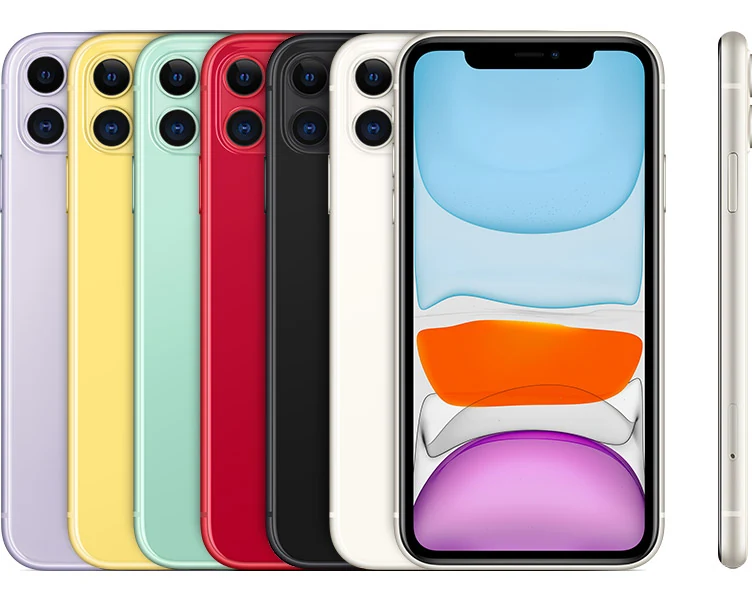
| Apple iPhone 11This review | 6.8Research | A light iPhone user who wants familiar calling, messaging and ordinary photography on a small upfront budget. | Amazon.ca ↗ |
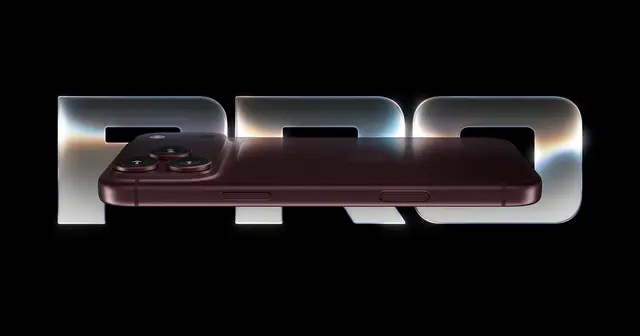
| Apple iPhone 18 Pro | 8.3Research | An iPhone creator who will actually use aperture, shutter and white-balance controls and has a plan for storage and… | Amazon.ca ↗ |
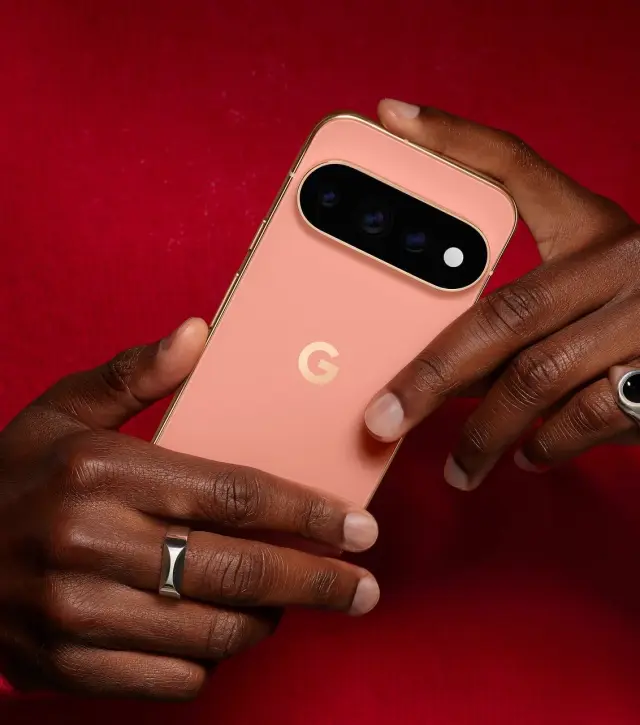
| Google Pixel 11 Pro | 8.3Research | An Android buyer who wants a compact flagship with wide, ultrawide and 5x cameras and a long, published software… | Amazon.ca ↗ |
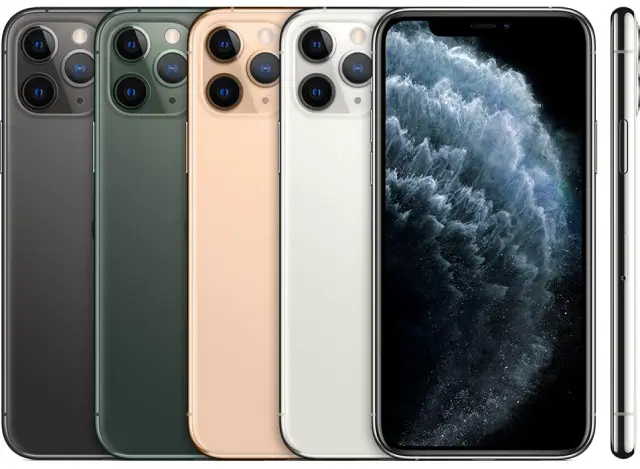
| Apple iPhone 11 Pro | 6.9Research | An iPhone user who wants a compact body and a genuine 2× telephoto for everyday framing, and who will inspect a used… | Amazon.ca ↗ |
Compare scores within a category: Tested means our own use, Research means documentation and attributed outside testing. Price links are affiliate links. As an Amazon Associate, Tech Standpoint earns from qualifying purchases. Disclosure
Sources & further reading.
These are the sources behind this research review. Manufacturer claims are not independent performance measurements. Community accounts, when cited, describe individual experiences.
- iPhone 11 - Technical Specifications - Apple Support ↗manufacturer
- TechRadar: iPhone 11 camera and display review ↗independent review
Product software and regional bundles can change. Corrections and editorial disclosures.
Affiliate link. As an Amazon Associate, Tech Standpoint earns from qualifying purchases. It never changes our verdict or score. Disclosure