An editorial assessment of documented capabilities and ownership trade-offs. This is not a hands-on test result or a measurement of reliability.
Features & capability 30%8.8
Variable aperture and manual controls broaden the documented creative toolkit; image quality is untested.
Compatibility & connectivity 20%8.5
The documented platform and connection options support several workflows, subject to accessory and app compatibility.
Ownership & upkeep 20%7.5
Storage, charging and service planning remain important for intensive capture.
Setup & everyday use 15%8.1
A familiar phone workflow is available, while advanced camera work introduces additional decisions.
Documentation & support clarity 15%8.5
Detailed specifications distinguish the models and recording conditions; no support interaction is rated.
Compare scores within the same product category. Small decimal differences should not override your needs or the evidence limits.
How the Standpoint Score works
We score five aspects of the documented product on a 0–10 scale, then calculate a weighted total:
- Features & capability30% of the total
- Compatibility & connectivity20% of the total
- Ownership & upkeep20% of the total
- Setup & everyday use15% of the total
- Documentation & support clarity15% of the total
This product’s 8.3/10 is a provisional research assessment. It does not claim measured performance, tested reliability or a verified customer satisfaction rate. Compare it with products in the same category, and read each criterion’s reasoning above.
Read the full rubric and score bands ↗The ownership case.
A compelling documented camera toolkit for an iPhone creator with a specific workflow to improve; a less automatic upgrade for an owner already happy with everyday photographs.
Reasons to consider it
- Documented manual camera controls
- Wide, ultrawide and telephoto framing
- Advanced recording workflow options
Go in knowing
- Image quality and endurance remain unmeasured here
- External recording adds accessories and file handling
- The Pro Max is a separate size decision
The specification sheet.
Published specifications from the linked sources. Configurations and availability can differ by country.
- Display
- 6.3-inch OLED; adaptive refresh up to 120 Hz
- Processor
- Apple A20 Pro
- Main camera
- 48 MP; variable aperture
- Telephoto
- 4x camera; separate 8x optical-quality claim
- Storage
- 256 GB, 512 GB, 1 TB or 2 TB
The upgrade question comes before the camera specifications
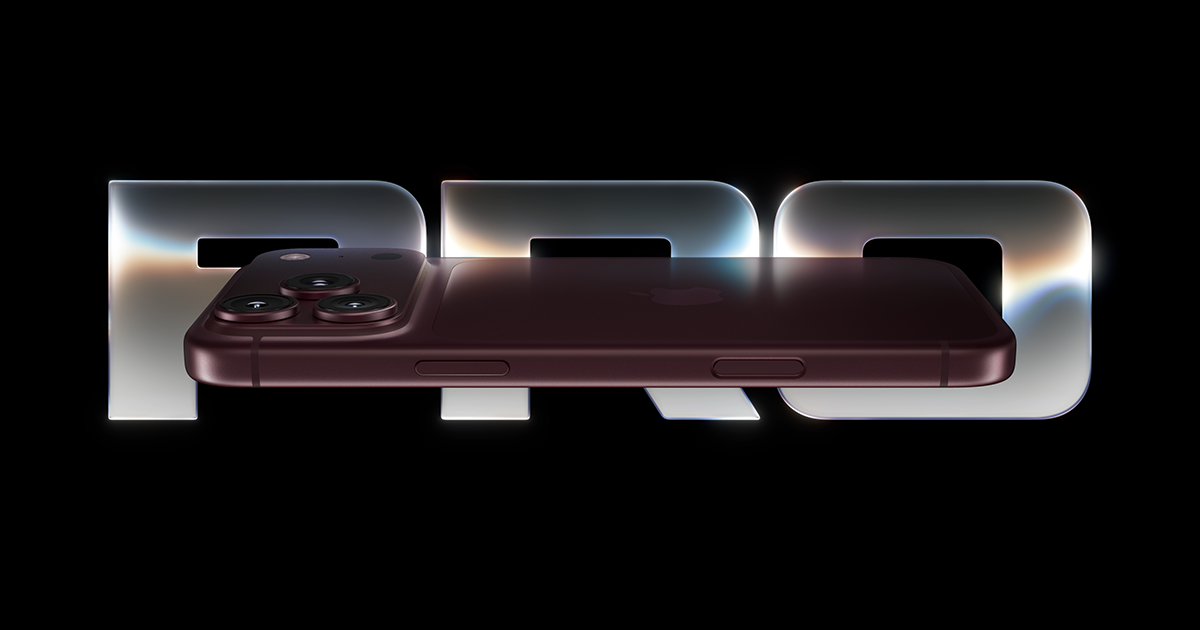
The iPhone 18 Pro is a phone for someone who wants more control over the image they capture, rather than simply a newer badge on the back. Its documented camera tools give a photographer several ways to intervene before the picture exists. That is an appealing proposition, but it does not establish that every photograph will be better than one made with an older iPhone. A casual buyer should first identify an actual limitation: difficult framing, insufficient storage, inconvenient charging or a camera workflow that cannot deliver the intended result.
For an owner whose current phone still handles communication, navigation and family photographs comfortably, the strongest argument may be to wait. For a creator using the phone as a small production camera, the question changes. The useful comparison is between complete workflows, including cables, storage, editing software and the time needed to handle footage. This review examines that ownership proposition from Apple's documentation. It makes no claim about measured image quality, thermal performance or battery endurance.
Size, screen and the phone you have to carry
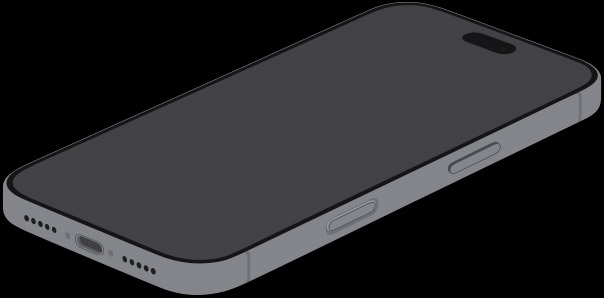
Apple lists a 6.3-inch OLED display for the Pro and a 6.9-inch display for the Pro Max, with adaptive refresh up to 120 Hz. The smaller Pro is the focus here. That distinction matters because a larger preview can help with framing while also making the phone more awkward to pocket or hold above a crowd. Screen size should follow the job. Someone reading documents on public transport may value space differently from someone filming one-handed while walking around an event.
An adaptive display specification describes available behaviour, not how every application uses it. Likewise, peak brightness is not a promise that the whole screen remains at that output indefinitely in sunlight. Before choosing the larger model for visibility alone, try the text size and camera controls on the smaller one. A case, screen protector and accessibility settings can change the practical experience more than a modest difference in the headline dimensions. We would also want to check sustained outdoor legibility before making a stronger recommendation for field work.
The main camera gives you choices, not automatic expertise
The documented main camera has a variable aperture, and Apple lists manual controls for aperture, shutter speed, white balance and a histogram. These are meaningful creative tools because exposure decisions can be made intentionally rather than entirely delegated to processing. They also introduce a learning curve. A person who does not want to manage those decisions should judge the default camera separately; buying a manual control system does not require using it on every photograph.
There is a sensible way to assess an upgrade for photography. Keep a short list of scenes the current phone struggles with, then repeat them with the candidate: a moving pet indoors, a person against a window, small lettering and a face under mixed lighting. Inspect ordinary exports at normal viewing sizes as well as magnified detail. A pleasing result should preserve the subject and the moment, rather than merely look sharper. The specifications cannot tell us whether this phone consistently meets that standard, so our research score reflects the breadth of documented controls rather than a camera test result.
Zoom claims need to be read carefully
Apple distinguishes the telephoto camera's 4x view from an 8x view described as optical-quality. Those labels should not be collapsed into one claim about the lens. For a buyer, the practical issue is whether detail, focus and motion handling remain satisfactory at the framing they actually need. A wildlife enthusiast photographing distant subjects has a different requirement from a parent trying to isolate a performer on a school stage. Both should examine samples from the relevant conditions before treating a zoom number as a solution.
The same caution applies to an ultrawide view. Fitting more into the frame is useful in a tight room, but it changes perspective and how faces near the edges appear. A creator planning to alternate views during a clip should look for matching exposure and colour as well as sharpness. Those transitions are part of the finished video. Our next evaluation would compare focal lengths in the same scene and document any processing differences, rather than selecting one unusually good photograph to represent the entire camera system.
Professional video brings a storage and editing commitment
Apple's video specifications include advanced recording formats and external-recording conditions. The significance is the workflow: a professional format can preserve more editing flexibility while demanding more storage and a compatible editing pipeline. A buyer should start with the delivery format. If the finished clip is a short social post, a simpler recording mode may be faster to transfer, easier to back up and entirely adequate for the audience. Recording the largest possible files by default can become a recurring burden.
External accessories also change handling. Before relying on a drive during an event, check the exact recording mode, cable, power requirements and mounting arrangement. The phone still needs to be comfortable to operate, and a loose connector is a poor foundation for an important shoot. We would test a complete recording session, file transfer and editing round trip before describing the device as a production replacement. A supported format alone does not establish that a particular app, storage device or project setting will work without interruption.
Endurance is a routine, not a single advertised duration
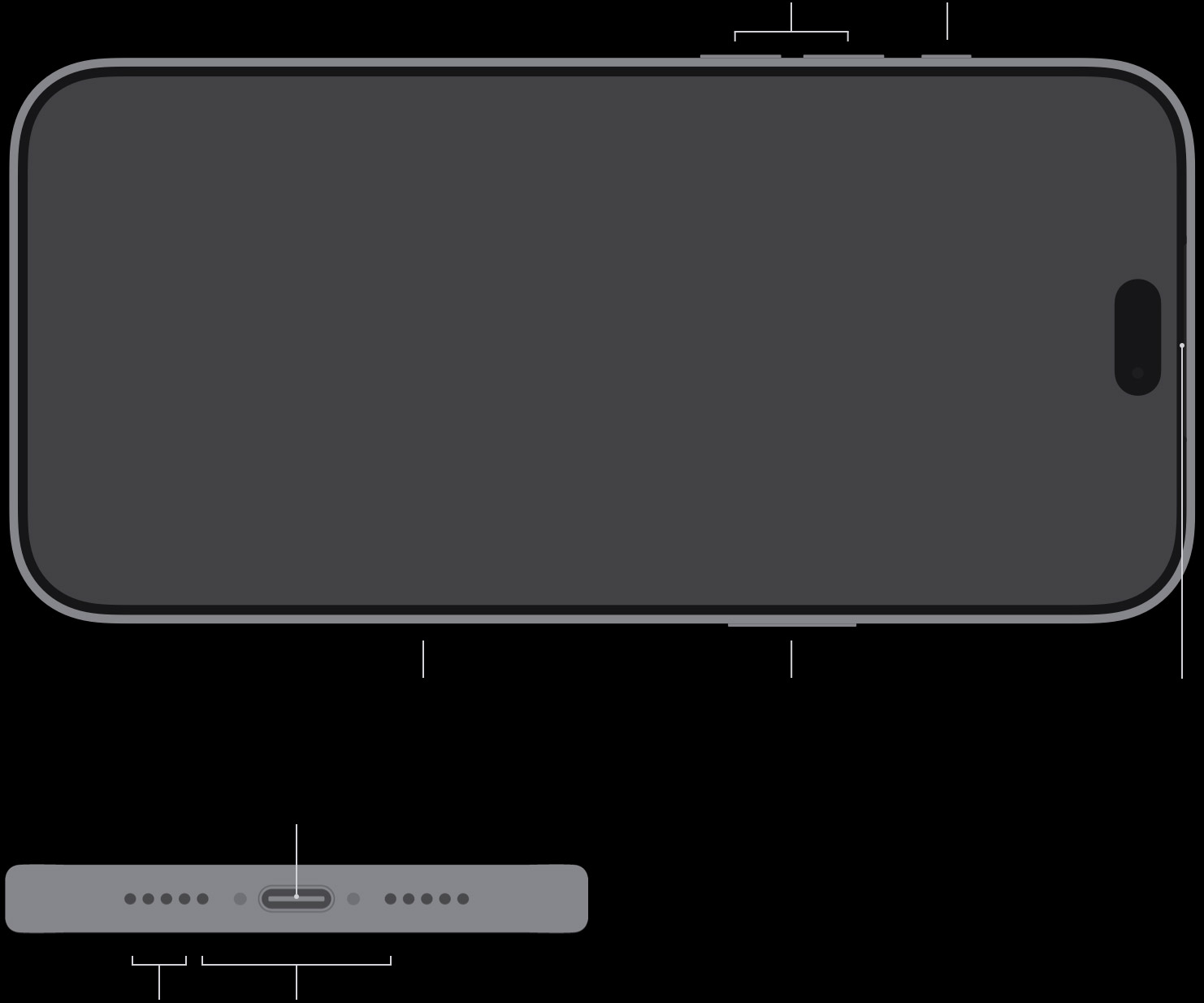
Apple publishes separate battery claims for different activities. Those conditions should remain attached to the numbers: streaming, recording, gaming and navigating are not interchangeable loads. A video-playback figure cannot predict a day spent using cellular data and the camera outdoors. For someone buying this phone to record frequently, the relevant question is whether it can complete that schedule with the intended brightness, accessories and network connection, and how convenient charging is between sessions.
Plan the routine before adding accessories to the cart. A desk charger, vehicle charger and portable supply can be useful, but buying all three is not automatically necessary. Check the charging standard and cable against Apple's current instructions. Keep the original receipt and confirm the battery-service options in the country of purchase. Long-term endurance depends on ageing as well as initial capacity, and this article has no observations of that ageing. We would prefer a documented account of several ordinary days over a claim that the phone lasts forever on a carefully selected light-use day.
Software, privacy and moving from another platform
An iPhone purchase carries an ecosystem decision. Messaging, purchased apps, photo storage, authentication and accessories should be checked as a migration project. Someone moving from Android should make a list of the applications that matter for work and identify any subscriptions or credentials that do not transfer automatically. Keep the old phone available until the new one can receive calls, complete account authentication and access important documents. That is a more useful setup plan than assuming that a successful welcome screen means the transition is finished.
Intelligent features deserve the same practical scrutiny as the cameras. Ask what information a feature needs, where processing happens, which languages and regions are supported, and whether the result can be checked before it is used. A convenient summary is not necessarily a complete account of a message or document. The useful ownership test is whether optional assistance reduces work without obscuring decisions. We would evaluate that with ordinary tasks and the user's chosen settings, not treat the presence of a branded software feature as evidence of better daily productivity.
The Standpoint verdict and what would change it
The research case for the iPhone 18 Pro is strongest for someone who can name a camera or production need that its documented controls address. It is weaker as an automatic upgrade for every satisfied iPhone owner. Price, trade-in conditions and Canadian versus US configurations must be checked at checkout, and we have not used a temporary promotion to inflate the score. The cost should include the storage configuration and accessories the planned work actually requires.
A hands-on report could change this assessment substantially. We would examine repeatable indoor and outdoor photographs, focus transitions, recording interruptions, the editing workflow, call behaviour and charging through ordinary use. We would also record the software version and exact configuration. Until that evidence exists, the Standpoint Score is a provisional assessment of capability, integration and ownership questions. The phone's attractive proposition is creative flexibility in a familiar platform; the outstanding question is how consistently that flexibility delivers useful results outside the specification sheet.
Sources & further reading.
These are the sources behind this research review. Manufacturer claims are not independent performance measurements. Community accounts, when cited, describe individual experiences.
Documentation reviewed: 9 October 2026. Product software and regional bundles can change. Corrections and editorial disclosures.