Not tested. This is a research score for the documented features, compatibility and ownership trade-offs discussed in this review, not a performance measurement.
Features & capability 30%7.6
A15, sensor-shift stabilization and useful starting storage cover a broad ordinary-phone role.
Compatibility & connectivity 20%7.5
5G and magnetic charging are useful, though wired connections remain Lightning.
Ownership & upkeep 20%6.8
A more sensible starting capacity helps ownership, but battery and repair history remain decisive.
Setup & everyday use 15%8.0
Moderate size and uncomplicated camera choices support a familiar everyday routine.
Documentation & support clarity 15%8.7
Apple retains detailed specifications with explicit recording limits and storage options.
Compare scores within the same product category. Small decimal differences should not override your needs or the evidence limits.
How the Standpoint Score works
We score five aspects of the documented product on a 0–10 scale, then calculate a weighted total:
- Features & capability30% of the total
- Compatibility & connectivity20% of the total
- Ownership & upkeep20% of the total
- Setup & everyday use15% of the total
- Documentation & support clarity15% of the total
This product’s 7.6/10 is an editorial research assessment. It does not claim measured performance, tested reliability or a verified customer satisfaction rate. Compare it with products in the same category, and read each criterion’s reasoning above.
Read the full rubric and score bands ↗From a tech standpoint.
A solid refurbished shortlist pick when battery history and current app compatibility are clear. Its appeal is a balanced, ordinary-phone spec at a fair price, not an old premium badge. Skip it if you need a telephoto, a 120 Hz screen or USB-C; otherwise it is often a healthier buy than an older Pro whose prestige hides battery and screen compromises.
Reasons to consider it
- 128 GB base storage
- 6.1-inch OLED in a conventional-sized body
- MagSafe plus main and ultrawide cameras with sensor-shift stabilization
Go in knowing
- No telephoto and no ProMotion
- Lightning, so one more cable standard to keep
- Used battery and display quality vary by example
Affiliate link. As an Amazon Associate, Tech Standpoint earns from qualifying purchases. It never changes our verdict or score. Disclosure
The specification sheet.
Published specifications from the linked sources. Configurations and availability can differ by country.
- Display
- 6.1-inch OLED; 2532 × 1170
- Chip
- A15 Bionic; four-core GPU
- Rear cameras
- 12 MP main and ultrawide; main sensor-shift stabilization
- Storage
- 128, 256 or 512 GB
- Cinematic mode
- 1080p at 30 fps
- Weight
- 174 g
The ordinary model can be the smart used buy
The iPhone 13 wins on balance. It offers a conventional screen size, a useful starting capacity and the familiar two-camera arrangement without asking you to pay for a Pro label. For someone who wants reliable everyday communication, that is often a better fit than an older premium phone with more complicated repair risks. The only real question is whether the individual unit is healthy enough to do that uncomplicated job.
Start with the frustrations of the phone you have now. If storage is full, charging is awkward or the camera has failed, this generation addresses a practical need. If the current phone still works well, the change is less urgent. What follows draws on Apple's specifications and current ownership considerations; endurance, reception and camera quality on a specific refurbished unit are for you to confirm.
A screen to read, not just admire
The 6.1-inch OLED at 2532 × 1170 is a familiar middle-sized workspace. It is big enough for reading and navigation without making screen size the reason to buy. Comfort still depends on you. Try your preferred text size, a crowded web page and the keyboard. A screen that looks impressive in a product photo may not suit someone who needs large controls or spends hours in spreadsheets.
Inspect for persistent shapes, uneven colour and touch problems. OLED condition matters even when the back looks new. If the screen has been replaced, ask about the part and the workmanship. The return policy should give you time to check the display in normal indoor light and wherever else you will use it. A cosmetic grade cannot answer those functional questions.
The cameras favour practical framing
The main and ultrawide cameras give you the two views most people need. The main handles familiar subjects; the wider view fits a room, a group or the surrounding context. Sensor-shift stabilization is documented for the main camera, but it does not guarantee a sharp moving subject. The missing telephoto matters if distant subjects dominate your photography.
Ask for fresh pictures from both cameras, or take them yourself during the return window. Look at the saved files, including a close detail and an indoor scene. Check focus, lens-cover condition and video sound. Do not credit an entire camera system on one flattering daylight sample. The tools are documented here; comparative image quality is a question for a properly documented hands-on evaluation.
Cinematic mode is one effect, not a default
Apple lists Cinematic recording at 1080p and 30 frames per second on this model. That ceiling matters because the mode is not interchangeable with other recording options. If you want the effect, try it on your intended subject and watch the finished clip before relying on it for an important event. Hair, moving objects and busy backgrounds are where depth effects show their seams, so test those rather than trusting a polished demo.
For routine recording, pick the format for the destination and the storage you have. There is no point generating bigger files than the sharing or editing process needs. Record a short sample, transfer it and play it on the receiving device. That full exercise is more useful than choosing settings by the largest number, and it reveals whether your cable, computer and photo-management setup are convenient enough to use consistently.
Starting at 128 GB changes the comparison
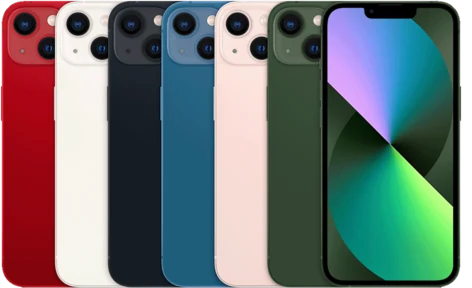
The storage range starts at 128 GB. That is a real distinction against older entry configurations, but capacity still has to match the owner. Look at your current phone's occupied space and identify what must stay available offline. Apps, cached media and a growing camera library all shift the answer. Compare configurations that can actually serve the same workload.
Cloud storage eases local pressure but brings its own account and subscription choices. Paying for a cloud library does not remove the need for backups or make every file available without reception. If you travel, test the offline behaviour of important documents and maps. The iPhone 13's storage options give you room to plan; they do not decide where irreplaceable material will be kept.
Charging should fit the gear you already own
Lightning is still the wired connector, with MagSafe as the magnetic charging and accessory option. For a household already on this equipment, that is convenient. For someone consolidating devices around USB-C, it is one more cable to maintain. Count the power adapter and cable in the comparison with newer phones instead of looking at the handset price alone.
Test charging through the socket and through whatever wireless arrangement you plan to use. A seller showing one route has not proved the other. Check battery information and ask whether replacement work is documented. If service looks likely, get a current quote and account for the time without the device. A realistic battery plan is worth more than repeating the original advertised playback figure, which cannot predict a used battery under your workload.
A clean setup is part of the product
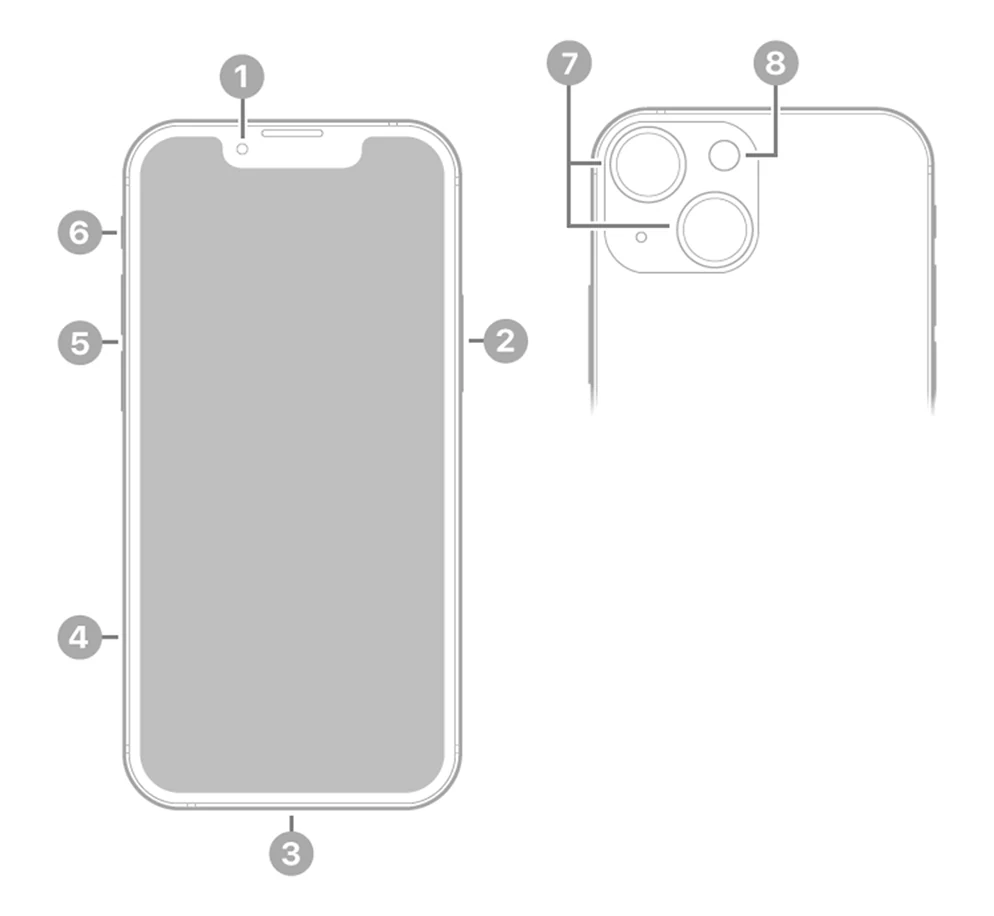
Before accepting a used iPhone 13, make sure the previous owner's account is removed and normal activation proceeds. Check Face ID, calls, the microphones and speakers, then confirm the storage and model information match the listing. Keep the invoice and written return terms. A smooth ownership transfer is not a courtesy; without it the phone fails its most basic purpose.
Carrier and software checks should be specific. Identify the regional model, verify the intended service and read the current requirements of your essential apps. A15 does not promise every newer feature or a particular support period. For work, check your organisation's device policy as well as the App Store. One incompatible requirement can outweigh an otherwise good spec, so settle these questions while a return is still easy.
A balanced recommendation with a condition threshold
The iPhone 13 belongs on a used-phone shortlist when you want a familiar size, useful storage and ordinary photography rather than specialist zoom or the most advanced display. It is especially worth comparing against an older Pro whose prestige obscures battery or screen compromises. A simpler, healthier phone is often the more comfortable thing to own over the next few years.
The research score rewards the coherent documented package without pretending to measure reliability. Any individual listing earns a recommendation only after the screen, cameras, charging and account setup check out and your current apps are verified. Compare the final cost after any service, not the sticker. The iPhone 13 is most convincing when it reduces everyday maintenance; it loses that advantage the moment the purchase starts with unresolved defects or the wrong storage tier.
The closest alternatives.
| Product | Standpoint Score | Best for | Price |
|---|---|---|---|
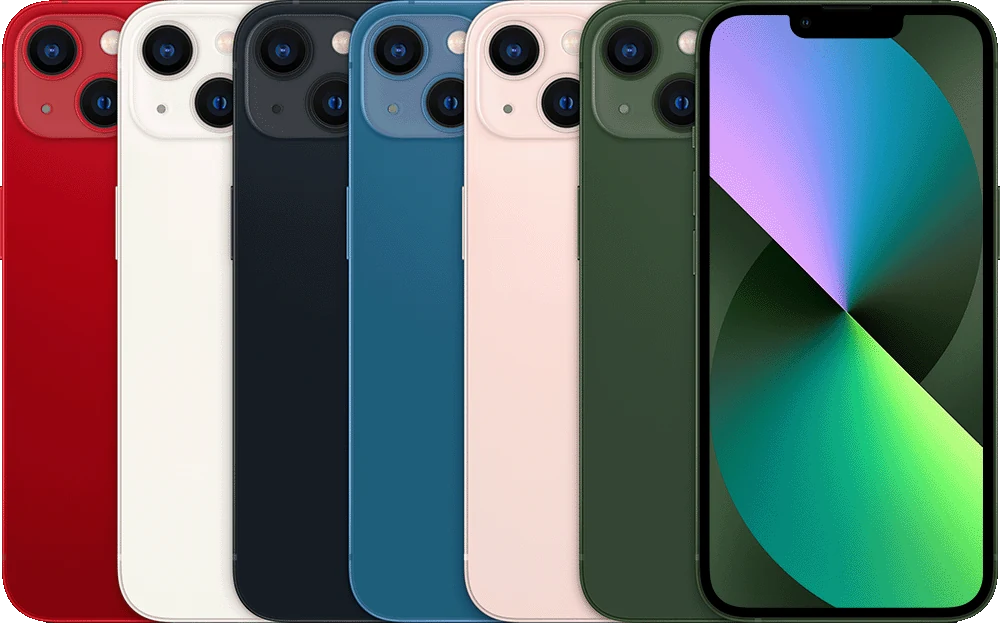
| Apple iPhone 13This review | 7.6Research | An iPhone user who wants a conventional size, sensible starting storage and straightforward photography. | Amazon.ca ↗ |
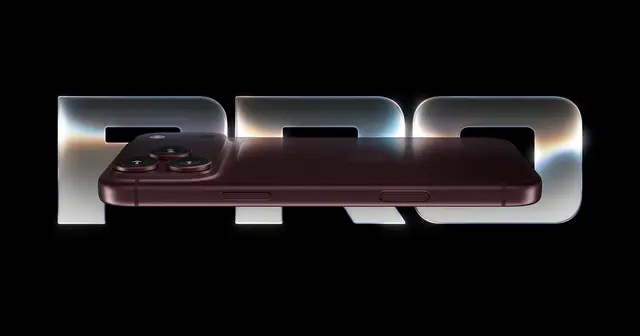
| Apple iPhone 18 Pro | 8.3Research | An iPhone creator who will actually use aperture, shutter and white-balance controls and has a plan for storage and… | Amazon.ca ↗ |
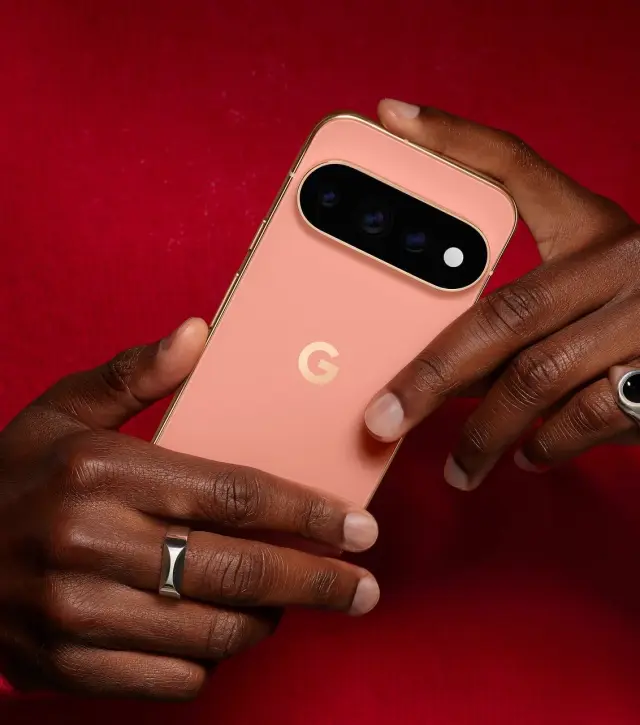
| Google Pixel 11 Pro | 8.3Research | An Android buyer who wants a compact flagship with wide, ultrawide and 5x cameras and a long, published software… | Amazon.ca ↗ |
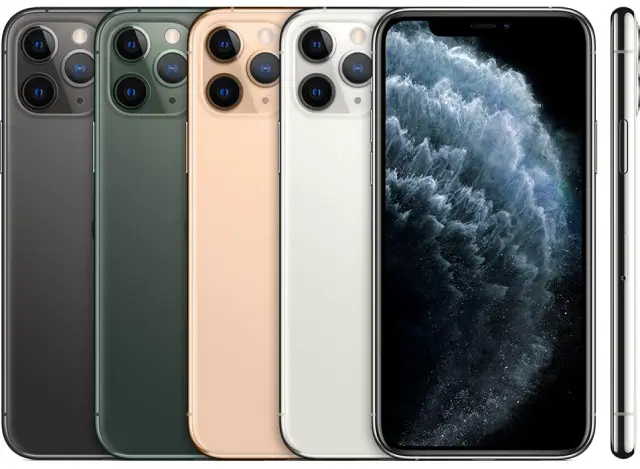
| Apple iPhone 11 Pro | 6.9Research | An iPhone user who wants a compact body and a genuine 2× telephoto for everyday framing, and who will inspect a used… | Amazon.ca ↗ |
Compare scores within a category: Tested means our own use, Research means documentation and attributed outside testing. Price links are affiliate links. As an Amazon Associate, Tech Standpoint earns from qualifying purchases. Disclosure
Sources & further reading.
These are the sources behind this research review. Manufacturer claims are not independent performance measurements. Community accounts, when cited, describe individual experiences.
- iPhone 13 - Tech Specs - Apple Support ↗manufacturer
Product software and regional bundles can change. Corrections and editorial disclosures.
Affiliate link. As an Amazon Associate, Tech Standpoint earns from qualifying purchases. It never changes our verdict or score. Disclosure