Not tested. This is a research score for the documented features, compatibility and ownership trade-offs discussed in this review, not a performance measurement.
Features & capability 30%8.8
Advanced formats, several camera perspectives and ProMotion form a broad creative package.
Compatibility & connectivity 20%8.7
USB 3 and DisplayPort expand wired possibilities when the cable and accessory requirements are met.
Ownership & upkeep 20%7.3
Production accessories and large files add upkeep, alongside ordinary used-battery concerns.
Setup & everyday use 15%8.2
The Action button and lighter Pro construction are useful, though advanced recording takes preparation.
Documentation & support clarity 15%8.9
Apple states cable requirements, external-recording conditions and model-specific telephoto differences.
Compare scores within the same product category. Small decimal differences should not override your needs or the evidence limits.
How the Standpoint Score works
We score five aspects of the documented product on a 0–10 scale, then calculate a weighted total:
- Features & capability30% of the total
- Compatibility & connectivity20% of the total
- Ownership & upkeep20% of the total
- Setup & everyday use15% of the total
- Documentation & support clarity15% of the total
This product’s 8.4/10 is an editorial research assessment. It does not claim measured performance, tested reliability or a verified customer satisfaction rate. Compare it with products in the same category, and read each criterion’s reasoning above.
Read the full rubric and score bands ↗From a tech standpoint.
A persuasive choice for creators who will use the faster wired connection and the external-recording tools. Verify the whole accessory chain, from cable to drive to editor, on the actual unit before relying on it. If those capabilities are hypothetical, a simpler phone does the daily job for less, and the USB-C port alone is not reason enough to pay the Pro premium.
Reasons to consider it
- USB 3 over USB-C, up to 10 Gb/s with the right cable, versus USB 2 on the regular 15
- ProRes up to 4K/60 with external recording, plus Log
- Customisable Action button
Go in knowing
- External recording adds cable, drive and mounting decisions
- The 3× telephoto is not the 15 Pro Max's longer view
- A used port and cameras must be healthy for the workflow to work
Affiliate link. As an Amazon Associate, Tech Standpoint earns from qualifying purchases. It never changes our verdict or score. Disclosure
The specification sheet.
Published specifications from the linked sources. Configurations and availability can differ by country.
- Processor
- A17 Pro
- Display
- 6.1-inch OLED; adaptive refresh up to 120 Hz
- Main camera
- 48 MP
- Dedicated telephoto
- 12 MP; 3× view
- Wired interface
- USB-C; USB 3 up to 10 Gb/s with appropriate cable
- Video
- ProRes up to 4K/60 with external recording; Log support
- Weight
- 187 g
A production workflow is the strongest reason to buy
The 15 Pro gets interesting when you have a job for its wired connection and recording tools. It is a more specific proposition than a phone that happens to take good pictures. A creator moving files regularly, recording to external storage or running a deliberate editing pipeline has practical reasons to prefer it over earlier Lightning models. Without those needs, the extra complexity adds little to daily satisfaction.
Let that distinction guide the used purchase. Decide what the phone must connect to and what the finished work must look like before choosing a listing. The documented toolkit and the ownership consequences of assembling it are covered here. Sustained recording, transfer throughput and the condition of a particular reseller's unit are for you to verify, so no production-reliability guarantee is implied.
USB 3 means checking the whole chain
Apple specifies USB 3 speeds up to 10 gigabits per second through USB-C, with an appropriate cable required. The connector shape alone does not deliver that. The cable, the computer, the storage device and the software all take part in a transfer. Test the complete chain with representative material instead of assuming the charging cable bundled with a used phone carries data at the intended rate.
That makes the port's condition unusually important. Confirm a secure connection, run a data transfer and try the accessory arrangement you plan to use. A socket that drops out intermittently might be tolerable to a seller demonstrating wireless charging, but it undermines a major reason to buy this model. Faster wired transfer is valuable when it simplifies a repeated workflow; it is worth nothing if the connection cannot be trusted.
External recording turns the phone into a small rig
The documented ProRes option reaches 4K at 60 frames per second with external recording. That opens a useful door, but it also changes the phone from a self-contained object into a system. Storage compatibility, cable routing, power and physical mounting all need thought. A drive dangling from the connector is a different handling proposition from a properly arranged recording setup.
Before an important session, record a representative sequence and complete the editing round trip. Confirm the files are intact, the editor handles them and the arrangement is comfortable to operate. Include a backup plan and enough storage for the project. This is not an invitation to buy every accessory at once. It is a reason to price and test the specific supporting equipment that makes the advertised mode useful for your work.
Log recording requires intentional finishing
Log recording is for someone who wants control in post-production. It is not a universal improvement for footage shared without careful finishing. Decide how exposure, colour management and final export will be handled. A supported format is no substitute for a consistent workflow, and an unfamiliar setting can make a simple recording task less convenient rather than more professional.
Shoot a short sample in typical light and process it in your editor. View the result on the display or service your audience will use. That tells you whether the extra flexibility is useful and whether the workflow stays manageable. Dynamic range and colour accuracy are not inferred from the format list here; the option earns credit, and its measured performance against your production requirements is a question for a documented hands-on evaluation.
The smaller Pro has its own camera identity
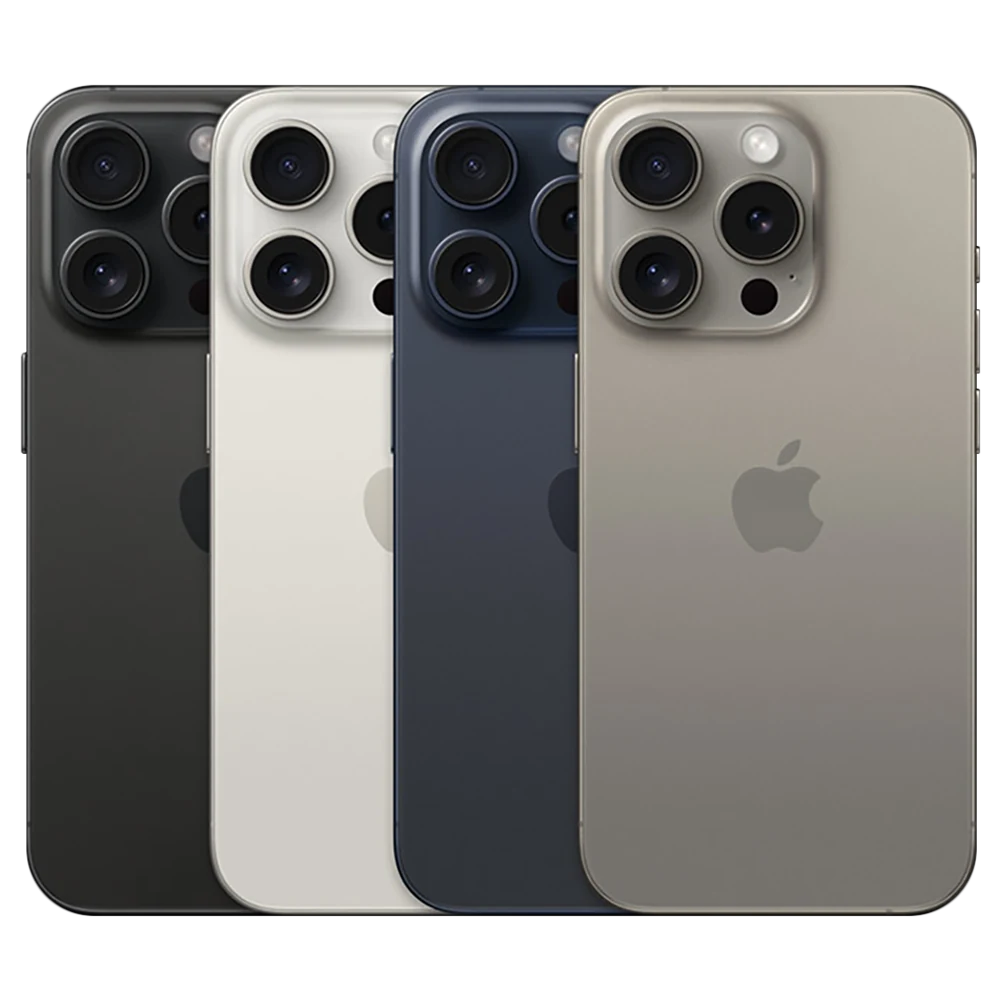
The 15 Pro carries a dedicated 3× telephoto, which is not the longer lens on the 15 Pro Max. Keep that distinction explicit when comparing listings. The 48 MP main camera and the ultrawide add other perspectives, with further sensor-based framing options. Think about your actual subjects and distances before deciding which arrangement you want.
Test each physical camera on a used example. Check focus on fine detail, inspect lens covers and record movement without relying on a seller's ideal sample. Close-focus work is another useful check if it matters to you. A compact Pro is a convenient creative tool, but a damaged module cuts that value sharply. The research score reflects documented versatility, not an assumption that every camera in every refurbished unit performs as new.
Give the Action button a real job
The customisable Action button is a direct route to one chosen function. Its value comes from assigning something you repeatedly need, such as a camera action or an accessibility task, rather than changing it constantly to explore. Try your intended assignment while holding the phone normally. A good shortcut saves steps without being easy to trigger by accident or hard to remember.
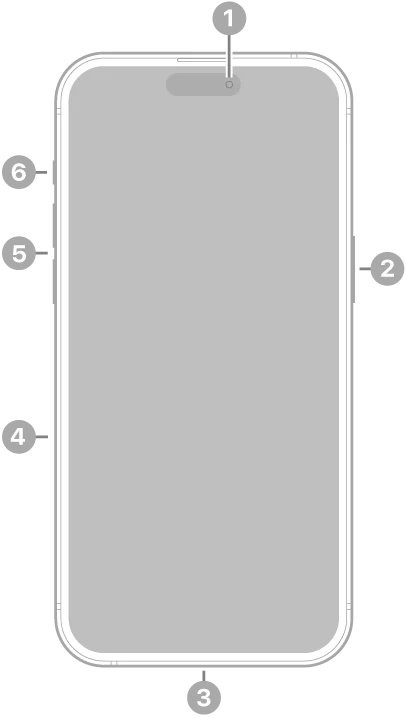
The 6.1-inch ProMotion OLED and listed 187-gram body shape everyday handling too. Use your preferred text settings and a realistic case before deciding the smaller Pro is comfortable. Inspect the panel for persistent marks and check touch across the whole surface. Advanced interface features cannot compensate for a poor replacement display. Ask about repairs and confirm the screen, controls and authentication hardware all support the daily routine.
The ordinary ownership checks still apply
USB-C does not remove concerns about a used battery, account locks or carrier compatibility. Ask for service information, inspect the enclosure and complete normal activation after the previous account is removed. Test Face ID, calls, microphones and speakers. Identify the regional model, particularly on US stock with its eSIM-only arrangement, and confirm your carrier can activate it.
Check current software requirements and the availability conditions of any feature that influences the purchase. A17 Pro is not a promise that every future option appears everywhere. If battery service is likely, put a current quote into the comparison. A creator should also weigh the disruption of repairs, since a phone that serves as production equipment is harder to replace temporarily than an ordinary spare.
A strong choice when the workflow is concrete
The 15 Pro makes a coherent case for someone who needs its faster wired interface, external-recording options and smaller Pro format. It is far less compelling if those capabilities stay speculative while a simpler phone would handle the daily tasks. Price the phone, the right cable, storage and any mounting gear together before calling a discounted listing a cheap production solution.
The verdict favours the documented capability, conditional on the health of the individual unit and the complete accessory setup. Successful activation, a stable data connection, healthy cameras and a verified recording-to-editing test are the minimum before depending on it for paid work. Buy the 15 Pro because it solves a specific workflow problem. Its usefulness is clearest when the equipment and habits around it make the advanced features practical to use again and again.
The closest alternatives.
| Product | Standpoint Score | Best for | Price |
|---|---|---|---|
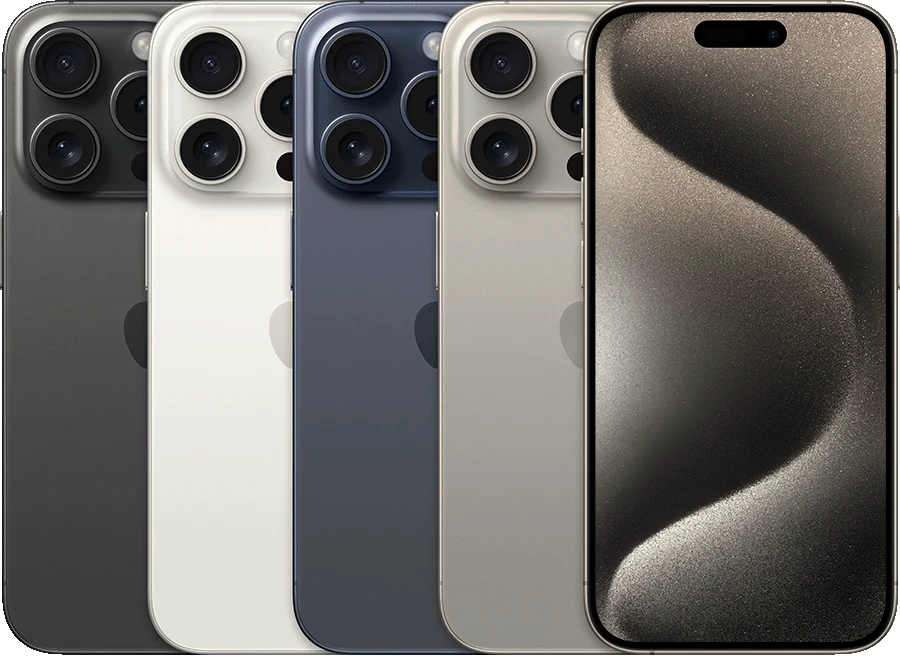
| Apple iPhone 15 ProThis review | 8.4Research | An iPhone creator who needs USB-C file handling, external recording options and a relatively compact Pro body. | Amazon.ca ↗ |
| Apple iPhone 18 Pro | 8.3Research | An iPhone creator who will actually use aperture, shutter and white-balance controls and has a plan for storage and… | Amazon.ca ↗ |
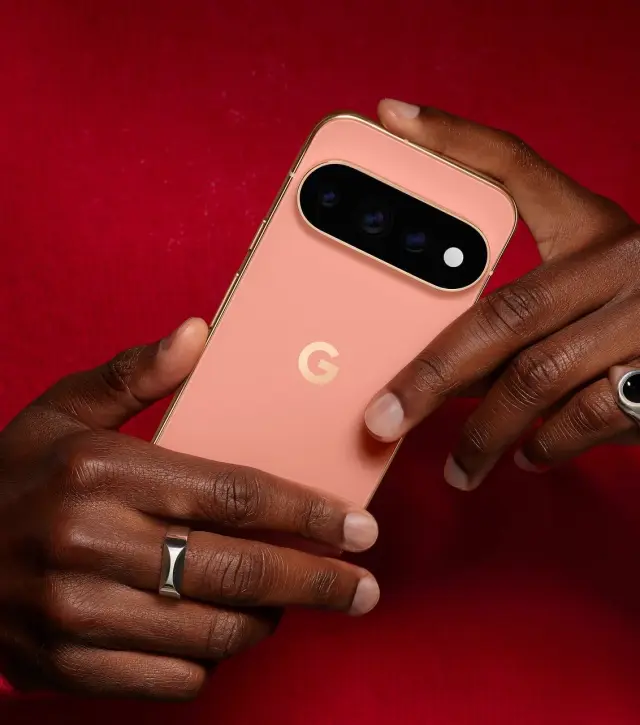
| Google Pixel 11 Pro | 8.3Research | An Android buyer who wants a compact flagship with wide, ultrawide and 5x cameras and a long, published software… | Amazon.ca ↗ |
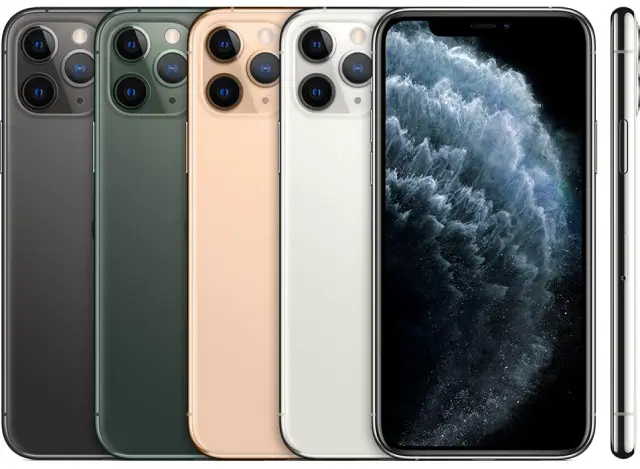
| Apple iPhone 11 Pro | 6.9Research | An iPhone user who wants a compact body and a genuine 2× telephoto for everyday framing, and who will inspect a used… | Amazon.ca ↗ |
Compare scores within a category: Tested means our own use, Research means documentation and attributed outside testing. Price links are affiliate links. As an Amazon Associate, Tech Standpoint earns from qualifying purchases. Disclosure
Sources & further reading.
These are the sources behind this research review. Manufacturer claims are not independent performance measurements. Community accounts, when cited, describe individual experiences.
- iPhone 15 Pro - Tech Specs - Apple Support ↗manufacturer
Product software and regional bundles can change. Corrections and editorial disclosures.
Affiliate link. As an Amazon Associate, Tech Standpoint earns from qualifying purchases. It never changes our verdict or score. Disclosure