Not tested. This is a research score for the documented features, compatibility and ownership trade-offs discussed in this review, not a performance measurement.
Features & capability 30%6.8
The Intel and discrete-graphics configurations can support defined legacy work, with a narrower current general-purpose case.
Compatibility & connectivity 20%7.7
Four Thunderbolt ports and documented multi-display options offer useful compatibility.
Ownership & upkeep 20%5.4
Age, battery service and configuration-specific repair economics deserve substantial weight.
Setup & everyday use 15%6.8
A large screen and Magic Keyboard support work, balanced by a heavy format and Touch Bar preference.
Documentation & support clarity 15%8.8
Apple retains detailed configuration and current model-identification compatibility information.
Compare scores within the same product category. Small decimal differences should not override your needs or the evidence limits.
How the Standpoint Score works
We score five aspects of the documented product on a 0–10 scale, then calculate a weighted total:
- Features & capability30% of the total
- Compatibility & connectivity20% of the total
- Ownership & upkeep20% of the total
- Setup & everyday use15% of the total
- Documentation & support clarity15% of the total
This product’s 7.0/10 is an editorial research assessment. It does not claim measured performance, tested reliability or a verified customer satisfaction rate. Compare it with products in the same category, and read each criterion’s reasoning above.
Read the full rubric and score bands ↗From a tech standpoint.
A specialist used purchase for a documented Intel software or peripheral requirement. General buyers should compare Apple-silicon alternatives before accepting its age, weight and likely maintenance. Exact CPU, GPU and memory vary widely across listings, and the Touch Bar, cooling system and battery all need a real inspection before any price looks like a bargain.
Reasons to consider it
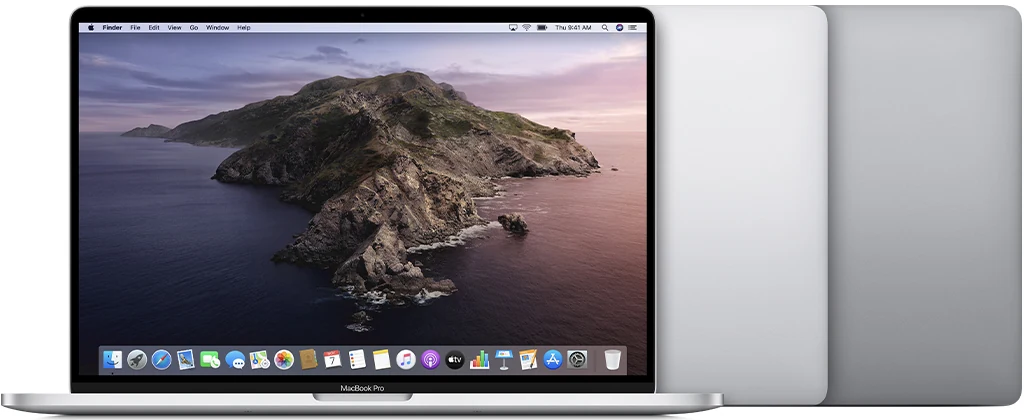
- 16-inch 3072 × 1920 built-in work area
- Four Thunderbolt 3 USB-C ports
- Core i7 or i9 with up to 64 GB and Radeon Pro options for Intel-era software
Go in knowing
- CPU, GPU and memory vary considerably between units
- Intel architecture and a macOS Tahoe 26 ceiling limit a general recommendation
- Battery, cooling system and Touch Bar need inspection
Affiliate link. As an Amazon Associate, Tech Standpoint earns from qualifying purchases. It never changes our verdict or score. Disclosure
The specification sheet.
Published specifications from the linked sources. Configurations and availability can differ by country.
- Processors
- Six-core Core i7 or eight-core Core i9 configurations
- Display
- 16-inch IPS; 3072 × 1920
- Memory
- 16, 32 or 64 GB onboard DDR4
- Graphics
- AMD Radeon Pro 5300M, 5500M or 5600M options
- Ports
- Four Thunderbolt 3 USB-C ports; headphone jack
- Weight
- 2.0 kg
- Listed newest compatible OS
- macOS Tahoe 26 in Apple's model guide at verification
A legacy requirement should lead the purchase
The 2019 16-inch Intel MacBook Pro is worth considering when you can name a software or peripheral reason to stay on Intel. Verify that reason with the vendor and your actual workflow. It is not enough to assume all old software behaves better on an old computer, or that a former flagship beats a newer ordinary laptop. Compatibility is specific to applications, versions and connected equipment.
For general work, Apple-silicon alternatives belong in the comparison. The documented Intel configuration range and what buying it now implies are covered here; exports, noise and the condition of a seller's refurbished example are not benchmarked or inspected. The question is whether a clearly defined task justifies the machine's age, bulk and potential maintenance, not whether the old spec still looks impressive on its own.
The exact CPU and GPU matter
The range includes six-core Core i7 and eight-core Core i9 processors alongside Radeon Pro 5300M, 5500M and 5600M graphics. A short listing may omit those distinctions or emphasise only the most flattering part. Inspect the machine information and verify the installed graphics memory, system memory and storage. Two computers with the same year and screen size can be quite different propositions for a given project.
Do not assume the top processor suffix solves everything. Application compatibility, memory capacity, GPU requirements and battery condition often carry more practical weight. Run representative work during the return period and inspect the output, not just the launch screen. The score does not translate core counts into a completion time. It credits hardware that can serve a defined role while requiring evidence that this configuration and your software combination meet your expectations.
The software horizon deserves an explicit check
At verification, Apple's identification guide lists macOS Tahoe 26 as the newest compatible system for this model. That is useful current information, but it guarantees neither future operating-system releases nor indefinite support from app developers. Check the requirements of the software that matters, including plug-ins, organisational security tools and peripheral drivers. The main app working does not mean every component around it is still supported.
If the intended role is a legacy setup, document the exact versions and file formats that must be retained. Think about how files will be exchanged with collaborators on newer systems. A workflow can stay useful while becoming harder to integrate with everyone else. Account for that horizon in the buying decision rather than treating compatibility today as a promise about every future project. Keep current support facts separate from assumptions about what may arrive later.
A big screen changes the work and the carry
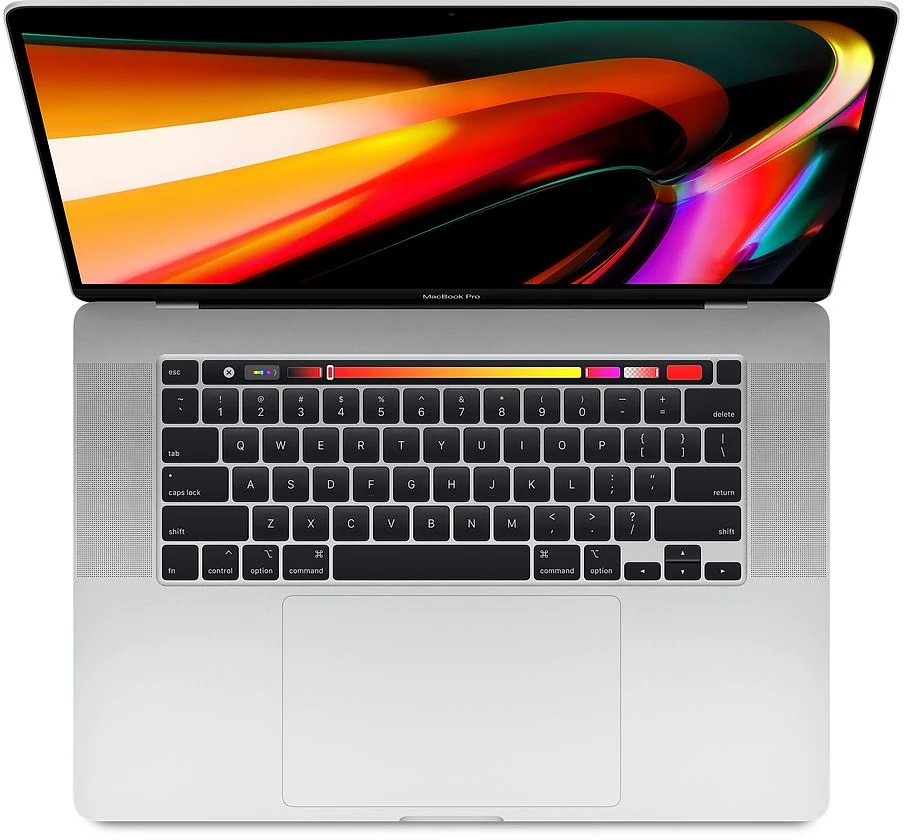
The 16-inch 3072 × 1920 display gives a broad built-in area for documents, timelines or several panels. That is valuable away from a desk, particularly where no external monitor is available. Try your actual software layout at a comfortable text size. Screen area pays off when it reduces scrolling and window switching; it matters less if the laptop usually stays closed beside a large monitor.
The listed two-kilogram body is only part of the load. Add the charger, cables and any storage devices when deciding whether the format suits travel. Inspect the panel for coating damage, pressure marks and uneven backlighting, and test the hinge. A large premium screen is a strong reason to choose this machine and a serious concern if damaged. Enclosure wear should not distract from the condition of the surface you will look at for every hour of work.
Memory and storage should already fit
Apple specifies onboard DDR4 memory in 16, 32 and 64 GB capacities. Treat the installed amount as a purchase decision and match it to your complete working set, including browser services, communication tools and background apps alongside the main creative or technical task. An older workstation should not force you to keep closing necessary tools because the seller's configuration was the cheap one.
Storage planning should include project sources, temporary work, caches and a backup routine. A large internal drive simplifies a legacy setup but does not remove the need for a second copy of important material. External storage adds equipment and a connection, so test that arrangement if it is part of the plan. Compare equivalent usable configurations rather than letting a high-end CPU make a cramped machine look better suited than it is.
Four Thunderbolt ports offer real flexibility
Four Thunderbolt 3 USB-C ports give this model a flexible set of direct connections for compatible equipment, which matters in a workstation with displays, drives and audio hardware. The ports do not remove the need to understand a dock or adapter's requirements, and supported display arrangements still have stated limits. Map the real desk setup before buying accessories.
Test charging and data through each relevant port, then try the intended external display combination. Check waking and reconnecting, not just the first picture. A machine at the centre of a legacy setup needs reliable connections, because intermittent behaviour is hard to diagnose across older devices and software. Include the correct power supply in the cost comparison. A bare laptop is not cheaper once you add the equipment needed to make the existing workflow dependable.
Cooling, controls and battery need a real session
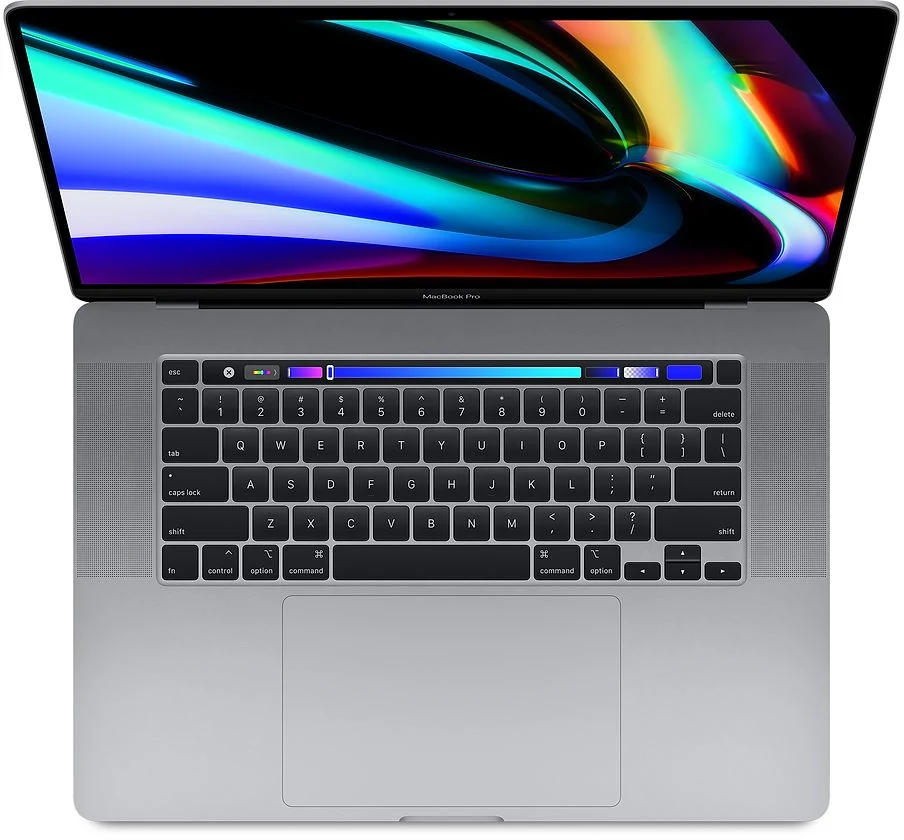
Inspect the Touch Bar, keyboard and trackpad as thoroughly as the screen. Test common shortcuts and every key, check the touch strip along its length and verify Touch ID. Listen for unusual mechanical noise during representative work and watch for instability or unexpected shutdowns. Normal thermal behaviour is not measured here, so distinguish routine fan operation from clear faults rather than treating any fan activity as failure.
Ask for battery condition and service records. Original runtime claims do not describe a used battery years later, especially under demanding work. Get current repair quotes before accepting known issues. Complete normal setup after the seller removes personal and organisational control, and keep the invoice and return terms. A former professional computer can still be useful, but unresolved management restrictions or undocumented repairs should not quietly become the next owner's job.
A conditional tool for a specific remaining role
The Intel 16-inch Pro justifies its place when a verified legacy requirement, a suitable configuration and healthy condition line up. It is a weak default for someone who simply wants a cheap large MacBook. The architecture, software horizon and maintenance costs have to survive a comparison with Apple-silicon machines that can do the actual work.
The assessment credits the documented screen, ports and configuration flexibility while discounting ownership uncertainty. A representative project test, reliable connections, a clear battery situation and a credible return period come before any individual listing earns a recommendation. Buy it because this exact machine meets a carefully defined task. Its original flagship status is history, not evidence that an ageing example is the most practical computer to own today.
The closest alternatives.
| Product | Standpoint Score | Best for | Price |
|---|---|---|---|
| Apple MacBook Pro 16-inch (Intel, 2019)This review | 7.0Research | A user with a validated Intel-specific Mac workflow who needs a large screen and this model's four direct Thunderbolt 3… | Amazon.ca ↗ |
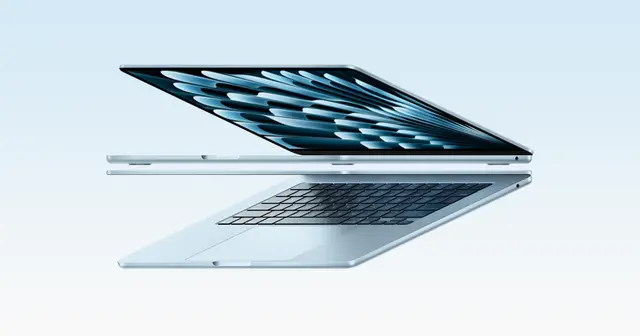
| Apple MacBook Air 13-inch (M5) | 8.4Research | A mobile writer, student or mixed-workload Mac user who values portability and can plan the configuration up front. | Amazon.ca ↗ |
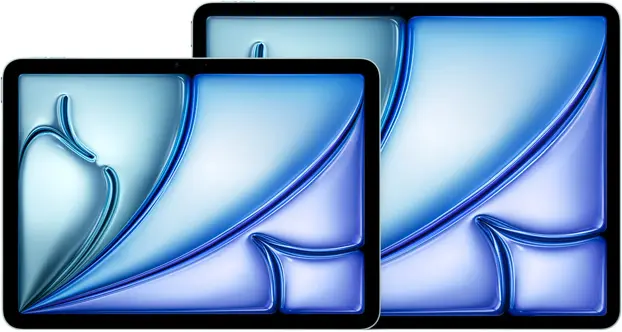
| Apple iPad Air (M4) | 8.1Research | Someone who needs a tablet for drawing, documents and travel, not someone assuming every laptop task will transfer. | Amazon.ca ↗ |
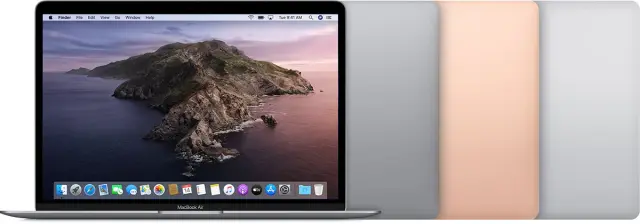
| Apple MacBook Air (Intel, 2020) | 6.4Research | A buyer with a verified Intel-specific application or peripheral requirement, or a two-monitor desk, and realistic… | Amazon.ca ↗ |
Compare scores within a category: Tested means our own use, Research means documentation and attributed outside testing. Price links are affiliate links. As an Amazon Associate, Tech Standpoint earns from qualifying purchases. Disclosure
Sources & further reading.
These are the sources behind this research review. Manufacturer claims are not independent performance measurements. Community accounts, when cited, describe individual experiences.
- MacBook Pro (16-inch, 2019) - Technical Specifications - Apple Support ↗manufacturer
- Identify your MacBook Pro model — operating-system compatibility ↗manufacturer
Product software and regional bundles can change. Corrections and editorial disclosures.
Affiliate link. As an Amazon Associate, Tech Standpoint earns from qualifying purchases. It never changes our verdict or score. Disclosure