Not tested. This is a research score for the documented features, compatibility and ownership trade-offs discussed in this review, not a performance measurement.
Features & capability 30%8.4
Gizmodo and PCWorld show strong multi-core, graphics and local-AI results with up to 128GB of shared memory, but single-core speed trails Apple and the screen measured below Microsoft's brightness claim.
Compatibility & connectivity 20%7.0
Plenty of ports including HDMI, USB-A and an SD reader, but Windows on Arm brings emulation slowdowns in games and a Premiere beta build, per Gizmodo and PCWorld.
Ownership & upkeep 20%6.4
Starts at $3,899.99 in Canada, battery measured 8 to 10 hours against a 15-hour claim, the Canadian warranty length couldn't be verified, though the SSD is reportedly swappable.
Setup & everyday use 15%7.3
Reviewers like the build, haptic trackpad and speakers, but it's heavy at about 4.4 to 4.5 lb, needs a bulky 140W charger and had early crashes and webcam gripes.
Documentation & support clarity 15%6.6
Microsoft's page gives clear specs and battery test conditions, but states no warranty length and promises a 2,000-nit screen that PCWorld couldn't reproduce.
Compare scores within the same product category. Small decimal differences should not override your needs or the evidence limits.
How the Standpoint Score works
We score five aspects of the documented product on a 0–10 scale, then calculate a weighted total:
- Features & capability30% of the total
- Compatibility & connectivity20% of the total
- Ownership & upkeep20% of the total
- Setup & everyday use15% of the total
- Documentation & support clarity15% of the total
This product’s 7.3/10 is an editorial research assessment. It does not claim measured performance, tested reliability or a verified customer satisfaction rate. Compare it with products in the same category, and read each criterion’s reasoning above.
Read the full rubric and score bands ↗From a tech standpoint.
Buy the Surface Laptop Ultra only if you need its shared-memory GPU for local AI, 3D or video work and you want it in a thin Windows laptop. Gizmodo scored it 4 out of 5 and called it Microsoft's best laptop yet. PCWorld liked the hardware but found the price out of step, and Macworld says it isn't a MacBook Pro killer for general work. Skip it for office, browsing and email, because cheaper laptops do that as well. Skip it if you hate Arm app quirks, or if you want OLED. This is a research review: Cameron hasn't used one, and every observation here belongs to the outlet named.
Reasons to consider it
- Graphics and local AI speed that Gizmodo and PCWorld both rate well above its power draw
- Solid aluminum build, big haptic trackpad and good speakers, per Gizmodo and PCWorld
- Performance barely changes on battery, per Gizmodo
- Up to 128GB of shared memory is rare in a thin laptop, which is the point for local AI
Go in knowing
- $3,899.99 base in Canada, with the 128GB model reaching US$5,900
- PCWorld measured a 792-nit peak SDR screen against Microsoft's 1,000-nit claim, and it is mini-LED, not OLED
- Everyday single-core speed trails Apple, and Arm emulation slows some games and apps
- Heavy for a 15-inch at about 4.4 to 4.5 lb, with a bulky 140W charger
Affiliate link. As an Amazon Associate, Tech Standpoint earns from qualifying purchases. It never changes our verdict or score. Disclosure
The specification sheet.
Published specifications from the linked sources. Configurations and availability can differ by country.
- Canadian price (Nov 1, 2026)
- $3,899.99 for the base 18-core, 24GB, 512GB model on Microsoft Canada's product page; Canadian prices for the 32GB and 128GB models weren't found, and Best Buy Canada's listing showed no price when checked
- US price
- US$2,600 base, US$3,700 for 32GB/1TB, US$5,900 for 128GB/1TB, per ServeTheHome and Gizmodo
- Chip
- Nvidia RTX Spark N1X (Arm): 18-core CPU with 5,120 GPU cores, or 20-core CPU with 6,144 GPU cores
- Memory
- 24GB to 128GB LPDDR5X, shared between CPU and GPU
- Storage
- 512GB to 2TB; ServeTheHome reports a user-upgradable M.2 2280 SSD
- Display
- 15-inch mini-LED touchscreen, 120Hz, about 3,270 x 2,180, 100% DCI-P3; Microsoft claims up to 2,000 nits peak HDR (10% window); not OLED
- Battery (Microsoft's claim)
- Up to 15 hours of local video, up to 12 hours of web browsing, on preproduction units; ServeTheHome lists a 92Wh battery
- Ports
- Three USB-C (USB4), one magnetic USB-C charge port, USB-A, HDMI, SD card reader, 3.5mm jack
- Weight and thickness
- Under 4.5 lb and under 18mm per Microsoft; PCWorld lists 4.41 lb, Gizmodo 4.5 lb
- Warranty
- Microsoft's Canadian page doesn't state a length; Canadian term couldn't be verified
A $3,899.99 Surface that wants to take on gaming laptops and the MacBook Pro
The Surface Laptop Ultra starts at $3,899.99 in Canada, according to Microsoft's Canadian product page. That price buys the base model: an 18-core chip, 24GB of memory and a 512GB drive. For comparison, iPhone in Canada reports the regular 15-inch Surface Laptop launched here at $2,399.99 in June and was on sale for $1,999.99 in October. The Ultra is not a small step up.
What you get is a 15-inch, roughly 18mm Windows laptop built around Nvidia's RTX Spark chip. It's an Arm processor with an Nvidia GPU on the same package, and both share one pool of memory that goes up to 128GB. That's the Apple approach, done by Nvidia and Microsoft, and it's why reviewers keep reaching for the MacBook Pro as the comparison.
So the question is simple. Is it worth that money? Gizmodo, PCWorld and Macworld all say the hardware is impressive in places, and all three tie the verdict to the price. The rest of this piece explains where it's fast, where it isn't, and who should look elsewhere.
What Microsoft changed, and who shouldn't bother
Previous Surface Laptops were thin Windows laptops built for typing, browsing and meetings. This one is a different machine. The Nvidia chip, the mini-LED screen, the haptic trackpad and up to 128GB of memory are all new. ServeTheHome also reports that the SSD is a standard M.2 2280 drive a buyer can swap, which is welcome on a Surface.
PCWorld points out how much cheaper the siblings are. It lists the 15-inch Surface Laptop 8 with a Snapdragon X2 Elite at US$1,615, and it calls the Ultra weak for plain productivity work, where cheaper machines do better. That matches the Macworld view that the Ultra doesn't threaten the MacBook Pro for general use.
If you mostly live in a browser, Office and Teams, don't buy this. If you own a recent Surface Laptop like the Surface Laptop 7, there's nothing here that fixes a problem you have. The people it's for are the ones whose current laptop runs out of GPU or memory.
How close does it get to a MacBook Pro? Closer in graphics than in everyday speed
Gizmodo put it against Apple's M5 Max MacBook Pro and found the Mac ahead nearly everywhere. The Apple chip was about 44% faster in Geekbench 7 multi-core and about 11% ahead in Cinebench 2026 multi-core. In a Blender render, the Surface took just under 1 minute 30 seconds, and the Mac finished more than 20 seconds sooner.
Graphics is where the gap narrows. In 3DMark Steel Nomad, Gizmodo had the Surface 50% faster than an Intel Core Ultra X9 388H laptop and 37% faster than an Asus ProArt PX13, though about 22% slower than the top Mac. In ray tracing it trailed by about 6%. It also edged the AMD Ryzen AI Max+ 395 in Cinebench by about 5%.
Macworld's tests were less kind. It says the Surface beats the base M5 in multi-core, but is about 21% slower than the 15-core M5 Pro, and its single-core score fell below the A18 Pro in the MacBook Neo. PCWorld measured Geekbench 7 scores of 2,008 single-core and 20,093 multi-core, rising to 2,687 and 23,256 with the power slider maxed. On battery, multi-core fell to 17,328.
The takeaway is plain. It's a strong multi-core and graphics laptop with a weak single-core score, and that weak score is what makes ordinary apps feel slower than the price suggests. PCWorld says the machine can feel sluggish until you flip to the performance mode.
The screen says Ultra, but it's mini-LED and one reviewer got 792 nits
Microsoft's page describes a 15-inch touchscreen at 120Hz with 100% DCI-P3 coverage and up to 2,000 nits peak HDR, measured over a 10% window. Gizmodo warns that Ultra shouldn't make you think OLED, because the panel is mini-LED. ServeTheHome adds that it doesn't carry DisplayHDR certification.
PCWorld put numbers on the gap. Its meter showed a peak SDR brightness of about 792 nits against Microsoft's 1,000-nit claim, and it couldn't reach the 2,000-nit HDR figure either. The reviewer still called the display excellent apart from that shortfall, and Gizmodo lists it as very bright. PCWorld also notes the review unit may not match the final spec.
In real life, 792 nits is plenty for a bright room, and a mini-LED panel avoids the burn-in worry some people have with OLED. But if you're paying a premium for HDR editing, ask whether the claimed peak applies to the screen you'll get, because at least one reviewer didn't see it.
Local AI and games: the real reason this chip exists
PCWorld ran local AI tests, and they're the best case for the Ultra. It measured about 52 tokens per second on Mistral 7B and 39.9 tokens per second with a Qwen model in LM Studio. That compares with 15.2 for an MSI Raider and 61.9 for an Asus ROG Strix in the same test. A ComfyUI WAN video run took 13.73 minutes. The Surface drew roughly 133 to 144W during a benchmark run, against 261 to 310W for the ROG Strix.
Gizmodo agrees the machine suits local AI models and agents, while calling it a useful tool and not an answer for everything. PCWorld's caution is worth heeding: 32GB of memory and 512GB to 1TB of storage limit local AI, and cloud models may be cheaper for many people.
Games are mixed. PCWorld got about 104 fps in Cyberpunk 2077 at 1080p Ultra with DLSS and frame generation. Gizmodo saw Warhammer III roughly tie the MacBook Pro and Gears of War: E-Day average about 40 fps on high with DLSS. A Lenovo Legion 5i with an RTX 5070, listed at US$3,016, beat it in Star Wars: Galactic Racer, topping 60 fps.
The catch is Windows on Arm. Gizmodo reports slow game loads and shader compiling through Microsoft's Prism emulation, and says the promised Advanced Shader Delivery hadn't arrived yet. If gaming is your main goal, a conventional gaming laptop is the safer buy.
Microsoft says 15 hours of battery. The tests show 8 to 10
Microsoft claims up to 15 hours of local video and up to 12 hours of web browsing. It says those numbers come from preproduction hardware at 150 nits with auto-brightness off, and that results will vary.
PCWorld measured about 7 hours 57 minutes of 4K streaming and about 10 hours 3 minutes in an Office loop. Gizmodo got most of a workday in efficiency mode at reduced brightness, and only about 2 to 3 hours when gaming or running GPU-heavy AI work. Macworld couldn't compare directly because it uses a different test, in which its own MacBook ran about 20 hours.
A useful detail from Gizmodo is that performance barely changed between battery and plugged in. That's a real strength next to a gaming laptop, which usually slows a lot off the charger. But the 140W adapter is large, and PCWorld flagged a costly extension cable. Plan on carrying it for any heavy-use day.
The rough edges early reviewers ran into
PCWorld reported app crashes and freezes early on, which it put down partly to a defective unit and partly to a later security update. It also found the webcam mediocre and missing Windows Studio Effects, inconsistent noise cancellation, and a brief hint of coil whine. Gizmodo called the webcam unremarkable and listed software bugs, including flashing screens and a speaker scratching sound.
Arm compatibility is the other recurring issue. PCWorld says Adobe Premiere needed a beta build to run natively. Gizmodo saw emulation slowdowns. Most mainstream software runs fine on Windows on Arm now, but if you rely on niche drivers, anti-cheat games or older plug-ins, check them first.
Heat and noise are fine for normal use. PCWorld says the fans are audible under load but not especially loud, while Gizmodo says they can get loud at full power. Throttling looks mild: PCWorld saw CPU performance fall about 6.3% after 10 minutes of Cinebench and GPU performance fall about 6.8% in a looped 3DMark run.
How it stacks up in Canada against the MacBook Pro and cheaper Surface
In Canada the closest Apple rival is the 16-inch MacBook Pro with an M5 Pro. iPhone in Canada lists it at $4,199 for 24GB and 1TB as of October 20, and Apple's refurbished store at $3,569. A refurbished 14-inch M5 Pro with the same memory and storage was $2,969. Those are Apple's prices after its June 25 increase, and the Surface's base model has half the storage.
Macworld's US comparison tells the same story. The tested Surface cost US$3,699 with 32GB and 1TB, while a 16-inch MacBook Pro with an M5 Pro, 48GB and 1TB cost US$3,599, and Macworld calls it much faster in general use. The Surface counters with Windows, a touchscreen, Nvidia's software stack and more graphics muscle.
Cheaper options exist. The 15-inch Surface Laptop was $1,999.99 on sale in Canada, and Gizmodo says a gaming laptop like the Legion 5i gives more gaming per dollar, although with much shorter battery life. No Canadian price for that Lenovo was found. Check Microsoft's trade-in promotion too, which Microsoft's page says offers up to $1,300 CAD cash back on qualifying devices until November 23, 2026, terms apply.
One more wrinkle: iPhone in Canada noted that Apple was expected to show a redesigned MacBook Pro at an October 28 event. This review couldn't confirm what Apple announced, so check before buying either.
Living with it: warranty, repairs and what it really costs
Microsoft's Canadian page doesn't state a warranty length. It refers to the Limited Hardware Warranty and notes that damage during self-repair is generally not covered. A US retailer listing shows one year, but the Canadian term wasn't verified, so read Microsoft's warranty page before paying.
The ownership costs add up. A larger configuration, a protection plan and the spare charger or extension cable PCWorld mentions can add a lot to the sticker price. A swappable SSD, if it works as ServeTheHome describes, can at least let you add storage later for less than Microsoft charges.
Software is the bigger risk. Several of the issues reviewers hit are fixable by updates, and Gizmodo expects Microsoft's shader tool to help, but that's a promise, not a feature. A laptop at this price shouldn't need patience, so a store with a good return window matters here.
Who should buy it, who should skip it, and what to buy instead
Buy it if you do local AI, 3D or GPU-heavy creative work, you want Windows and Nvidia's tools, and you value a thin body with strong efficiency. Gizmodo's 4-out-of-5 score and Editor's Choice badge come from people who are in exactly that group.
Skip it if your work is documents, email and video calls. PCWorld and Macworld both say the money is better spent elsewhere, and the weak single-core score matters more to you than graphics. Skip it if you want the best possible screen, because it's mini-LED and one reviewer measured lower brightness than claimed.
Buy instead: a MacBook Pro if you want faster everyday speed and longer battery life, a Legion-class gaming laptop if games are the point, or the cheaper 15-inch Surface Laptop if you just want a good Windows machine. If you can wait, watch for a firm Canadian price on the 32GB model and for the software fixes reviewers asked for.
The closest alternatives.
| Product | Standpoint Score | Best for | Price |
|---|---|---|---|
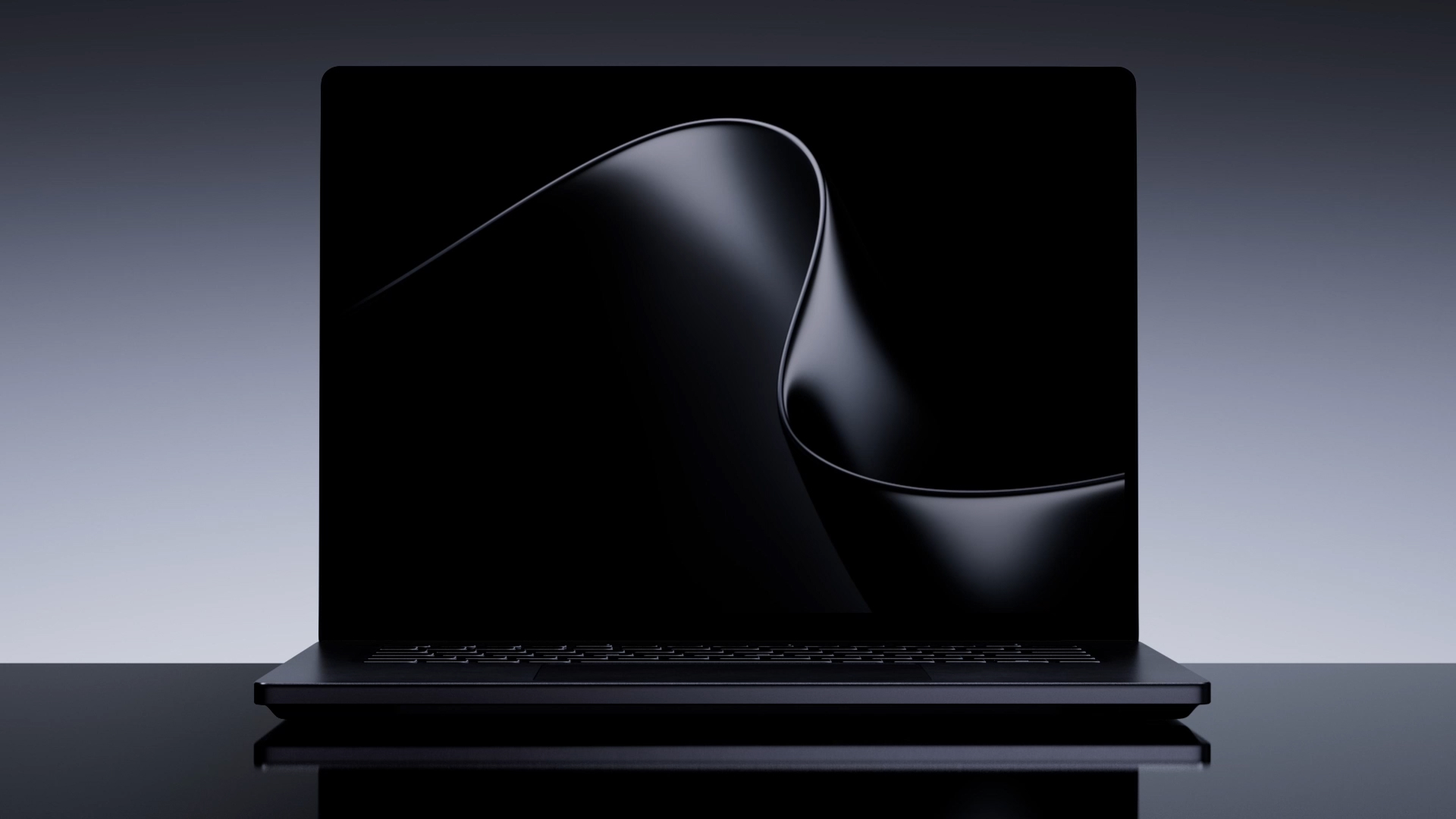
| Microsoft Surface Laptop UltraThis review | 7.3Research | Creators, developers and local-AI tinkerers who want Windows, a big bright screen and a lot of shared memory in a thin… | Amazon.ca ↗ |
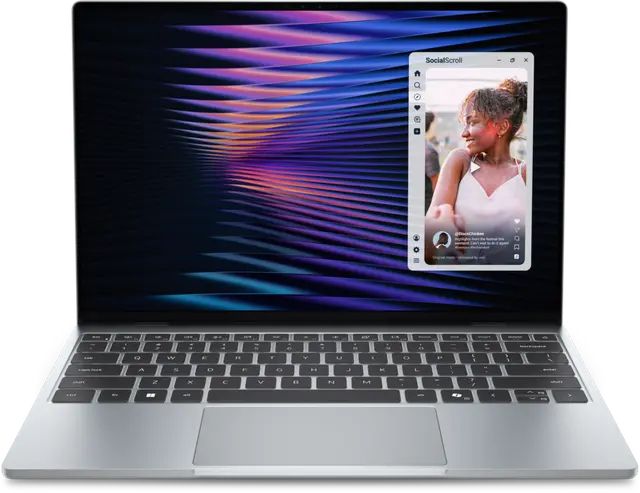
| Dell XPS 13 (2026) | 7.6Research | Windows users who want a light, well-built laptop with all-day battery for school, travel and office work, and who'll… | Amazon.ca ↗ |
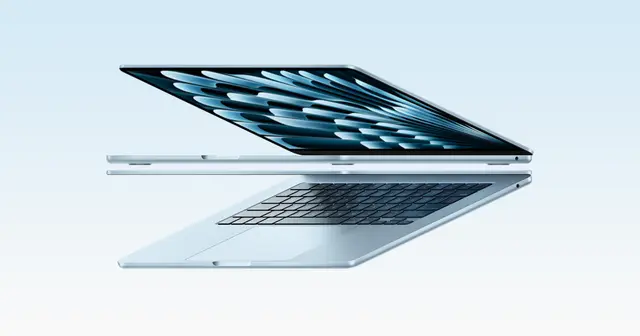
| Apple MacBook Air 13-inch (M5) | 8.4Research | A mobile writer, student or mixed-workload Mac user who values portability and can plan the configuration up front. | Amazon.ca ↗ |
| Apple iPad Air (M4) | 8.1Research | Someone who needs a tablet for drawing, documents and travel, not someone assuming every laptop task will transfer. | Amazon.ca ↗ |
Compare scores within a category: Tested means our own use, Research means documentation and attributed outside testing. Price links are affiliate links. As an Amazon Associate, Tech Standpoint earns from qualifying purchases. Disclosure
Questions before checkout.
How much is the Microsoft Surface Laptop Ultra in Canada?
Microsoft Canada's product page lists it from $3,899.99 for the base 18-core model with 24GB of memory and 512GB of storage. Canadian prices for the 32GB and 128GB models weren't found. In the US, prices run from US$2,600 to US$5,900.
Is the Surface Laptop Ultra faster than a MacBook Pro?
Not overall. Gizmodo found the M5 Max MacBook Pro about 44% faster in Geekbench 7 multi-core, and Macworld found the Surface about 21% slower than an M5 Pro. It's closer in graphics and gaming, and it beats the base M5 in multi-core.
How long does the Surface Laptop Ultra battery last?
Microsoft claims up to 15 hours of video, but PCWorld measured about 7 hours 57 minutes of 4K streaming and about 10 hours in an Office loop. Gizmodo reports most of a workday in efficiency mode and only 2 to 3 hours when gaming or running AI.
Does the Surface Laptop Ultra have an OLED screen?
No. It has a 15-inch mini-LED touchscreen at 120Hz. Microsoft claims up to 2,000 nits peak HDR, but PCWorld measured about 792 nits of peak SDR brightness against Microsoft's 1,000-nit claim, so check the final spec before buying.
Is the Surface Laptop Ultra good for gaming and AI?
It's better at AI than games. PCWorld measured about 52 tokens per second on Mistral 7B and about 104 fps in Cyberpunk 2077 with frame generation. Gizmodo saw emulation slowdowns on Arm, and a cheaper RTX 5070 laptop beat it in one game.
Sources & further reading.
These are the sources behind this research review. Manufacturer claims are not independent performance measurements. Community accounts, when cited, describe individual experiences.
- Microsoft Canada: Surface Laptop Ultra ↗manufacturer
- Gizmodo: Microsoft Surface Laptop Ultra review ↗independent review
- PCWorld: Microsoft Surface Laptop Ultra review ↗independent review
- Macworld: Microsoft thinks it has a MacBook Pro killer. We're not so sure ↗independent review
- ServeTheHome: Microsoft launches Surface Laptop Ultra and Surface RTX Spark Dev Box ↗news report
- iPhone in Canada: Microsoft's most powerful Surface Laptop yet starts at $3,899 in Canada ↗Canadian pricing report
- iPhone in Canada: Refurbished M5 MacBook Pros in Canada ↗Canadian pricing report
Product software and regional bundles can change. Corrections and editorial disclosures.
Affiliate link. As an Amazon Associate, Tech Standpoint earns from qualifying purchases. It never changes our verdict or score. Disclosure