Not tested. This is a research score for the documented features, compatibility and ownership trade-offs discussed in this review, not a performance measurement.
Task capability 30%8.2
Documented scheduling sensor and accessory capabilities cover substantial HVAC needs
Control & connectivity 20%8.0
Matter adds control routes while Google Home retains setup responsibility
Ownership & upkeep 20%7.5
Account management sensor power and regional services need attention
Setup & usability 15%7.8
Physical interface and supplied sensor help but equipment compatibility is essential
Documentation & support clarity 15%8.5
Google provides detailed generation-specific technical and compatibility references
Compare scores within the same product category. Small decimal differences should not override your needs or the evidence limits.
How the Standpoint Score works
We score five aspects of the documented product on a 0–10 scale, then calculate a weighted total:
- Task capability30% of the total
- Control & connectivity20% of the total
- Ownership & upkeep20% of the total
- Setup & usability15% of the total
- Documentation & support clarity15% of the total
This product’s 8.0/10 is an editorial research assessment. It does not claim measured performance, tested reliability or a verified customer satisfaction rate. Compare it with products in the same category, and read each criterion’s reasoning above.
Read the full rubric and score bands ↗From a tech standpoint.
Buy it if you run, or are happy to run, Google Home, have a compatible 24V system and want a readable circular display, an included room sensor you can average with others, and schedule help you can approve one suggestion at a time. Verify power needs with the compatibility checker instead of trusting your old thermostat's wiring. Skip it if your household has no regular routine to learn, you need occupancy sensing in the remote sensor, or you want a setup path that avoids Google entirely.
Reasons to consider it
- An included second-generation temperature sensor, with support for up to six and averaging across selected rooms
- A 2.68-inch circular display with Dynamic Farsight for reading it across the room
- Matter certification lets other compatible apps and assistants handle everyday control
Go in knowing
- Google Home is required for installation and setup, Matter or not
- Most homes skip the C wire, but some systems still need extra power provision
- Learning and energy features depend on your household's patterns and regional services
Affiliate link. As an Amazon Associate, Tech Standpoint earns from qualifying purchases. It never changes our verdict or score. Disclosure
The specification sheet.
Published specifications from the linked sources. Configurations and availability can differ by country.
- HVAC class
- Most compatible 24V systems
- Display
- 2.68-inch circular 600 x 600 LCD
- Wi-Fi
- 2.4/5GHz 802.11n
- Included sensor
- One Nest Temperature Sensor second generation
- Setup
- Google Home required
- Published warranty
- Two years retail or five years through HVAC Pros subject to terms
Does your household have a routine to learn?
The fourth-generation Nest Learning Thermostat is aimed at someone who wants the thermostat to fade into the background. The idea is that your preferences and routines shape the schedule, while a redesigned circular display makes the interactions that remain clearer. The real question is whether your household has patterns worth learning and whether the people living there welcome automatic adjustments. A steady commute and a consistent bedtime are a very different problem from rotating shifts, guests and rooms used at random. This research review covers the documented fourth-generation model, including its supplied temperature sensor and Google Home setup requirements. No installation, temperature-control measurement or seasonal learning trial by Tech Standpoint is involved, and that matters for a device sold on adapting to real life.
Farsight earns its keep in a busy hallway
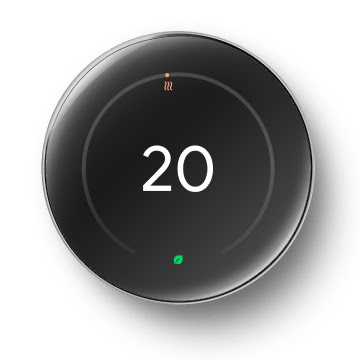
Google specifies a 2.68-inch circular LCD at 600 by 600 pixels, with motion, temperature, humidity and ambient-light sensing. Dynamic Farsight shows selected information from a distance. That makes sense on a wall you walk past all day, where checking the temperature should not mean opening an app; it matters less in a tucked-away utility corridor. Judge legibility from your real viewing angle and lighting, including reflections. The finish is a matter of taste, but the interface is a household tool. A visitor should be able to make an ordinary adjustment confidently, and you should know whether that change is a temporary hold or a tweak to the learned routine. Pretty hardware cannot rescue confusing control behaviour.
Most homes skip the C wire; check if yours does
Google's technical reference describes broad 24V HVAC compatibility, with accessory connections for supported ventilation, humidification and dehumidification setups. Your exact wiring and equipment still decide it. Canadian electric baseboard installations on line voltage are a different category entirely, and complex systems deserve a professional look before you buy. Google says its power-sharing design works without a C wire in most homes, while admitting some need extra power provision. Run the compatibility checker and settle the power question rather than treating the broad claim as a promise. The included trim and mounting plates can tidy up the wall, but they say nothing about electrical suitability. A good install starts with knowing what the current thermostat controls and preserving how the equipment needs to behave.
Averaging rooms, not sensing people
One second-generation temperature sensor comes in the box. Google's current guidance allows up to six sensors per fourth-generation thermostat and more than one active at once, with control based on their average. Older compatible Nest sensors work too. The remote sensor measures temperature only, not humidity or occupancy, so a sensor on a bedroom shelf cannot tell the thermostat whether anyone is asleep there.
That gives you a real choice: favour one specific room, or average across several you select. It still cannot create independent zones in a house with one controlled supply. Prioritise a cold bedroom and other rooms may overheat; average them and that bedroom may stay below its target. Start with the supplied sensor somewhere representative, compare the readings and select the rooms that matter at the relevant time of day. No thermostat upgrade fixes a closed vent, weak insulation or an airflow imbalance by measuring it more clearly.

Start on Suggestions
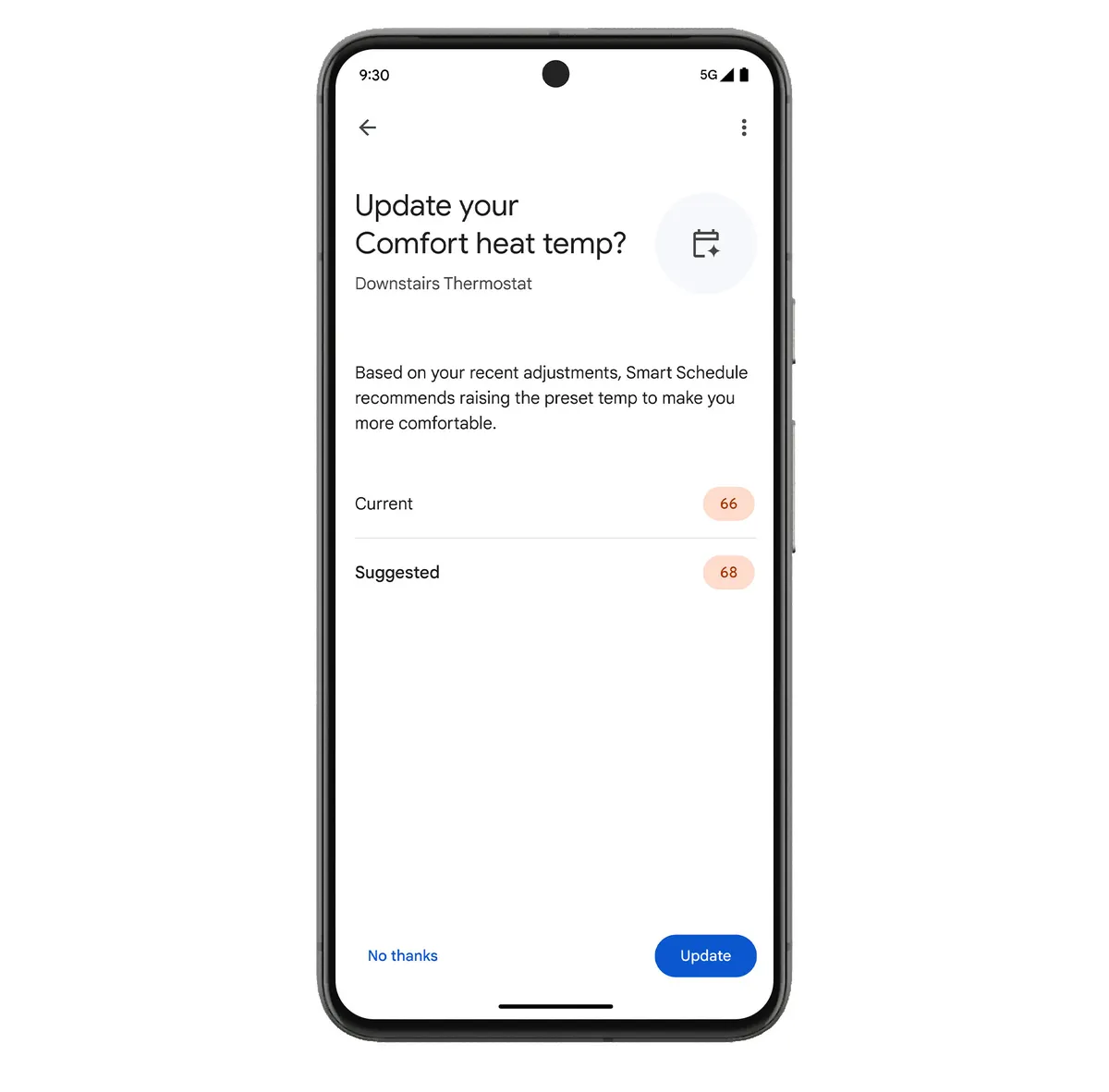
Smart Schedule currently has three explicit modes. Automatic applies learned changes and tells you about them. Suggestions asks you to accept or reject each one. Off leaves scheduling to you. Suggestions is the smart starting point for a household uneasy about a new controller making decisions in the background, because you see what the system thinks is useful before letting it act alone.
Google also documents resetting learned temperature preferences if your routine changes substantially. That reset cannot be undone, and clearing the weekly schedule resets learned preferences too. So look over the existing plan before wiping it after an odd week. A new job, a long guest visit or an illness might justify a fresh schedule; a single unusual day does not. Learning is worth having when its adjustments stay understandable and reversible through ordinary controls, not when everyone is left guessing why the temperature moved.
Matter adds apps; Google Home stays
The fourth-generation Learning Thermostat is Matter-certified, and Google says it can be controlled through other compatible apps and assistants. Google Home is still required for installation and setup. That heads off a common buying mistake: cross-platform control is not independence from the manufacturer's onboarding. Check which everyday controls show up in your second ecosystem, and expect advanced configuration to stay in Google's app unless documented otherwise. Account ownership matters in shared or rented homes, especially when occupants change. The test is whether everyone can do what they need without sharing admin credentials. Multi-platform support only helps if it cuts friction instead of multiplying conflicting schedules and duplicate device tiles.
Savings are a local question
The product page describes adaptive energy features, system-health notifications and smart ventilation. How useful they are depends on your connected equipment, the information available and local services. A thermostat cannot bring in fresh air through hardware the home does not have, and an alert is not a full diagnosis of an HVAC fault. US energy programmes and promotional savings do not automatically apply to Canadian buyers; check eligibility, tariffs and service availability locally. Compare energy use across similar weather and occupancy instead of two random bills, and log comfort complaints too, because cutting runtime by making occupied rooms miserable is not a win. The strongest financial case is a specific chance to improve your current routine, not faith that a newer thermostat pays for itself.
Tom's Guide's install, and the Bluetooth fallback
In his September 2024 Tom's Guide review, Anthony Spadafora checked compatibility, labelled his wires and followed Google Home's illustrated setup to replace an older Nest. He reported a fairly quick, smooth installation and found the configurable Farsight screen useful. His older thermostat had occasionally needed removing for charging in that home, so he welcomed the new power-sharing arrangement. That is one reviewer's installation, not proof that every system can run without a C wire or power accessory.
For long-term ownership, note how the room sensor connects. Google says it talks to the thermostat over Bluetooth and keeps working during a Wi-Fi outage. If it stops reporting for more than ten minutes, the thermostat falls back to its own built-in sensor. So a lost remote reading moves the control point even while heating continues. Keep the installation record and sensor locations with your household account details, so a new router, a dead battery or a future resident does not mean rebuilding the setup from memory.
Who should make the switch
The fourth-generation Learning Thermostat is worth a look when a compatible home wants its circular controls, the included room sensor and a choice between automatic and owner-approved scheduling. Google Home stays central to onboarding and advanced management even when Matter adds another everyday control surface. If your current thermostat already delivers predictable comfort, name a specific improvement before replacing it.
Check wiring, available power, the seller's warranty and the services offered in Canada or the US. Google lists two years for standard retail purchases and five through HVAC Pros, subject to the applicable terms. Neither Spadafora's installation account nor a feature list proves energy savings across different weather and houses. This is a documented buying case, with a numeric score held back until a full performance assessment can support one.
The closest alternatives.
| Product | Standpoint Score | Best for | Price |
|---|---|---|---|
| Google Nest Learning Thermostat (4th gen)This review | 8.0Research | Compatible homes that welcome schedule assistance and already use or accept Google Home. | Amazon.ca ↗ |
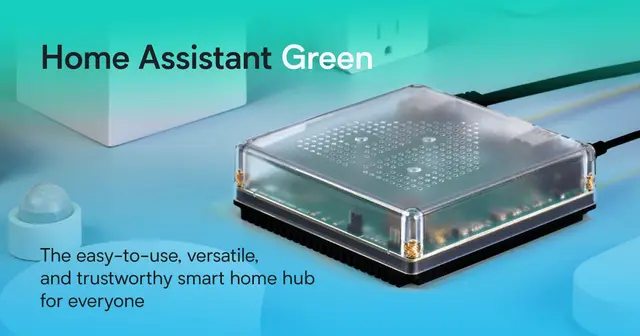
| Home Assistant Green | 8.1Research | Households that want to coordinate several compatible brands and can maintain their own automation system. | Amazon.ca ↗ |
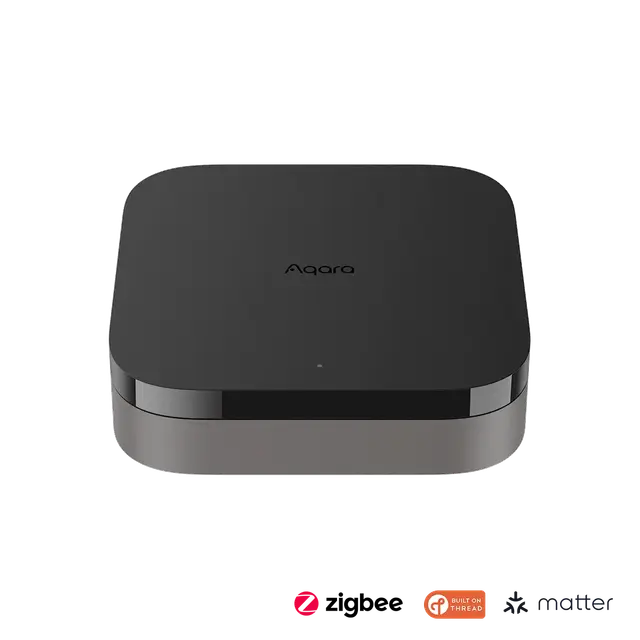
| Aqara Hub M3 | 7.9Research | Aqara households expanding into other platforms or adding a supported infrared air conditioner. | Amazon.ca ↗ |
Compare scores within a category: Tested means our own use, Research means documentation and attributed outside testing. Price links are affiliate links. As an Amazon Associate, Tech Standpoint earns from qualifying purchases. Disclosure
Sources & further reading.
These are the sources behind this research review. Manufacturer claims are not independent performance measurements. Community accounts, when cited, describe individual experiences.
- Google Nest Learning Thermostat (4th gen) — official product information ↗manufacturer
- Google Nest thermostat technical specifications ↗support
- Google: Smart Schedule modes and resetting learned preferences ↗support
- Google: sensor averaging, capabilities and outage fallback ↗support
- Google: installing compatible first- and second-generation sensors ↗support
- Google: fourth-generation launch and supplied imagery ↗manufacturer
- Tom’s Guide: Anthony Spadafora’s independently conducted fourth-generation review ↗independent review
Product software and regional bundles can change. Corrections and editorial disclosures.
Affiliate link. As an Amazon Associate, Tech Standpoint earns from qualifying purchases. It never changes our verdict or score. Disclosure