Not tested. This is a research score for the documented features, compatibility and ownership trade-offs discussed in this review, not a performance measurement.
Task capability 30%8.2
Expanded lighting capacity and documented sensing options serve large installations
Control & connectivity 20%8.1
Wired wireless and external ecosystem control provide useful flexibility
Ownership & upkeep 20%7.0
Migration aftercare and account-linked configuration add ongoing responsibilities
Setup & usability 15%6.8
Existing-home migration is materially more involved than connecting the box
Documentation & support clarity 15%8.5
Detailed current migration and exclusion guides clarify important limits
Compare scores within the same product category. Small decimal differences should not override your needs or the evidence limits.
How the Standpoint Score works
We score five aspects of the documented product on a 0–10 scale, then calculate a weighted total:
- Task capability30% of the total
- Control & connectivity20% of the total
- Ownership & upkeep20% of the total
- Setup & usability15% of the total
- Documentation & support clarity15% of the total
This product’s 7.8/10 is an editorial research assessment. It does not claim measured performance, tested reliability or a verified customer satisfaction rate. Compare it with products in the same category, and read each criterion’s reasoning above.
Read the full rubric and score bands ↗From a tech standpoint.
Buy it if your Hue system is spread across several bridges or pushing capacity limits, or if your rooms have the three or four compatible lights MotionAware needs. Book a proper evening for migration, choose the first bridge carefully and expect to rebuild some automations and reconnect Apple Home. Skip it if a handful of bulbs already behave, or if what you really want is broad cross-brand automation; Aqara M3 or Home Assistant Green solve that different problem.
Reasons to consider it
- Listed capacity of 150 lights, 50 accessories and up to 500 scenes
- Ethernet or Wi-Fi, so the bridge can sit somewhere central rather than beside the router
- The current migration guide supports consolidating several Hue bridges into one Pro
Go in knowing
- Automations and accessory behaviours from additional bridges have to be recreated by hand
- MotionAware excludes specific light models and needs a suitable room layout
- Announced software features are not the same as features installed today
Affiliate link. As an Amazon Associate, Tech Standpoint earns from qualifying purchases. It never changes our verdict or score. Disclosure
The specification sheet.
Published specifications from the linked sources. Configurations and availability can differ by country.
- Conservative planning capacity
- 150 lights and 50 accessories
- Scenes
- Up to 500
- Network
- Ethernet or Wi-Fi
- Motion feature
- MotionAware on eligible devices
- Indoor protection
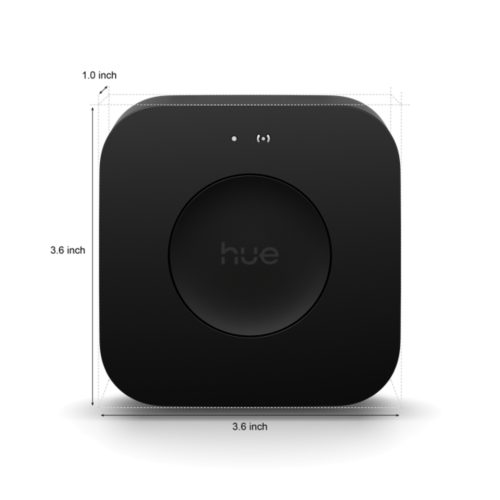
- IP20
- US product number
- 046677582111
When the old bridge runs out of room
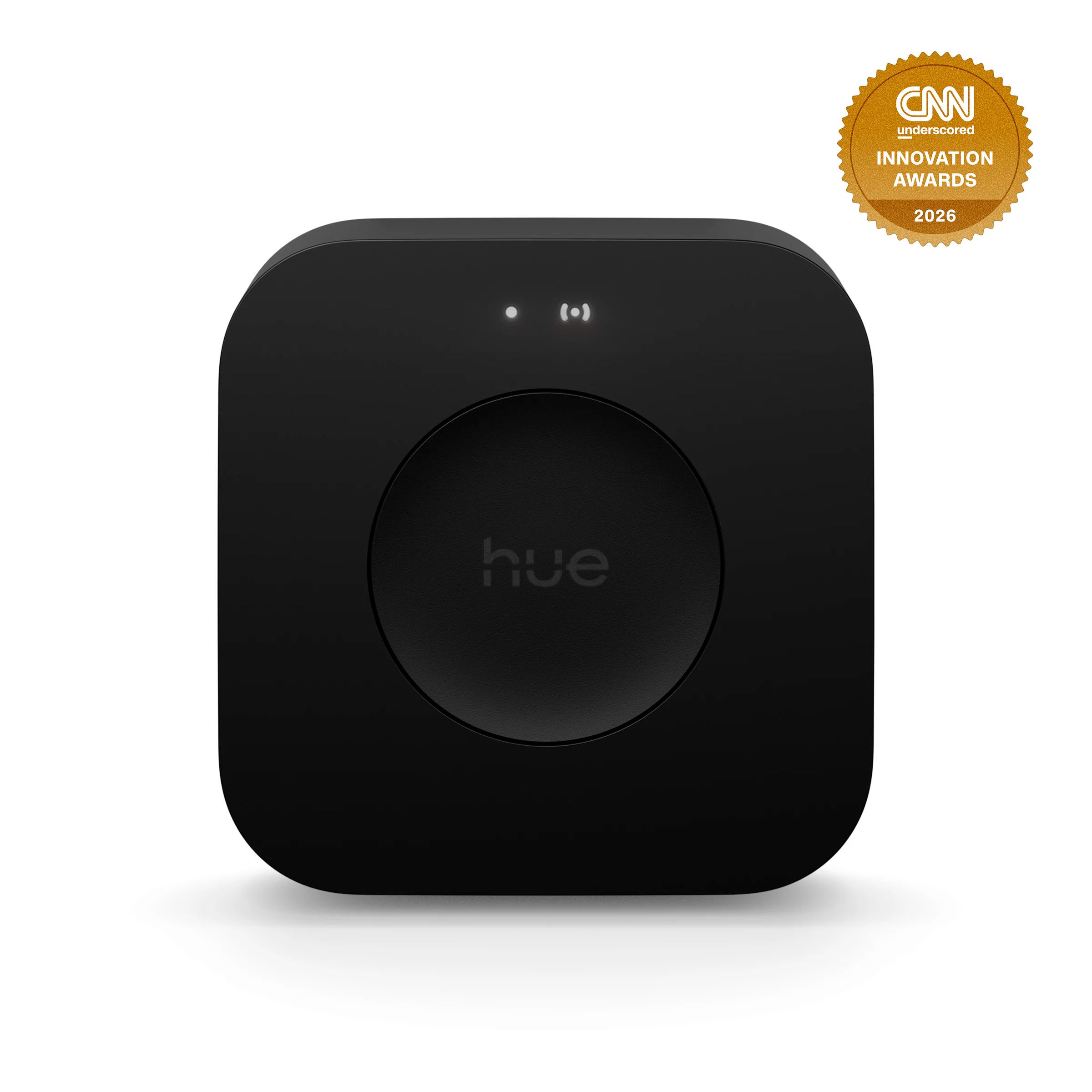
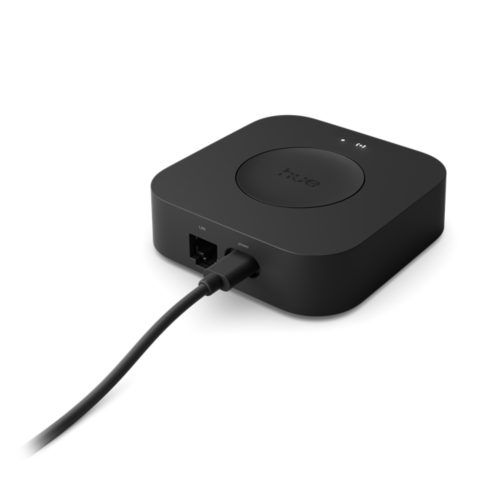
The Philips Hue Bridge Pro has its clearest job in a home whose lighting has outgrown older bridge setups. Expanded capacity and migration tools are solid reasons to look past the familiar white bridge. MotionAware adds something new: selected existing lights can help detect motion. The buying question is whether any of that fixes a problem you have today. A home with a handful of reliable bulbs will feel far less benefit than a large installation spread over multiple controllers. This research review covers the current official product and migration documentation, including changes since launch. Command latency, motion detection and a real household migration have not been examined by Tech Standpoint, so the Pro's more capable positioning is a specification claim, not a demonstrated speed boost.
Count everything before you consolidate
Hue advertises support for more than 150 lights and 50 accessories, while its technical table lists 150 and 50; it also documents up to 500 scenes. Plan around the listed limits with headroom, not at the edge of a marketing plus sign. Your inventory should include switches, sensors, rooms, zones and integrations, not just bulbs. That tells you whether consolidating will actually simplify things. Capacity is not coverage, either: putting everything under one controller does not make distance, walls or power availability disappear. Before retiring several working bridges, map the physical layout and flag any far-flung outdoor lights worth checking from the proposed new location.
Wired is safest, wireless is flexible
Bridge Pro supports Ethernet or Wi-Fi, and Hue recommends Ethernet for the most dependable connection. Wireless still earns its place when the router sits somewhere awkward for a lighting controller. Weigh a convenient central spot against the extra wireless dependency, then try that arrangement on your actual home network; no generic range claim can settle it. A bridge hidden behind a cabinet may look tidy and be a pain when you need to pair or troubleshoot. Mind the indoor rating too: controlling outdoor lights does not mean the bridge can live outside. US and Canadian buyers should pick the right regional package and find a dry, accessible spot with suitable power.
MotionAware is a room-layout feature
MotionAware reads changes in Zigbee signals between compatible lights. Hue's current setup guide calls for three or four lights per sensing area, allows up to four areas, and recommends varied heights, sensible spacing and no walls in between, with the lights left powered. In other words, this depends on your room layout, not just on buying a new bridge. Check exact lamp compatibility before budgeting for it.
The lights doing the sensing do not have to be the ones that respond, so a room can detect entry and trigger a different lighting area. You will still need to tune sensitivity and timing around movement in adjacent rooms and pets. It detects motion; it does not promise to notice someone sitting perfectly still. Lighting control and subscription-based alerts are separate functions, so check the required service if alerts are part of your plan.
Pick your first bridge carefully
The current official guide supports moving several Hue bridges into one Pro. The first bridge moved into an empty Pro brings more of its configuration across automatically; later bridges need their automations and accessory behaviours rebuilt by hand. So make the first bridge the one whose rules would be most painful to recreate. Document what the others do beforehand, including what every physical switch should control.
Hue estimates 30–60 minutes per bridge including aftercare, requires internet plus the same account and Home, and says migration is one-way. Apple Home also needs setting up again afterwards. Treat this as a planned maintenance window, not a quick swap before bed. Measure success by working switches, scenes and external routines, not by the number of bulb tiles in the app. And do not take one reviewer's speedy setup as a reliable estimate for a big multi-bridge home.
A lighting hub, not a whole-home brain
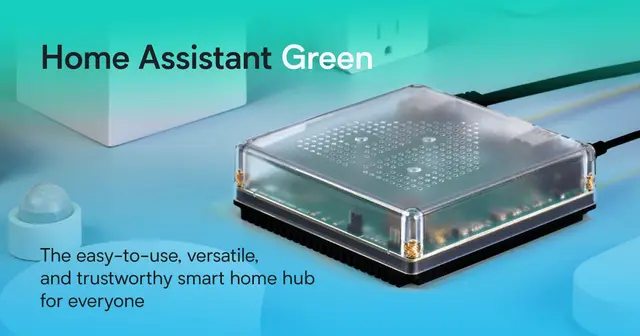
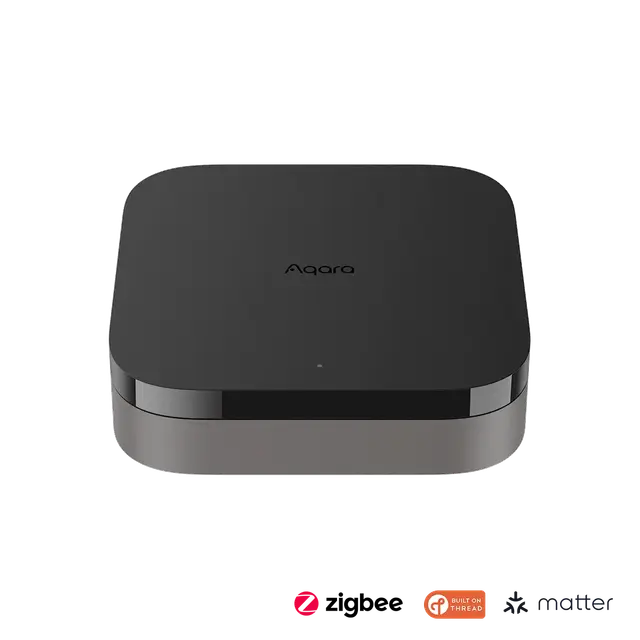
Hue pitches entertainment syncing, ecosystem integrations and security-related lighting, and each is part of a larger system. Bridge Pro alone does not supply every TV connection, camera or service you might see in a demo. MotionAware alerts carry subscription requirements separate from using motion to switch lights. Write down the exact experience you want and find its extra hardware or subscriptions before judging value. The same goes for Matter: exposing Hue devices to another platform does not turn Bridge Pro into a universal controller for unrelated gadgets. If broad cross-brand automation is the goal, Aqara M3 or Home Assistant Green tackles that different problem. Hue's strength is a coherent lighting environment; buying it to solve every automation need risks paying for the wrong kind of hub.
Cloud migration and roadmap promises
Hue's migration guide says bridge data moves through its cloud migration service, so this is not a private cable-to-cable copy. If your routines reveal a lot about your household, understand that process and the account involved. Keep announced software separate from what is actually available. Signify's September 2026 announcement describes custom behaviours arriving in an October update, while backup and restore remains in development and another integration is slated for a later update. Buy on the functions in the installed app and firmware, not the roadmap. For lights people rely on every evening, a recoverable, understandable setup is worth more than a newly announced feature with an uncertain rollout or regional availability.
What T3's setup does and does not prove
T3's Lizzie Wilmot reported about five minutes to set up her Bridge Pro, update included, over Ethernet. She connected it through Matter to an Echo Show 8 and found Alexa responses quicker in that installation. She explicitly did not approach the 150-light capacity in her review. Those are her observations, not Tech Standpoint latency benchmarks, a full-capacity trial or a promise that every migrated home will feel faster.
That leaves two separate reasons to upgrade. Capacity can fix a genuine limit in a big setup even if a button press already feels quick. MotionAware can add a new routine if your installed lights and their positions suit it. A small home whose switches and scenes work fine has little reason to swap bridges for faster hardware alone. Count your devices and name the specific new behaviour you want before deciding the Pro earns its spot.
Upgrade now, or wait?
Bridge Pro belongs on the shortlist when a Hue household needs more capacity or has a realistic MotionAware layout. It is much less urgent for a small installation that already behaves. The multi-bridge migration path makes it more useful, but it does not remove the work of rebuilding some routines and reconnecting other platforms. For entertainment, the migration guide also separates saved areas from simultaneous use: only one entertainment area can run at a time.
Canadian and US buyers should compare the actual regional package and seller terms rather than a launch price quoted in an older review. The official US table states a two-year warranty and a minimum 36-month defined support period from purchase through an authorised reseller, and those are different promises. The indoor rating still applies even when it runs outdoor lamps. The value is a bigger, manageable lighting system with useful supported features, not a speed multiplier on every command.
The closest alternatives.
| Product | Standpoint Score | Best for | Price |
|---|---|---|---|
| Philips Hue Bridge ProThis review | 7.8Research | Large Hue installations needing consolidation or a verified MotionAware lighting layout. | Amazon.ca ↗ |
| Home Assistant Green | 8.1Research | Households that want to coordinate several compatible brands and can maintain their own automation system. | Amazon.ca ↗ |
| Aqara Hub M3 | 7.9Research | Aqara households expanding into other platforms or adding a supported infrared air conditioner. | Amazon.ca ↗ |
Compare scores within a category: Tested means our own use, Research means documentation and attributed outside testing. Price links are affiliate links. As an Amazon Associate, Tech Standpoint earns from qualifying purchases. Disclosure
Sources & further reading.
These are the sources behind this research review. Manufacturer claims are not independent performance measurements. Community accounts, when cited, describe individual experiences.
- Philips Hue Bridge Pro — official product information ↗manufacturer
- Hue Bridge Pro migration guide ↗support
- Hue MotionAware model compatibility ↗support
- Signify September 2026 software and product announcements ↗manufacturer
- Hue MotionAware setup and room requirements ↗support
- T3: independently conducted Bridge Pro review, May 2026 ↗independent review
Product software and regional bundles can change. Corrections and editorial disclosures.
Affiliate link. As an Amazon Associate, Tech Standpoint earns from qualifying purchases. It never changes our verdict or score. Disclosure